





5 Best SuperWhisper Alternatives for 2026 (Mac & Windows)
5 Best SuperWhisper Alternatives for 2026 (Mac & Windows)
TL;DR: Best Superwhisper alternatives
Voicy: best Superwhisper alternative if you want live dictation plus file upload transcription across Mac, Windows, browser extension, iOS, and Android.
Wispr Flow: best alternative if you want polished AI dictation across Mac, Windows, iOS, and Android, with team plans.
Aqua Voice: best alternative for technical users who want fast dictation and developer-friendly workflows.
VoiceInk: best local-first Mac alternative if you want a one-time purchase and Apple Silicon support.
MacWhisper: best alternative if you mostly transcribe audio, video, meetings, and private files on Mac.
Answer-first verdict
The best Superwhisper alternative is Voicy if you want one tool for daily dictation and uploaded-file transcription across more devices. Choose VoiceInk or MacWhisper if local Mac processing matters more than cross-platform coverage.
Superwhisper is no longer just a Mac-only app. Its site now presents it as AI voice-to-text for macOS, Windows, and iOS, so the real question is narrower: do you want Superwhisper's custom-mode workflow, or do you want a better fit for file transcription, price, mobile coverage, local privacy, or team use?
Why update this Superwhisper alternatives list?
Superwhisper has changed, and so have the alternatives. Old comparisons that call it Mac-only are now misleading. Old Voicy writeups that say there is no mobile app are also wrong.
This refresh compares the tools a real buyer would look at in 2026. It focuses on device support, file transcription, local versus cloud processing, price, and what each app is actually best at.
How we compared the alternatives
We looked for apps that overlap with Superwhisper's core job: turning speech into usable text. That means daily dictation apps, local Mac transcription tools, and AI voice-to-text tools that work inside normal writing workflows.
We did not rank every speech product on the internet. Meeting note apps, enterprise speech APIs, and pure accessibility control tools are useful, but they are not always good Superwhisper replacements for everyday writing.
Superwhisper at a glance
Superwhisper is a modern AI voice-to-text app with macOS, Windows, and iOS positioning. Its standout feature is Custom Mode, which lets users define how the app writes, formats, and transforms dictated text.
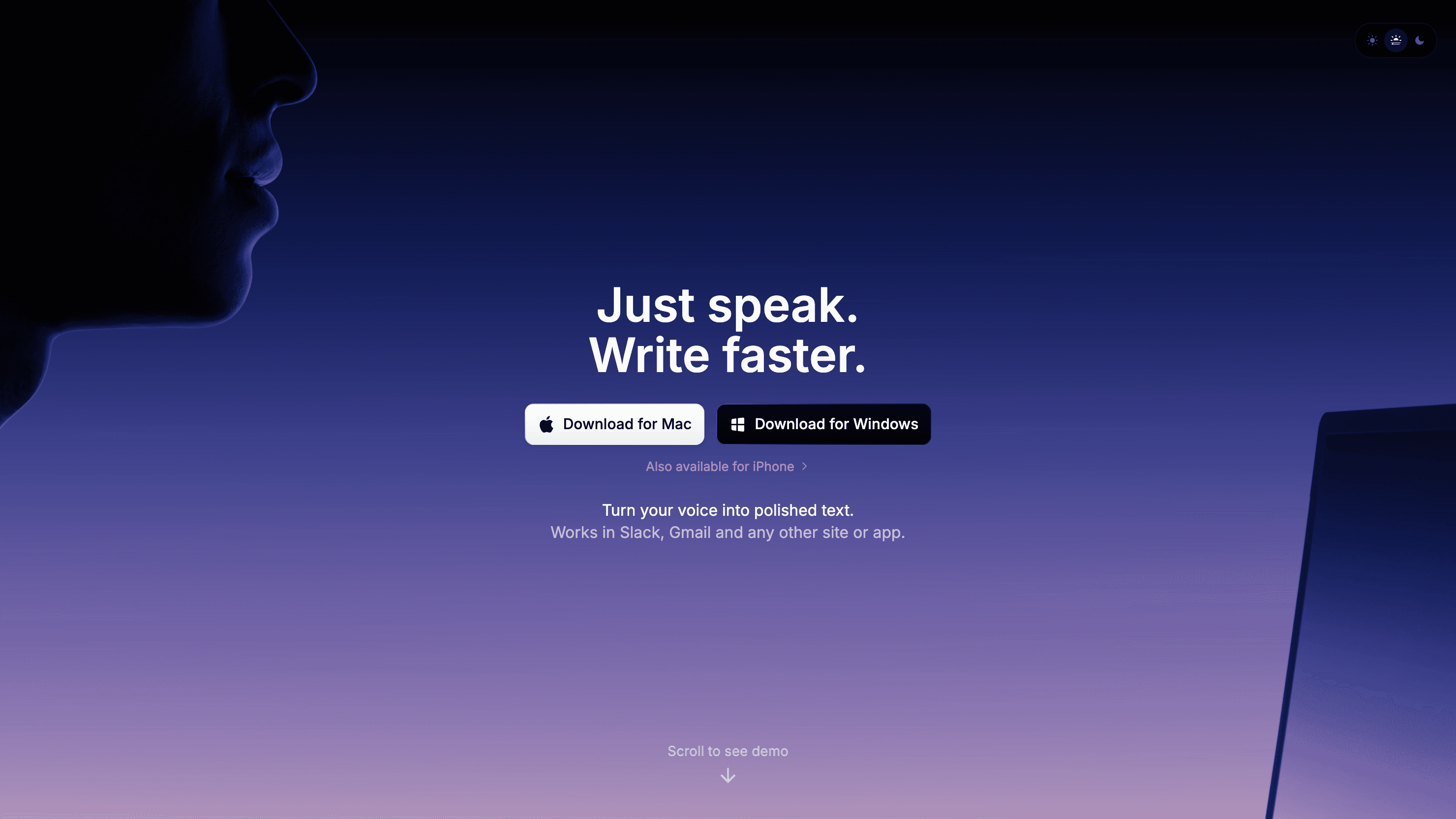
Superwhisper is now positioned around macOS, Windows, and iOS, not Mac-only dictation.
That makes Superwhisper a strong choice for people who like controlling prompts and formatting rules. The downside is that not everyone wants to manage modes. Some people just want clean dictation anywhere, a simpler paid plan, better uploaded-file transcription, or a more focused Mac privacy tool.
Best Superwhisper alternatives compared
Tool | Best fit | Platforms | Biggest tradeoff |
|---|---|---|---|
Daily dictation plus file upload transcription | Mac, Windows, browser extension, iOS, Android | Cloud-based transcription, not local-only | |
Polished cross-device AI dictation | Mac, Windows, iOS, Android | Higher Pro price than Voicy | |
Fast dictation for technical and power users | Desktop-focused, check current platform support | Less useful if you want mobile and file transcription in one app | |
Local-first Mac dictation | Apple Silicon Mac, macOS 14.4 or later | Mac-only and not a broad cross-device tool | |
Local Mac transcription for files and meetings | Mac | Better for transcription than broad everyday dictation |
1. Voicy: best Superwhisper alternative for cross-platform dictation
Voicy is the best Superwhisper alternative if you want one simple speech-to-text app across desktop, browser, and mobile. It supports Mac, Windows, browser extension, iOS, and Android, with both live dictation and uploaded-file transcription.
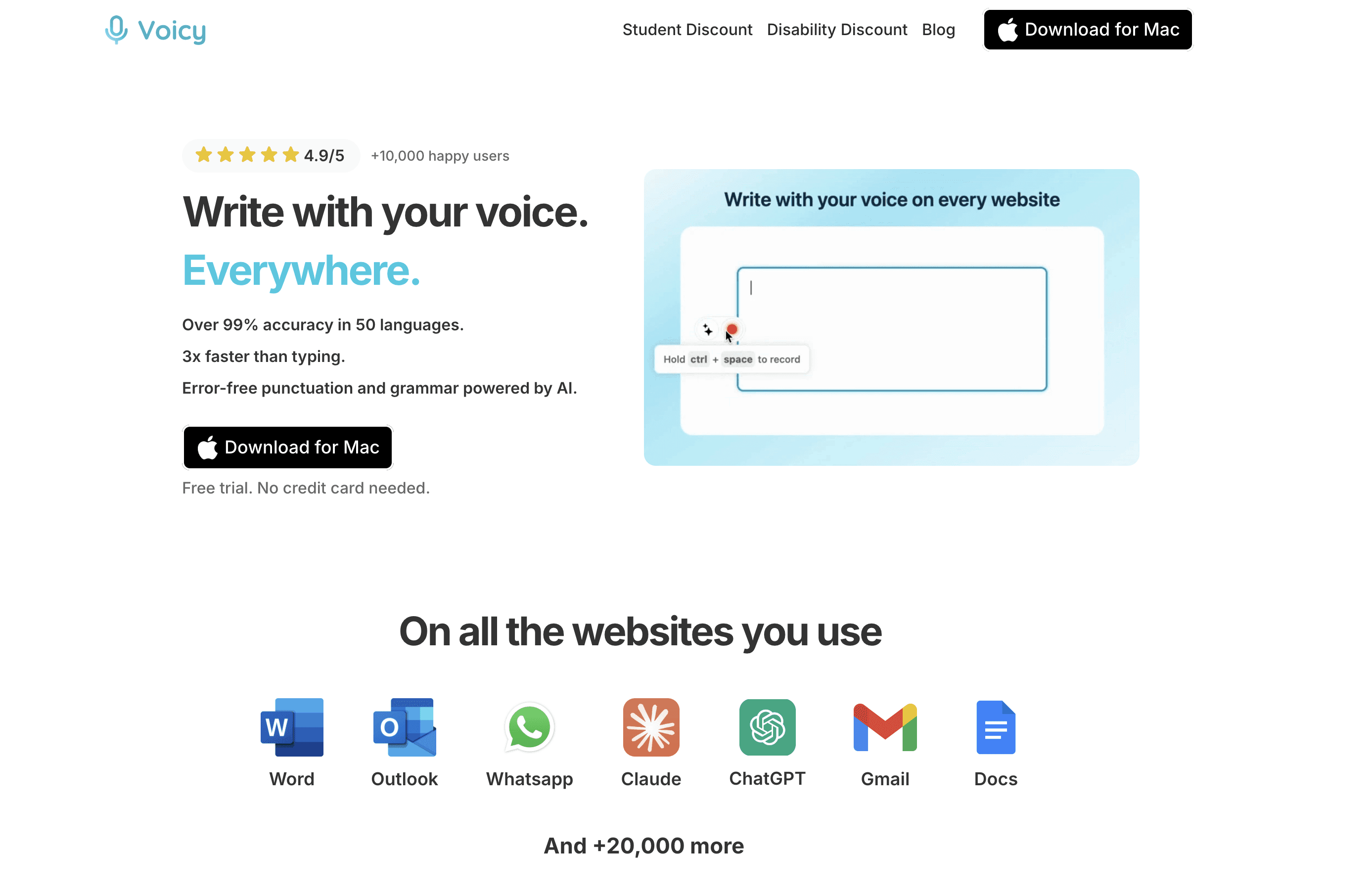
Voicy is best when you want one dictation and file transcription workflow across devices.
The big difference is workflow. Superwhisper is strong if you like custom modes. Voicy is stronger if you want a simpler daily tool that can handle typed dictation and uploaded recordings in the same product.
Best for: founders, students, writers, operators, and professionals who write across many apps and devices.
Key features:
Live dictation for everyday writing
Uploaded-file transcription
Mac, Windows, browser extension, iOS, and Android support
Free trial before you pay
Biggest downside: Voicy uses cloud-based transcription. If you need fully local speech recognition, look at VoiceInk or MacWhisper instead.
Pricing: Voicy costs $8.49/month, $82/year, or $260 lifetime after the free trial.
Short verdict: Choose Voicy if you want the broadest everyday dictation fit. Choose Superwhisper if custom prompt modes are the main thing you care about.
2. Wispr Flow: best Superwhisper alternative for polished AI dictation
Wispr Flow is the best alternative if you want a polished, voice-first writing app with native apps across major platforms. Its pricing page lists Mac, Windows, iOS, and Android support, plus a free tier and paid Pro plan.
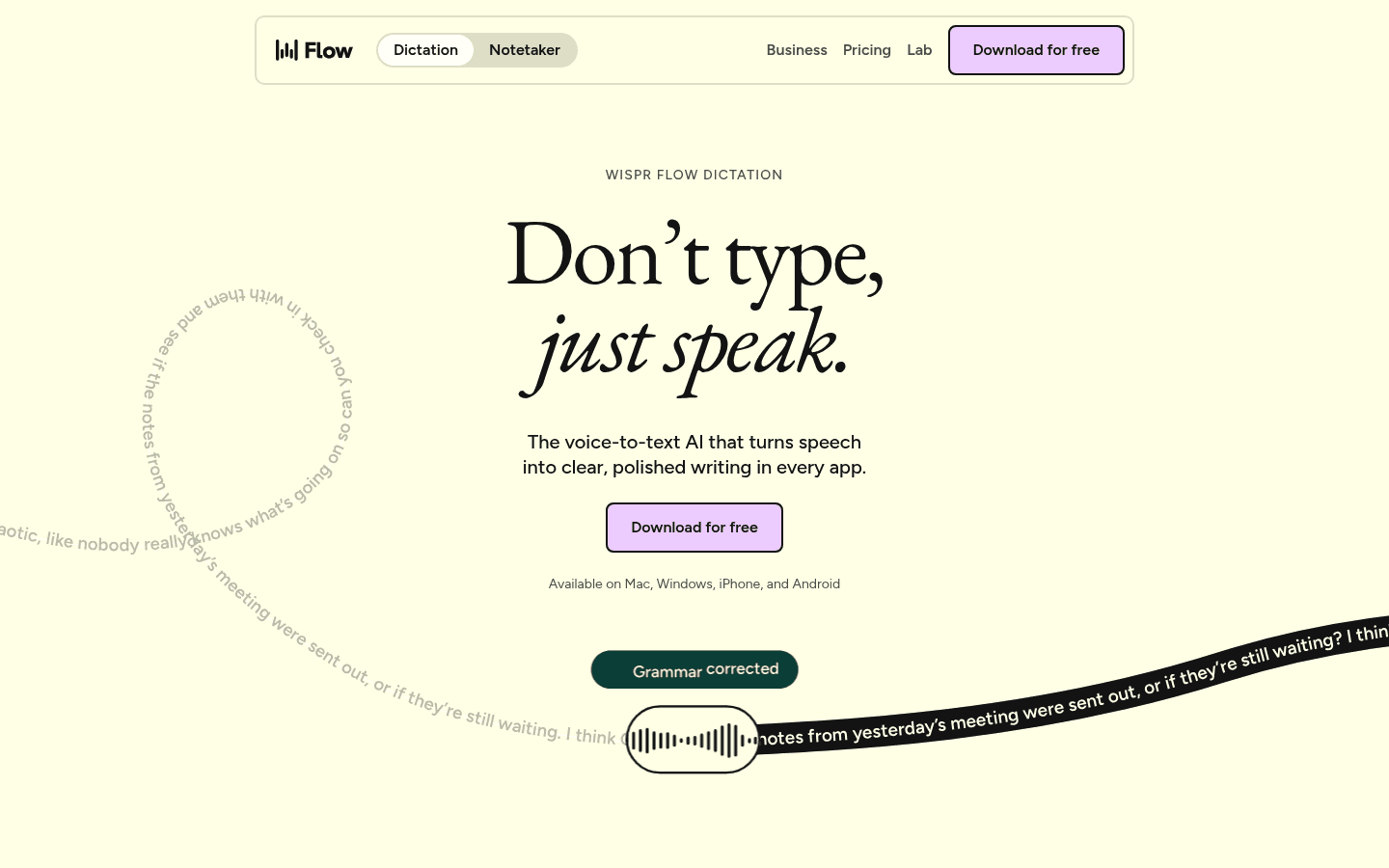
Wispr Flow is a strong choice for people who want a polished AI dictation layer.
Wispr Flow is closer to Superwhisper than Voicy in feel: it is built around fast dictated writing and AI cleanup. It also has a more developed team path, which matters if several people at work need the same tool.
Best for: users who want a slick dictation experience, shared billing, and a team upgrade path.
Key features:
Mac, Windows, iOS, and Android apps
Free tier with usage limits
Unlimited dictations on Pro
Team and enterprise controls
Biggest downside: Wispr Flow Pro costs more than Voicy monthly, and its notetaker support is more limited by platform.
Pricing: Wispr Flow lists a free tier. Pro is $15/user/month or $12/user/month billed yearly.
Short verdict: Choose Wispr Flow if polish and team features matter. Choose Voicy if you want lower monthly pricing and file upload transcription in the same workflow.
3. Aqua Voice: best Superwhisper alternative for technical users
Aqua Voice is a good Superwhisper alternative for technical users who care about speed, custom instructions, and power-user controls. Its site lists a free Starter plan, Pro at $8/month, and Max at $24/month.
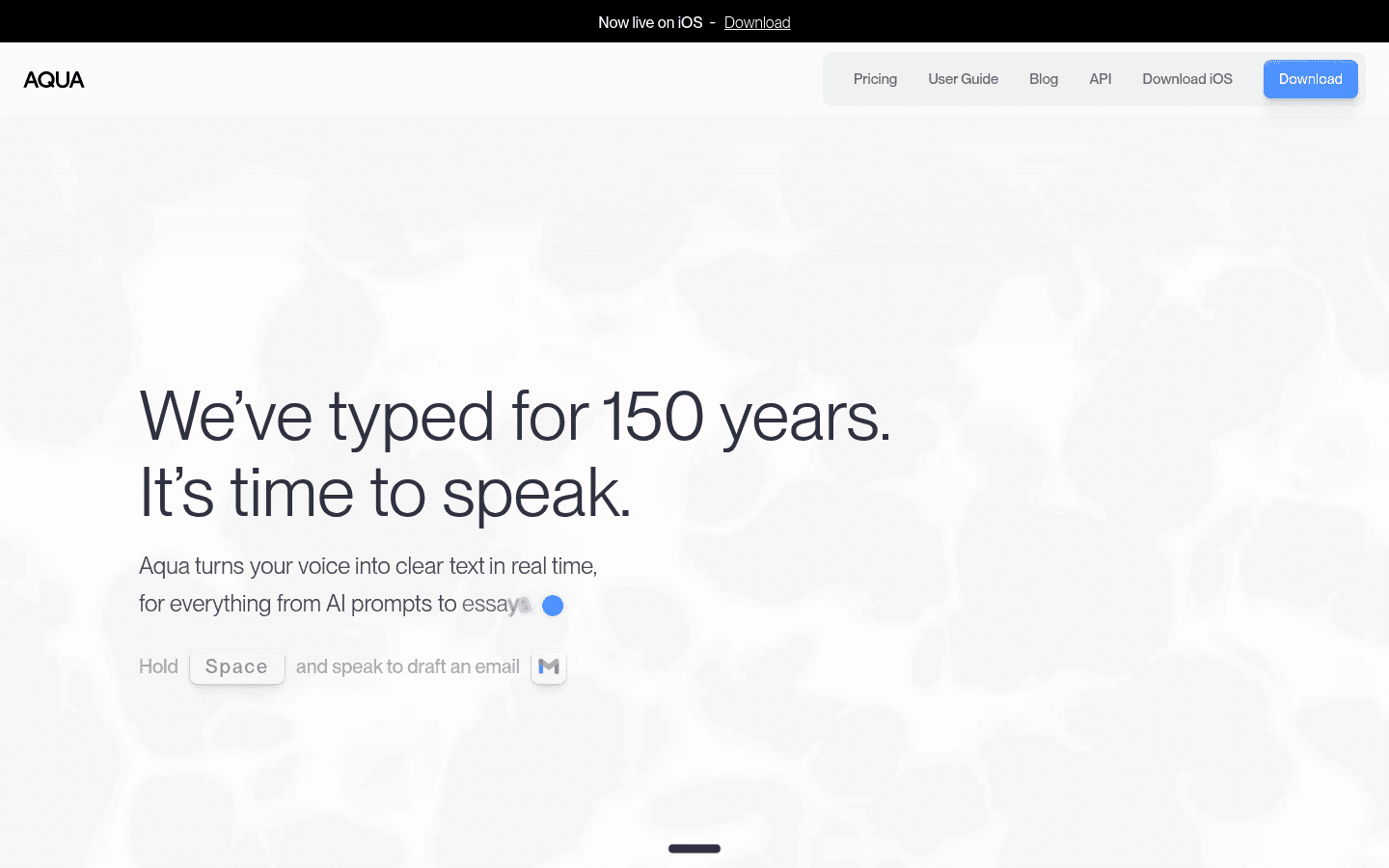
Aqua Voice is most interesting for power users who want fast, tuned dictation.
Aqua Voice is a better fit than Superwhisper if its real-time and command workflow matches how you write. It is also price-competitive at the Pro level.
Best for: developers, technical writers, and power users who want tuned dictation.
Key features:
Free Starter tier
Custom instructions on Pro
Expanded custom dictionary on Pro
Realtime Mode and voice command features on Max
Biggest downside: Aqua Voice is less clearly positioned as a broad mobile and file-transcription tool. Check platform support before switching.
Pricing: Aqua Voice lists Starter free, Pro at $8/month, and Max at $24/month.
Short verdict: Choose Aqua Voice if you want a technical dictation workflow. Choose Voicy if you want simpler cross-device coverage and uploaded-file transcription.
4. VoiceInk: best local-first Mac alternative to Superwhisper
VoiceInk is the best Superwhisper alternative if your main reason for switching is local Mac privacy and one-time pricing. Its site says VoiceInk uses local AI models on Apple Silicon Macs and requires macOS 14.4 or later.
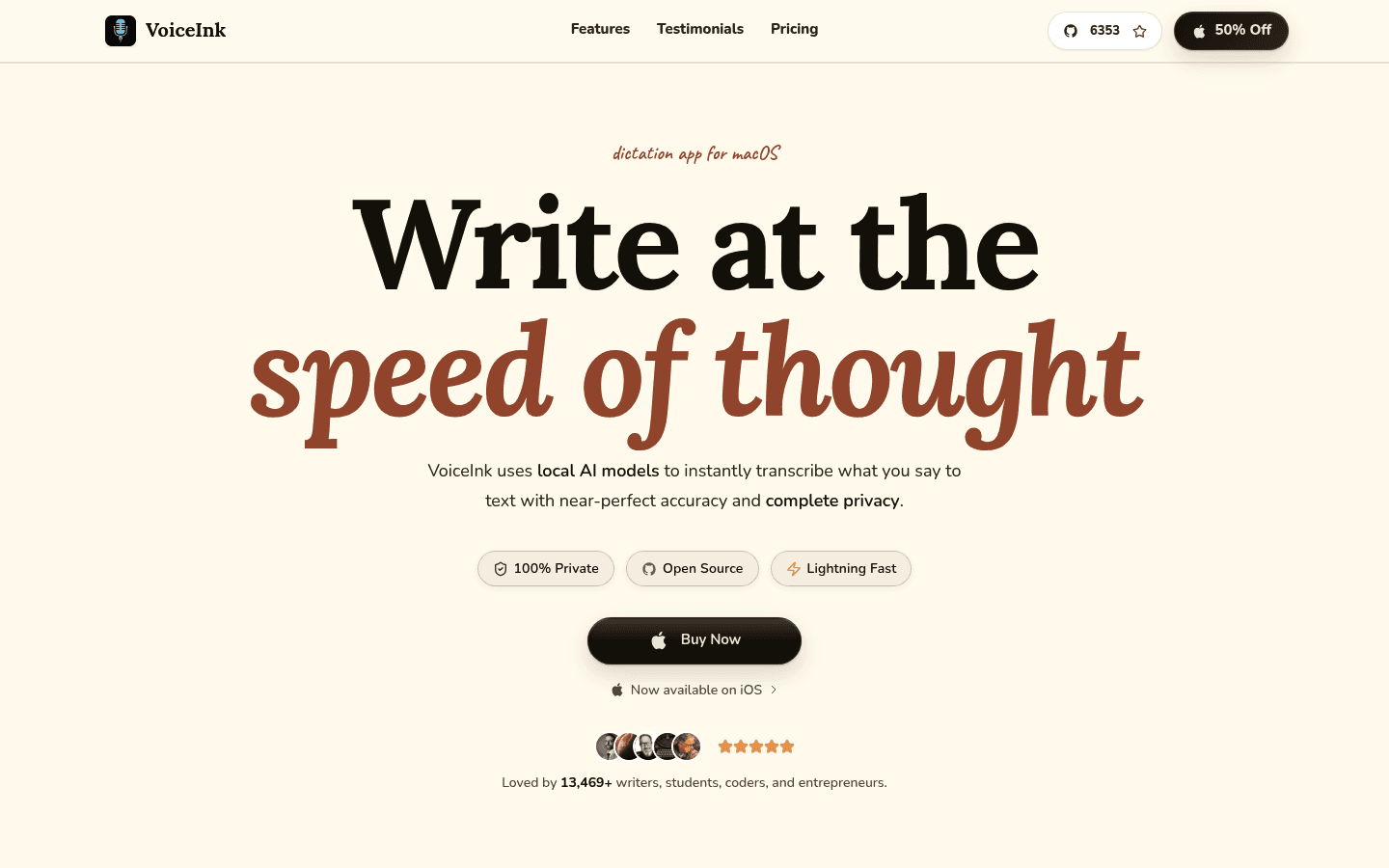
VoiceInk is a strong local-first option for Apple Silicon Mac users.
VoiceInk is not trying to be everywhere. That is the point. It is a Mac-focused dictation tool for people who care more about local processing and lifetime ownership than mobile apps or browser extension coverage.
Best for: Apple Silicon Mac users who want local transcription and no subscription.
Key features:
Local AI transcription on Mac
Open-source positioning
Works across Mac apps
One-time purchase model
Biggest downside: VoiceInk is Mac-only and requires Apple Silicon. It is not the right replacement if you need Windows, Android, iOS, or browser extension coverage.
Pricing: VoiceInk's checked page promotes one-time pricing starting at $25, with a 14-day refund policy.
Short verdict: Choose VoiceInk if local Mac dictation is the priority. Choose Voicy if you move between Mac, Windows, mobile, browser, and uploaded recordings.
5. MacWhisper: best alternative for local Mac transcription
MacWhisper is the best Superwhisper alternative if your main job is transcribing files, meetings, app audio, and private recordings on a Mac. Its site describes local models for sensitive files, offline processing, and support for audio, video, meetings, and system audio.
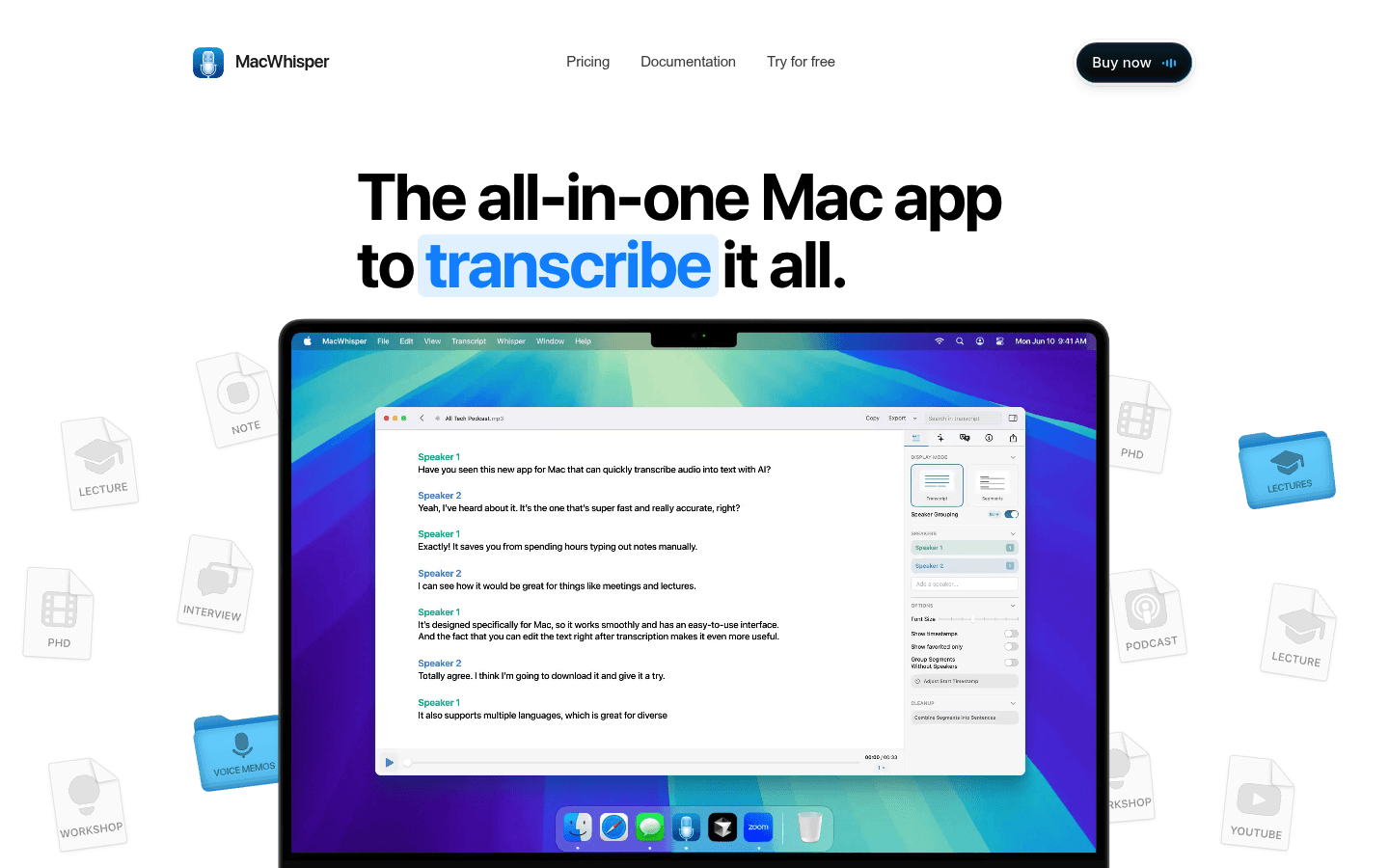
MacWhisper is strongest when transcription from files and meetings matters more than cross-platform dictation.
This is a different use case from live dictation. If you have lectures, interviews, podcasts, Zoom calls, videos, and private files, MacWhisper is a more natural fit than a pure voice-typing app.
Best for: Mac users who transcribe recordings more than they dictate live text.
Key features:
Local transcription models on Mac
Audio, video, meeting, and app-audio transcription
Dictation in any app
Export and transcript editing tools
Biggest downside: MacWhisper is Mac-first and file-transcription-led. It is less obvious as the best fit for people who want one daily dictation app across many devices.
Pricing: MacWhisper has free and Pro options. Check the current buy page for exact pricing before purchase.
Short verdict: Choose MacWhisper for local Mac transcription. Choose Voicy if you want live dictation plus file upload transcription across more platforms.
What about Dragon, Windows Voice Access, and Talon?
Dragon Professional, Windows Voice Access, and Talon Voice can all be useful, but they are not the cleanest direct Superwhisper alternatives for most buyers.
Dragon is better for Windows-heavy professional documentation, custom vocabulary, and command workflows. Windows Voice Access is a free Windows accessibility feature. Talon is powerful for hands-free control and coding, but it has a steeper setup curve than most dictation apps.
Which Superwhisper alternative should you choose?
Choose based on the reason you are leaving Superwhisper:
Choose Voicy if you want cross-platform dictation, browser extension support, mobile support, and file upload transcription.
Choose Wispr Flow if you want a polished AI dictation app with team plans.
Choose Aqua Voice if you want a more technical, tuned dictation workflow.
Choose VoiceInk if you want local-first Apple Silicon Mac dictation.
Choose MacWhisper if you mainly transcribe recordings on Mac.
If you are unsure, start with the split that matters most: local privacy or cross-device convenience. For local Mac privacy, look at VoiceInk or MacWhisper. For broader daily dictation, start with Voicy or Wispr Flow.
You can also compare the broader dictation software market, the speech-to-text Chrome extension workflow, or the dedicated Superwhisper alternative page if you want the shorter landing-page version.
Superwhisper alternatives FAQ
What is the best Superwhisper alternative?
Voicy is the best Superwhisper alternative for most people who want cross-platform dictation, mobile support, browser extension use, and file upload transcription. VoiceInk and MacWhisper are better if you specifically want local Mac processing.
Is Superwhisper Mac-only?
No. Superwhisper's current site positions it as AI voice-to-text for macOS, Windows, and iOS. Older posts that call it Mac-only are out of date.
Is Voicy better than Superwhisper?
Voicy is better if you want live dictation and uploaded-file transcription across Mac, Windows, browser extension, iOS, and Android. Superwhisper is better if you strongly prefer its custom-mode workflow and model controls.
Which Superwhisper alternative works on Windows?
Voicy and Wispr Flow are the clearest everyday Superwhisper alternatives with Windows support. Aqua Voice may also fit technical users, but check its current platform support before switching.
Which Superwhisper alternative works on Android?
Voicy and Wispr Flow both support Android. VoiceInk and MacWhisper are Mac-focused, and Superwhisper's public positioning is macOS, Windows, and iOS.
Which Superwhisper alternative is best for file transcription?
Voicy is best if you want file upload transcription plus live dictation across devices. MacWhisper is best if you mainly transcribe local files, meetings, app audio, and recordings on a Mac.
Which Superwhisper alternative is best for privacy?
VoiceInk and MacWhisper are the strongest local Mac options. Voicy is cloud-based, so it is a better fit when convenience and cross-device support matter more than local-only transcription.
Does Voicy have a lifetime plan?
Yes. Voicy costs $8.49/month, $82/year, or $260 lifetime after the free trial.
Final recommendation
If you like Superwhisper's custom modes, there is no need to switch just for the sake of it. It is a real tool with a clear workflow.
Switch to Voicy if you want a broader daily dictation setup: Mac, Windows, browser extension, iOS, Android, live dictation, and uploaded-file transcription. Switch to VoiceInk or MacWhisper if your top requirement is local Mac processing.


