





Best Voicy Alternatives in 2026: 10 Dictation Apps Compared
Best Voicy Alternatives in 2026: 10 Dictation Apps Compared
TL;DR: Best Voicy Alternatives
Voicy: best if you want one cloud-based dictation and file transcription tool across Mac, Windows, browser extension, iOS, and Android.
Voibe: best if privacy and offline Apple Silicon Mac dictation matter more than mobile and browser coverage.
Wispr Flow: best if you want a polished voice-first writing app with a useful free tier and team options.
Superwhisper: best if you want a modern AI dictation app with Mac, Windows, and iOS support.
MacWhisper: best if your main job is local Mac transcription of existing audio and video files.
VoiceInk: best if you want a local-first Mac dictation app with one-time pricing.
Willow Voice: best if you want dictation plus AI writing from intent, with business plans for teams.
Dragon Professional: best if you need a mature Windows dictation tool with custom vocabulary and voice commands.
Apple Dictation: best if you want a free built-in option on Apple devices for short notes and messages.
Google Docs voice typing: best if you want a free browser-based way to dictate into Google Docs.
Answer-first verdict
The best Voicy alternative depends on why you are leaving. Choose Voibe or VoiceInk if local-first privacy is the main issue. Choose MacWhisper if you mostly transcribe recordings on a Mac. Choose Apple Dictation or Google Docs voice typing if you just need a free basic tool.
Stay with Voicy if you want the simplest cross-platform mix of live dictation and uploaded-file transcription. It is not the best fit for offline-only work because Voicy uses cloud-based transcription and is paid after the free trial.
Why this list exists
People searching for the best Voicy alternatives usually have a specific reason. Maybe they want local processing. Maybe they want a cheaper one-time license. Maybe they need a specialist tool like Dragon Professional or a free built-in option.
This guide compares the main voice-to-text tools by fit, pricing, downside, and workflow. It includes Voicy too, because sometimes the better answer is not to switch.
How I chose these tools
I focused on tools that a real Voicy buyer would compare before choosing a speech-to-text app. That means daily dictation apps, local transcription tools, business dictation tools, and free built-in options.
For pricing, I used official pages or recent checked source notes when the price was visible. If a price was not clearly source-checkable, I say so instead of guessing.
Best Voicy alternatives compared
Tool | Best fit | Pricing checked | Biggest downside |
|---|---|---|---|
Cross-platform live dictation plus file upload transcription | $8.49/month, $82/year, $260 lifetime | Cloud-based and paid after the free trial | |
Privacy-first dictation on Mac and Windows | $7.50/month, $59/year, $149 lifetime | Offline mode is strongest on Apple Silicon Mac, not every device | |
Fast voice-first writing and team-ready dictation | Free tier, Pro $15/user/month or $12/user/month billed yearly | Uploaded audio transcription is not the main product job | |
Modern AI dictation on Mac, Windows, and iOS | Free tier, Pro $8.49/month | Best fit depends on whether its workflow matches your devices | |
Local Mac transcription for files, meetings, and app audio | Free tier, Pro EUR 64/license | Mac-first, not the cleanest pick for cross-platform daily dictation | |
Local-first Mac dictation with one-time pricing | Solo $25, Personal $39, Extended $49 during checked sale | Requires Apple Silicon Mac and macOS 14.4 or later | |
Dictation plus AI writing and team controls | Free tier, Pro $15/user/month or $12/user/month billed yearly | More expensive business plans if you need admin controls | |
Windows professionals who need commands and custom vocabulary | Price not visible on the checked product page | More setup and complexity than most everyday writers need | |
Free built-in dictation on Apple devices | Included with supported Apple devices | Basic output and fewer workflow features than paid tools | |
Free dictation inside Google Docs | Included with Google Docs | Lives inside Docs and depends on the browser speech service |
1. Voicy
Voicy is still the best pick if you want one simple voice-to-text workflow across your main devices. It supports Mac, Windows, browser extension, iOS, and Android, with live dictation and uploaded-file transcription in the same product.
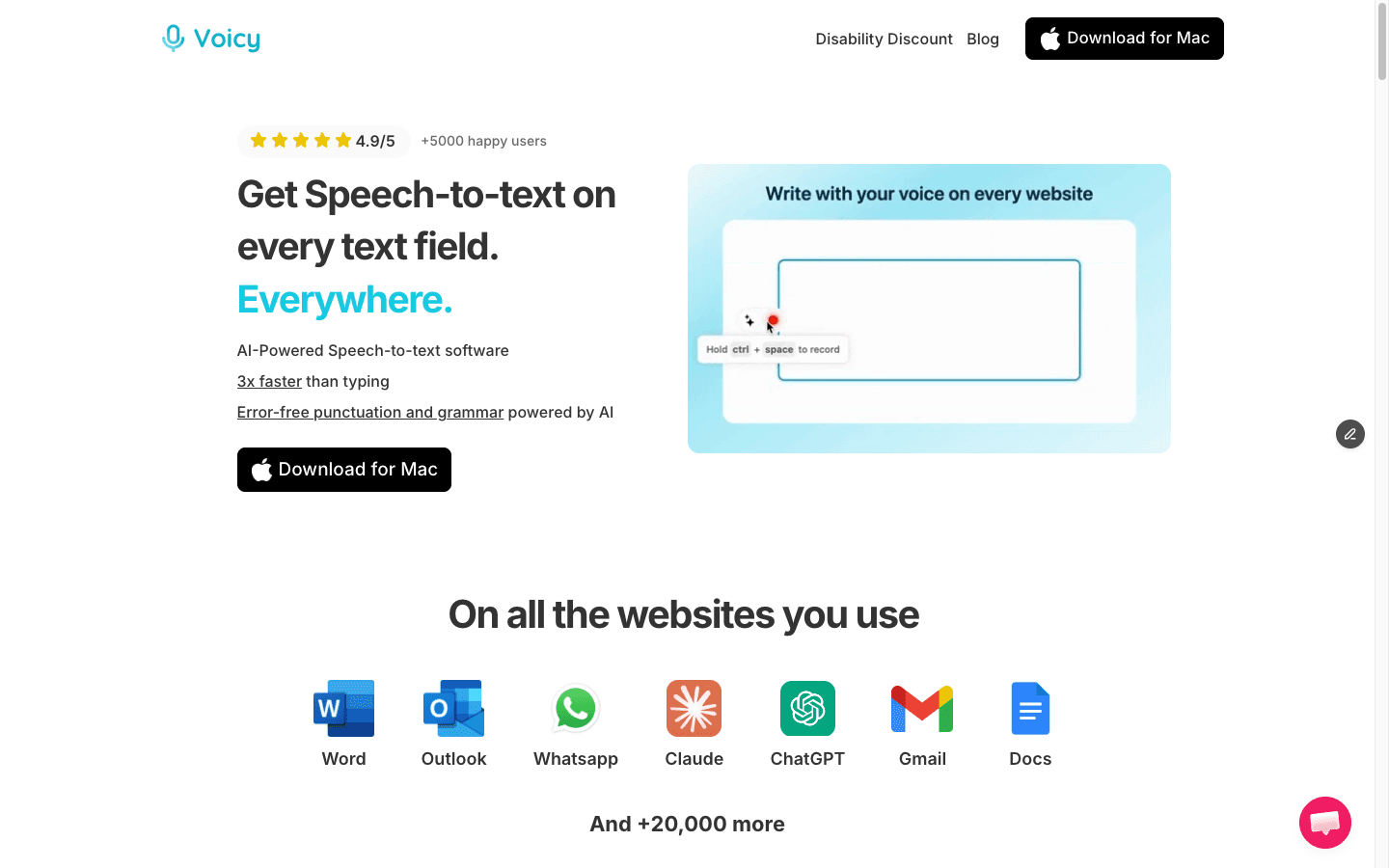
Voicy is best when you want live dictation and file transcription across devices.
Best fit: writers, students, founders, support teams, and busy professionals who move between devices and apps.
Biggest downside: Voicy is cloud-based, so it is not right for offline-only or local-only transcription needs.
Pricing: Voicy has a free trial, then costs $8.49/month, $82/year, or $260 lifetime. It is not fully free.
Short verdict: Do not switch away from Voicy just because a competitor has one nice feature. Switch if you need local processing, a free built-in tool, or a specialist command-heavy product.
2. Voibe
Voibe is the strongest Voicy alternative if your main concern is privacy. Its official pages position it around private dictation, zero retention, Mac and Windows support, and fully offline dictation on Apple Silicon Mac.
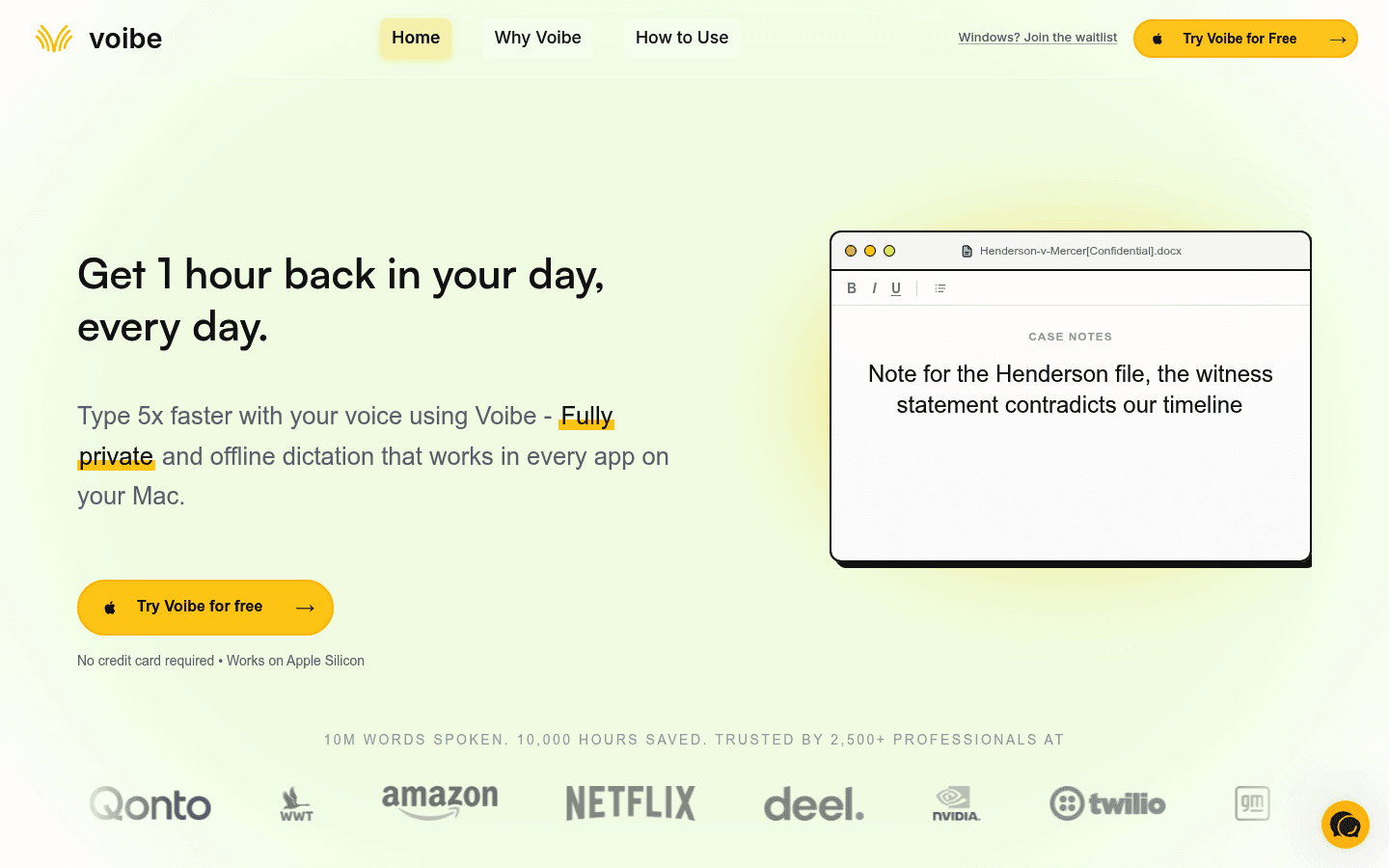
Voibe is a better fit than Voicy when offline Mac dictation is the key requirement.
Best fit: Mac users, developers, lawyers, and privacy-sensitive professionals who want local or zero-retention dictation.
Biggest downside: Voibe's privacy story is strongest on Apple Silicon Mac. Windows uses cloud dictation, even if positioned as zero retention.
Pricing: Voibe lists $7.50/month, $59/year, and $149 lifetime, with a 7-day free trial.
Short verdict: Choose Voibe over Voicy if local-first privacy beats device coverage. Choose Voicy if you need mobile apps, browser extension coverage, and file upload transcription in one tool.
3. Wispr Flow
Wispr Flow is a polished voice-first writing app for people who dictate a lot. It supports Mac, Windows, iOS, and Android, and its pricing page lists a free tier plus Pro and team plans.
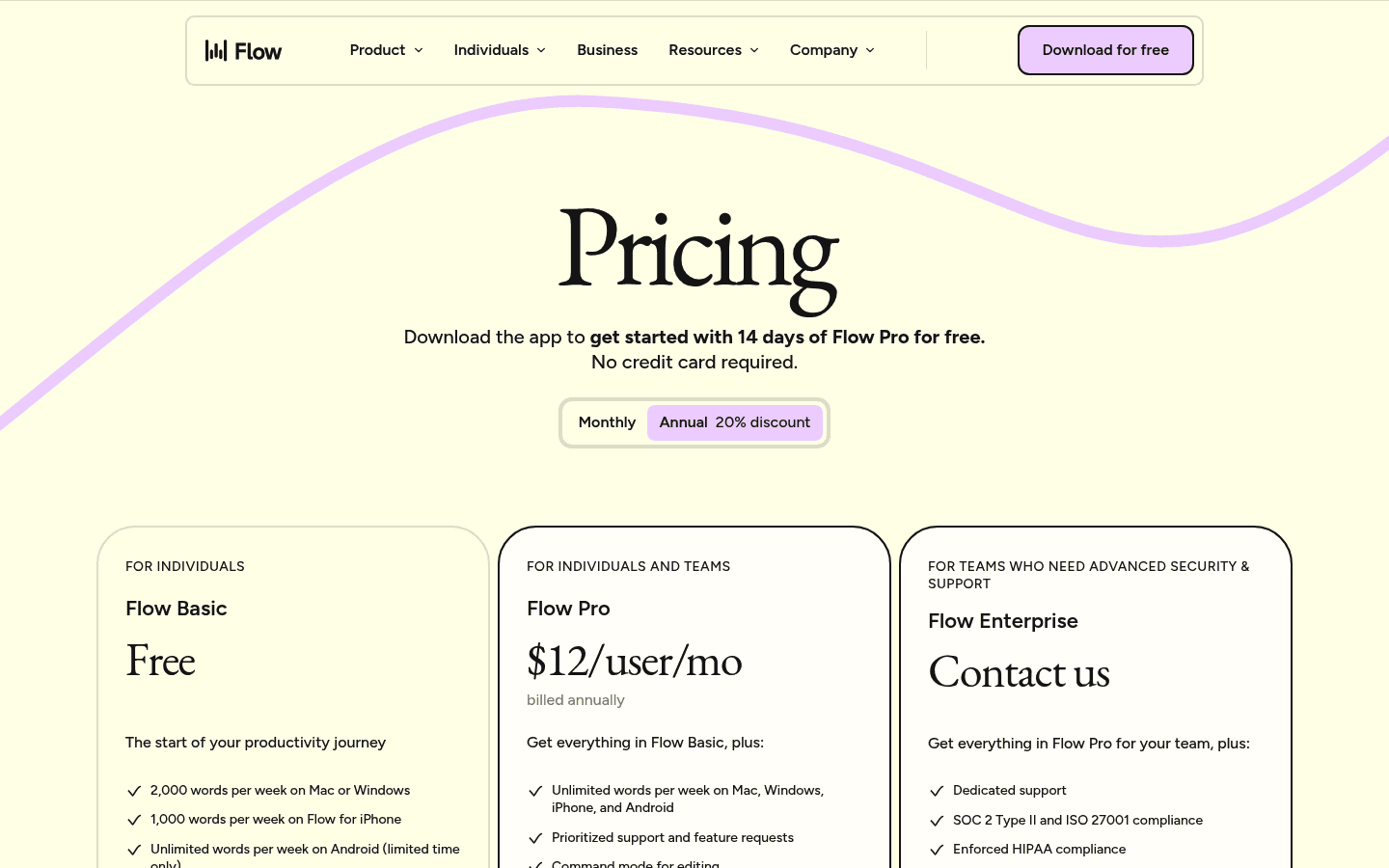
Wispr Flow is a strong pick for fast voice-first writing.
Best fit: people who want a fast dictation layer and do not mind a subscription for unlimited use.
Biggest downside: It is mainly a live dictation and notetaker product. If uploaded-file transcription is central to your workflow, compare it closely with Voicy and MacWhisper.
Pricing: Wispr Flow lists a free tier. Pro is $15/user/month or $12/user/month billed yearly. Growth and Enterprise plans start higher.
Short verdict: Choose Wispr Flow if you like its writing feel and want a larger team path. Choose Voicy if you want simpler pricing and file uploads included in the same daily tool.
4. Superwhisper
Superwhisper is a modern AI dictation app with Mac, Windows, and iOS support. Its official page lists voice-to-text in any app, meeting features, audio and video file transcription, and Pro features after a free allowance.
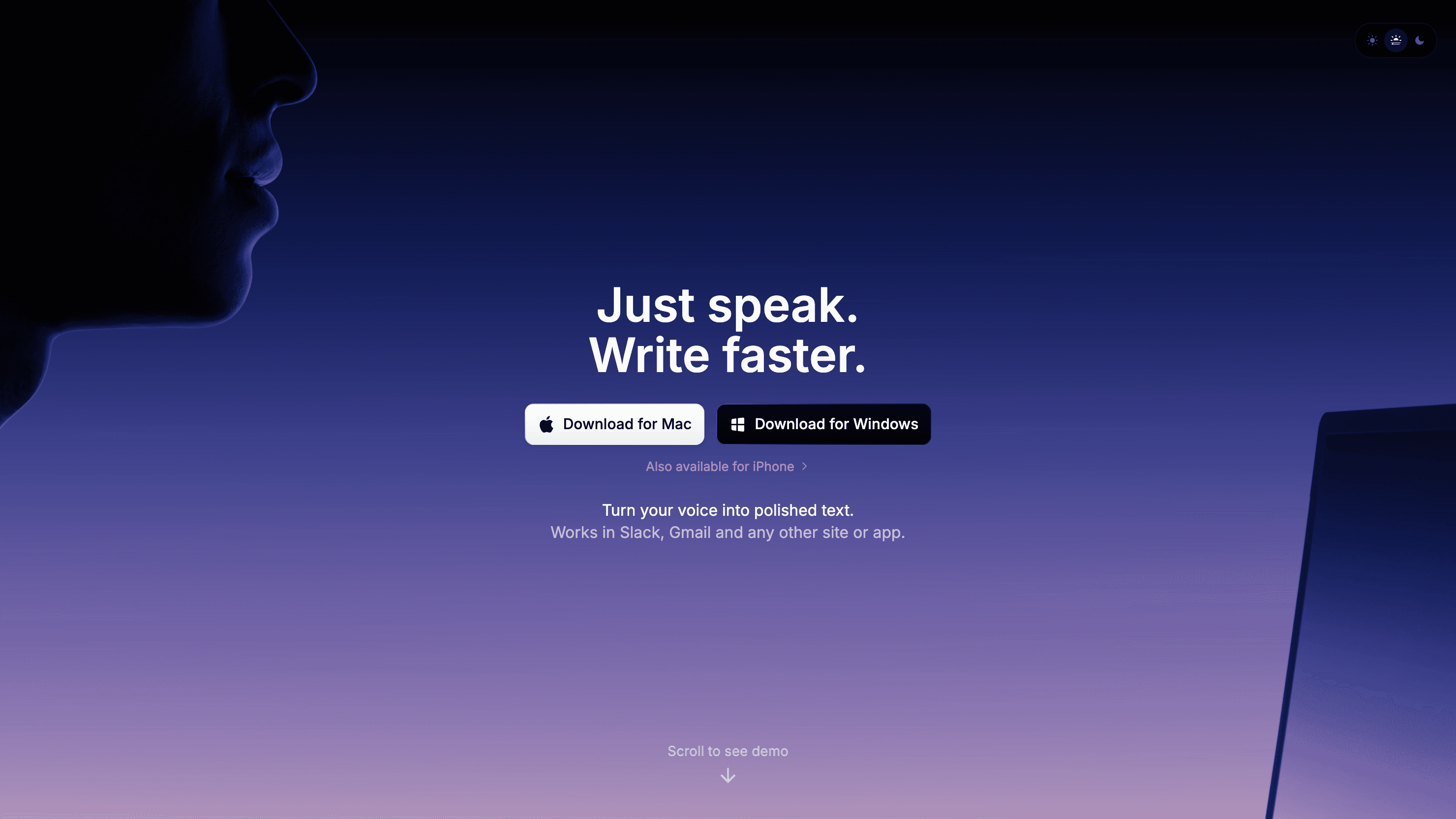
Superwhisper is a good Voicy alternative for people who like its AI dictation workflow.
Best fit: Mac, Windows, and iOS users who want a modern dictation app with AI workflows.
Biggest downside: If Android or browser extension coverage matters, Superwhisper may not cover your full setup.
Pricing: Superwhisper lists a free tier and Pro at $8.49/month, with a 30-day refund note on the checked page.
Short verdict: Superwhisper is one of the closest broad Voicy alternatives. Test both with the same emails, notes, and long drafts before choosing.
5. MacWhisper
MacWhisper is the best Voicy alternative if your work starts with audio files. It is built around transcribing files, meetings, app audio, podcasts, YouTube videos, and local Mac processing.
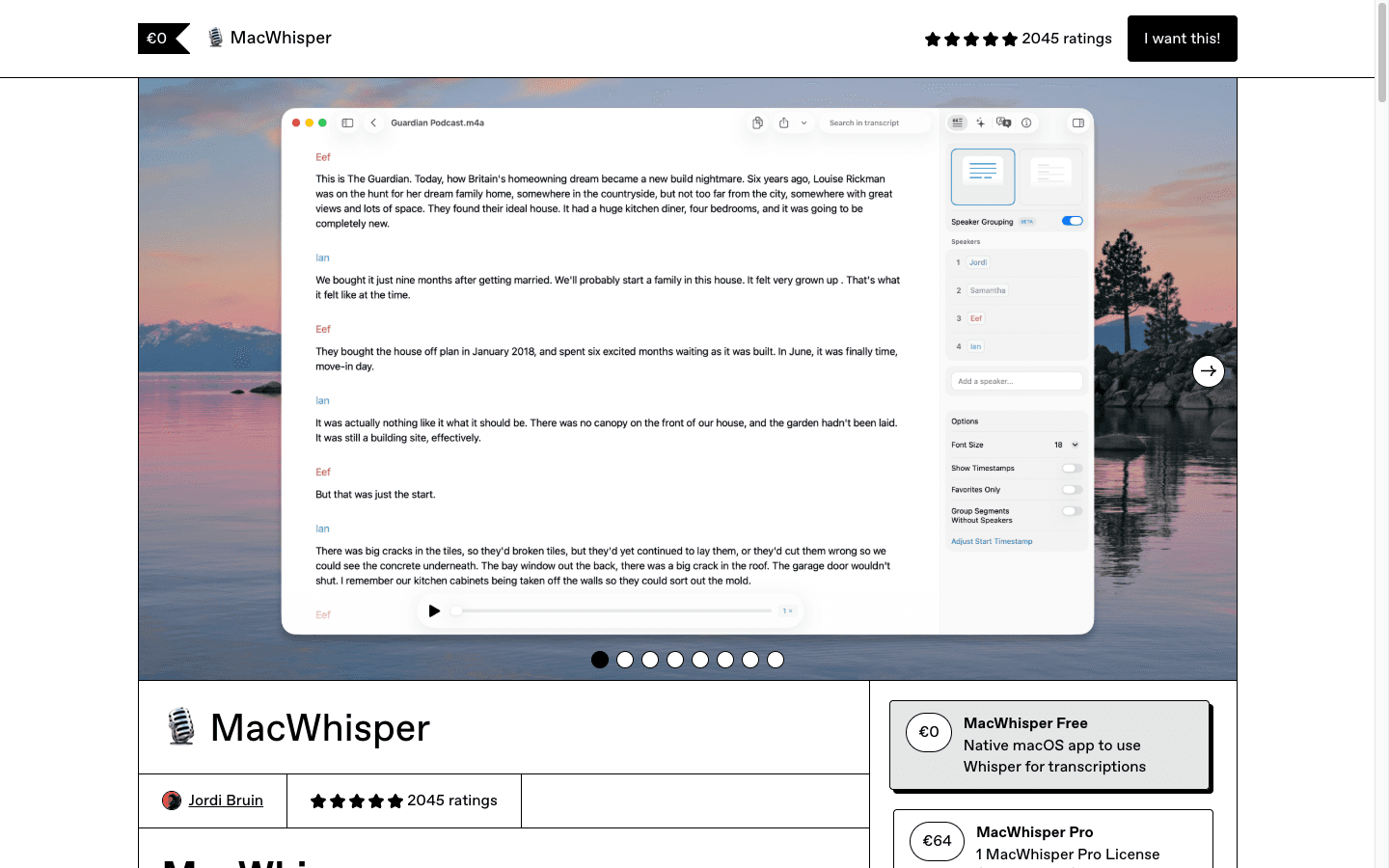
MacWhisper is strongest for local Mac transcription of existing audio and video.
Best fit: Mac users who transcribe recordings, meetings, lectures, podcasts, or app audio.
Biggest downside: It is Mac-first. If you need one daily dictation tool across Windows, browser, iPhone, and Android too, Voicy is broader.
Pricing: MacWhisper lists a free tier and MacWhisper Pro at EUR 64 per license.
Short verdict: Choose MacWhisper for local Mac file transcription. Choose Voicy when live dictation across many devices matters just as much as file uploads.
6. VoiceInk
VoiceInk is a local-first Mac dictation app with one-time pricing. It is attractive if you dislike subscriptions and want your dictation workflow to stay centered on your Mac.
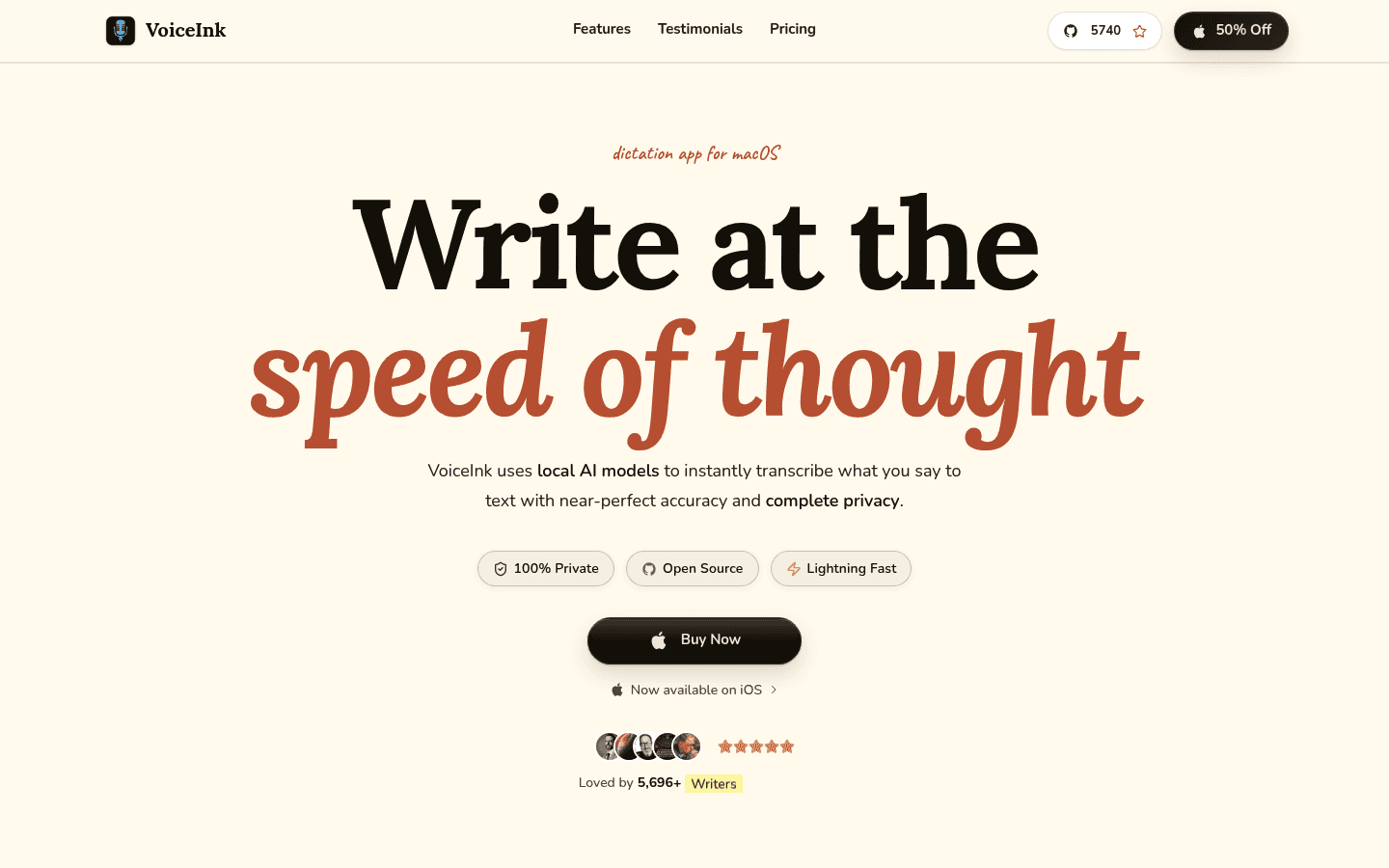
VoiceInk is a strong choice for local-first Mac dictation with one-time pricing.
Best fit: Apple Silicon Mac users who want private dictation, local models, and a pay-once license.
Biggest downside: VoiceInk's checked page says it works only on Apple Silicon Macs and requires macOS 14.4 or later.
Pricing: The checked sale showed Solo at $25, Personal at $39, and Extended at $49 as one-time purchases.
Short verdict: Choose VoiceInk if you live on a modern Mac and want local-first dictation. Choose Voicy if you want the same account to cover more platforms.
7. Willow Voice
Willow Voice combines dictation with AI writing from intent. It is a serious option for people who want voice input plus business-ready controls, especially on teams.
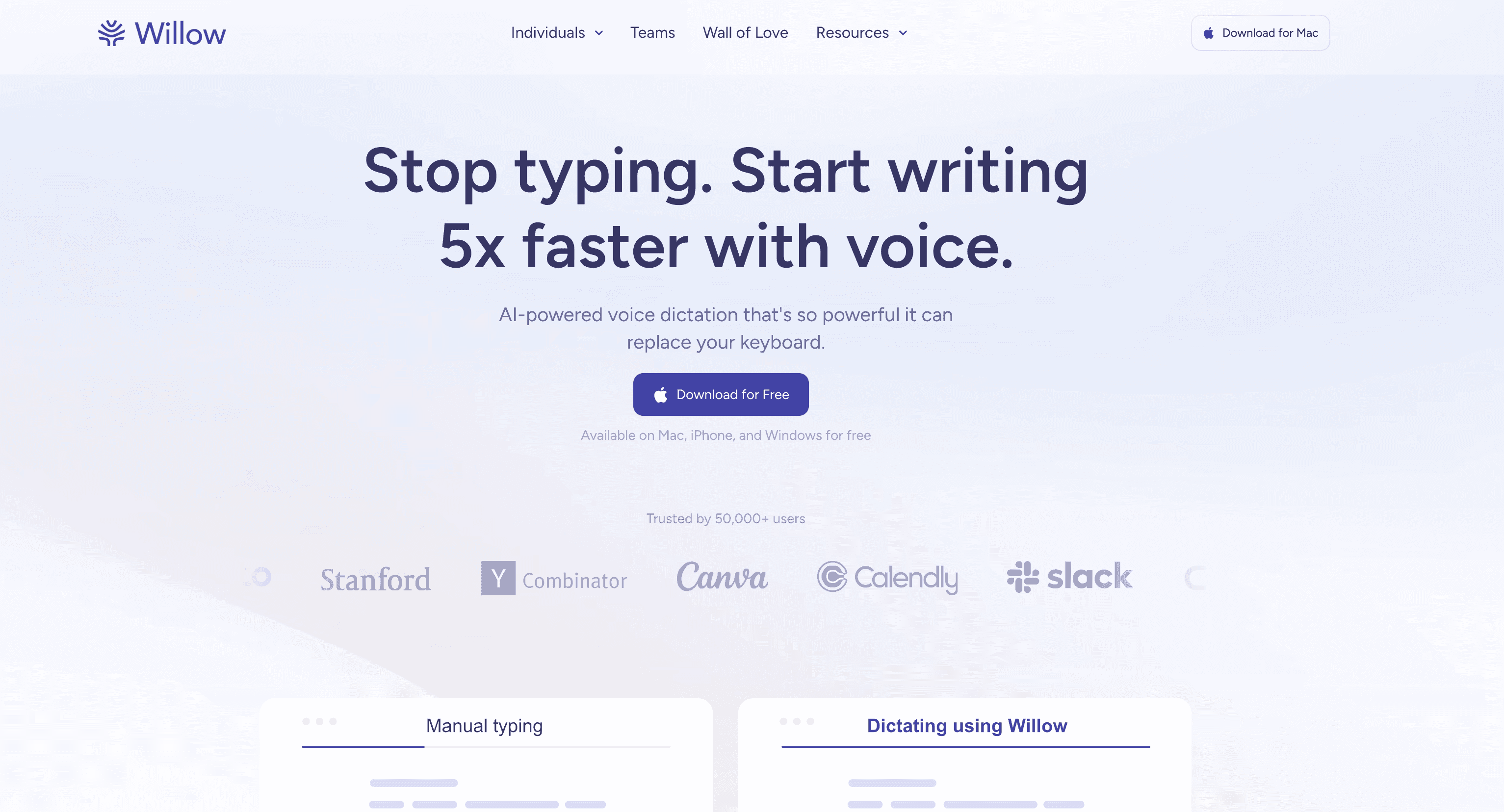
Willow Voice is a stronger fit when team controls and AI writing from intent matter.
Best fit: teams and professionals who want dictation, AI writing help, and admin controls on paid plans.
Biggest downside: The business plan is much more expensive than individual dictation plans, so it can be overkill for solo users.
Pricing: Willow lists a free tier. Pro is $15/user/month or $12/user/month billed yearly. Business is $35/month or $28/month billed yearly.
Short verdict: Choose Willow if you want a more team-oriented writing product. Choose Voicy if you want a simpler personal dictation and transcription workflow.
8. Dragon Professional
Dragon Professional is the old heavyweight in dictation. It is built for Windows professionals who need custom words, commands, macros, and live plus back-end transcription.
Dragon Professional is best for command-heavy Windows workflows.
Best fit: legal, medical-adjacent, enterprise, and document-heavy Windows users who need deep control.
Biggest downside: Dragon can feel like too much tool for normal emails, notes, prompts, and quick drafts.
Pricing: The checked Dragon Professional page did not show a public self-serve price. Older pricing pages can go stale, so verify before buying.
Short verdict: Choose Dragon when commands and custom vocabulary matter more than simplicity. Choose Voicy for a lighter daily writing setup.
9. Apple Dictation
Apple Dictation is the easiest free Voicy alternative if you use Apple devices. It is built into macOS and iOS, so there is nothing extra to install.
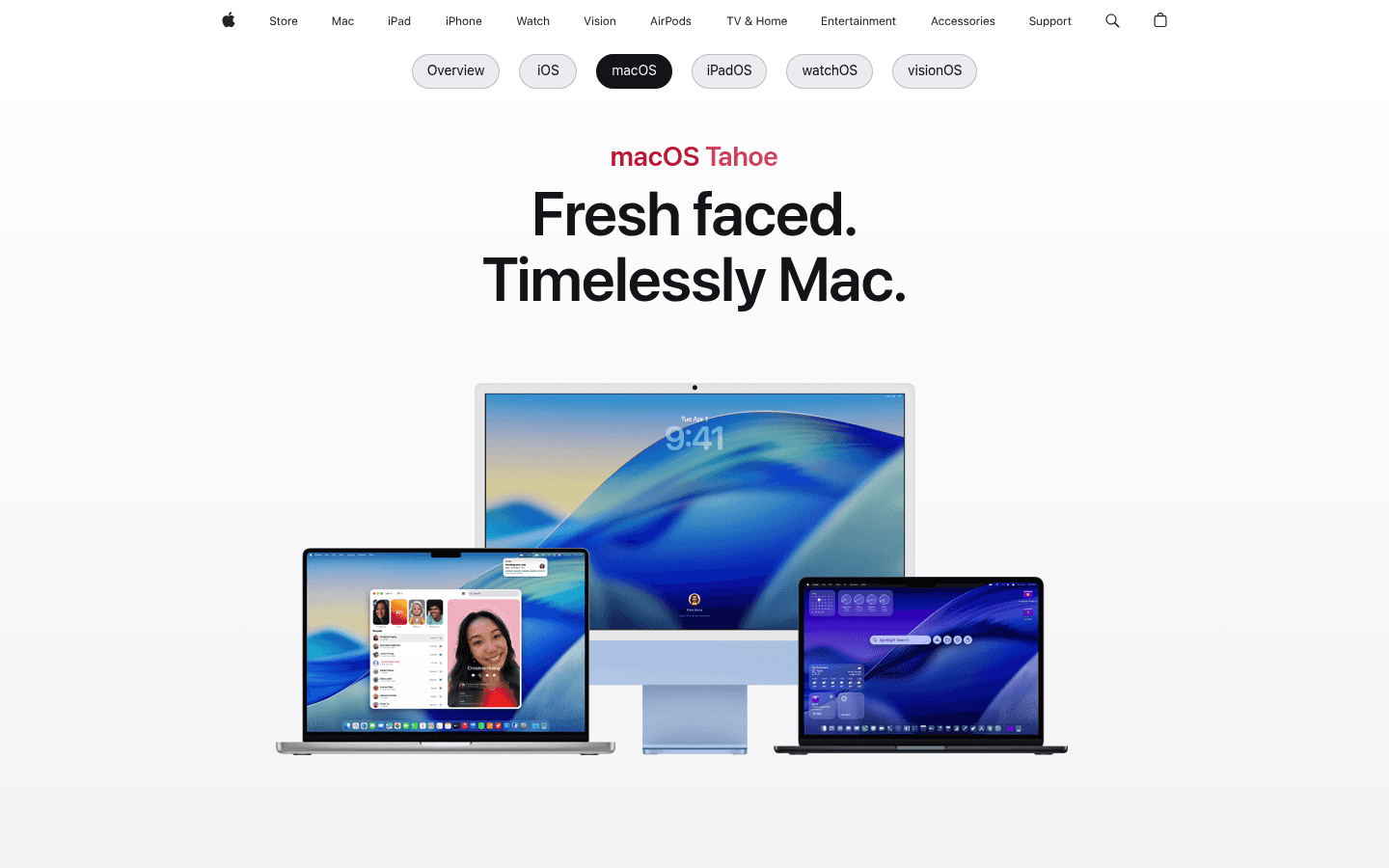
Apple Dictation is the simplest free starting point for Apple users.
Best fit: people who dictate short messages, quick notes, and simple text on Apple devices.
Biggest downside: It is basic. Long writing, formatting cleanup, file transcription, and cross-app consistency can become annoying.
Pricing: Included with supported Apple devices.
Short verdict: Use Apple Dictation first if you only need basic dictation. Upgrade to Voicy, Superwhisper, Voibe, or VoiceInk when the built-in tool starts slowing you down.
10. Google Docs voice typing
Google Docs voice typing is a free way to dictate into Google Docs. It is a good fit when your draft already belongs in a Google document and you do not need dictation across every app.
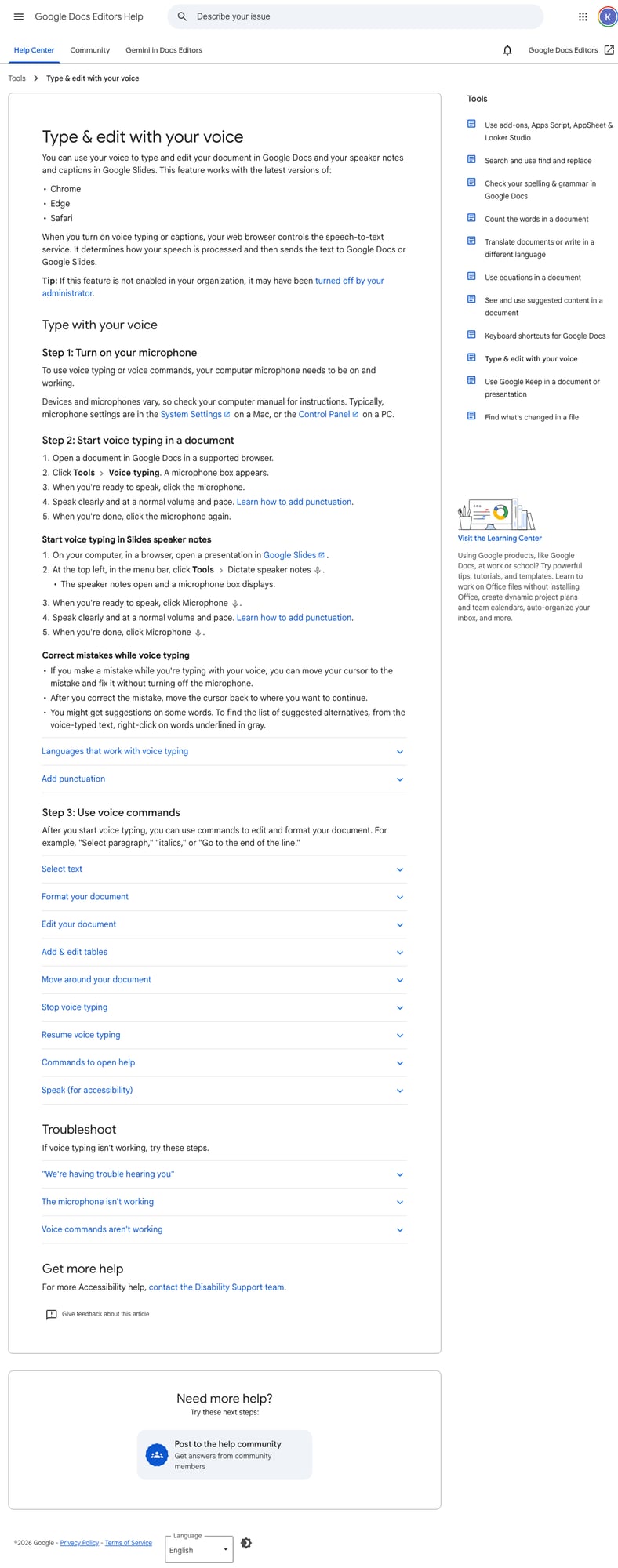
Google Docs voice typing works well when your draft already belongs in Google Docs.
Best fit: students, writers, and casual users who already draft inside Google Docs.
Biggest downside: It is tied to Docs and browser support. It is not a full voice layer for every app on your computer or phone.
Pricing: Included with Google Docs.
Short verdict: Use Google Docs voice typing for free document drafts. Use Voicy when you need dictation in more places and uploaded-file transcription too.
Which Voicy alternative should you choose?
Start with the reason you are comparing tools:
Need local or offline privacy: choose Voibe, VoiceInk, or MacWhisper.
Need the best free option: choose Apple Dictation or Google Docs voice typing.
Need specialist Windows commands: choose Dragon Professional.
Need team controls: compare Wispr Flow and Willow Voice.
Need daily dictation plus file uploads across devices: stay with Voicy or test it against Superwhisper.
Related Voicy guides
Dictation app for a broader Voicy product overview.
Speech-to-text Chrome extension if most of your writing happens in browser apps.
Dictation for Mac if you are comparing Mac-first tools.
Windows speech-to-text if you are choosing between Voicy, Dragon, and built-in Windows tools.
Wispr Flow alternatives for a deeper look at that competitor set.
FAQs
What is the best Voicy alternative?
The best Voicy alternative is Voibe if privacy and offline Apple Silicon Mac dictation matter most. MacWhisper is better for local Mac file transcription, Dragon is better for specialist Windows commands, and Apple Dictation or Google Docs voice typing are better if you need a free basic option.
Is Voicy better than Voibe?
Voicy is better if you need live dictation plus file upload transcription across Mac, Windows, browser extension, iOS, and Android. Voibe is better if your top priority is local or zero-retention dictation, especially on Apple Silicon Mac.
Is there a free Voicy alternative?
Yes. Apple Dictation and Google Docs voice typing are the best free basic alternatives. They are not full Voicy replacements if you need cross-app dictation, mobile coverage, and uploaded-file transcription.
Does Voicy work offline?
No. Voicy uses cloud-based transcription. If offline work is required, look at Voibe, VoiceInk, or MacWhisper, depending on your device and whether you need live dictation or file transcription.
Which Voicy alternative is best for Mac?
MacWhisper is best for local Mac transcription of files and meetings. VoiceInk is best for local-first Mac dictation with one-time pricing. Voibe is best for privacy-focused Mac dictation. Voicy is better if you also need Windows, browser, iOS, and Android coverage.
Which Voicy alternative is best for Windows?
Dragon Professional is best for command-heavy Windows dictation. Wispr Flow, Willow Voice, Superwhisper, Voibe, and Voicy also support Windows in different ways, so test the same writing task in each app before buying.
Can Voicy transcribe uploaded files?
Yes. Voicy supports uploaded-file transcription as well as live dictation. That is one reason it can be a better fit than free built-in dictation tools.
Is Voicy free?
Voicy has a free trial, but it is not fully free. Paid plans are $8.49/month, $82/year, or $260 lifetime.
Which Voicy alternative is best for privacy?
Voibe, VoiceInk, and MacWhisper are stronger privacy picks than Voicy when local or offline processing is required. Voicy is cloud-based, so choose it when cloud processing is acceptable and platform coverage matters more.
Should I use Voicy or Apple Dictation?
Use Apple Dictation for short, free, built-in dictation on Apple devices. Use Voicy if you need a fuller workflow for emails, docs, browser fields, mobile devices, and uploaded audio files.
Final take
There is no single best Voicy alternative for everyone. The honest answer is to choose by constraint: privacy, price, platform, file transcription, team features, or free basic use.
If you need local-only work, do not force Voicy into that job. If you need one practical dictation and transcription workflow across devices, Voicy is still one of the easier tools to justify.


