




Top 12 Best Apps for Student Productivity in 2026
We tried dozens of tools. These 12 are the best apps for student productivity in 2025.
You'll learn which apps work best for your specific needs.
Need help managing group projects? Trello has you covered.
Want to outline research papers? Notion is perfect.
Need to make your writing better? Grammarly can help.
Fast answer: student productivity app by bottleneck
The best productivity app for students depends on what is blocking schoolwork. If writing feels slow or physically tiring, start with Voicy. If notes and assignments are scattered, start with Notion or Evernote. If deadlines slip, start with Todoist or Trello. If reading and writing accessibility matters, also compare assistive technology for dyslexia.
Student bottleneck | Best starting point |
|---|---|
Essays and written assignments take too long | |
Notes, files, and projects are scattered | Notion, Evernote, or Microsoft 365 |
Deadlines and focus are the problem | Todoist, Trello, Freedom, or Forest |
Short Version of the Article
We know you're busy. Here's the summarized version of the article.
If you want to write faster with your voice:
Voicy - AI-powered speech-to-text that works anywhere, fixes grammar automatically
If you need to organize everything:
Notion - All-in-one workspace for notes, tasks, and projects
Evernote - Powerful note-taking with web clipper and search
Microsoft 365 - Complete suite with Word, Excel, PowerPoint, and cloud storage
If you struggle with deadlines:
Todoist - Simple task manager with natural language input
Trello - Visual project boards perfect for group work
If you get distracted easily:
Freedom - Blocks websites and apps across all devices
Forest - Gamified focus timer that plants real trees
If you need better focus and balance:
Calm - Meditation and stress relief for better performance
Granola AI - Smart lecture summaries so you can focus on learning
If you want polished writing:
Grammarly - Real-time grammar checking and writing improvement
If you're a Mac user needing multiple tools:
Setapp - 200+ productivity apps for one monthly subscription
1. Voicy: AI-Powered Dictation for Faster Note-Taking and Essay Writing
Do you think faster than you can type? Voicy is perfect for you.
This AI-powered dictation tool turns your spoken words into text. It works in more than 50 languages. The accuracy is impressive.
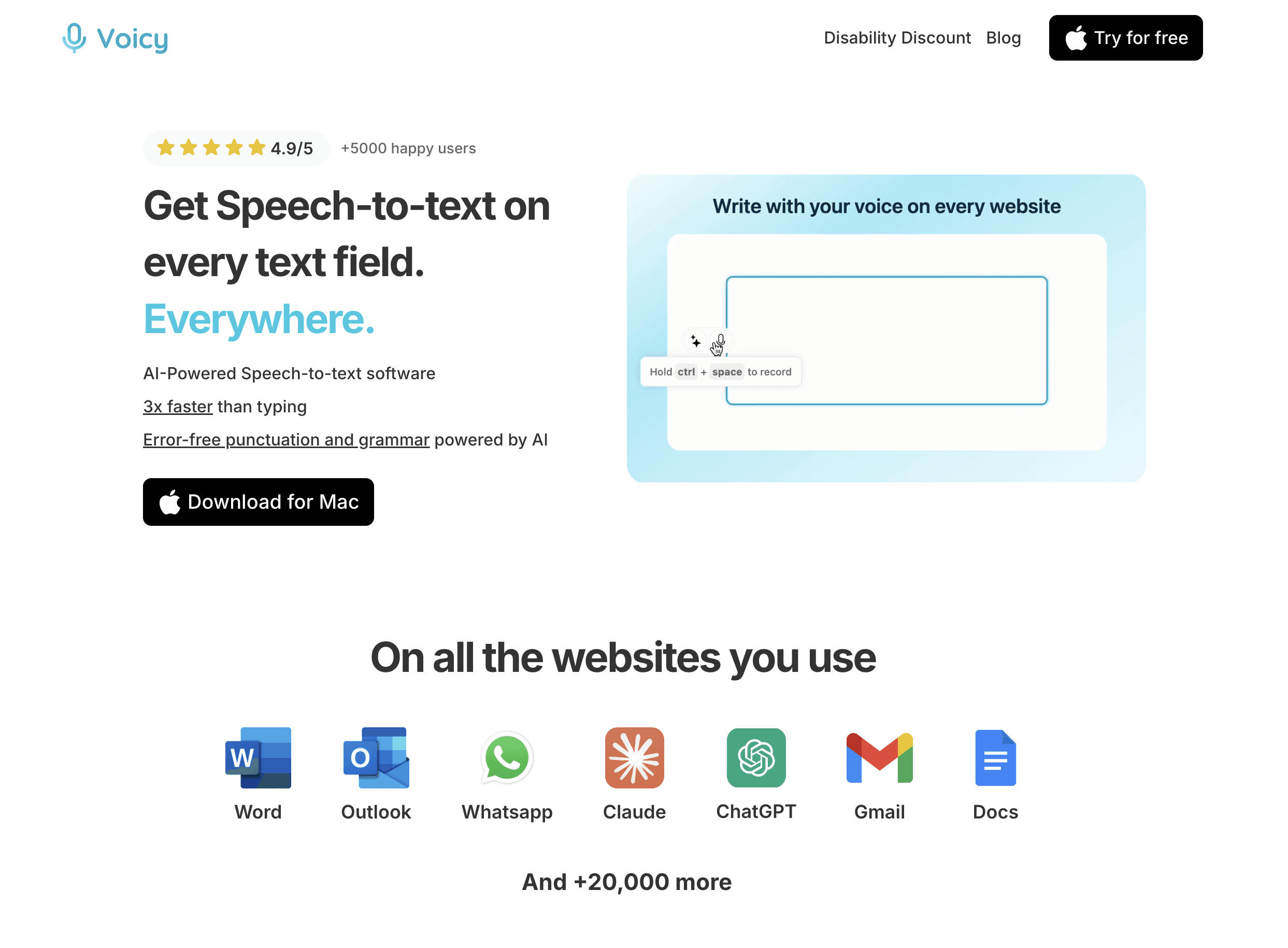
Voicy is one of the best apps for student productivity. You can use it to draft essays. Transcribe lectures. Or brainstorm ideas out loud.
Instead of typing everything, you just speak. Your thoughts get captured as they flow. This speeds up your writing process a lot.
You can dictate directly into almost any text field on your computer. Use it in Google Docs. Use it for discussion board posts. Use it anywhere.
The user experience is simple. There's barely any learning curve. You can start using it right away.
Why it's great for students: Voicy helps you beat writer's block. Writing becomes more like speaking. It's natural and easy. It's also great for students who find typing difficult.
Key Features & Pricing
Feature | Description | Pricing |
|---|---|---|
High-Accuracy Transcription | Uses advanced AI to minimize errors and understand context. | Free Tier: Free trial with 30 minutes of recording time |
Multi-Language Support | Works in over 50 languages and dialects. | Premium: $8.49/month for unlimited use. |
Direct Dictation | Speak directly into web browsers, email, and word processors. | Student Discount: 20% off. |
Practical Tip: Before a long dictation session, practice speaking clearly. Keep a consistent pace. Use verbal commands like "period" or "new paragraph." This will save you editing time later.
Pros: Makes writing much faster. Great accessibility features. Supports many languages.
Cons: Free trial limits. Works best with a good quality microphone.
Website: Visit Voicy
2. Granola AI: Smart Meeting Notes and Lecture Summaries
Taking notes during lectures is tough. You're trying to listen and write at the same time. You miss important points.
Granola AI solves this problem. It's one of the best apps for student productivity when it comes to capturing what matters.
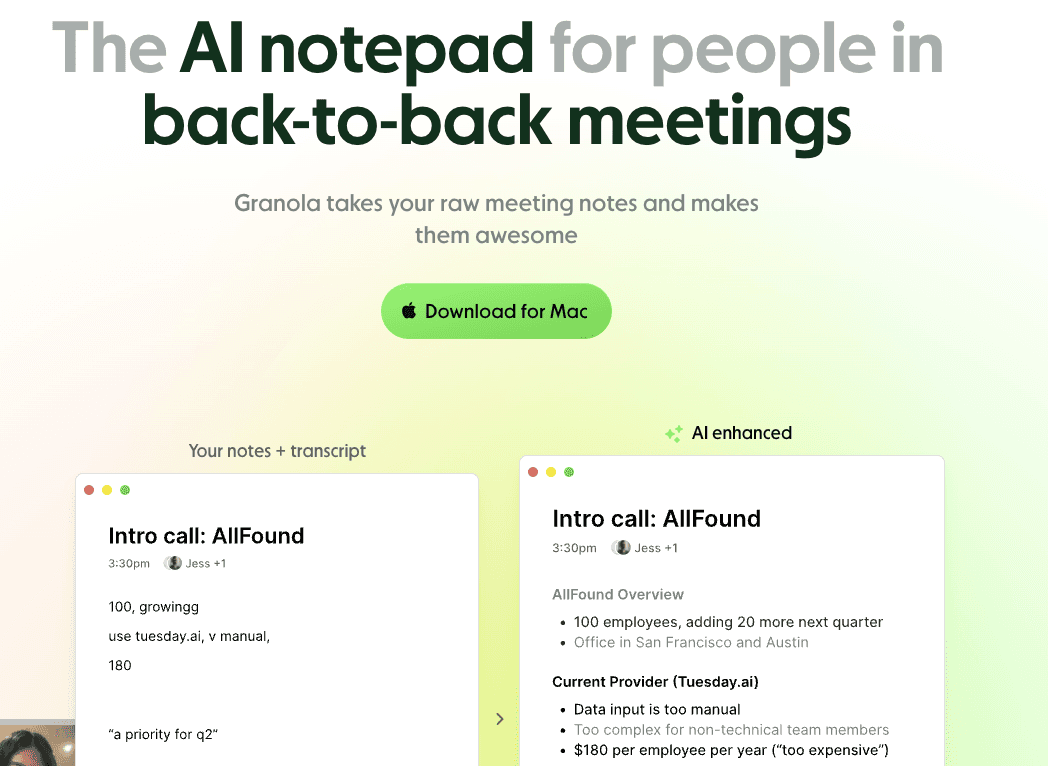
This smart app records your lectures and meetings. Then it creates organized summaries for you. You don't have to frantically scribble everything down anymore.
Granola AI uses advanced AI to understand what's being said. It picks out the key points. It organizes them into clear sections. You get clean, readable notes without all the work.
The app works great for group study sessions too. Everyone can focus on the discussion. Granola AI handles the note-taking.
Why it's great for students: You can focus on understanding the material instead of writing everything down. Your notes are organized and easy to review later. It's perfect for visual learners who need structured summaries.
Key Features & Pricing
Feature | Description | Pricing |
|---|---|---|
AI-Powered Summaries | Automatically creates organized notes from lectures and meetings. | Free Tier: Limited monthly recordings. |
Key Point Extraction | Identifies and highlights the most important information. | Premium: $14/month for unlimited recordings. |
Easy Organization | Sorts notes by topic and date for quick reference. | Student Discount: Available with .edu email. |
Practical Tip: Review your Granola AI summaries within 24 hours of the lecture. This helps reinforce what you learned. Add your own thoughts to the AI-generated notes for better retention.
Pros: Saves hours of note-taking time. Creates well-organized summaries. Great for reviewing before exams.
Cons: Requires internet connection. Free version has recording limits.
Website: Visit Granola AI
3. Calm: Relaxation and Stress Relief for Students
Student life is stressful. Exams. Deadlines. Social pressure. All of it adds up.
Taking time to relax isn't a luxury. It's necessary. That's where Calm comes in.
Calm is one of the best apps for student productivity because it helps you manage stress. A relaxed mind works better. You focus more. You remember more.
The app offers guided meditations. Sleep stories. Breathing exercises. Relaxing music. All designed to help you unwind.
Even 5-10 minutes with Calm can make a difference. Use it between study sessions. Before a big exam. Or when you're feeling overwhelmed.
Better sleep means better grades. Calm's sleep stories help you fall asleep faster. You wake up refreshed and ready to learn.
Why it's great for students: Managing stress is a huge part of academic success. Calm helps you stay balanced. It improves your focus and sleep quality. Regular relaxation actually makes you more productive.
Key Features & Pricing
Feature | Description | Pricing |
|---|---|---|
Guided Meditations | Short sessions perfect for busy students, from 3-25 minutes. | Free Tier: Limited content available. |
Sleep Stories | Narrated stories designed to help you fall asleep quickly. | Premium: $69.99/year or $14.99/month. |
Focus Music | Background soundscapes for studying and concentration. | Student Discount: 50% off with valid student ID. |
Practical Tip: Use Calm's "Daily Calm" 10-minute meditation during your lunch break. It resets your mind for afternoon classes. Try the focus music during late-night study sessions to stay concentrated.
Pros: Reduces stress and anxiety. Improves sleep quality. Short sessions fit any schedule.
Cons: Most content requires premium subscription. May take time to see results.
Website: Visit Calm
4. Microsoft 365 for Students: The Complete Academic Powerhouse
Microsoft 365 for Students gives you everything you need. Word for essays. Excel for data. PowerPoint for presentations. OneNote for notes.
It's the industry standard. Your professors probably use it. Your classmates definitely use it.
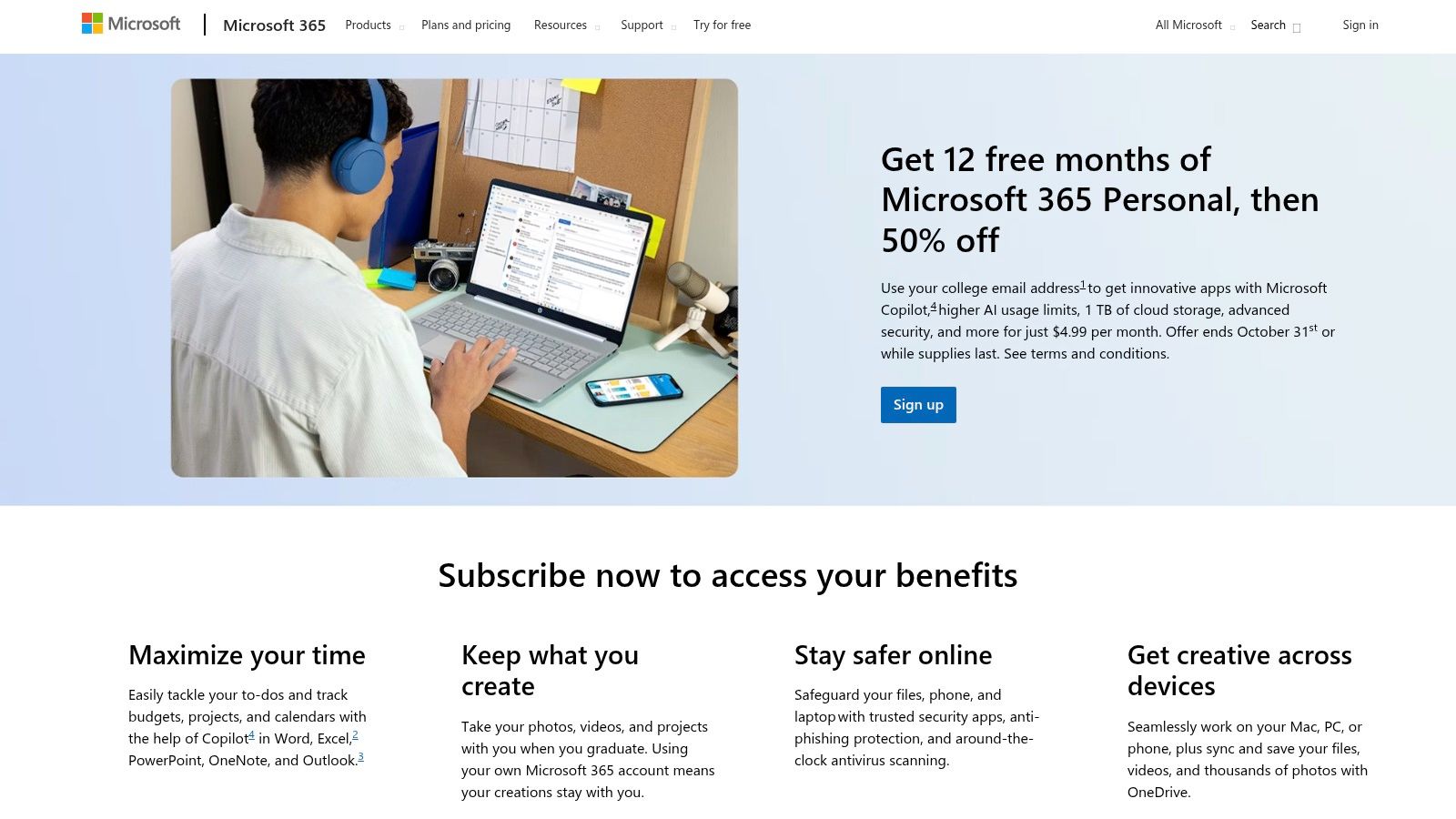
The best part? Students get huge discounts. Sometimes it's even free through your school.
You get 1TB of cloud storage with OneDrive. Access your files from anywhere. Work on your phone, tablet, or computer. Everything syncs automatically.
Microsoft 365 is one of the best apps for student productivity because it covers all your bases. One subscription gives you multiple tools.
The collaboration features are excellent too. Share documents with classmates. Work together in real-time. Everyone can edit and comment.
Why it's great for students: Microsoft 365 is the complete package. It has everything you need for academic work. The cloud storage means you'll never lose a file. Collaboration features make group projects easier.
Key Features & Pricing
Feature | Description | Pricing |
|---|---|---|
Full Office Suite | Word, Excel, PowerPoint, OneNote, and more. | Free for many students: Check with your school. |
1TB Cloud Storage | Save all your files securely in the cloud. | Personal Plan: $6.99/month if not free through school. |
Real-Time Collaboration | Work together with classmates on the same document. | Student discounts: Significant savings for verified students. |
Practical Tip: Use OneNote as your digital binder. Create separate notebooks for each class. Add sections for lectures, assignments, and study materials. The search function makes finding notes super easy.
Pros: Industry-standard tools. Great collaboration features. Huge cloud storage. Often free for students.
Cons: Can be overwhelming with so many features. Requires internet for cloud features.
Website: Visit Microsoft 365
5. Notion: Your All-in-One Academic Workspace
Notion is hard to explain. It's a note-taking app. A database. A project manager. A wiki. It's all of these things at once.
That's what makes it powerful. You can customize it for exactly what you need.
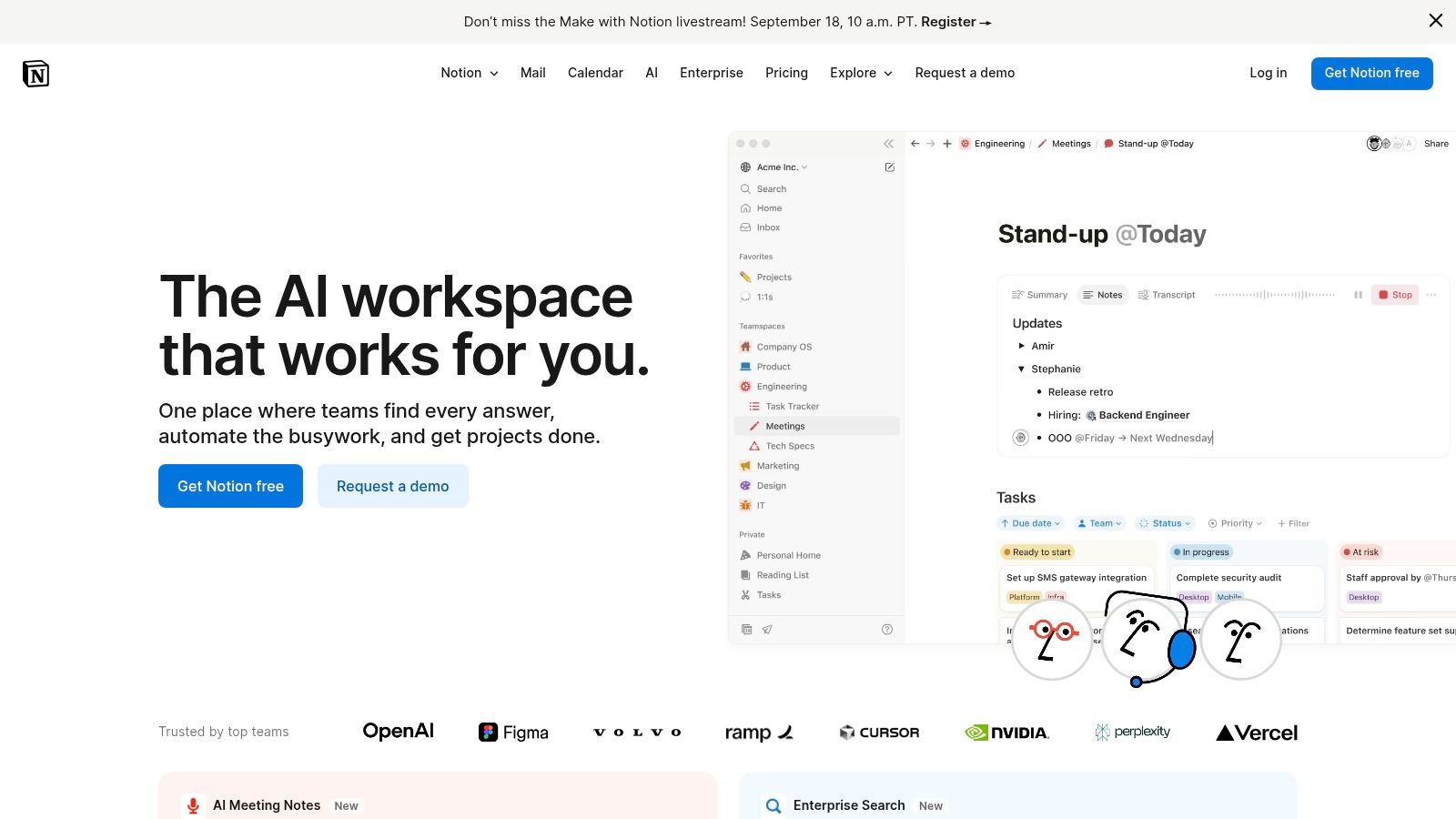
Many students use Notion as their central hub. Lecture notes go here. Assignment trackers go here. Research links go here. Everything in one place.
Notion is one of the best apps for student productivity for organized learners. The templates are amazing. There are templates for class schedules, study planners, and research databases.
You can also build your own systems. Make it work exactly how your brain works.
The collaboration features are great for group projects too. Share pages with your team. Everyone stays on the same page.
Why it's great for students: Notion adapts to your needs. It grows with you throughout your academic career. The free personal plan is generous. Verified students get even more features for free.
Key Features & Pricing
Feature | Description | Pricing |
|---|---|---|
Flexible Workspace | Combine notes, tasks, databases, and wikis in one place. | Free Personal Plan: Includes most features. |
Rich Templates | Pre-built templates for class notes, assignments, and projects. | Plus Plan: $10/month adds more features. |
Real-Time Collaboration | Work together with classmates on shared pages. | Free for Students: Verified students get Plus features free. |
Practical Tip: Start with a simple template. Don't try to build a complex system right away. Use the "Class Notes" template for a few weeks. Once you're comfortable, customize it to fit your style.
Pros: Extremely customizable. Free plan is generous. Templates save setup time. Great for visual organization.
Cons: Steep learning curve at first. Can become complicated. May feel overwhelming with too many options.
Website: Visit Notion
6. Todoist: Simple Task Management That Actually Works
To-do lists seem simple. But most people don't use them effectively. Todoist changes that.
This task manager is one of the best apps for student productivity because it's powerful but not complicated.
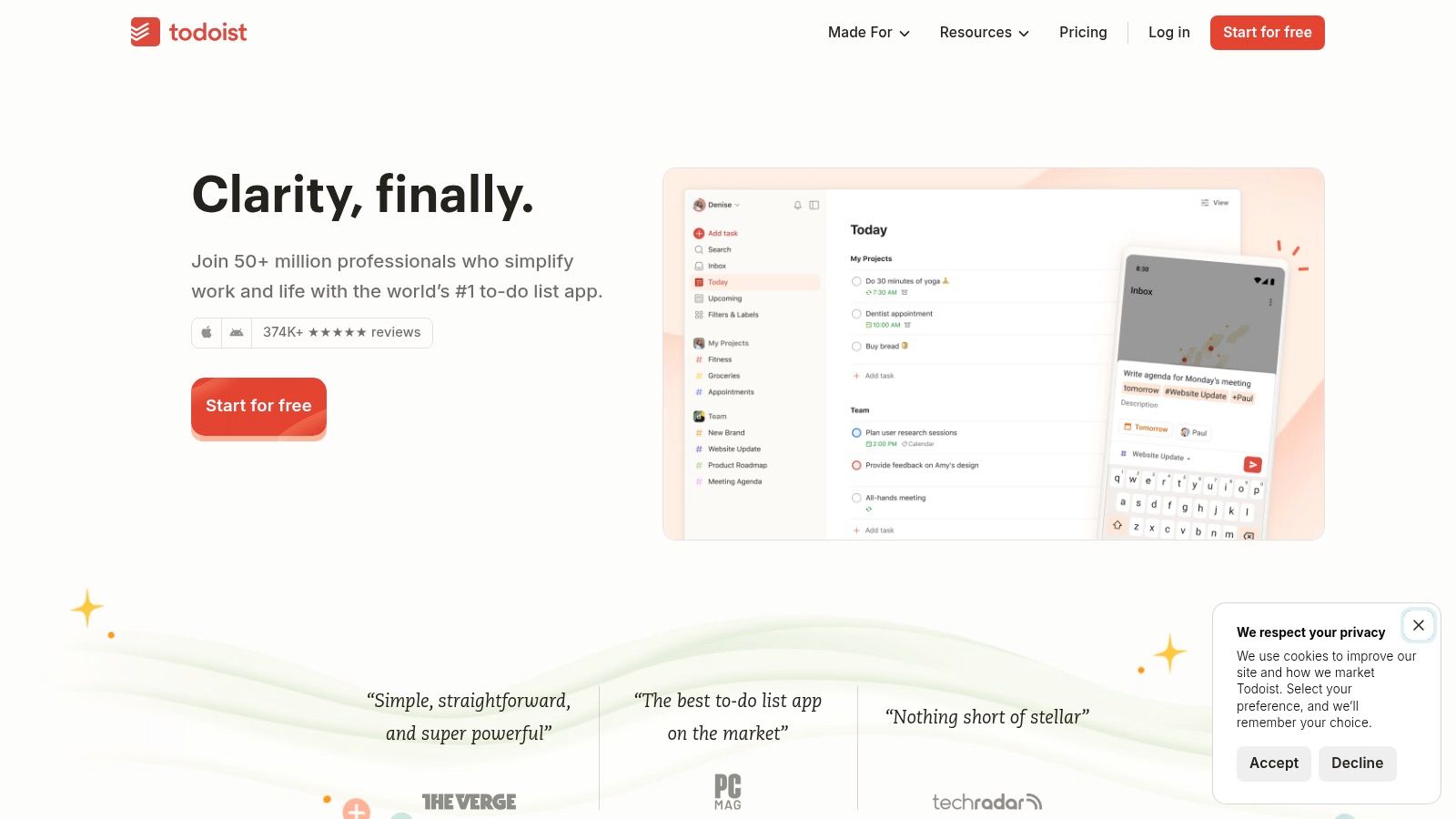
You can add tasks in seconds. Just type "Submit history essay Monday 5pm." Todoist understands natural language. It automatically sets the due date and time.
You can organize tasks by project. One project for each class. One for personal tasks. One for extracurriculars.
The priority levels help you focus on what matters most. Tag urgent assignments. Schedule everything else appropriately.
Todoist works on every device. Add a task on your phone. Check it off on your laptop. Everything syncs instantly.
Why it's great for students: Todoist helps you see everything you need to do. Nothing falls through the cracks. The natural language input is fast. You spend less time managing tasks and more time doing them.
Key Features & Pricing
Feature | Description | Pricing |
|---|---|---|
Natural Language Input | Type tasks naturally and Todoist figures out the details. | Free Plan: 5 projects, basic features. |
Projects & Labels | Organize tasks by class or category. | Pro Plan: $4/month for unlimited projects and features. |
Cross-Platform Sync | Access your tasks on phone, tablet, and computer. | Free for Students: Pro plan often discounted. |
Practical Tip: Do a weekly review every Sunday evening. Look at the week ahead. Adjust priorities. Break big assignments into smaller tasks. This 15-minute habit will keep you on track all semester.
Pros: Quick to add tasks. Natural language is convenient. Works everywhere. Simple interface.
Cons: Free plan is limited. Advanced features require paid plan. No built-in calendar view.
Website: Visit Todoist
7. Trello: Visual Project Management for Group Work
Some people think better visually. If that's you, Trello is perfect.
Trello uses boards, lists, and cards. Think of it like sticky notes on a board. But digital and much more powerful.
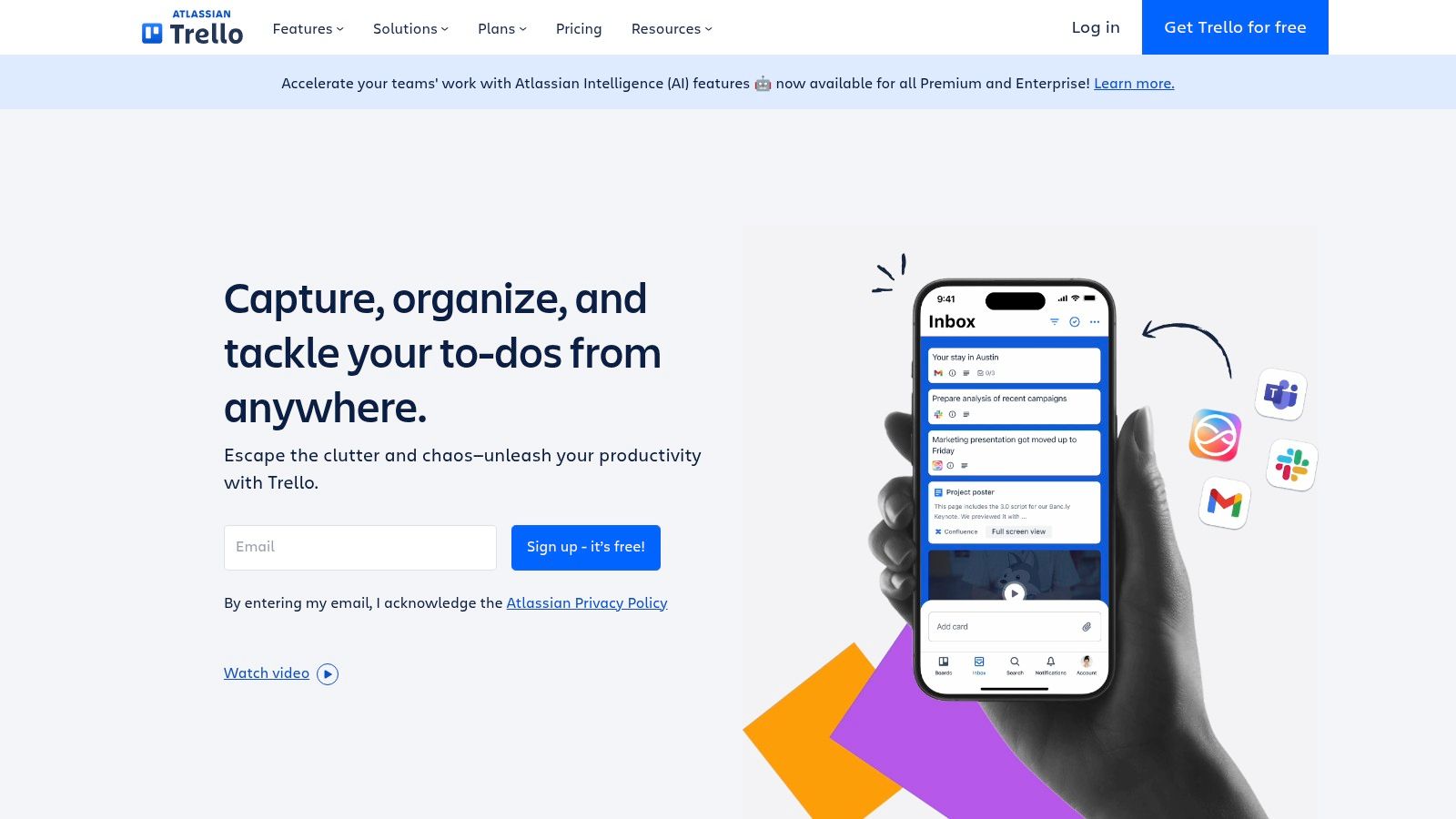
It's one of the best apps for student productivity for group projects. Everyone can see what needs to be done. Who's doing what. What's finished.
Create a board for each project or class. Add lists like "To Do," "In Progress," and "Done." Add cards for each task. Move them across as you work.
You can add due dates, checklists, and attachments to cards. Assign tasks to team members. Comment on progress.
The visual layout makes it easy to see the big picture. You spot bottlenecks quickly. Nothing gets forgotten.
Why it's great for students: Trello makes collaboration easy. Everyone knows their responsibilities. The visual format reduces confusion. It's especially great for multi-step projects with several team members.
Key Features & Pricing
Feature | Description | Pricing |
|---|---|---|
Visual Boards | Organize projects with boards, lists, and cards. | Free Plan: Unlimited cards and lists, 10 boards. |
Team Collaboration | Assign tasks, add comments, and share files. | Standard Plan: $5/user/month for unlimited boards. |
Power-Ups | Add integrations like calendar view and automation. | Student discount: Often available for paid plans. |
Practical Tip: Create a "Weekly Assignments" board at the start of each semester. Add lists for each week. Drop in all your assignments from syllabi. As the weeks pass, you'll always know what's coming next.
Pros: Very visual and intuitive. Great for teams. Free plan is generous. Easy to learn.
Cons: Can get cluttered with large projects. Advanced features need paid plans. Not ideal for simple task lists.
Website: Visit Trello
8. Grammarly: Your Personal Writing Assistant
Your writing matters. A well-written essay gets better grades. Clear emails get better responses.
Grammarly helps you write better. It's one of the best apps for student productivity for any student who writes.
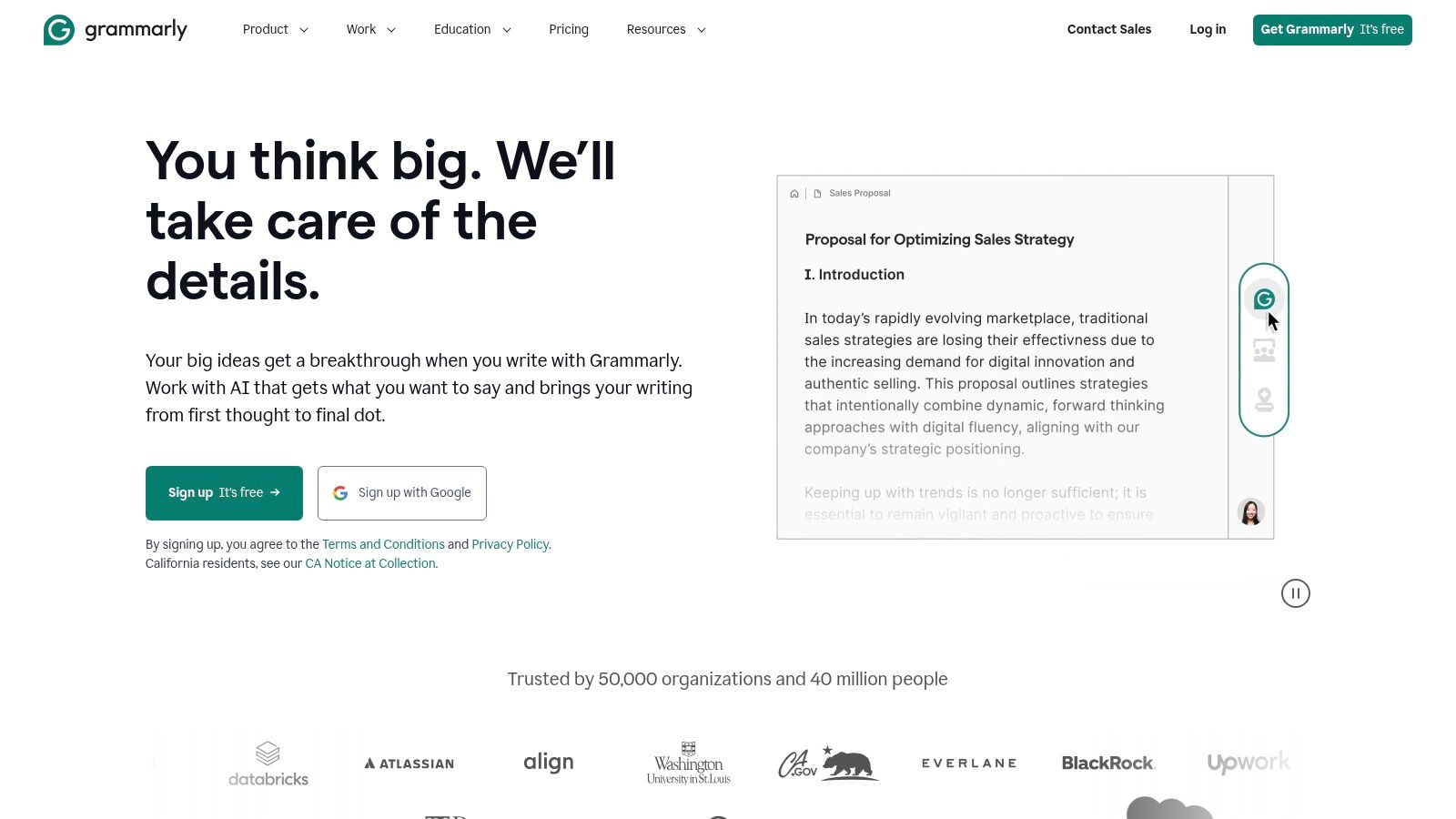
The app checks your grammar in real-time. It catches spelling mistakes. It suggests better word choices. It even checks your tone.
Grammarly works almost everywhere. In Google Docs. In your email. In discussion boards. Wherever you write, Grammarly is there.
The free version catches most mistakes. The premium version goes deeper. It checks for plagiarism. It gives advanced style suggestions.
You learn as you use it. Grammarly explains why something is wrong. Your writing improves over time.
Why it's great for students: Grammarly catches embarrassing mistakes before you submit. It helps you write more clearly. The plagiarism checker gives you peace of mind. Your professors will notice the improvement.
Key Features & Pricing
Feature | Description | Pricing |
|---|---|---|
Grammar & Spelling | Catches mistakes in real-time as you write. | Free Plan: Basic grammar and spelling checks. |
Style Suggestions | Improves clarity, word choice, and tone. | Premium: $12/month for advanced features. |
Plagiarism Detection | Scans your text against billions of web pages. | Student Discount: Available on annual plans. |
Practical Tip: Don't just accept every suggestion blindly. Read why Grammarly recommends a change. This turns it into a learning tool. Over time, you'll make fewer mistakes naturally.
Pros: Catches mistakes instantly. Works almost everywhere. Helps you learn better writing. Plagiarism checker is valuable.
Cons: Premium features are pricey. Can be overly aggressive with suggestions. Free version is limited.
Website: Visit Grammarly
9. Evernote: Powerful Note-Taking and Organization
Evernote has been around forever. There's a reason it's still popular.
It's one of the best apps for student productivity for note-taking and organization. You can clip articles from the web. Save PDFs. Take handwritten notes. Record audio. All in one place.
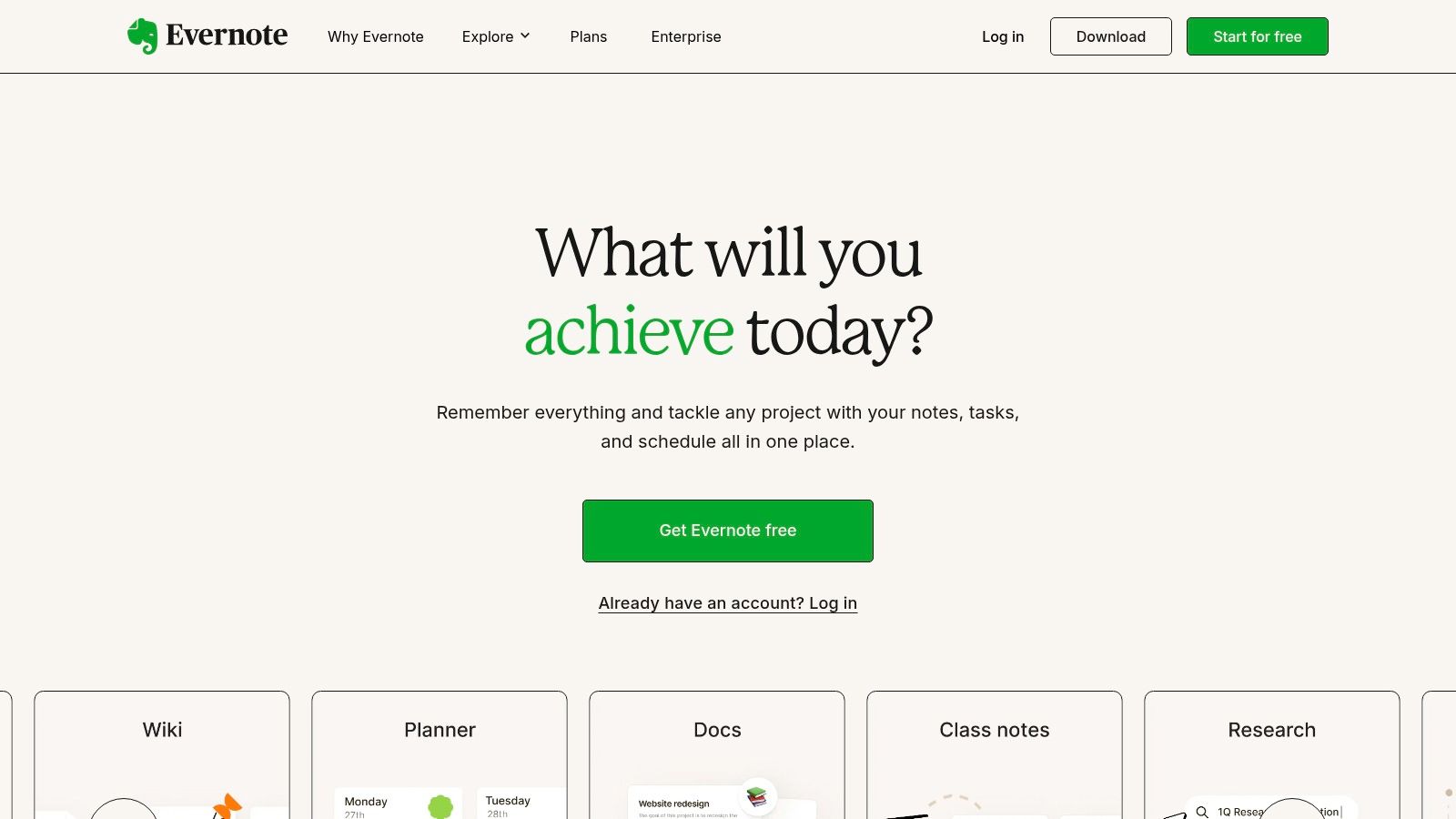
The search function is incredibly powerful. You can search text inside images. Find words in PDFs. Locate that one note from weeks ago.
Organize notes into notebooks. One for each class. Tag important notes for easy filtering.
The web clipper browser extension is amazing. Researching a paper? Clip relevant articles directly into Evernote. They're saved forever with the source URL.
Evernote syncs across all your devices. Start a note on your phone. Finish it on your laptop. Everything stays updated.
Why it's great for students: Evernote is your digital filing cabinet. Everything important goes here. The powerful search means you'll actually find things later. The web clipper is perfect for research projects.
Key Features & Pricing
Feature | Description | Pricing |
|---|---|---|
Multi-Format Notes | Text, images, audio, PDFs, and web clips all in one place. | Free Plan: Limited to 50 notes and 1 notebook. |
Powerful Search | Find text inside images and handwritten notes. | Personal Plan: $10.83/month for unlimited notes. |
Web Clipper | Save articles and research directly from your browser. | Student Discount: Check for special education pricing. |
Practical Tip: Create a "Research" notebook for each major paper or project. Use the web clipper to save every source. Add your own notes to each clip. When it's time to write, everything is already organized and cited.
Pros: Extremely versatile. Powerful search. Great for research. Web clipper is invaluable.
Cons: Free plan is very limited. Can feel cluttered. Pricing is higher than competitors.
Website: Visit Evernote
10. Freedom: Block Distractions and Reclaim Your Focus
Let's be honest. You get distracted. Everyone does. Social media, YouTube, news sites. They're designed to grab your attention.
Freedom helps you take control back. It's one of the best apps for student productivity for staying focused.

Freedom blocks distracting websites and apps. You choose what to block. Set it for a specific time. Then you can't access those distractions until the time is up.
You can block across all your devices at once. So you can't cheat by switching from laptop to phone.
Create recurring block sessions. Block social media every weekday from 9am to 5pm. It becomes automatic.
Freedom also has focus sounds. Ambient noise that helps you concentrate. Think coffee shop sounds or white noise.
Why it's great for students: Willpower isn't enough. Freedom makes it impossible to give in to distractions. You'll be amazed how much you get done. Deep focus becomes your default instead of the exception.
Key Features & Pricing
Feature | Description | Pricing |
|---|---|---|
Website & App Blocking | Block any website or app across all your devices. | Monthly: $8.99/month. |
Scheduled Sessions | Set recurring blocks so it happens automatically. | Annual: $39.99/year. |
Focus Sounds | Ambient noise to help you concentrate. | Forever: $179 one-time payment. |
Practical Tip: Start with blocking just your top 3 distractions. Don't try to block everything at once. Use scheduled sessions during your classes so you're not tempted to check your phone.
Pros: Very effective at blocking distractions. Works across all devices. Scheduling makes it automatic. Lifetime plan available.
Cons: No free plan. Can feel restrictive at first. Requires commitment to use effectively.
Website: Visit Freedom
11. Setapp: A Subscription for Mac Productivity Power Users
Setapp is different from other apps on this list. It's not a single tool. It's a subscription that gives you access to over 200 Mac and iOS apps.
Think of it like Netflix for productivity software. One monthly fee. Unlimited access to tons of apps.
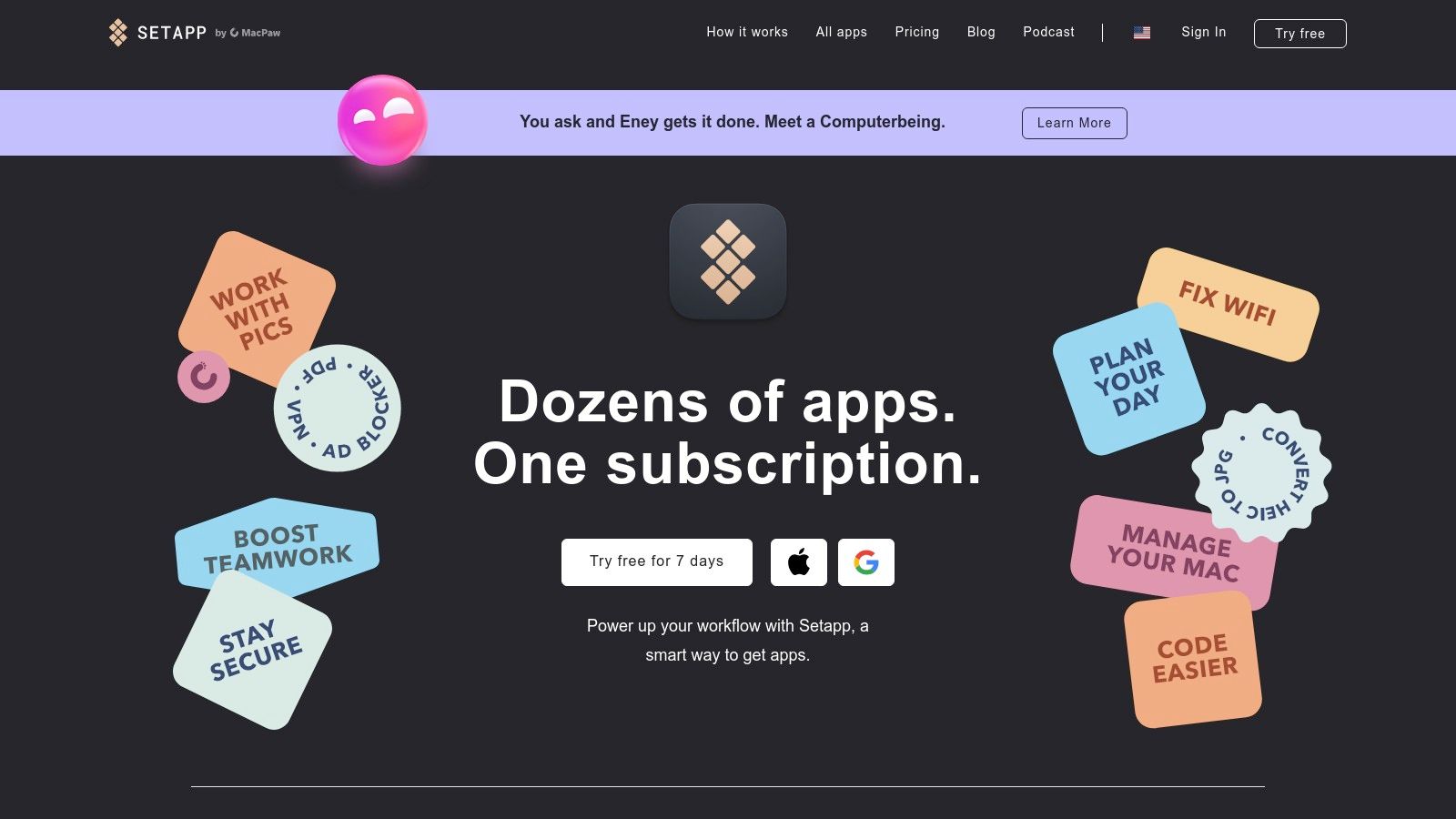
Many of these are apps students need. PDF editors. Screen recorders. Note-taking tools. Focus apps. Writing software.
Instead of buying each app separately, you get them all. This is one of the best apps for student productivity if you're a Mac user who needs multiple tools.
The apps in Setapp are high-quality. They're curated. No junk or spam. Just useful, well-designed software.
You can try any app instantly. If it doesn't work for you, try another. No commitment to individual apps.
Why it's great for students: If you need 3-4 productivity apps, Setapp becomes cheaper than buying them individually. You get to experiment with different tools without risk. Everything updates automatically.
Key Features & Pricing
Feature | Description | Pricing |
|---|---|---|
200+ Apps | Access to a curated collection of Mac and iOS productivity apps. | Regular: $9.99/month. |
Instant Access | Try any app immediately, no separate purchases. | Student Discount: 50% off for verified students. |
Automatic Updates | All apps stay updated without you doing anything. | Family Plan: $19.99/month for up to 4 Macs. |
Practical Tip: Browse the "Studying" and "Productivity" categories when you first subscribe. Install 5-6 apps that sound useful. Use them for a week. Keep what works. Try others if needed. This trial-and-error approach helps you find your perfect toolkit.
Pros: Access to many expensive apps for one price. Great student discount. No commitment to individual apps. High-quality software.
Cons: Only works on Mac and iOS. Monthly cost adds up. May pay for apps you don't use. No one-time purchase option.
Website: Visit Setapp
12. Forest: Stay Focused by Growing Virtual Trees
Forest turns focus into a game. It's one of the best apps for student productivity that actually makes staying on task fun.
Here's how it works. You plant a virtual tree. Set a timer for your study session. If you stay in the app, the tree grows. If you leave the app to check social media, the tree dies.
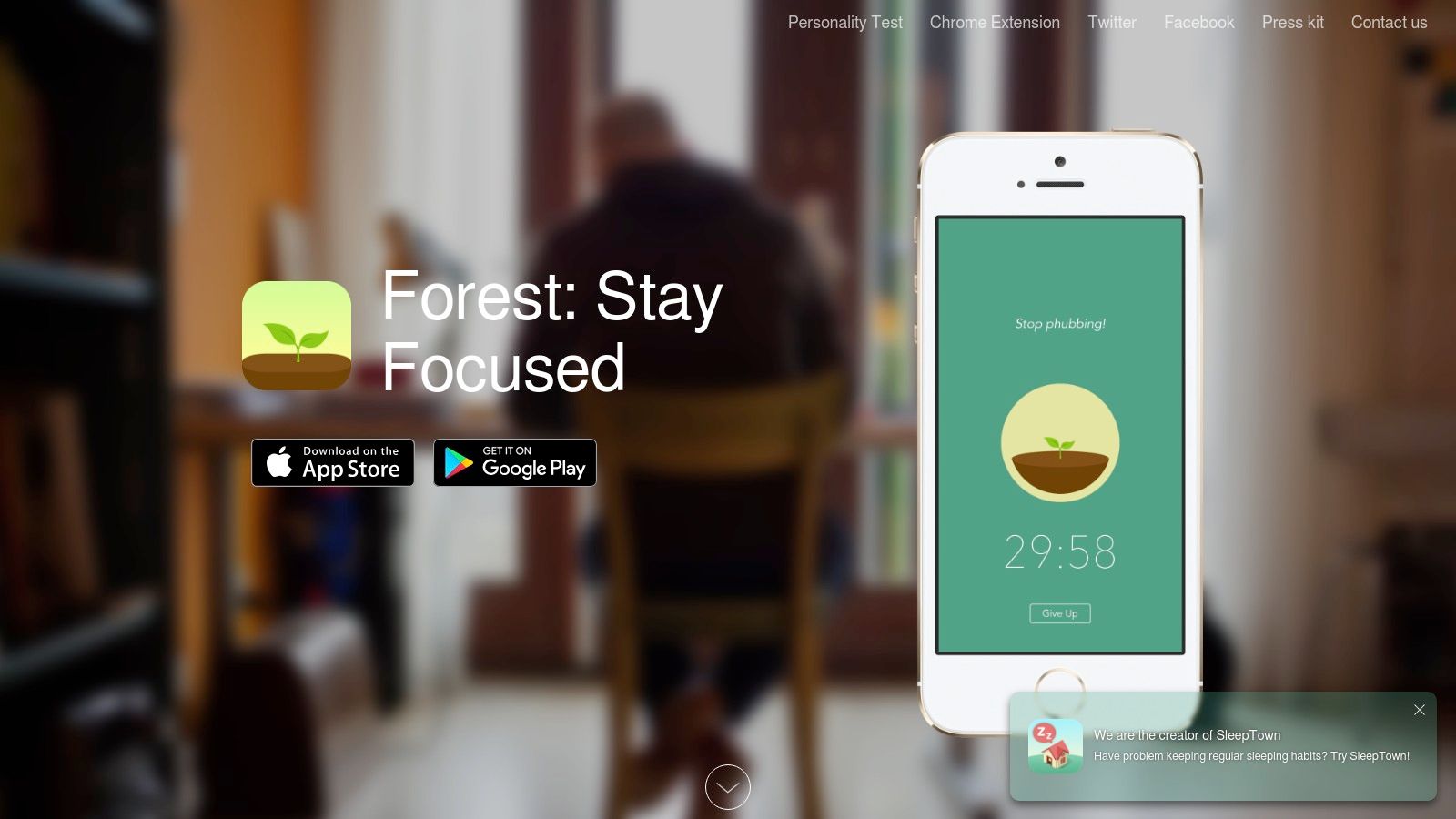
It sounds simple. But it's surprisingly effective. You don't want to kill your tree. So you stay focused.
Forest uses the Pomodoro Technique. Work for 25 minutes. Take a 5-minute break. Repeat. The visual feedback keeps you motivated.
You can create a whole forest over time. Each tree represents a focused study session. It's satisfying to see your forest grow.
There's even a "Plant Together" feature for group study sessions. Everyone stays on task together.
The best part? You can use your virtual coins to plant real trees. Partner organizations plant actual trees based on your focus time.
Why it's great for students: Forest makes focus rewarding. The visual progress is motivating. It's especially good for phone distractions since it lives on your mobile device. You're helping the environment while studying.
Key Features & Pricing
Feature | Description | Pricing |
|---|---|---|
Gamified Focus Timer | Plant trees that grow when you focus and die if you leave. | Free Tier: Available on Android with ads. |
App Allow List | Choose specific apps you can use during focus sessions. | Pro Version: $3.99 one-time purchase on iOS. |
Plant Real Trees | Use virtual coins to plant actual trees through partners. | No Subscription: Just a one-time purchase or free. |
Practical Tip: Use "Deep Focus Mode" on Android for even better blocking. Start a "Plant Together" session for group study. Everyone's trees grow together. It creates accountability and makes studying social.
Pros: Very motivating and visual. Simple interface. Collaborative focus feature. Helps plant real trees.
Cons: Works best on mobile, not desktop. iOS version requires purchase. Blocking is limited by phone OS restrictions.
Website: Visit Forest
Key Features Comparison of 12 Student Productivity Apps
Product | Core Features / Accuracy | User Experience / Quality ★★★★☆ | Value Proposition 💰 | Target Audience 👥 | Unique Selling Points ✨ | Price Points 💰 |
|---|---|---|---|---|---|---|
🏆 Voicy | 99%+ accuracy, 50+ languages, AI grammar | 4.9/5 ★★★★★ - Fast, polished text | Free browser & paid desktop apps | Professionals, students, writers, multilingual users | AI commands for custom transcription controls | Free extension; paid apps (details vary) |
Granola AI | AI summaries, key point extraction | Smart organization, easy interface | Student discounts available | Students, meeting note-takers | Automatic lecture summaries, structured notes | Free tier + $10/month premium |
Calm | Meditations, sleep stories, focus music | Calming, well-designed | 50% student discount | Students, stressed individuals | Stress relief, better sleep, improved focus | Free tier + $69.99/year or $14.99/month |
Microsoft 365 for Students | Full Office suite, 1TB cloud storage | Industry standard tools, cross-platform | Discounted for verified students | Students needing productivity suite | Collaboration, cloud/offline use | Discounted student pricing |
Notion | Notes, tasks, databases, real-time collab | Highly customizable | Free premium for verified students | Students, researchers, project teams | Versatile templates, learning system integration | Free + premium plans |
Todoist | Task capture, natural language dates | Simple, reliable, multi-view | Affordable premium | Individuals, students | NLP-powered task management | Free + premium ($) |
Trello | Visual project boards, checklists, deadlines | Intuitive collaboration | Generous free plan | Students, teams | Workflow automation & Power-Ups | Free + paid tiers ($$) |
Grammarly | Real-time grammar/style check, plagiarism | Effective writing assistance | Paid plans for full feature access | Writers, students, professionals | Multilingual support, broad platform integration | Free + premium subscription ($$) |
Evernote | Notes, PDF annotation, AI search | Stable, well-supported | Powerful organization tool | Students, researchers | Strong import/export & clipper | Free + premium ($$) |
Freedom | Website/app blocker, schedules, focus music | Cross-device sync | Lifetime license option | Students, focus seekers | Ambient focus sounds, multi-platform | Paid plans |
Setapp | Curated macOS/iOS productivity app collection | High-quality apps at one fee | Education discounts available | Mac/iOS users needing multiple tools | Large catalog, easy updates | Subscription only ($$) |
Forest | Gamified Pomodoro timer, social rooms | Motivating, simple UI | App allowance lists | Students needing focus | Real-tree planting, social focus rooms | Free + premium ($) |
Building Your Personal Productivity System
Academic life is demanding. You need more than just willpower. You need a smart strategy.
We've shown you twelve of the best apps for student productivity. You've seen the organizational power of Notion and Evernote. The task management of Todoist and Trello. The focus tools like Freedom and Forest. The writing help from Grammarly.
But here's the thing. Don't download every app on this list.
The goal is to build a toolkit that works for you. The best productivity system is the one you actually use. Not the one that looks impressive.
Finding Your Core Toolkit
Start by finding your biggest problem. Don't try to fix everything at once.
What's the one thing that, if fixed, would make the biggest difference?
If you're disorganized: Start with a note-taking app. Try Notion or Evernote. Use it as your central hub. Put lecture notes there. Save research links. Keep project outlines.
If you miss deadlines: You need a task manager. Todoist is great for simple, powerful scheduling. Trello is perfect if you like visual organization. It's great for tracking projects with multiple steps.
If you get distracted easily: Create an environment that helps you focus. Use Forest to gamify your study sessions. Use Freedom to block distracting websites and apps. Use both together for maximum effect.
If writing feels overwhelming: Streamline your process. Use Voicy to dictate your initial thoughts. Just speak your rough draft. This beats writer's block. Then use Grammarly to polish your text. You'll get a final, submission-ready document.
Implementing Your System for Long-Term Success
Once you choose one or two apps, commit to using them daily. True productivity comes from habits. Not just having the right tools.
These apps work best together. Link your Todoist tasks to your Notion notes. Connect what you need to do with the information you need to do it.
As you get comfortable, try more advanced techniques. Consider task automation strategies. These can help you automate repetitive tasks and save time.
This list of the best apps for student productivity is your map. But you have to take the journey.
Experiment with different combinations. Be honest about what isn't working. Keep refining your system.
Build a digital ecosystem that helps you manage your workload. One that empowers you to excel in school and beyond.
If your main issue is planning study time and follow-through, start with our guide to the best time management tools.


