




Best Dictation Apps for Mac and MacBook (2026)
If you want the conversion-focused product page instead of a comparison article, start with dictation for Mac or speech-to-text for Mac.
Summary of the article
Voicy is the best dictation app for Mac if you want fast writing across Gmail, Word, Google Docs, Notion, ChatGPT, and other everyday apps.
Apple Dictation is the easiest built-in Mac option for short notes and quick text.
Superwhisper is a strong Mac-first AI dictation app for power users who like local and custom workflows.
Wispr Flow is a polished voice-first writing tool with good cross-device appeal.
MacWhisper is better for audio file transcription than live dictation into Mac apps.
Dragon is still a specialist option, but it is not the cleanest fit for most modern Mac users.
Otter is useful for meetings and recordings, not everyday Mac voice typing.
Short answer: most Mac users should compare Voicy, Apple Dictation, Superwhisper, and Wispr Flow first. If you need simple built-in dictation, Apple Dictation is enough. If you want a better daily speech-to-text app for Mac writing, Voicy is the stronger place to start.
Best speech-to-text apps for Mac in 2026
The best speech-to-text app for Mac is not always the app with the longest feature list. Most people need something simpler: press a shortcut, speak naturally, and get clean text in the app they already use.
That is why this guide focuses on real Mac writing workflows. Emails, documents, browser text boxes, notes, prompts, and long-form writing matter more than a perfect demo in one editor.
If you are trying to choose between built-in Mac dictation and a third-party dictation app, this comparison gives you the practical version. You will see what each tool is good at, where it falls short, and which one makes sense for your day-to-day work.
How we picked the best Mac dictation apps
We looked at six things that matter when you use dictation on a Mac every day.
Accuracy: Does it get normal speech right without constant edits?
Speed: Can you start dictating quickly, or does the tool add friction?
App coverage: Does it work across your Mac workflow, or only in one place?
Cleanup: Does it handle punctuation, formatting, and paragraph flow well?
Mac fit: Does it feel natural on macOS and MacBook keyboards?
Value: Is the price reasonable for how often you will use it?
We also separated live dictation from meeting transcription. Those are different jobs. A tool can be excellent for Zoom transcripts and still be weak for writing directly inside Gmail or Google Docs.
Comparison table: the best dictation apps for Mac
Tool | Best for | Works across Mac apps | Main tradeoff |
|---|---|---|---|
Daily writing in many apps | Yes | Cloud-based, so it needs internet | |
Built-in short dictation | Yes | Limited for longer writing sessions | |
Mac-first AI dictation | Yes | More setup and tuning than basic tools | |
Polished voice-first writing | Yes | Subscription cost can add up | |
Audio file transcription | Not really | Not built as a universal live dictation layer | |
Specialist dictation workflows | Limited for modern Mac buyers | Complex and often Windows-first | |
Meetings and recordings | No | Not made for typing into Mac apps |
1. Voicy, best for writing everywhere on Mac
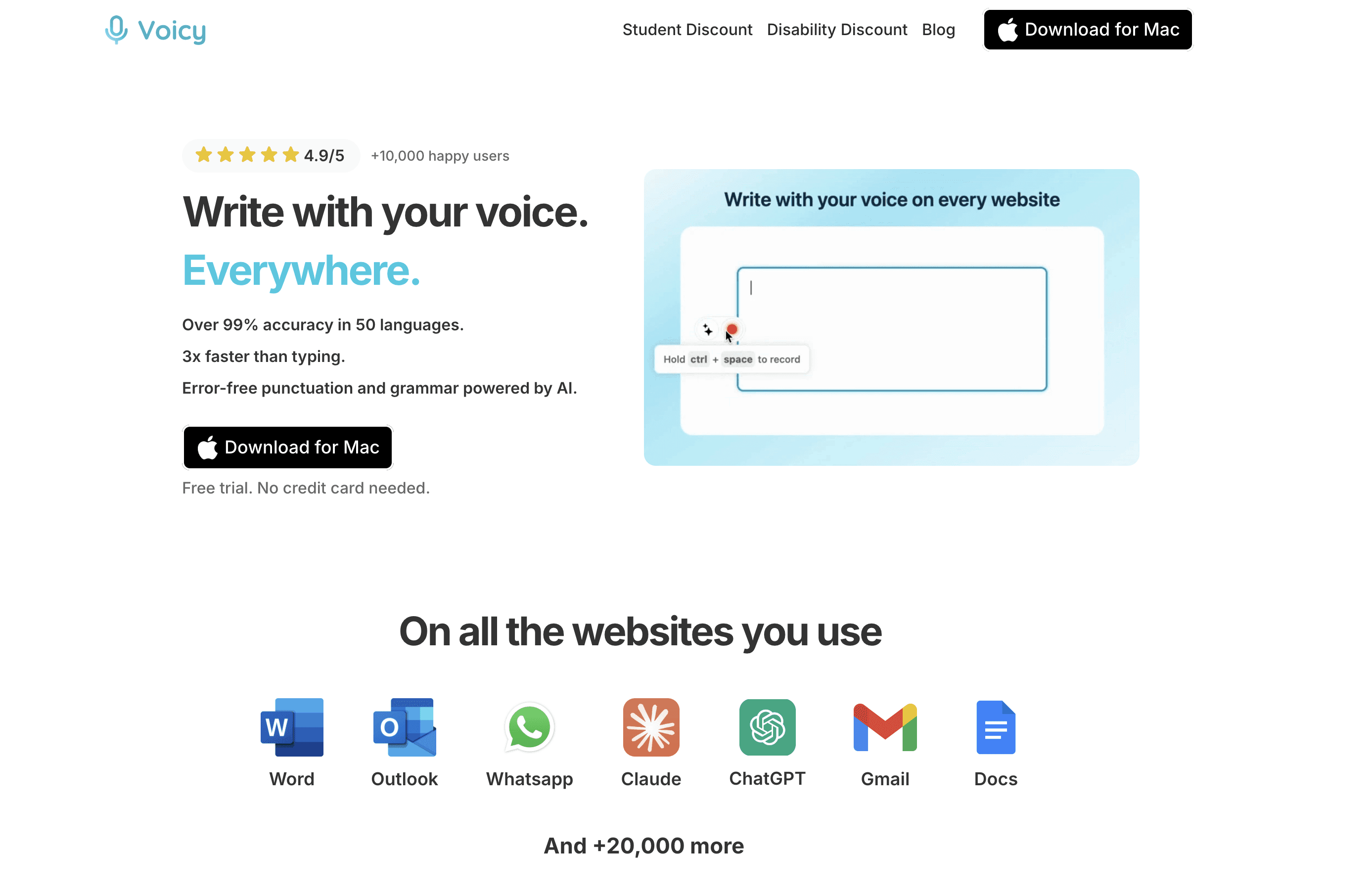
Voicy is the best dictation app for Mac if your real problem is writing in lots of different places. Think Gmail, Outlook, Google Docs, Word, Notion, Slack, ChatGPT, CMS fields, and browser text boxes.
Instead of making you dictate into one separate editor, Voicy is built for the text fields you already use. That makes it easier to turn speech-to-text into a normal writing habit instead of a tool you only remember once a week.
Voicy also supports live dictation and file upload transcription, so it can cover both writing and audio-to-text work. It runs on Mac, Windows, browser extension, iOS, and Android. That helps if your Mac is your main machine but not your only device.
Best for: people who write every day across many Mac apps
Pricing: free trial, then $8.49/month, $82/year, or $260 lifetime
Why it stands out: clean punctuation, broad app coverage, file transcription, and a simple writing workflow
Downside: Voicy uses cloud-based transcription, so it is not the right fit if you need an offline-only Mac dictation tool.
If you want the dedicated Mac product pages, use Voicy for Mac speech-to-text.

2. Apple Dictation, best built-in option
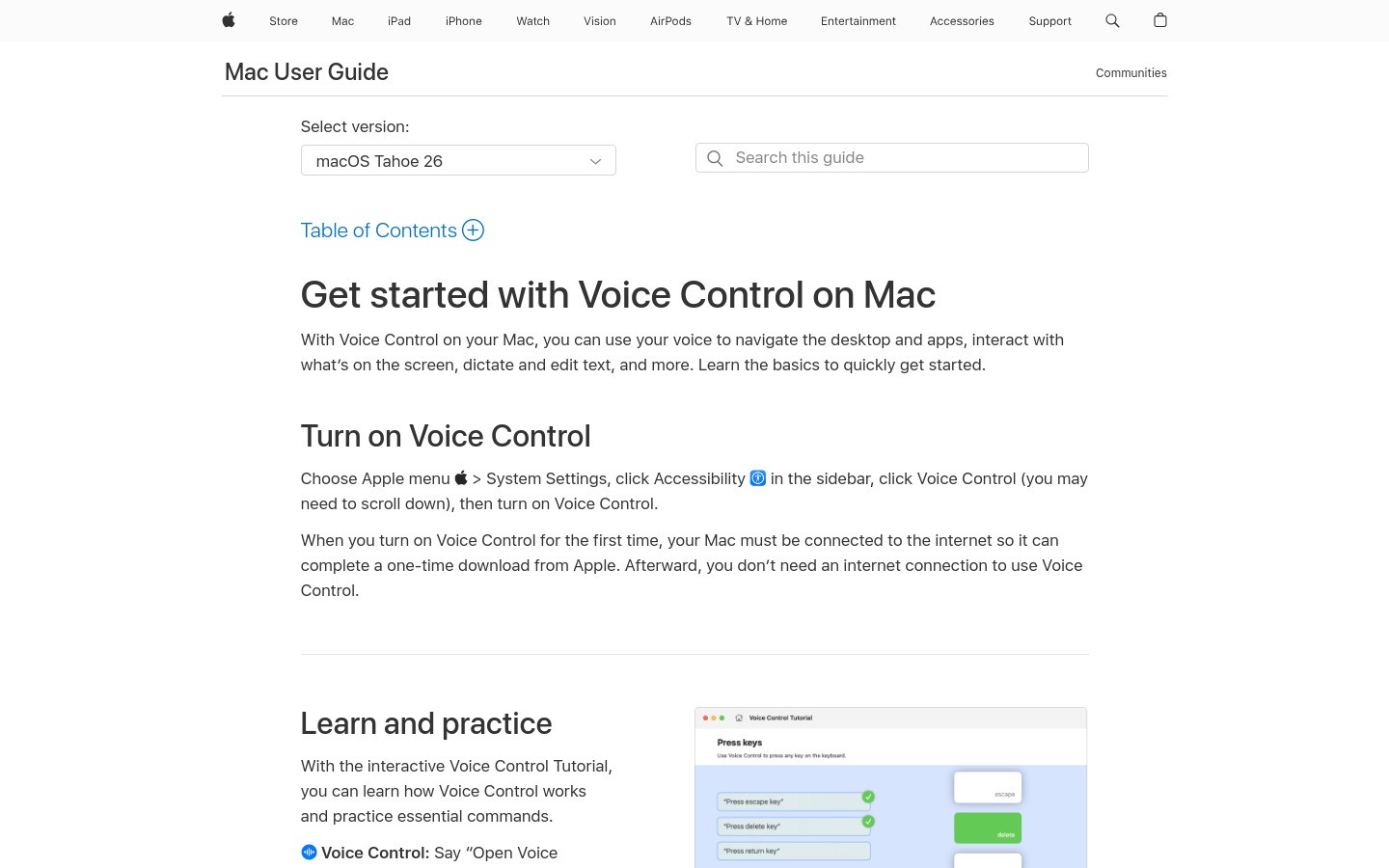
Apple Dictation is the obvious first stop because it is already included with macOS. You can turn it on in System Settings and start speaking without downloading another app.
For short notes, quick messages, and low-stakes text, that may be enough. It is also useful as a baseline. Try it first, then you will know what you want a paid tool to improve.
The weakness shows up when dictation becomes part of your real workflow. Longer writing sessions often need better punctuation, formatting, and cleanup than the built-in tool gives you.
Best for: casual Mac users who want built-in dictation
Pricing: included with macOS
Why it stands out: no extra setup, no extra account, and instant access
Downside: it is useful for quick dictation, but it is not the strongest choice for heavy daily writing.
3. Superwhisper, best Mac-first AI dictation app
Superwhisper is one of the strongest Mac-first dictation apps. It feels made for people who care about desktop workflow, AI models, and customization.
That makes it appealing if you want more control than Apple Dictation gives you. It is also a better fit for technical users who are happy to tune their setup over time.
For a normal Mac user, the question is whether that control is worth the extra setup. If you want a simpler "speak here and keep writing" workflow, Voicy may feel easier to stick with.
Best for: Mac power users who want a native-feeling AI dictation setup
Pricing: free tier and paid Pro options are available
Why it stands out: strong Mac-first feel and flexible AI dictation workflow
Downside: it can feel like more product than you need if you only want simple everyday dictation.
4. Wispr Flow, best for polished voice-first writing
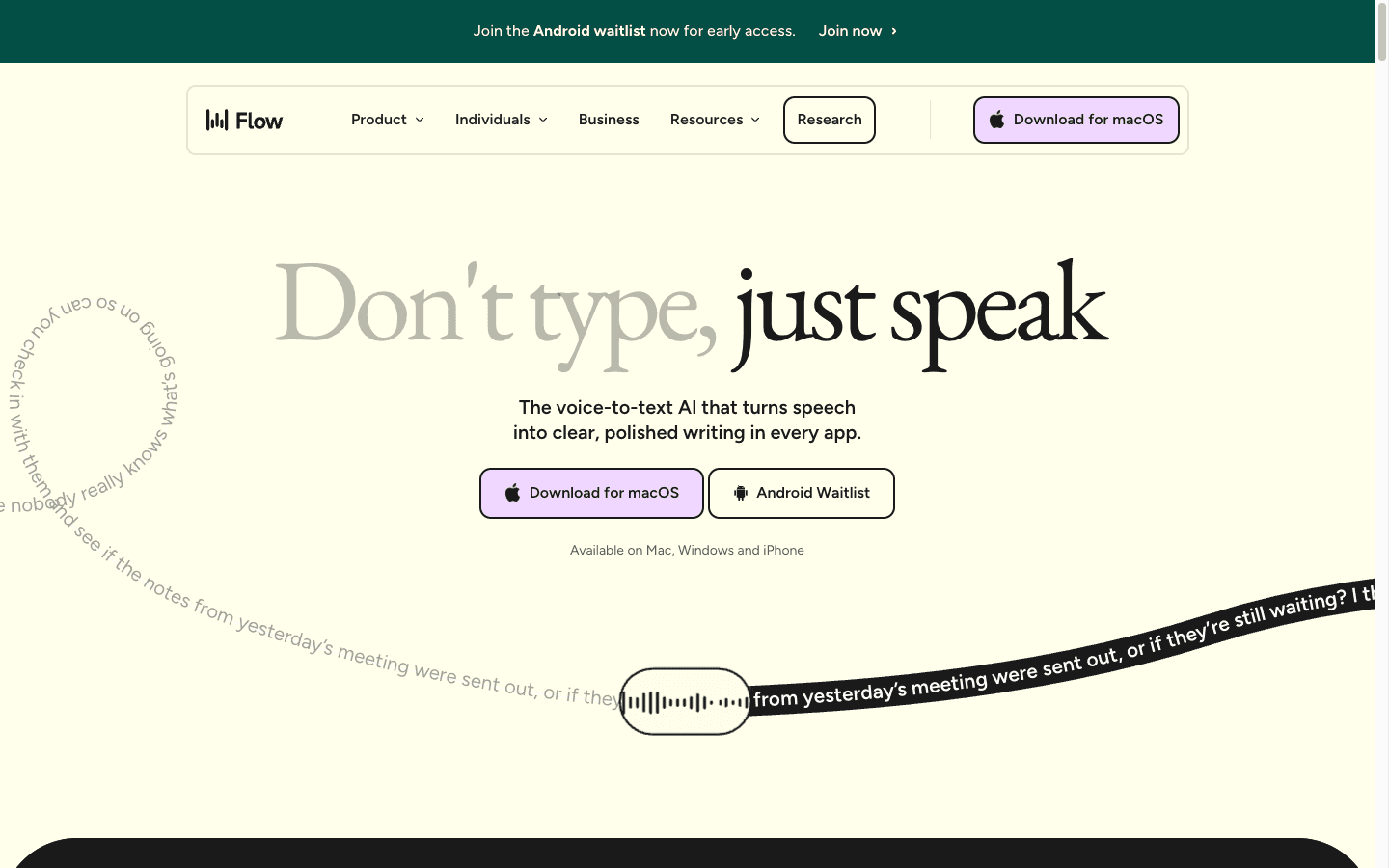
Wispr Flow is a polished voice typing tool built around fast speech-to-text and AI cleanup. It is one of the better-known modern options in this category.
It makes sense if you want a sleek voice-first writing experience and you like the idea of one dictation layer across more than one device. For some people, that cross-device feel is the whole reason to choose it.
The tradeoff is value. If you mainly want Mac writing help, the subscription cost can be harder to justify than either a built-in option or a more direct everyday writing tool.
Best for: users who want polished voice-first writing across devices
Pricing: basic plan and paid Pro plan are available
Why it stands out: modern design, fast dictation, and AI cleanup
Downside: strong product, but not always the simplest Mac-first choice for everyday writing.
5. MacWhisper, best for audio file transcription
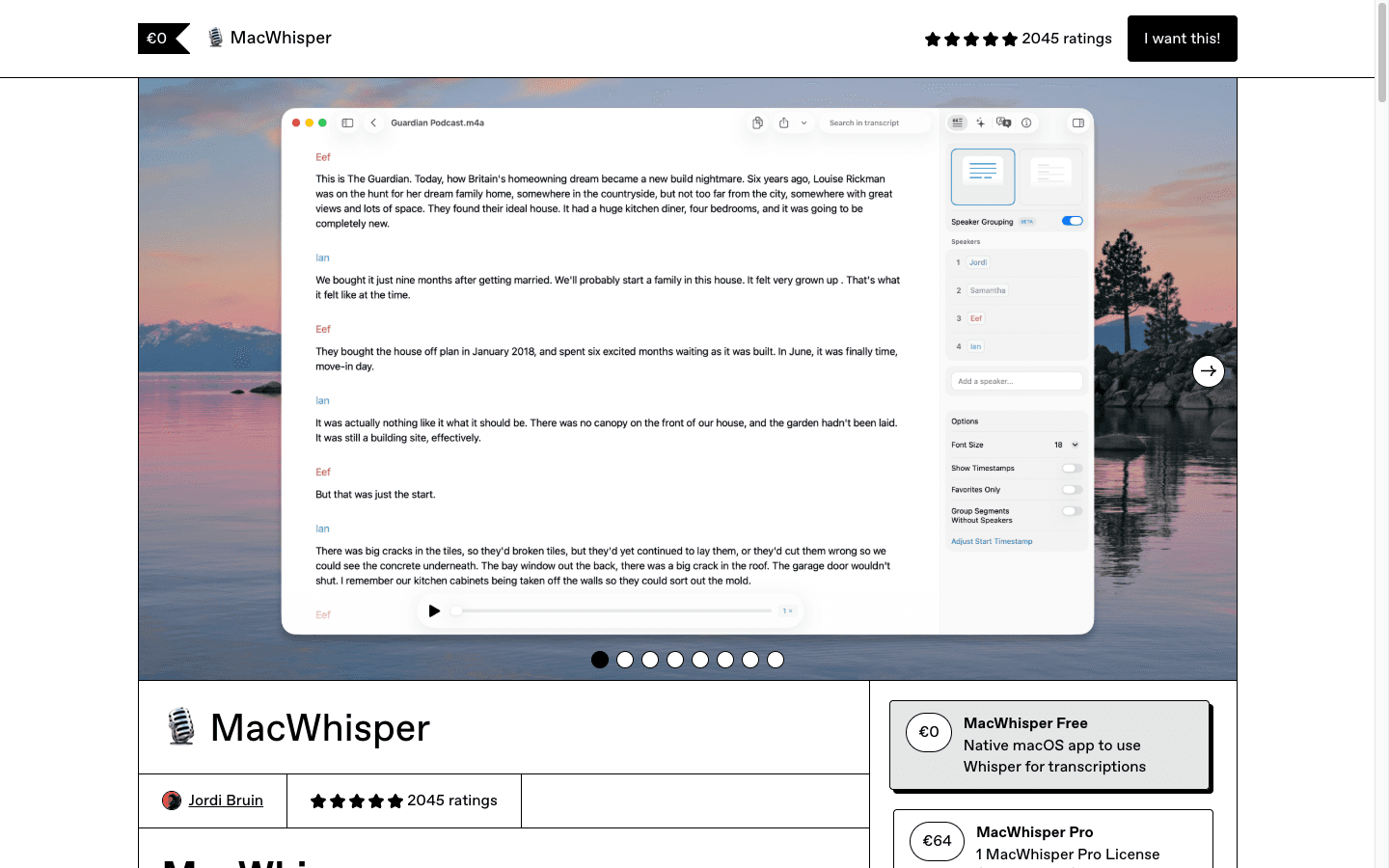
MacWhisper is useful if your main job is turning audio files into text. Drop in a recording, get a transcript, and use it for interviews, voice memos, lectures, or saved audio.
That is different from live dictation. If you want to speak directly into Gmail, Docs, or Notion, MacWhisper is not the same kind of tool as Voicy, Superwhisper, or Apple Dictation.
It belongs on this list because many people search for speech-to-text apps when they really mean audio-to-text. If that is your need, MacWhisper is worth checking.
Best for: Mac users who transcribe saved recordings
Pricing: free and paid options are available
Why it stands out: focused Mac audio transcription workflow
Downside: not the best pick if your goal is universal live dictation into Mac apps.
6. Dragon, best for specialist dictation users

Dragon is still the old heavyweight in speech recognition. It has a long reputation in legal, medical, enterprise, and documentation-heavy workflows.
That does not automatically make it the best dictation app for Mac users in 2026. Dragon is often better understood as a specialist speech recognition system than a lightweight Mac writing app.
If you need command-heavy dictation and a mature professional ecosystem, it may still belong on your shortlist. If you want a simple MacBook voice-to-text app, it is probably more tool than you need.
Best for: specialist users with professional dictation requirements
Pricing: premium professional pricing
Why it stands out: reputation, professional use cases, and advanced speech recognition history
Downside: expensive and not the cleanest fit for most everyday Mac writing workflows.
7. Otter, best for meetings and recordings
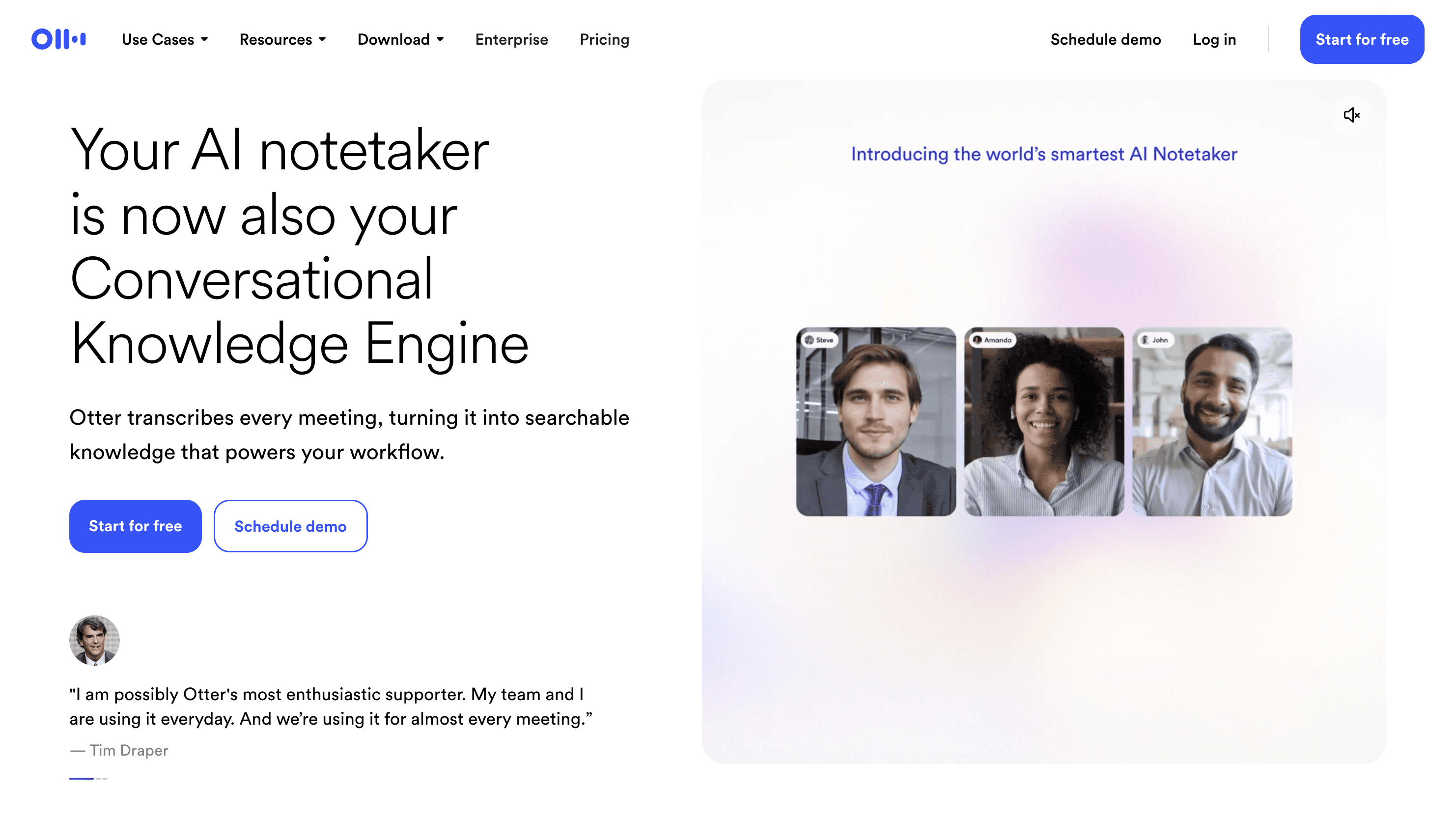
Otter is useful, but it solves a different problem. It is made for meetings, recordings, transcripts, and summaries.
That makes it helpful if you record calls, interviews, or lectures. It is not the tool I would pick if your goal is to dictate directly into every Mac app.
If your speech-to-text need is "turn this meeting into notes," Otter is a good option. If your need is "write faster on my Mac," choose a live dictation tool instead.
Best for: meetings, interviews, and audio notes
Pricing: free and paid plans are available
Why it stands out: meeting transcripts and summaries
Downside: not built for typing directly into every Mac app.
Which Mac speech-to-text tool should you choose?
Here is the simple version.
Choose Voicy if you want the best all-around Mac dictation workflow for everyday writing.
Choose Apple Dictation if you want the easiest built-in option for short text.
Choose Superwhisper if you want a Mac-first AI dictation app with more control.
Choose Wispr Flow if you want a polished voice-first product across devices.
Choose MacWhisper if you mostly transcribe audio files.
Choose Dragon if you have specialist dictation needs and budget is less important.
Choose Otter if you need meeting transcripts, not live Mac dictation.
For most readers, the practical choice is Voicy first and Apple Dictation second. One is the stronger daily writing tool. The other is the easiest built-in fallback.
Frequently asked questions
What is the best dictation app for Mac?
The best dictation app for Mac is Voicy if you want a daily writing tool that works across apps. Apple Dictation is the best built-in option for short and casual dictation.
What is the best speech-to-text app for Mac?
Voicy is the best speech-to-text app for Mac for everyday writing across apps. Superwhisper is a strong Mac-first option for users who want more customization.
What is the best voice-to-text app for MacBook?
For most MacBook users, Voicy is the strongest all-around voice-to-text app because it is built for writing in many different apps. Apple Dictation is the easiest built-in alternative.
Does Mac have built-in dictation?
Yes. macOS includes Apple Dictation. You can enable it in System Settings and use it for basic speech-to-text on your Mac.
Is Apple Dictation good enough?
Apple Dictation is good enough for short notes and casual use. If you dictate long emails, documents, or work messages every day, a third-party tool usually gives you better cleanup and workflow support.
Is there a free dictation app for Mac?
Apple Dictation is included with macOS. Some third-party dictation apps also offer free trials or limited free tiers, but check the current plan details before choosing.
What is the difference between dictation and transcription?
Dictation means speaking live and turning your words into text as you write. Transcription usually means turning an existing audio or video file into text later.
Is Otter a good Mac dictation app?
Otter is good for meetings and recordings, but it is not the best choice for live dictation into Mac apps. Use Otter for transcripts and a dictation app for writing.
Does Voicy work on Mac and other devices?
Yes. Voicy supports Mac, Windows, browser extension, iOS, and Android. It also supports live dictation and file upload transcription.
Does Voicy work offline?
No. Voicy uses cloud-based transcription, so it needs internet access. If you need an offline-only workflow, choose a local dictation or transcription tool instead.
Final verdict
The best dictation app for Mac depends on what you are really trying to do. For quick built-in speech-to-text, Apple Dictation is the easy starting point. For meetings, use Otter. For audio files, try MacWhisper.
For everyday writing across Mac apps, Voicy is the cleaner choice. It is built for the places you already type, supports live dictation and file transcription, and gives you a practical path beyond basic built-in Mac dictation.
Start with Voicy for Mac dictation if your goal is writing faster, or read the broader speech-to-text Mac app page if you want the platform-specific version.


