





7 Best Business Productivity Apps to Use in 2026
Want to get more done in less time? The right business productivity apps can transform how you work. Here are the top tools that will boost your team's output in 2025.
1. Voicy: AI-Powered Voice Writing and Editing
Voicy changes how you write. Instead of typing for hours, just speak and watch your words appear on screen. You can write up to three times faster than typing.
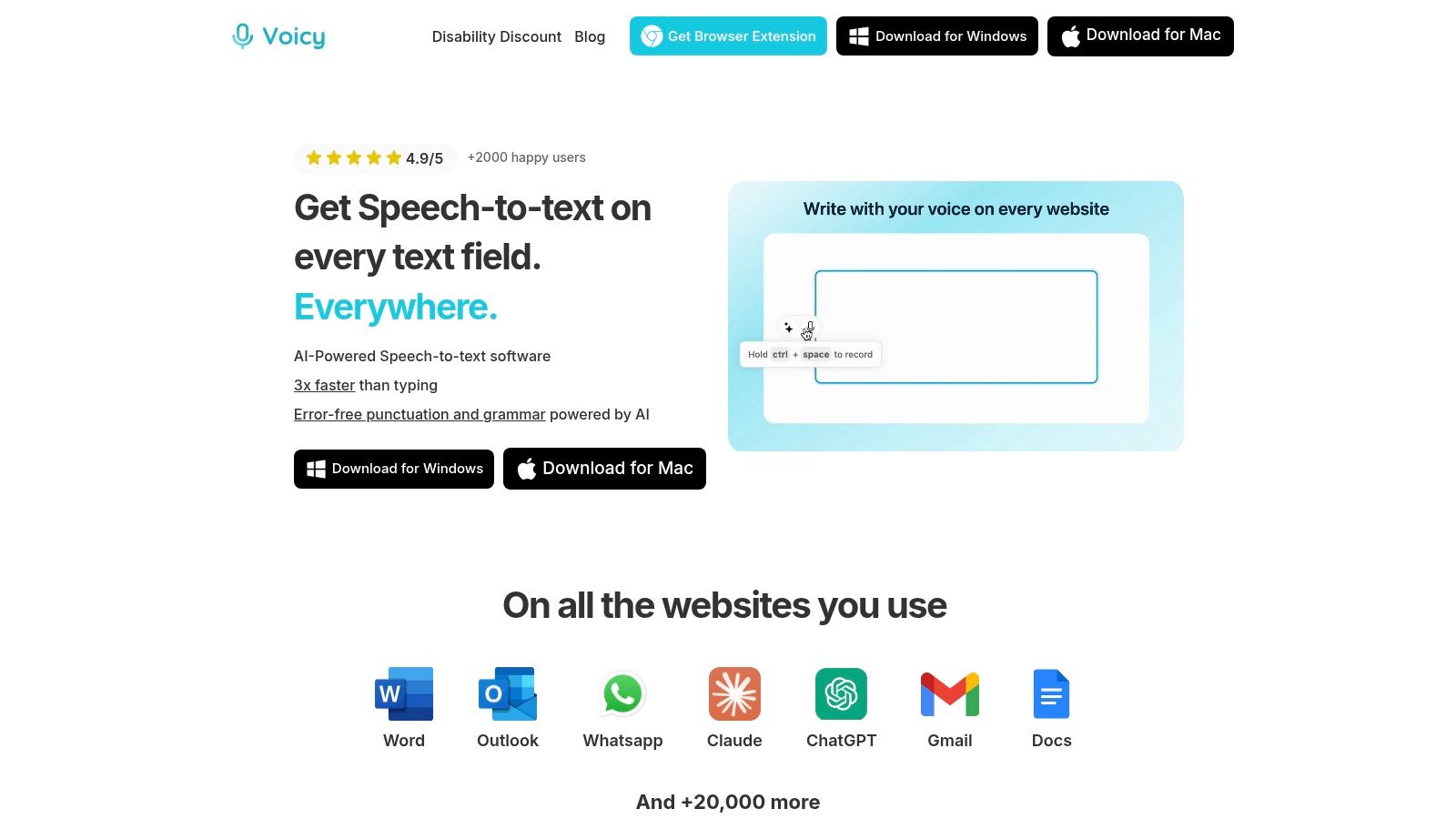
This isn't basic dictation. Voicy gives you 99% accuracy in over 50 languages with automatic grammar fixes and punctuation. It works everywhere—Mac, Windows, Chrome—fitting right into apps like Google Docs, Gmail, and ChatGPT.
What Makes Voicy Special
Voicy's AI commands let you edit while speaking. Say "Make this a formal email" or "Turn this into bullet points," and watch the AI transform your text instantly.
Key Features:
Voice commands for instant text editing
Works in any text box with one keyboard shortcut
Perfect for people with typing strain or disabilities
Accurate in dozens of languages
When you use AI to generate text, keeping it natural is important. As you use AI for voice writing with tools like Voicy, you can also explore how an AI-to-human converter ensures your output sounds authentic to your readers.
Who Should Use Voicy?
Voicy works great for busy professionals, content writers, and students. If your job needs lots of writing, this tool saves you hours every week. Your transcripts stay completely private—only you can see them.
Pros:
99%+ accuracy in 50+ languages
AI commands create custom text instantly
Works on Mac, Windows, and Chrome across 20,000+ sites
Write 3x faster than typing
Privacy-focused and secure
Cons:
Background noise can affect accuracy
Works best with clear speech
Pricing: $8.49/month for unlimited recording, or $260 for lifetime access. The free trial includes 40 minutes.
Website: https://usevoicy.com
2. Slack: Where Your Team Communicates
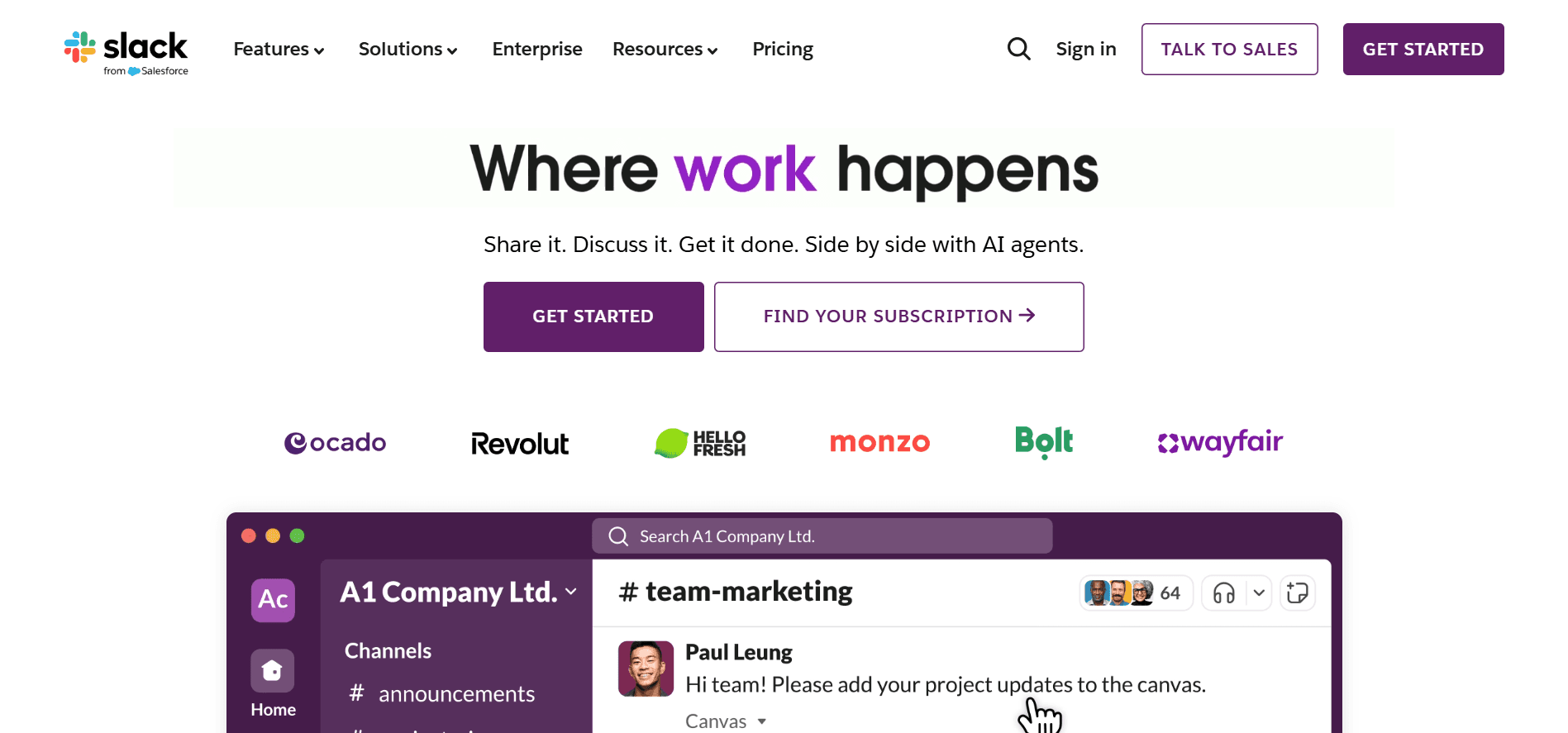
Slack is the most popular team messaging app in business. Instead of endless emails, your team can chat instantly, share files, and keep everything organized by topic.
Each project or department gets its own channel. You can search old messages, pin important updates, and make quick video calls. Over 10 million people use Slack daily because it keeps teams connected.
Why Businesses Choose Slack
Top Features:
Organize chats by project or team
Search through all conversations instantly
Connect with 2,500+ other apps
Voice and video calls built in
Share files and get quick feedback
For teams working remotely, clear communication is essential. You might also want to check out the 12 best remote work productivity tools to build a complete remote setup.
Perfect For
Any team that wants faster communication than email. Whether you're five people or fifty thousand, Slack keeps everyone in the loop.
Pricing: Free for basic features. Paid plans start at $7.25/user/month.
Website: https://slack.com
3. Zoom: Video Meetings Made Easy
Zoom became a household name during the pandemic, and it's still the go-to choice for video calls. Whether you're meeting with clients, training your team, or hosting webinars, Zoom makes it simple.
The platform is incredibly reliable. You can share your screen, record meetings, and use virtual backgrounds. It works on any device and requires no technical skills.
What Makes Zoom Popular
Key Benefits:
Join meetings with one click
Crystal-clear video and audio quality
Share your screen with everyone
Record meetings for later
Works on phone, tablet, or computer
Best For
Businesses that need reliable video calls. If you meet with remote teams or clients regularly, Zoom is the industry standard.
Pricing: Free for meetings up to 40 minutes. Paid plans start at $14.99/month.
Website: https://zoom.us
4. Trello: Visual Project Planning
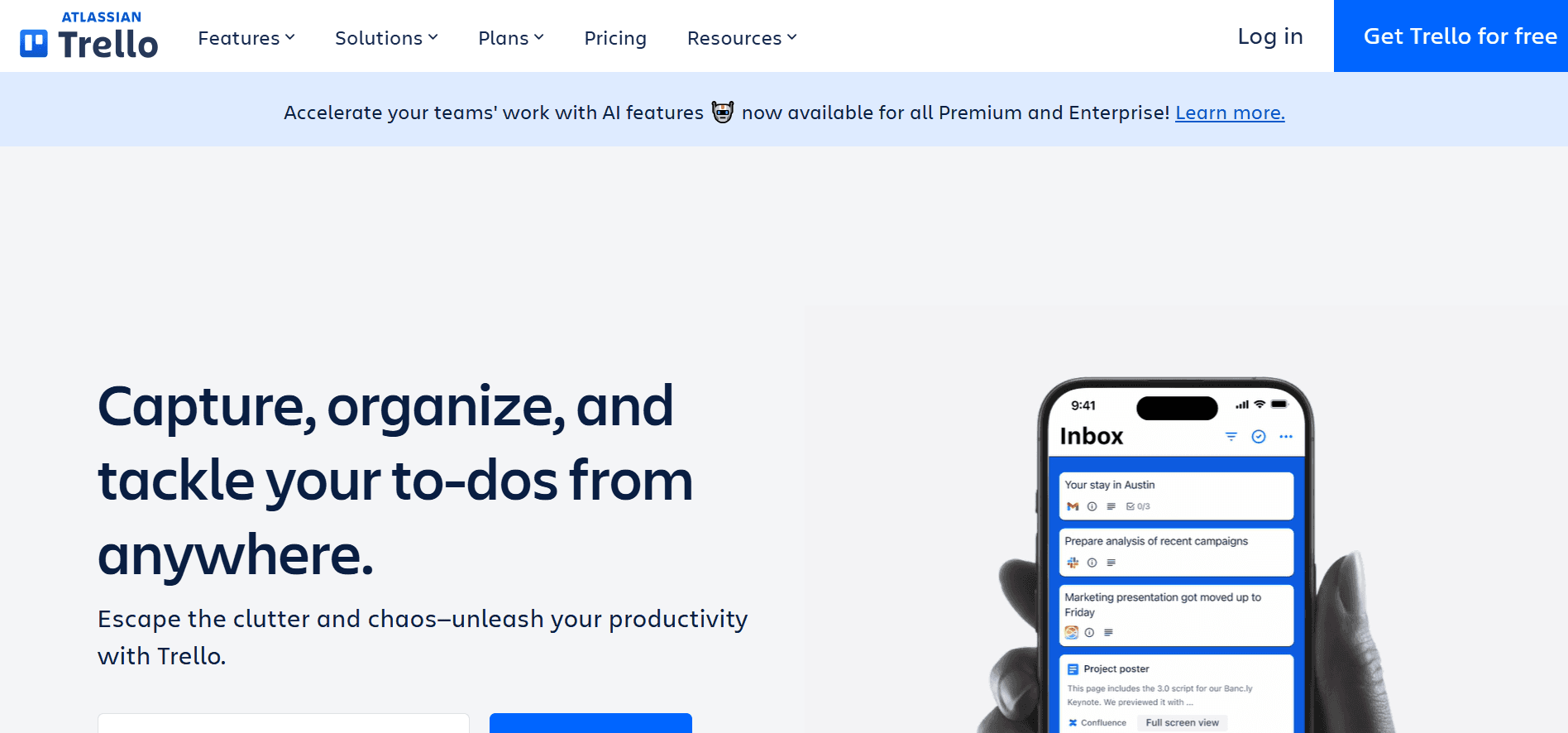
Trello makes project management visual and simple. Instead of complicated software, you get boards with cards you can drag and drop. Each card is a task, and you move it across lists as work progresses.
It's perfect for teams that think visually. You can see everything at a glance—what's planned, what's in progress, and what's done. No training needed.
Why Teams Love Trello
Main Features:
Simple drag-and-drop boards
Cards for every task with all details
Color labels for quick organization
Assign tasks to team members
Set due dates and get reminders
Great For
Small to medium teams that want simple project tracking. If fancy features overwhelm you, Trello keeps things clear and visual.
Pricing: Free for unlimited personal boards. Paid plans start at $5/user/month.
Website: https://trello.com
5. Google Drive: Store and Share Everything
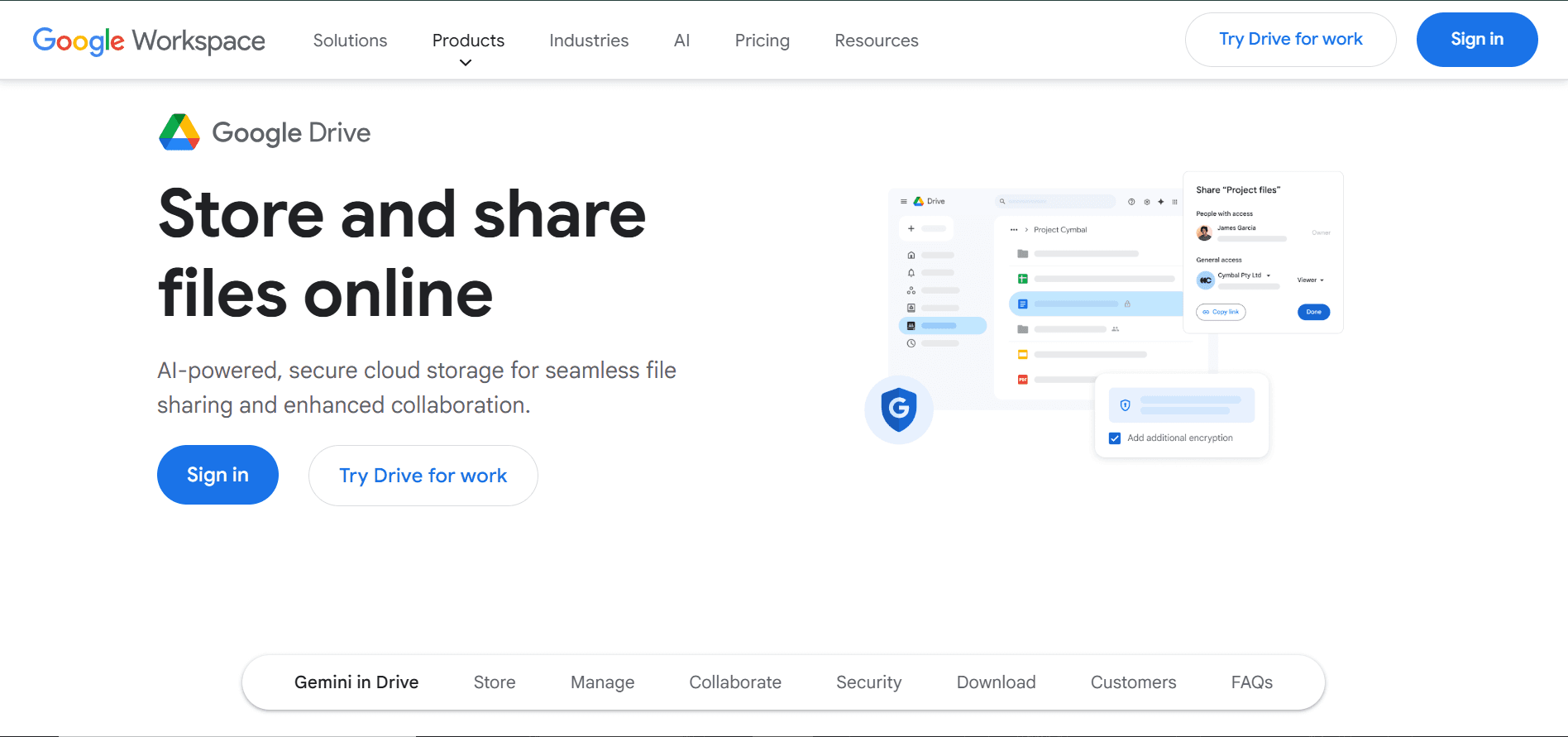
Google Drive is where millions of businesses store their files in the cloud. You get 15 GB free, and you can access your files from anywhere—computer, phone, or tablet.
The real power is collaboration. Multiple people can edit the same document at the same time. You see changes instantly, and nothing gets lost in email threads.
What Google Drive Offers
Top Features:
Store files safely in the cloud
Access everything from any device
Share files with anyone, anywhere
Work together on documents in real-time
Connect with thousands of other apps
Perfect For
Any business that needs to share files and collaborate. If your team works remotely or needs to access files on the go, Google Drive is essential.
Pricing: 15GB free. Paid plans start at $1.99/month for 100GB.
Website: https://drive.google.com
6. Grammarly: Write With Confidence
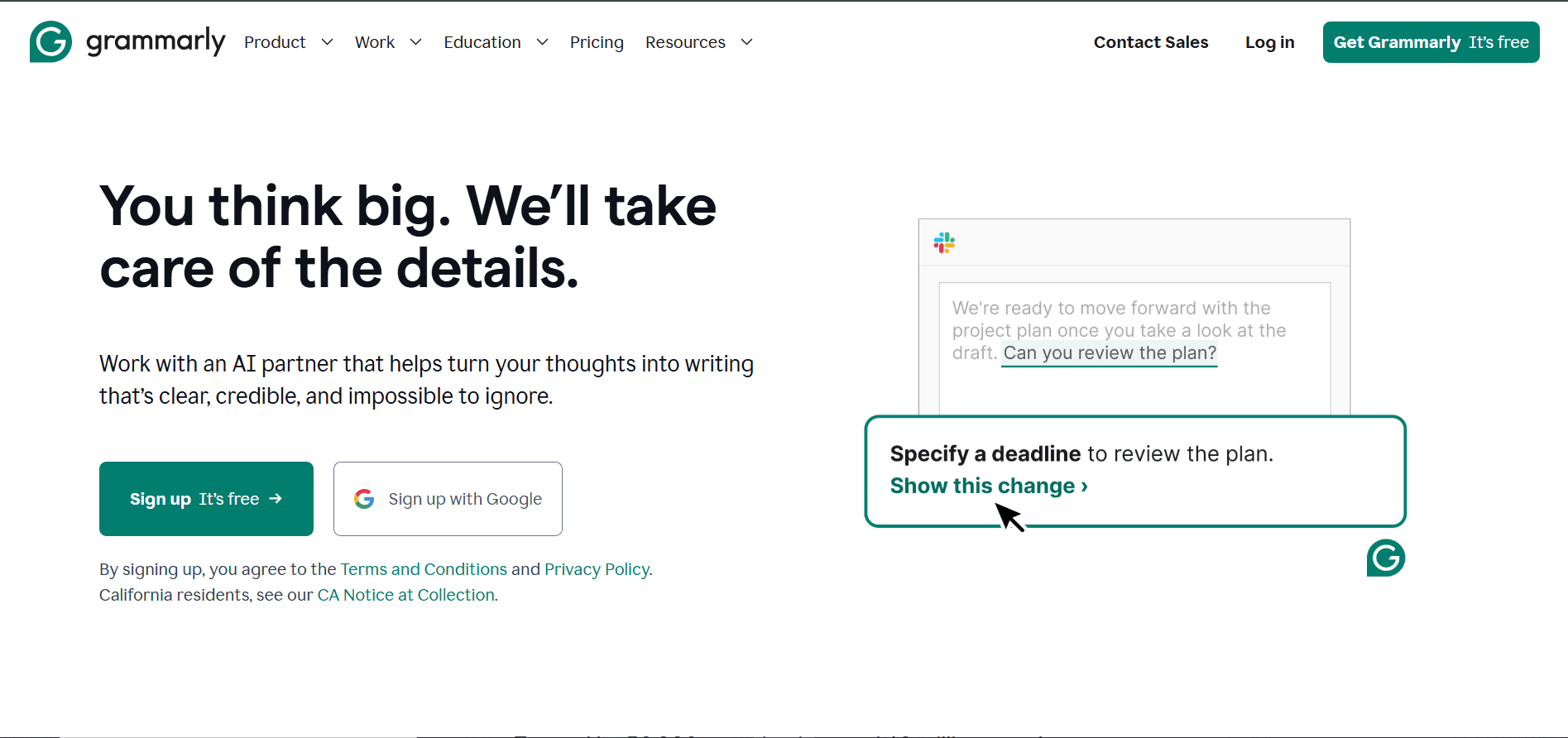
Grammarly helps you write better. It catches grammar mistakes, spelling errors, and awkward phrasing as you type. Whether you're writing emails, reports, or social media posts, Grammarly makes sure you sound professional.
It works everywhere you write—Gmail, Slack, Word, even social media. The AI suggests better ways to phrase things and adjusts to your writing style.
Why Professionals Use Grammarly
Key Features:
Fix grammar and spelling instantly
Suggestions for clearer writing
Tone detector shows how you sound
Works in every app and website
Plagiarism checker for important documents
Best For
Anyone who writes for work. From quick emails to long reports, Grammarly helps you communicate clearly and professionally.
Pricing: Free for basic checks. Premium starts at $12/month.
Website: https://grammarly.com
7. Canva: Design Like a Pro
Canva lets anyone create professional graphics—no design experience needed. With thousands of templates, you can make social media posts, presentations, flyers, or business cards in minutes.
Just pick a template, change the text and colors, and you're done. It's that simple. Teams love it because everyone can create on-brand graphics without waiting for a designer.
What Makes Canva Different
Top Benefits:
Thousands of free templates
Drag-and-drop design interface
Your brand colors and logos saved
Stock photos and graphics included
Create presentations, posts, and documents
Perfect For
Small businesses and teams that need good design without hiring a designer. If you create social media posts, presentations, or marketing materials, Canva saves hours.
Pricing: Free with basic features. Pro starts at $12.99/month.
Website: https://canva.com
If your team needs a broader workflow stack, compare the best productivity tools for time management across planning, focus, writing, meetings, and admin work.
Quick Comparison: All 7 Apps
App | Type | Best For | Starting Price |
|---|---|---|---|
Voicy | Voice-to-text | Fast writing, professionals | $8.49/month |
Slack | Team communication | Business messaging | $7.25/user/month |
Zoom | Video conferencing | Remote meetings | $14.99/month |
Trello | Project management | Visual task tracking | $5/user/month |
Google Drive | Cloud storage | File sharing & collaboration | $1.99/month |
Grammarly | Writing assistant | Professional writing | $12/month |
Canva | Graphic design | Creating visuals | $12.99/month |
How to Choose the Right Apps for Your Team
Finding the perfect business productivity apps isn't about downloading everything. It's about solving your biggest problems first.
Your Action Plan
Follow these four steps:
1. Find Your Biggest Problem
What slows you down most? Too many emails? Bad meetings? Slow writing? Figure out the one thing that wastes the most time.
2. Start Small
Pick one tool and test it with a few people first. Get their feedback before rolling it out to everyone. This catches problems early.
3. Check If It Connects
Make sure new apps work with what you already use. The best apps play nicely together. Check for integrations before you buy.
4. Measure What Changes
Track real improvements. Are you saving time? Finishing projects faster? Fewer mistakes? Numbers tell you if it's working.
The Universal Time-Saver: Voice Technology
While most apps help with specific tasks, some tools help everyone. Writing takes up huge chunks of most jobs, emails, reports, documents, and messages.
Voicy solves this problem for everyone. Turning your voice into text with AI editing makes writing three times faster. Whether you're answering emails or creating content, voice technology saves hours every week.
This isn't just a small improvement. It's a completely different way to work. As you build your productivity toolkit, think about tools that improve the basics everyone does daily.
Start Simple, Scale Smart
Don't try to change everything at once. Pick the tools that solve your biggest pain points. Get comfortable with those first. Then add more as you need them.
The best business productivity apps are the ones your team actually uses. Simple tools that solve real problems beat complex tools that sit unused.
Choose wisely, implement carefully, and watch your productivity soar.
Ready to write three times faster? Voicy's AI-powered voice-to-text turns your speech into polished text with 99%+ accuracy. Save hours every week. Try it today at Voicy.


