




How to Type Faster on a Keyboard: 9 Practical Ways to Improve Typing Speed
If you want to type faster, do not start with random typing tests. Start with the habits that actually move your speed: touch typing, cleaner posture, better drills, and less friction while you work.
This guide is the main page in our speed-typing cluster. If you specifically want to improve your words-per-minute score, also read how to increase WPM. If your real goal is writing faster, not just typing faster, pair this with our guide to writing faster.
Summary of the article
Learn touch typing first. It is the foundation of real typing speed.
Fix posture and keyboard setup so fatigue does not slow you down.
Practice accuracy before speed. Cleaner typing becomes faster typing.
Use targeted drills for weak keys, numbers, and common letter combinations.
Use keyboard shortcuts and text expansion so you type less.
Use a typing speed test as a baseline, not as the goal itself.
If you need to draft faster, use voice typing for the first draft and your keyboard for editing.
Best next step: if you want a cleaner typing workflow, keep reading. If you mainly want faster drafting, jump to the section on voice typing near the end.
1. Learn touch typing first
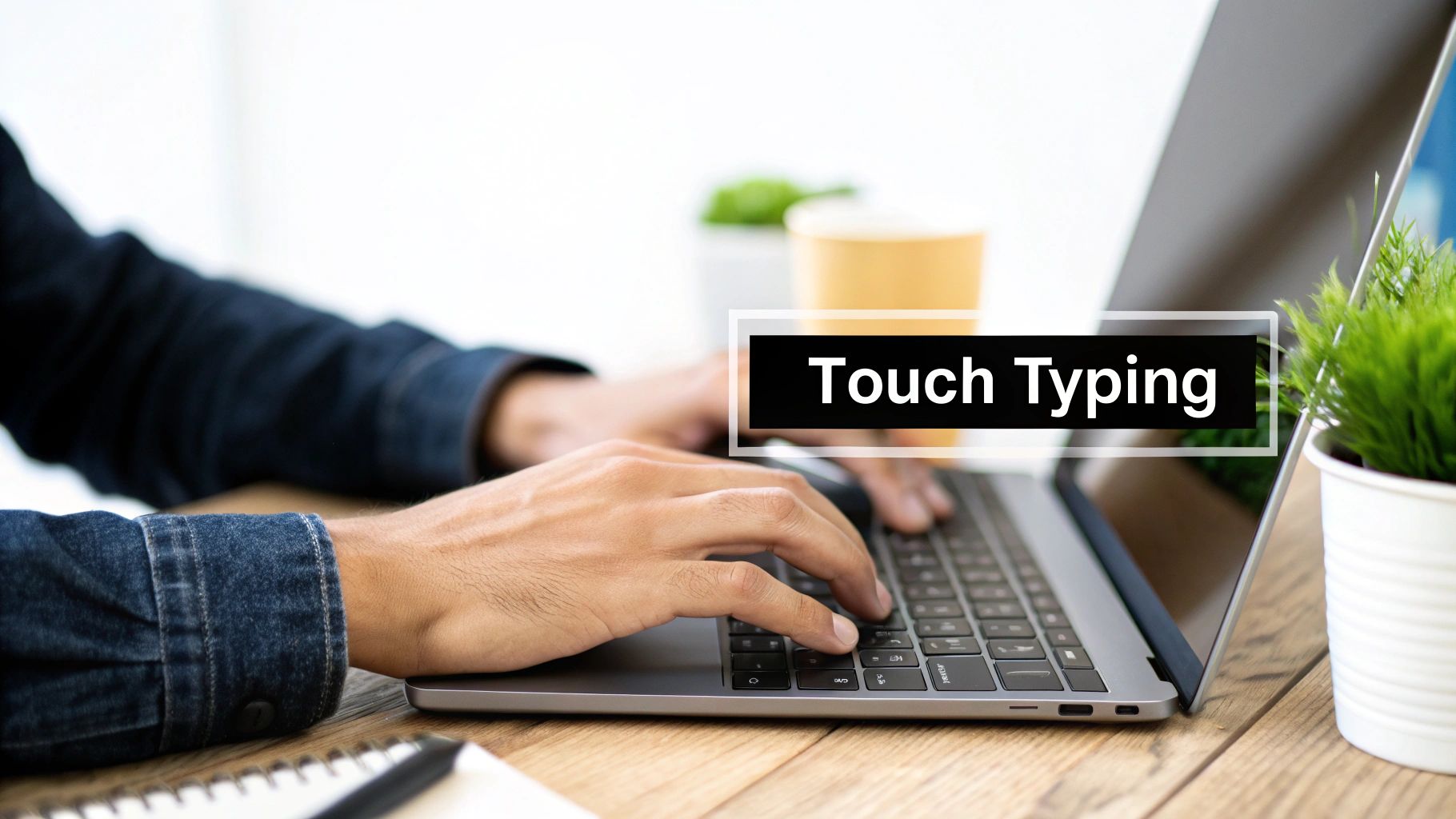
If you still look down at your keyboard, that is the first bottleneck to fix. Touch typing matters because it keeps your eyes on the screen and turns key placement into muscle memory.
You do not need to become a typing nerd. You just need a repeatable system. Start from the home row, use the correct fingers, and accept that you will get slower before you get faster.
If you want a deeper explainer, read what touch typing is and how long it takes to learn.
What to do this week
Practice 10 to 15 minutes a day
Keep your eyes on the screen, not your hands
Focus on common letter pairs like th, er, on, and an
Do not chase speed on day one
The fastest typists are usually not the wildest typists. They are the cleanest typists.
2. Fix your posture and desk setup
Bad setup leaks speed. If your wrists hurt, your shoulders tense up, or your chair is too low, you will slow down long before your technique has a chance to improve.
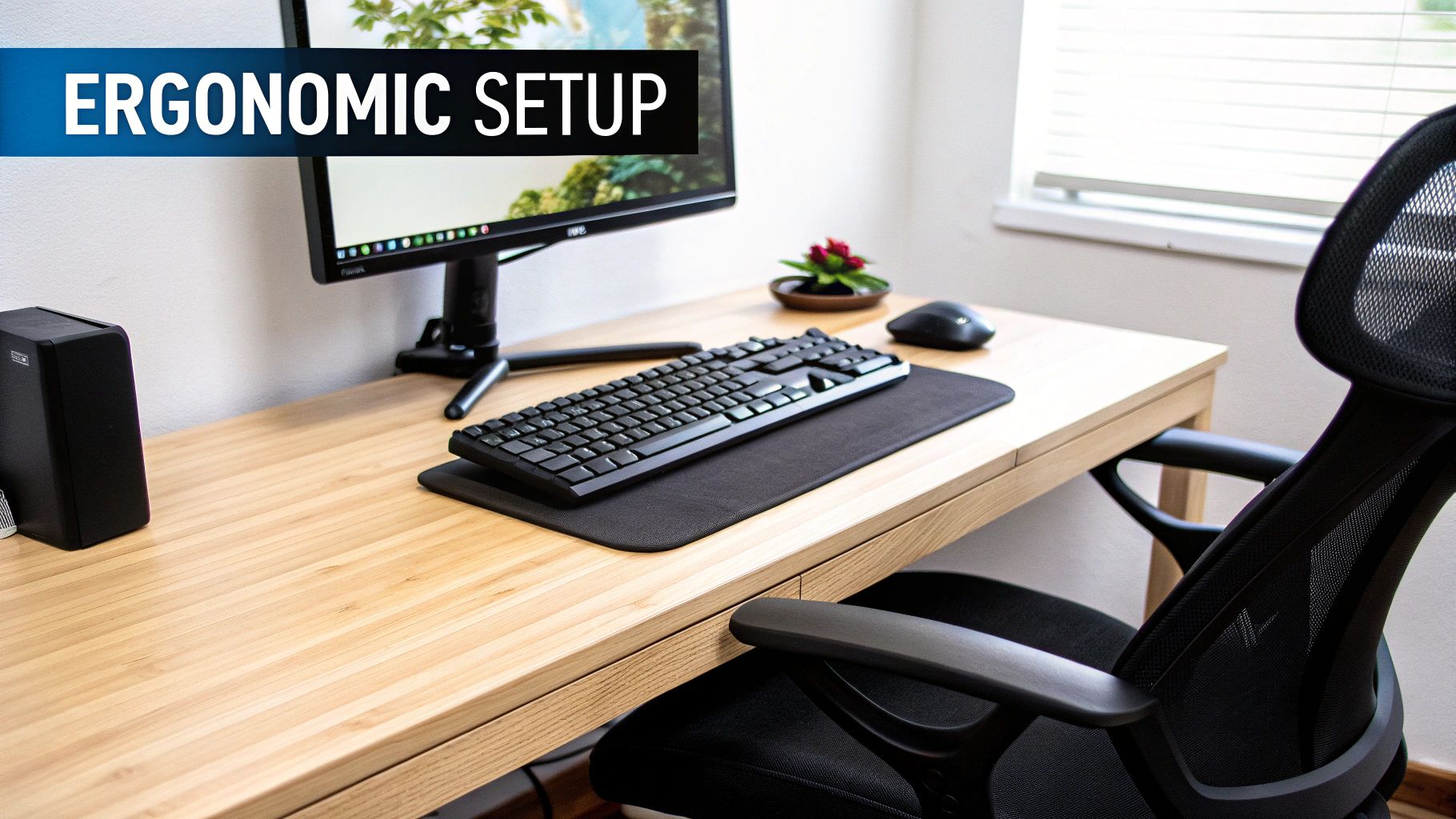
Use this checklist:
Elbows around 90 degrees: your arms should not be reaching up or down
Wrists straight: avoid bending them upward while you type
Feet flat on the floor: this helps you stay steady during longer sessions
Screen at eye level: stop craning your neck down all day
If pain is already part of the problem, read how to relieve wrist pain from typing.
3. Practice accuracy before speed
A lot of people try to type faster by forcing speed. That usually backfires. If you make more mistakes, you spend more time correcting them, and your real output drops.
A better rule is simple: aim for clean reps first. Once your fingers stop guessing, speed starts to rise on its own.
This is why WPM by itself can be misleading. A person typing 70 WPM with messy corrections may be less efficient than someone typing 58 WPM cleanly. That is one reason our WPM guide treats accuracy as part of the score, not a side note.
4. Use targeted drills instead of random practice
Typing more is not the same as typing better. You improve faster when you practice the weak spots that actually slow you down.
Common weak spots include:
numbers and symbols
long words with awkward letter combinations
capital letters and punctuation
switching between words and shortcuts
Use a typing tool like Monkeytype for focused drills, not just one-off vanity tests. If you want to know whether your speed is really improving, compare your results over a few weeks, not one afternoon.
5. Use a typing speed test the right way
A typing speed test is useful for one thing: benchmarking. It tells you where you are today so you can measure progress later.
What it does not do is magically make you faster. That is why I would not obsess over the "typing speed test" query itself. The real value is what you do after the score.
Use one short test to get your baseline. Then ask:
Are you losing time to errors?
Do numbers or punctuation tank your speed?
Are you still looking at the keyboard?
Do your hands get tired after ten minutes?
If yes, the fix is habits and drills, not more score-checking.
6. Cut friction with shortcuts and text expansion
Typing speed is not just finger speed. Workflow speed matters too.
Every time you grab the mouse, retype the same phrase, or clean up formatting by hand, you waste time. A few small upgrades help a lot:
Ctrl or Cmd + Backspace: delete a full word fast
Ctrl or Cmd + arrow keys: move through text faster
Text expansion: use short triggers for repeated phrases, signatures, and replies
Clipboard shortcuts: stop doing messy paste cleanup by hand
These are small wins, but they stack up across a normal workday.
7. Choose the right keyboard, but do not overrate gear
Mechanical keyboards can feel faster. Ergonomic keyboards can feel better over long sessions. Both can help, but neither fixes weak typing habits.
So yes, gear matters a bit. Technique matters more. If your budget is limited, spend your effort on practice first and your money second.
8. Know when keyboard speed is not the real problem
This is where the cluster gets interesting. Sometimes people search "how to type faster" when what they really mean is "how do I get words out faster?"
Those are related, but they are not identical. If you are writing emails, reports, drafts, meeting notes, or content, finger speed may not be the main bottleneck. Drafting friction may be.
That is why our broader guide on how to write faster takes a different angle. It is less about keyboard drills and more about getting words out with less resistance.
9. Use voice typing for the first draft
If you want the biggest speed jump, combine typing with voice. Use your voice to draft, then use your keyboard to edit.
That hybrid workflow is usually better than trying to type every sentence from scratch. You get the speed of speaking and the control of keyboard editing.

Voicy is built for exactly that workflow. You can dictate first drafts, emails, notes, and outlines with automatic punctuation, then switch back to the keyboard for quick cleanup. If you want a broader overview, read our guide to hands-free typing software.
FAQ
How can I type faster on a keyboard?
Start with touch typing, accuracy, and short daily practice. Then improve your setup, reduce workflow friction with shortcuts, and use voice typing when drafting speed matters more than keyboard skill.
What is a good typing speed?
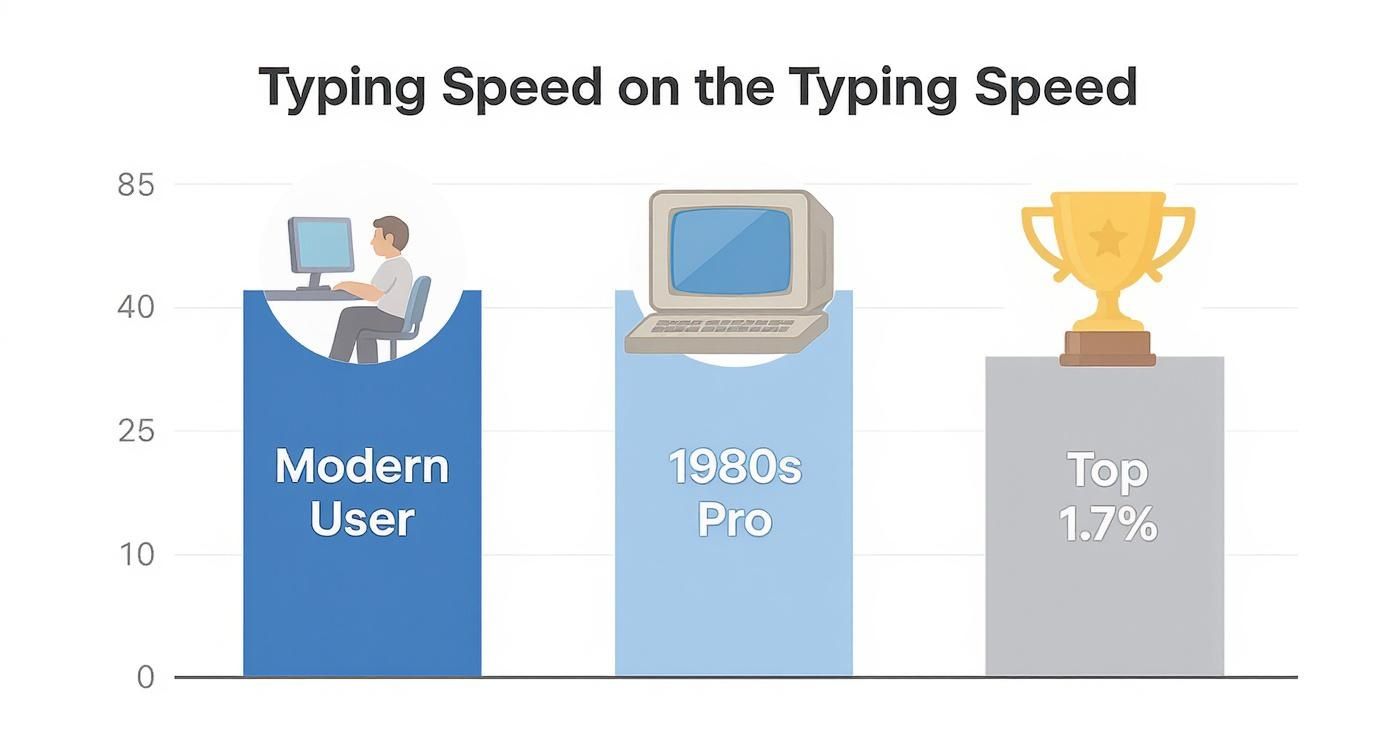
For many office tasks, around 40 to 60 WPM is already workable. If you want a deeper answer on WPM benchmarks, read our WPM guide.
Should I use typing speed tests every day?
You can, but only as a benchmark. The better habit is using them occasionally while spending most of your effort on drills, posture, and real writing practice.
Is voice typing better than typing?
Not always. Touch typing is still useful for editing, navigation, and short inputs. But for first drafts and long-form writing, voice typing is often faster.
Final thoughts
If you want to type faster, build the keyboard skill first. Learn touch typing. Clean up posture. Practice accuracy. Cut needless friction from your workflow.
Then be honest about the bigger goal. If the goal is not keyboard mastery but faster output, bring voice typing into the mix. That is usually where the real speed jump happens.
Want the writing shortcut too? Explore Voicy's voice typing workflow and use your keyboard where it actually matters most: editing, not bottlenecking your ideas.


