




How to Increase WPM and Type Faster Today
If you want the broader guide to typing faster, start with how to type faster on a keyboard. This page is the supporting guide for measuring WPM, fixing weak spots, and improving your score over time.
Summary of the article
To improve actual typing speed, focus on these four things:
1. Voice typing - Use speech-to-text to draft up to 4x faster. Modern dictation tools are incredibly accurate, fast, and handle punctuation automatically.
2. Touch typing - Type without looking at your keyboard using muscle memory. Each finger has its own zone of keys. This is the only way to break past 40 WPM.
3. Good posture - Sit straight, feet flat on floor, elbows at 90 degrees, wrists floating above keyboard (not resting on desk).
4. Smart practice - Focus on accuracy over speed (aim for 95%+ accuracy). Target your weak spots like numbers or tricky letter combinations. Practice 15 minutes daily instead of long, infrequent sessions.
Breaking through plateaus:
Switch practice material (try punctuation, numbers, or code)
Focus on rhythm, not speed
Take strategic breaks to let your brain consolidate muscle memory
Timeline for results: 1-2 weeks for small improvements, 1-3 months to add 15-20 WPM with consistent daily practice.
Want the fastest way to boost your words per minute? Use a speech-to-text tool like Voicy. Speaking is four times faster than typing, letting you reach speeds of 150+ words per minute without any practice. You can focus on your ideas instead of hunting for keys.
If you want to improve your typing speed, focus on three things: touch typing, good posture, and regular practice. The fastest way to see real results is to stop looking at your keyboard.
Build Your Foundation for Faster Typing
You need a solid base before chasing speed records. Many people jump straight into typing tests, get frustrated, and quit because they skip the basics.
Real progress comes from building the right skills step by step.
This foundation has two main parts: your physical setup and proper typing technique.
Without good ergonomics, you'll end up with an aching back or sore wrists. Without touch typing, you'll stay stuck in the slow lane.
The Power of Touch Typing
The most important skill for increasing your WPM is touch typing. This means typing without looking at your keyboard and using muscle memory to find each key.
It feels slow at first, but it's the only way to break past the average speed of 40 WPM.
When you touch type, your eyes stay on the screen instead of jumping back and forth. This makes you faster and more accurate. You can focus on your ideas instead of finding keys.
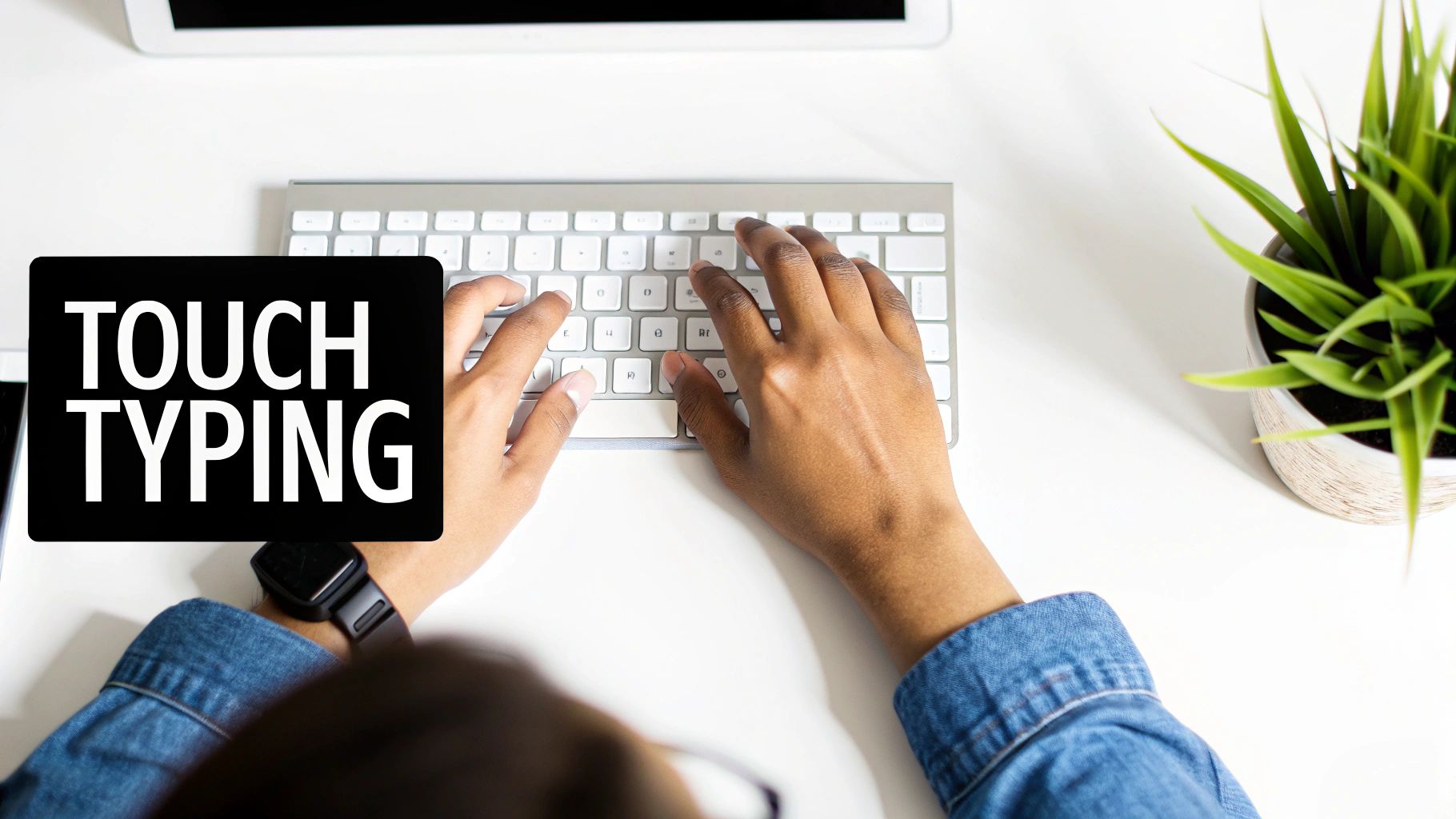
Each finger has its own zone of keys. This keeps all ten fingers working and cuts down wasted motion.
The goal is to make typing automatic, just like walking. You don't think about each step, your body just does it. Touch typing builds that same response in your fingers.
Research shows that 88.90% of people use five or more fingers when they type. This technique directly leads to higher speeds.
Set Up Correct Posture and Hand Position
Your body position matters more than you think. Slouching or bending your wrists at weird angles slows you down and can cause injuries.
Here's what you need:
Sit Up Straight: Keep your back straight with your feet flat on the floor. No hunching!
Elbows at 90 Degrees: Adjust your chair so your elbows bend at a 90-degree angle.
Wrists Straight: Don't rest your wrists on the desk. Keep them floating in a neutral position above the keyboard.
Good posture prevents fatigue and lets you practice longer.
Quick-Start Guide to Increasing WPM
Here are the fastest ways to improve your typing speed starting today:
Technique | Primary Benefit | Time to See Results |
|---|---|---|
Learn Home Row | Builds muscle memory for touch typing | 1-2 weeks |
Fix Your Posture | Reduces fatigue and increases endurance | Immediately |
Stop Looking Down | Forces your brain to rely on touch | 2-4 weeks |
Focus on Accuracy | Reduces errors and correction time | 1 week |
Use Typing Tutors | Provides structured practice drills | Varies with daily use |
Simple changes like better posture and keeping your eyes on the screen deliver fast results.
Optimize Your Ergonomics and Keyboard Setup
Your workspace matters just as much as your technique. Trying to type faster without a proper setup is like running a marathon in flip-flops.
You'll make some progress, but you'll eventually hit a wall.
Start with your posture. A good setup prevents fatigue and lets your fingers move with maximum efficiency.
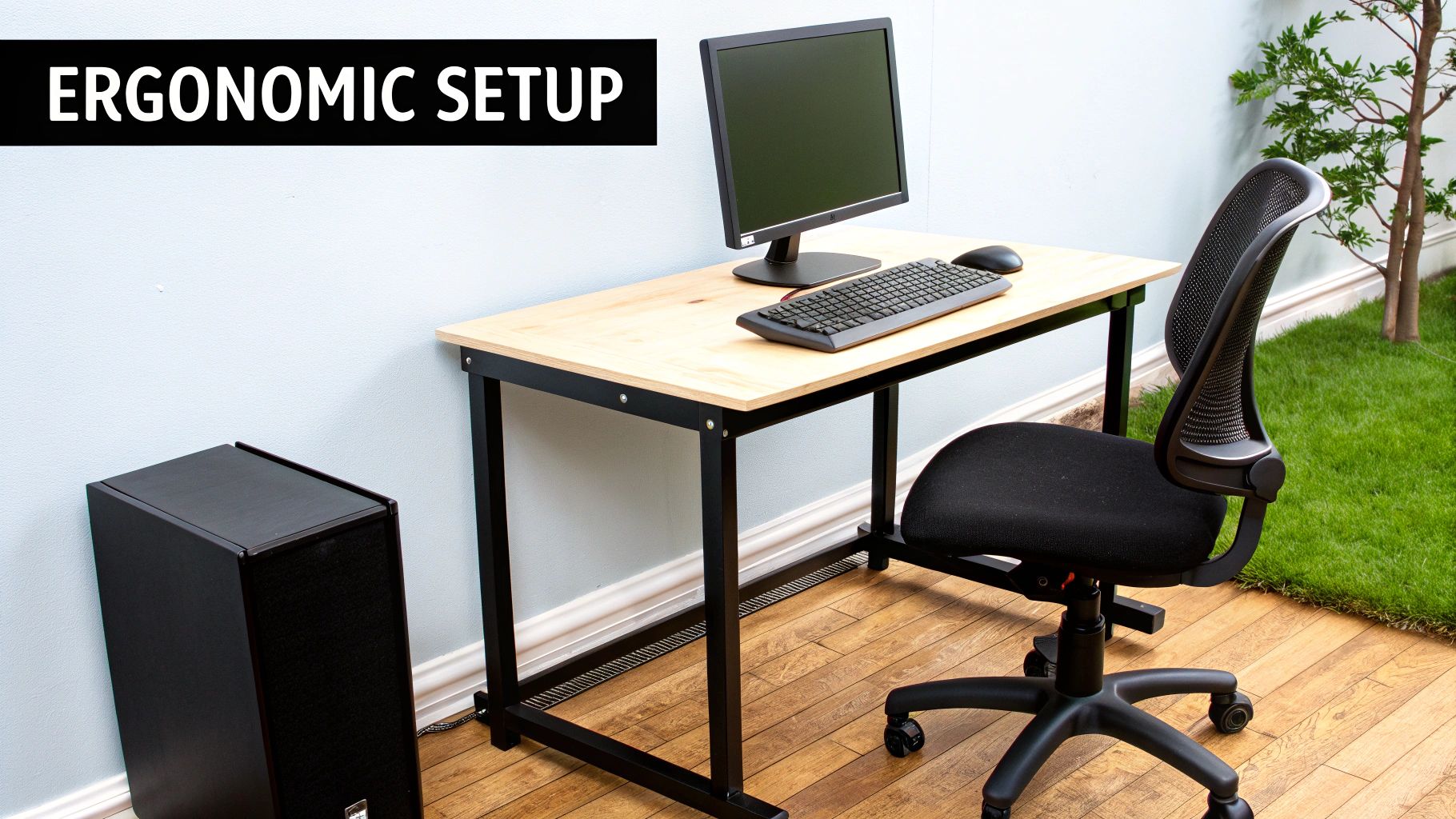
Fine-Tuning Your Workspace
Creating an ergonomic station is simple. Align your body into a neutral, strain-free position.
Here are the key adjustments:
Chair Height: Keep your feet flat on the floor with knees at a 90-degree angle.
Elbow Position: Your elbows should be at a relaxed 90-degree angle too.
Monitor Placement: Put your monitor so the top of the screen is at eye level.
Good posture is your best defence against repetitive strain injuries (RSI). A proper ergonomic setup can boost typing endurance by up to 30%.
If you feel any discomfort, check out our guide on how to relieve wrist pain from typing.
Choosing the Right Keyboard
Your keyboard makes a bigger difference than you might think. The right one can speed up your typing and reduce strain.
Mechanical keyboards are popular with fast typists because they give clear feedback with each keystroke. This helps you know exactly when you've pressed a key.
Many typists prefer them for the tactile feel and faster response.
Ergonomic keyboards are designed to reduce wrist strain. They often have a split design that keeps your hands at a more natural angle. If you type for hours each day, this can prevent long-term injuries.
Here's a quick comparison:
Keyboard Type | Best For | Key Benefit |
|---|---|---|
Mechanical | Speed-focused typists | Tactile feedback, faster response |
Ergonomic | Long typing sessions | Reduced wrist strain |
Standard | Casual users | Budget-friendly, widely available |
The best keyboard is one that feels comfortable and supports your typing style. If you're serious about speed, investing in quality gear pays off.
Use Smart Practice Techniques
Practice doesn't just mean typing more. It means practising smarter with techniques that target your weaknesses.
Focus on Accuracy Over Speed
This is the golden rule: accuracy always comes before speed.
It's tempting to let your fingers fly, but mistakes kill your progress. Every time you hit backspace, your effective WPM drops.
Aim for 95% accuracy or higher during practice. Speed will come naturally as your muscle memory improves. Most typing software penalizes mistakes to train you to get it right the first time.
Target Your Weak Spots
Everyone has problem areas. Maybe you struggle with numbers, or certain letter combinations trip you up.
The fastest way to improve is to identify these weaknesses and drill them specifically.
Tools like Monkeytype let you practice custom word lists. Spend extra time on the keys and patterns that slow you down.
Build a Daily Practice Routine
Consistency beats intensity every time. A focused 15-minute session is better than occasional hour-long marathons.
Here's a simple structure:
Warm-Up (3 minutes): Type "the quick brown fox jumps over the lazy dog" a few times. Wake up your fingers and get comfortable with the home row.
Weakness Drill (7 minutes): This is where real progress happens. Use a tool like Monkeytype to drill your problem areas. This could be numbers, symbols, or tricky letter groups.
Rhythm and Flow (5 minutes): Do a typing test, but ignore your WPM score. Focus only on maintaining smooth, even keystrokes.
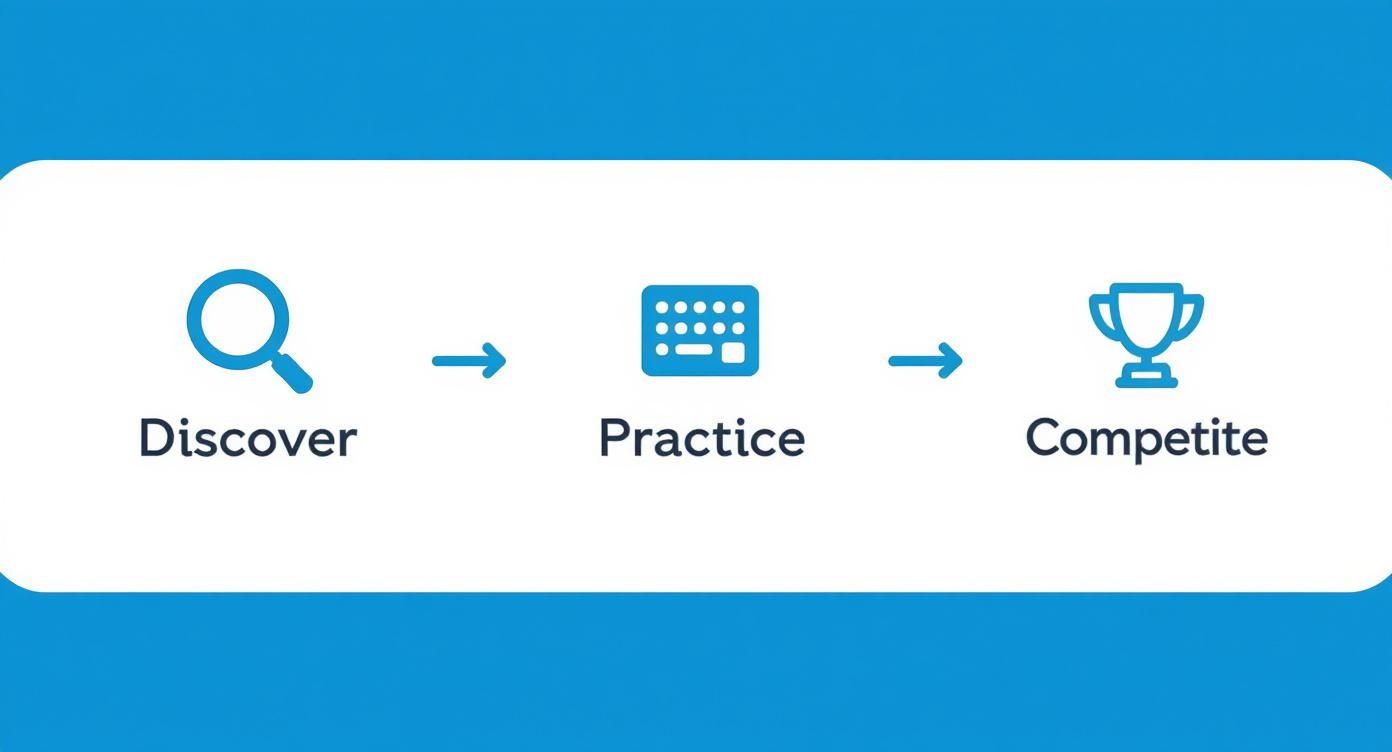
This cycle helps you find the right tools, practice with purpose, and test your skills.
Track Progress and Break Through Plateaus
https://www.youtube.com/embed/QAb3ATOpBpE
How do you know if your practice is working? Track your numbers.
Most typing platforms have built-in graphs showing your WPM and accuracy over time. You can also use a simple spreadsheet to log your daily scores.
The goal is to have a consistent record you can review.
What Your Typing Metrics Really Mean
WPM is only half the story. Accuracy tells you what's really going on.
Every backspace press tanks your effective WPM. Fixing one mistake can take as long as typing five or six words correctly.
A typist with 60 WPM at 98% accuracy is more efficient than someone with 70 WPM at 90% accuracy.
Research shows that practising for just 15 minutes, three times a week, can boost your speed by 15-20 WPM in a couple of months. Breaking past 60 WPM usually means putting accuracy first.
Strategies for Breaking Through Plateaus
Eventually, you'll hit a wall. Your WPM stalls no matter how much you practice.
This is normal. The solution is not to type harder. It is to change your approach.
Try these techniques:
Switch Up Your Practice Material: If you've been drilling common words, try texts with complex punctuation, numbers, or code snippets. This forces your brain to build new pathways.
Focus on Rhythm, Not Speed: Ignore the WPM counter for a few sessions. Use a metronome app and try to type one character per beat. This builds smooth, consistent cadence.
Take a Strategic Break: Sometimes the best move is to step away. Take a day or two off from practice. This lets your brain consolidate muscle memory. You might find you've broken past your old limit when you return.
Common Questions About Increasing WPM
Is It Better to Be Fast or Accurate?
Accuracy wins every time. Speed is the result of accuracy, not the other way around.
Most experts recommend aiming for 95% accuracy or higher. If you push for speed too early, you teach your fingers bad habits that are hard to fix later.
How Long Does It Take to See Improvement?
It depends on how consistent you are, but here's a rough timeline:
1-2 Weeks: With 15 minutes of daily practice, you'll feel more comfortable and see a small WPM increase.
1-3 Months: Consistent practice can add 15-20 WPM to your average. Touch typing will feel natural.
6+ Months: Good habits become second nature. You'll type much faster and can focus on breaking through higher plateaus like 70 or 80 WPM.
Short, focused sessions every day beat long, infrequent practice.
Can I Increase WPM Without Formal Lessons?
Yes. You don't need a typing class, but some structure helps a lot.
Using a typing tutor app gives you automatic structure with drills that target your weaknesses. If you're self-taught, you can succeed by staying disciplined and using the tracking methods we've covered.
For many tasks, you might not need to type at all. Tools like Voicy let you write anywhere on your computer using just your voice, with over 99% accuracy and automatic punctuation.
Dictating emails or drafts can be a huge productivity boost, letting you get thoughts down much faster than even the quickest typists.
Boosting your WPM is a marathon, not a sprint. Focus on accuracy, stay consistent, and use the right tools to build the speed you want.
Ready to bypass the keyboard and boost your productivity? With Voicy, you can write anywhere on your computer using just your voice, with over 99% accuracy and automatic punctuation. Try Voicy with a free trial.
If you are still looking down at the keyboard, start with our plain-English guide to what touch typing is before chasing higher WPM scores.


