




Best Software Tools for Repetitive Strain Injury (RSI) at Work (2026)
Summary of the article
RSI from typing is a real problem - but software can cut your strain significantly
Voicy (dictation) reduces typing volume by 50%+ with system-wide voice input
Stretchly (break reminders) keeps you from marathon typing sessions
TextExpander (text expansion) eliminates repetitive typing
BetterTouchTool (shortcuts) reduces mouse/trackpad strain
Combine 2–3 tools for a complete low-strain workflow
The best approach: alternate voice and keyboard throughout the day
What Is RSI and Why Does Typing Cause It?
Repetitive strain injury (RSI) is an umbrella term for pain caused by doing the same motion over and over. For office workers, that motion is usually typing and mousing.
Common RSI conditions from typing:
Carpal tunnel syndrome — compressed nerve in the wrist
Tennis elbow (lateral epicondylitis) — pain in the outer elbow from forearm overuse
Tendonitis — inflamed tendons in the wrist, fingers, or forearm
De Quervain's tenosynovitis — pain at the base of the thumb
The fix isn't to stop working. It's to change how you work.
Disclaimer: This article is for informational purposes only and does not constitute medical advice. See a healthcare professional for diagnosis and treatment.
How We Evaluated These Tools
We looked at each tool based on:
Strain reduction — how much does it actually reduce repetitive motion?
Ease of setup — can you start using it in under 10 minutes?
Works system-wide — does it work in all apps, or just one?
Platform support — Mac, Windows, or both?
Price — is it worth it for daily use?
Best Software Tools for RSI
1. Voicy - Voice-to-Text Dictation
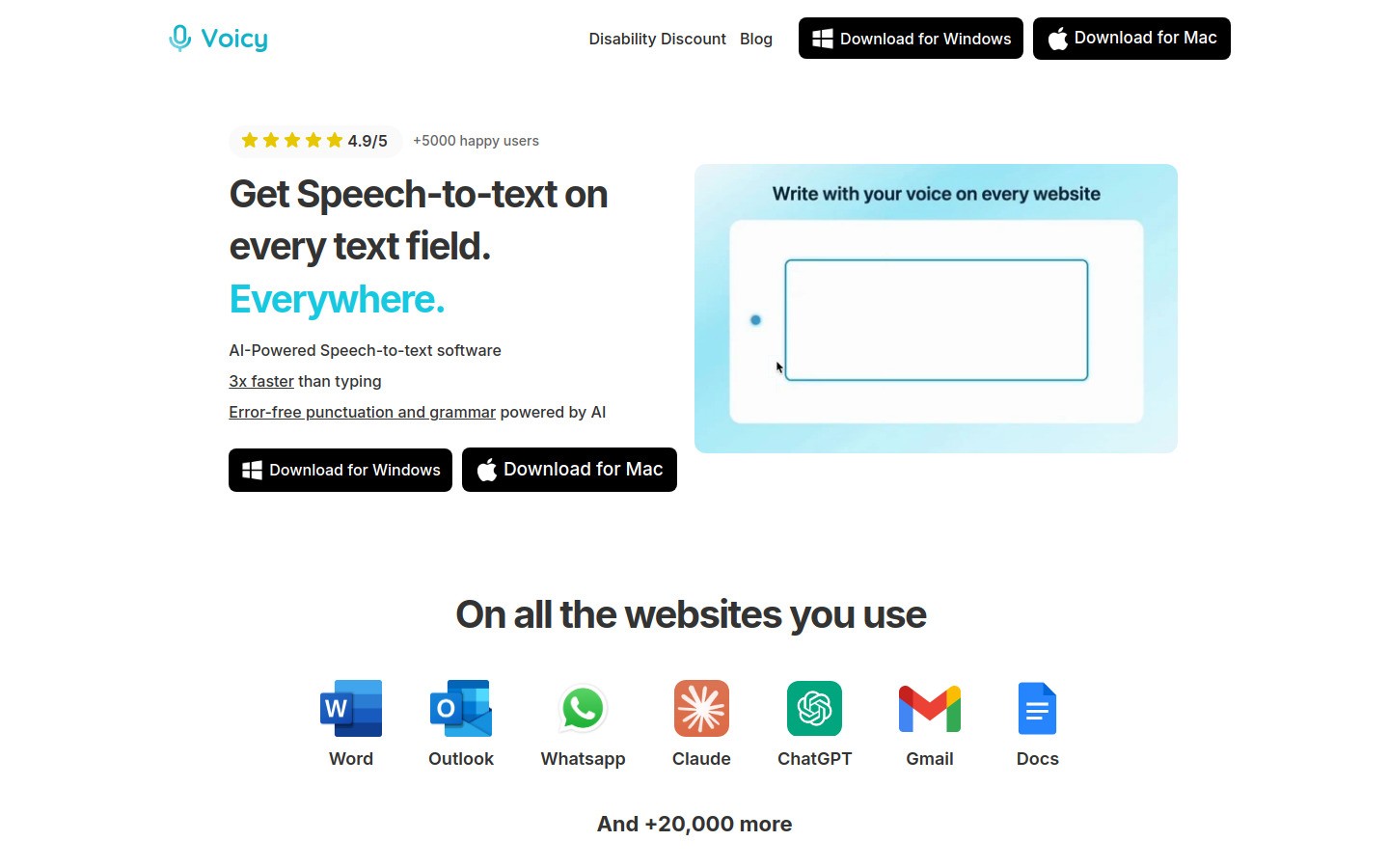
What it does: Converts your speech to text in any app on your computer. Instead of typing long emails, reports, or messages, you talk and Voicy types for you.
Why it helps RSI: This is the single biggest strain reducer on the list. If you type 40,000 words a week and switch half to voice input, that's 20,000 fewer keystrokes worth of wrist motion.
Key features:
Works system-wide — any text field, any app
AI-powered accuracy (95–99%)
Mac, Windows, and browser extension
Supports 50+ languages
Pricing: Free trial available, then $8.49/month, $82/year, or $260 lifetime.
Best for: Writers, email-heavy workers, anyone who types more than 2 hours a day.
2. Stretchly - Break Reminder
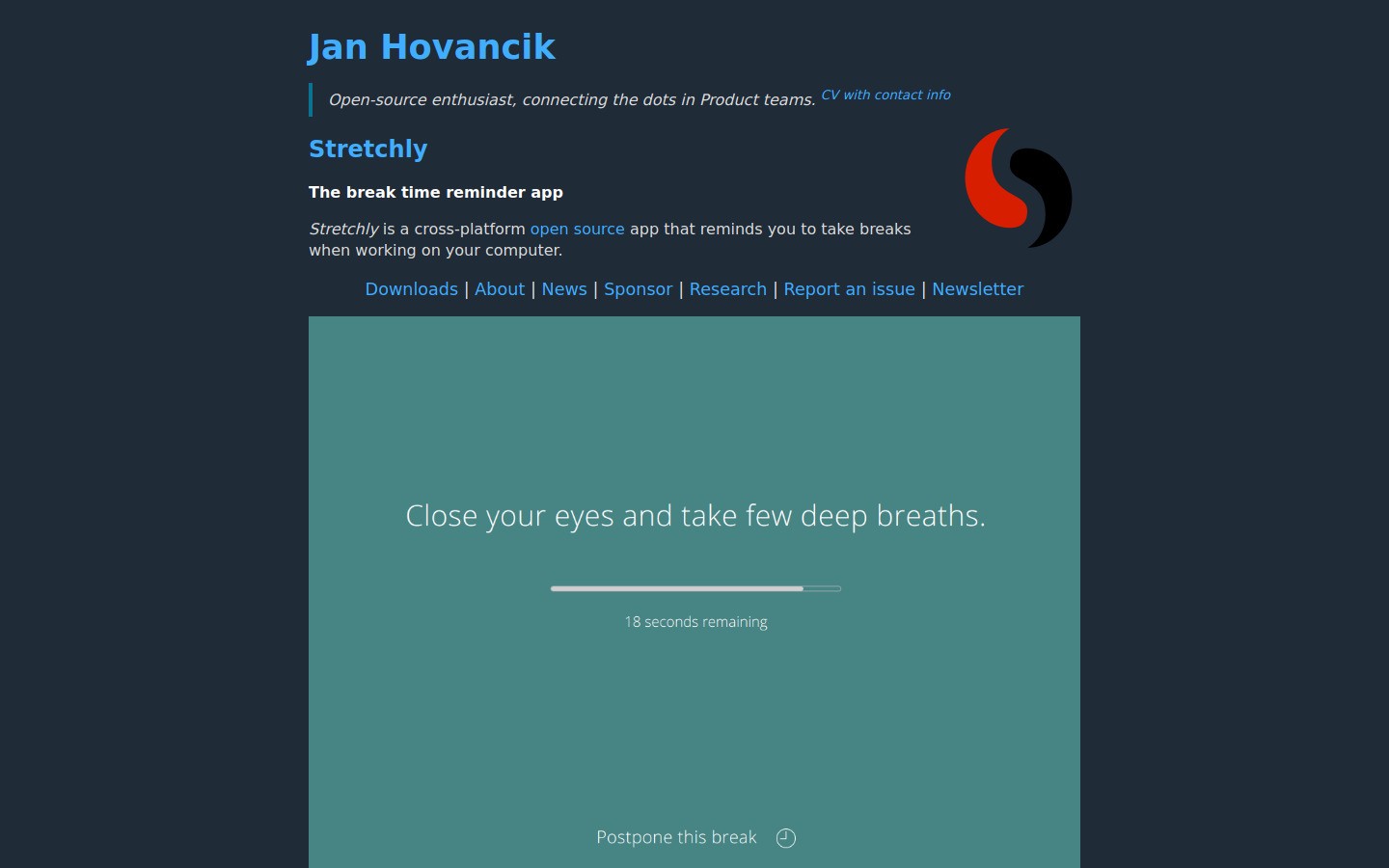
What it does: Reminds you to take micro-breaks and longer breaks at customizable intervals.
Why it helps RSI: Most RSI damage happens because people type for hours without stopping. Stretchly interrupts the cycle with gentle reminders.
Key features:
Micro-breaks (30 sec) and full breaks (5–10 min)
Customizable intervals
Shows stretch suggestions
Cross-platform (Mac, Windows, Linux)
Pricing: Free and open source.
Best for: Anyone who forgets to take breaks (most of us).
3. TextExpander — Text Expansion
What it does: Lets you type short abbreviations that expand into full phrases, paragraphs, or templates.
Why it helps RSI: Every expanded snippet is dozens or hundreds of keystrokes you didn't have to make. If you type the same email responses, code patterns, or phrases repeatedly, this eliminates all that repetition.
Key features:
Works in any app
Shared snippet libraries for teams
Fill-in-the-blank templates
Cross-platform
Pricing: $3.33/month (billed annually).
Alternatives: Espanso (free, open source), macOS built-in text replacement, AutoHotkey (Windows, free).
Best for: Customer support, sales, developers, anyone who types similar things repeatedly.
4. BetterTouchTool — Custom Shortcuts and Gestures
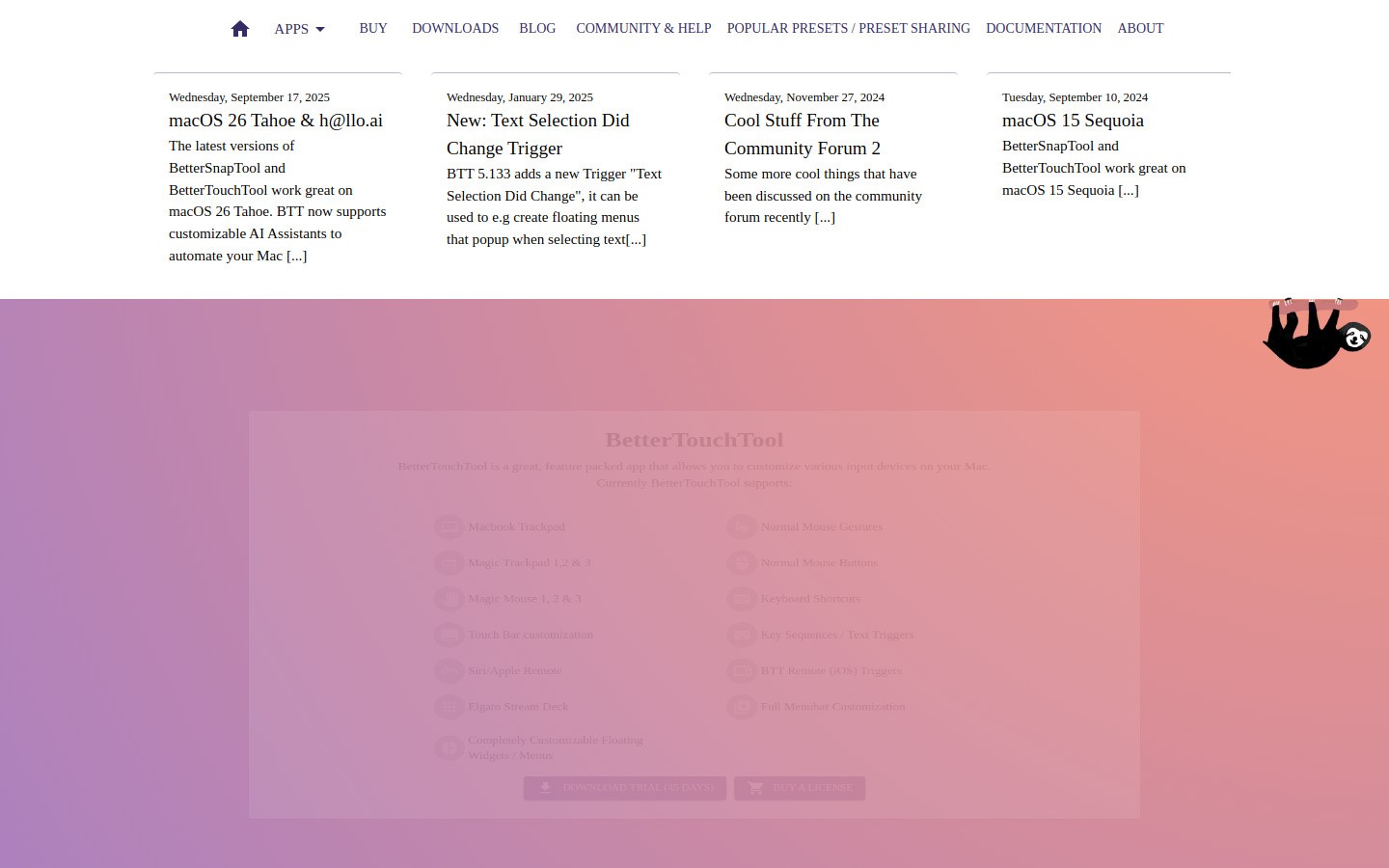
What it does: Lets you create custom keyboard shortcuts, trackpad gestures, and mouse actions to replace repetitive click-and-drag operations.
Why it helps RSI: Reduces the number of small, precise mouse movements and awkward key combinations that strain your hands and fingers.
Key features:
Custom keyboard shortcuts for any app
Trackpad gesture customization
Window snapping and management
Clipboard manager built in
Pricing: $10 (one-time) or $22 for lifetime updates.
Platform: macOS only. Windows alternative: AutoHotkey (free).
Best for: Power users who do lots of window management and app switching.
5. Talon Voice — Voice Commands and Coding
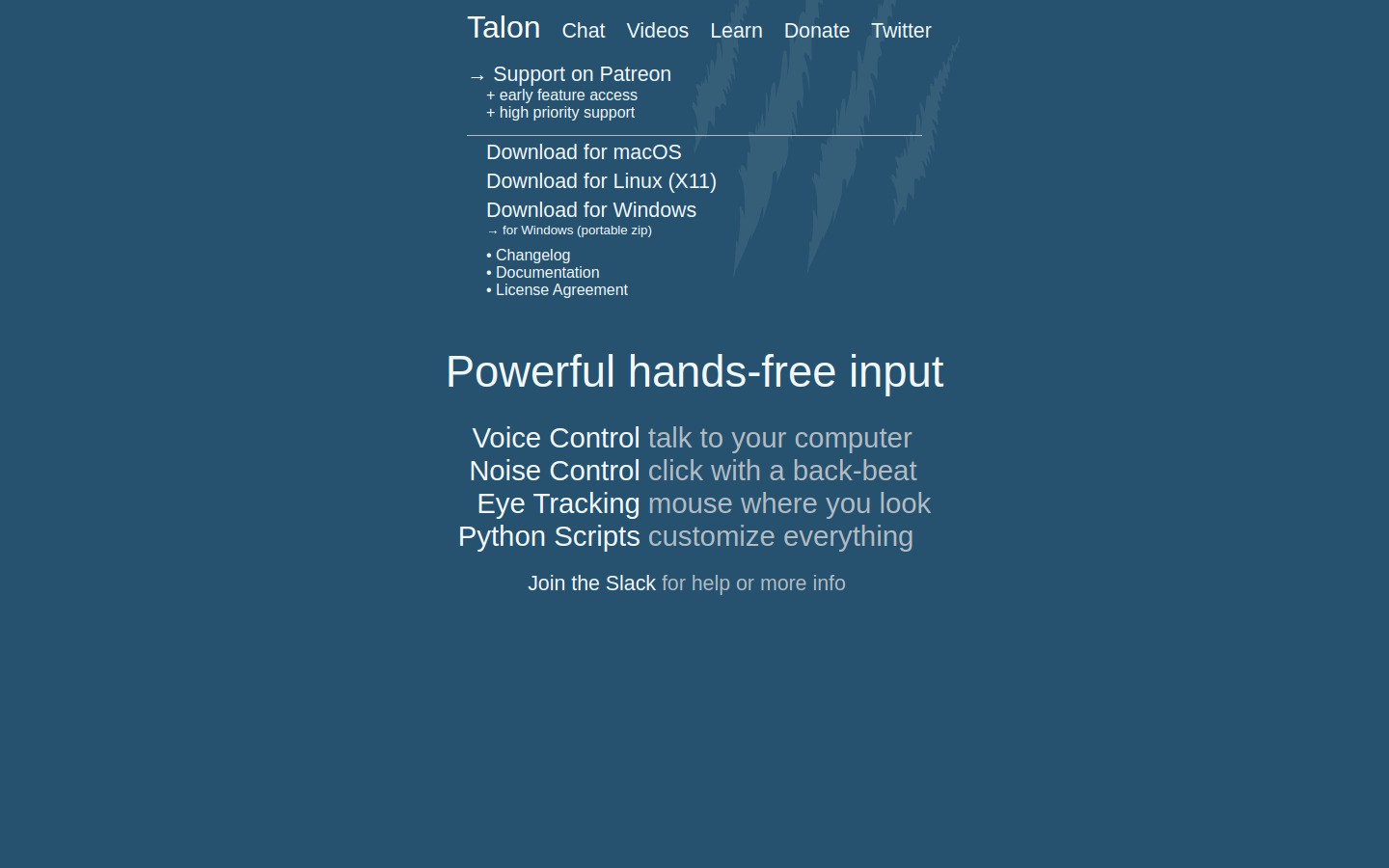
What it does: Full voice control of your computer — not just dictation, but clicking, scrolling, app switching, and even writing code by voice.
Why it helps RSI: For severe RSI where even minimal typing is painful, Talon lets you go completely hands-free.
Key features:
Voice commands for everything (not just typing)
Coding by voice with custom grammars
Eye tracking integration
Highly customizable
Pricing: Free (beta).
Best for: Developers with RSI, people who need 100% hands-free control.
6. Workrave — Ergonomic Break Assistant
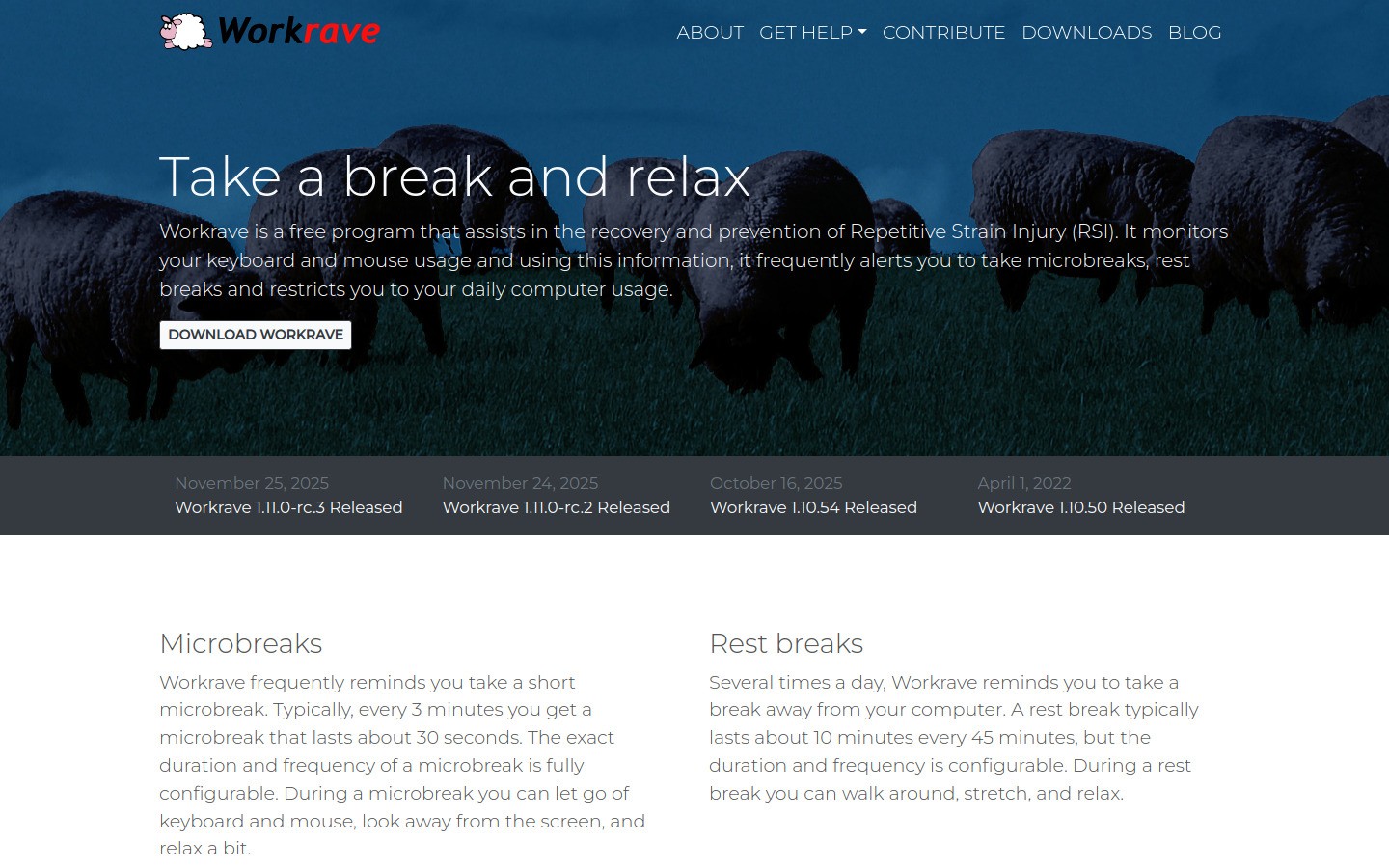
What it does: Similar to Stretchly but with more detailed exercise guidance and RSI-specific tracking.
Why it helps RSI: Tracks your typing and mouse activity, suggests breaks based on actual usage patterns rather than just time intervals.
Key features:
Activity-based break suggestions
Detailed exercise animations
Daily usage statistics
Network mode for shared break schedules
Pricing: Free and open source.
Platform: Windows and Linux. macOS alternative: Stretchly.
Best for: People who want data-driven break schedules.
7. Homerow — Keyboard Navigation (No Mouse)
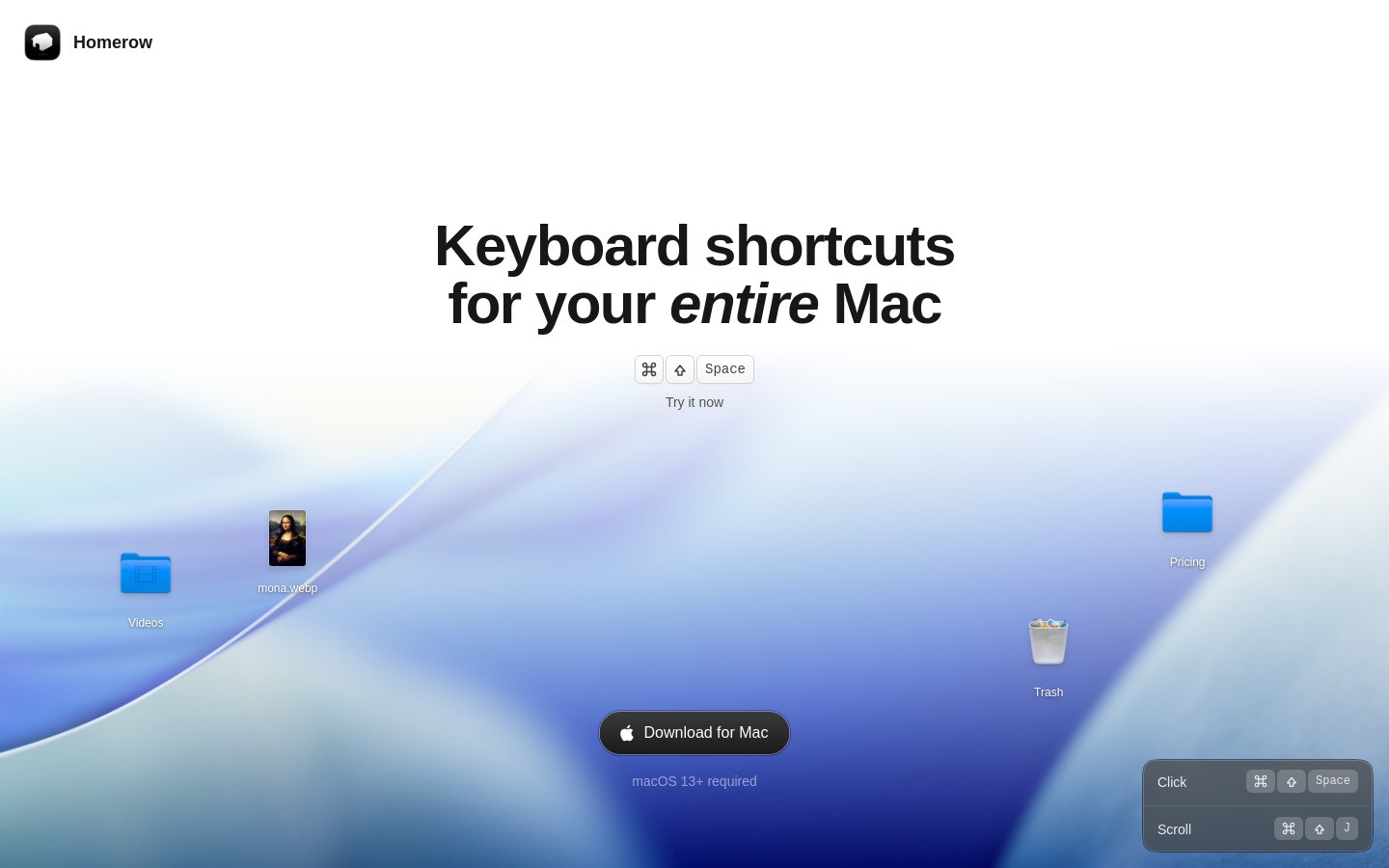
What it does: Lets you click any element on screen using keyboard shortcuts instead of moving your mouse.
Why it helps RSI: Mouse usage is a major RSI contributor. Homerow eliminates the constant hand travel between keyboard and mouse.
Key features:
Click any UI element with keyboard hints
Works in all apps
Scroll without mouse
Fast and lightweight
Pricing: $4.99/month or $29.99 lifetime.
Platform: macOS only. Windows alternatives: Vimium (browser only), hunt-and-peck.
Best for: Anyone who wants to minimize mouse usage.
Quick Comparison
Tool | Type | Strain Reduction | Price | Platform |
|---|---|---|---|---|
Voicy | Dictation | ⭐⭐⭐⭐⭐ | $8.49/mo | Mac, Win, Browser |
Stretchly | Break reminders | ⭐⭐⭐⭐ | Free | All |
TextExpander | Text expansion | ⭐⭐⭐⭐ | $3.33/mo | All |
BetterTouchTool | Shortcuts | ⭐⭐⭐ | $10 once | Mac |
Full voice control | ⭐⭐⭐⭐⭐ | Free | Mac, Win, Linux | |
Break assistant | ⭐⭐⭐⭐ | Free | Win, Linux | |
Keyboard nav | ⭐⭐⭐ | $4.99/mo | Mac |
Building Your RSI Prevention Stack
You don't need all 7 tools. Pick 2–3 based on your situation:
Mild strain (prevention)
Voicy (cut typing by half) + Stretchly (break reminders)
Moderate strain (active management)
Voicy + Stretchly + TextExpander (eliminate repetitive typing)
Severe strain (minimize all input)
Talon Voice (full hands-free) + Homerow (no mouse) + Stretchly
Workflow: A Low-Strain Work Day
Morning:
Open Voicy — dictate emails and messages
Stretchly running in background for break reminders
Use keyboard for short edits only
Midday:
Switch between voice and keyboard every 30 minutes
Use TextExpander for repetitive responses
Take a 10-minute macro-break at lunch
Afternoon:
Voice dictation for any long-form writing
BetterTouchTool or Homerow for navigation
Wind down with lighter tasks (reading, reviewing)
FAQ
What's the best single tool for RSI prevention?
A dictation tool like Voicy. Nothing else reduces typing volume as dramatically. Cutting your keystrokes by 50% is the most impactful change you can make.
Can software really prevent RSI?
Software alone won't prevent RSI if your desk setup is bad. But combined with proper ergonomics and breaks, the right tools significantly reduce your risk. Think of it as one layer of protection.
Is voice typing accurate enough for professional work?
Yes. Modern AI dictation tools like Voicy achieve 95–99% accuracy. For emails, documents, and messages, it's faster than typing for most people after a short adjustment period.
How many breaks should I take per day?
A micro-break (30 seconds) every 20–30 minutes and a longer break (5–10 minutes) every hour. This sounds like a lot, but studies show it actually increases productivity because you avoid fatigue.
Should I switch to an ergonomic keyboard?
If you can afford it, yes. Split keyboards (Kinesis Advantage360, Dygma Raise) and mechanical keyboards with light switches reduce strain. But software changes often have a bigger impact for less money.
Can developers use voice typing for coding?
Partly. Voicy works great for comments, documentation, and writing messages. For actual code, Talon Voice has specialized coding grammars. Most developers use a mix of voice and keyboard.
Is RSI from typing covered by workers' compensation?
In many countries, yes — if you can demonstrate it's work-related. Document your symptoms, see a doctor, and notify your employer early. Prevention is much easier than dealing with a claim.
How long does RSI take to develop from typing?
It varies widely. Some people get symptoms after a few months of intense typing, others after years. Risk increases with daily typing volume, poor ergonomics, and lack of breaks.


