




The best writing apps make you focus on what matters; writing.
They don't make you waste time learning how to use the software.
They allow you to write and edit, while removing distractions and improving your final text.
But choosing the right writing app on a Windows PC can be overwhelming.
Whether you're writing a novel, a professional report, or a thesis, there are hundreds of apps to choose from.
We tested out dozens of popular apps to give you the 12 best writing apps for Windows.
Each recommendation comes with a feature list, use cases, and honest limitations.
The goal is to help you find the perfect application for your writing use-case.
Fast answer: choose a Windows writing app by bottleneck
The best writing app for Windows depends on the part of writing that slows you down. If typing is the bottleneck, start with Voicy or a Windows voice typing setup. If structure is the problem, use Scrivener or Notion. If cleanup is the problem, add Grammarly or Hemingway after the draft is written.
Writing problem | Best starting point |
|---|---|
You think faster than you type | |
You need to organize a long project | Scrivener, Notion, or Obsidian |
You need cleaner final wording | Grammarly, Hemingway, or Word Editor |
Short version of the article
The right writing app depends on your specific writing needs and workflow.
If you want to write faster and more naturally:
Voicy - 99%+ accuracy speech-to-text with AI editing commands, works in any Windows app
Grammarly - AI-powered grammar and style assistant that integrates everywhere
If you're writing long-form content like novels or academic papers:
Scrivener - Best for manuscripts and research organization, $59.99 one-time purchase
Notion - All-in-one workspace with databases and templates, free plan available
If you want distraction-free, minimalist writing:
iA Writer - Clean markdown editor with Focus Mode, $29.99 one-time purchase
Typora - WYSIWYG markdown editor, $14.99 for 3 devices
Hemingway Editor - Identifies complex sentences and readability issues, $19.99
If you need specialized or budget-friendly options:
Final Draft - Industry standard for screenwriting, $249.99
Obsidian - Build a "second brain" with linked notes, free for personal use
LibreOffice Writer - Free, open-source alternative to Microsoft Word
If you need collaborative writing for teams or students:
Google Docs - Free real-time collaboration, works in browser
Microsoft Word - AI Copilot integration, offline functionality, industry standard
For enhanced productivity, consider combining your chosen writing app with speech-to-text tools for Windows to write at the speed of thought.
1. Voicy: The Speech-to-Text Supercharger
Voicy earns its top spot by changing how you write on your PC, rather than just where.
Write at the speed of thought, by simply using your voice.
If you've used speech-to-text tools in the past, you might think that the accuracy is off.
But Voicy's different.
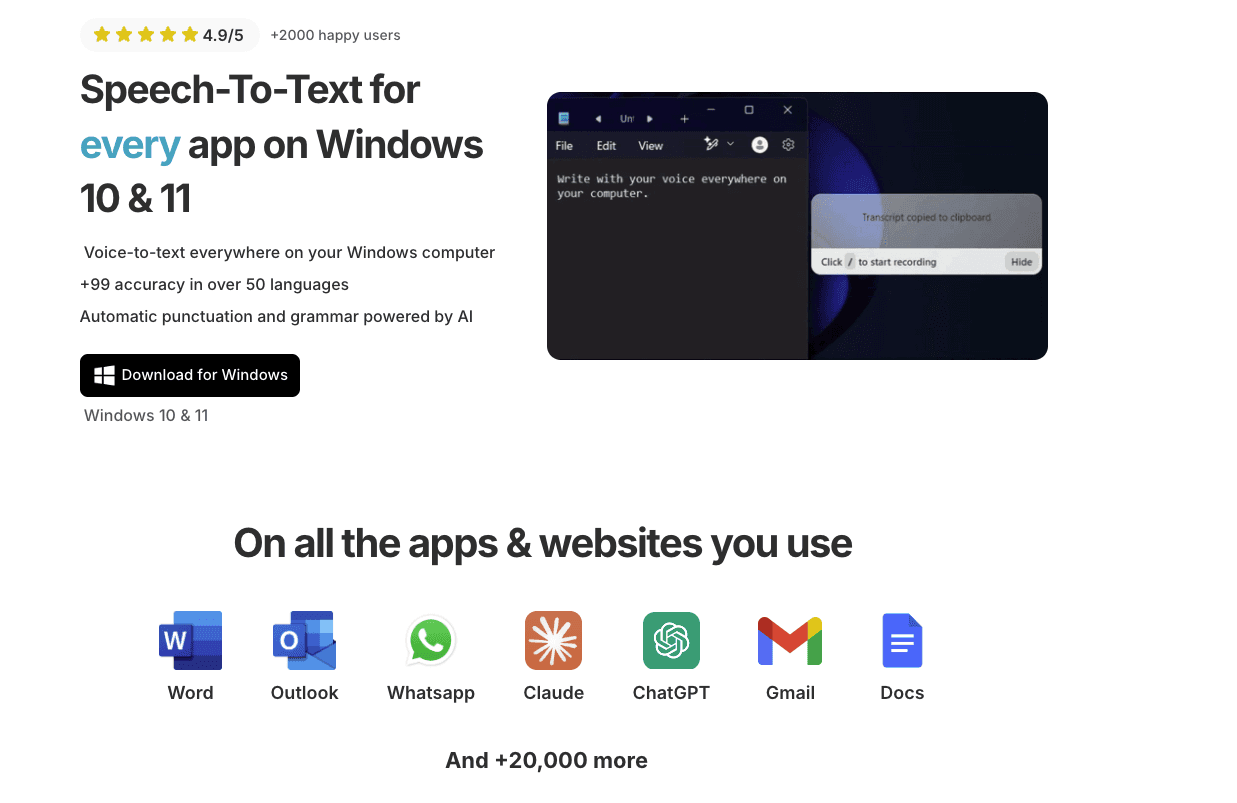
With over 99.9% accuracy in 50 languages, you can trust its output.
This immediate accessibility is invaluable for capturing fleeting ideas, overcoming writer's block by speaking your thoughts, or simply drafting content faster than you can type.
Key Features and Use Cases
Of course you can write faster with Voicy, but what's more important is our spoken words feel more natural when reading them.
You can just blurt out whatever's on your mind and edit it later.
And if you want some editing help, Voicy comes with some custom AI commands that can turn your text more formal, summarize it or even translate it.
Real-World Application: A content creator can dictate a 1,000-word blog post in minutes. They can then use an AI command to instantly rephrase key paragraphs for a different audience, saving hours of manual rewriting. For those exploring dictation in depth, you can learn more about how dictation software helps writers.
Why It Stands Out
Feature | Voicy | Traditional Dictation Tools |
|---|---|---|
Accuracy | Over 99% with AI enhancement | Often lower, requires more correction |
Punctuation | Automatic and context-aware | Manual or basic |
Editing | AI-powered commands for rephrasing/toning | Manual editing only |
Integration | System-wide (works in any app) | Often limited to its own editor |
Pros:
Exceptional Accuracy: Achieves over 99% transcription reliability across more than 50 languages.
Intelligent Automation: AI-driven grammar and punctuation corrections deliver polished, ready-to-use text.
Advanced AI Commands: Allows users to modify tone, style, and structure on the fly.
Universal Compatibility: Works across all Windows applications, including Word, Google Docs, Scrivener, and even dictation in Excel for data entry.
Cons:
Performance Variables: As an AI tool, accuracy can be affected by heavy accents or significant background noise.
2. Microsoft Word - Simple, free, powerful
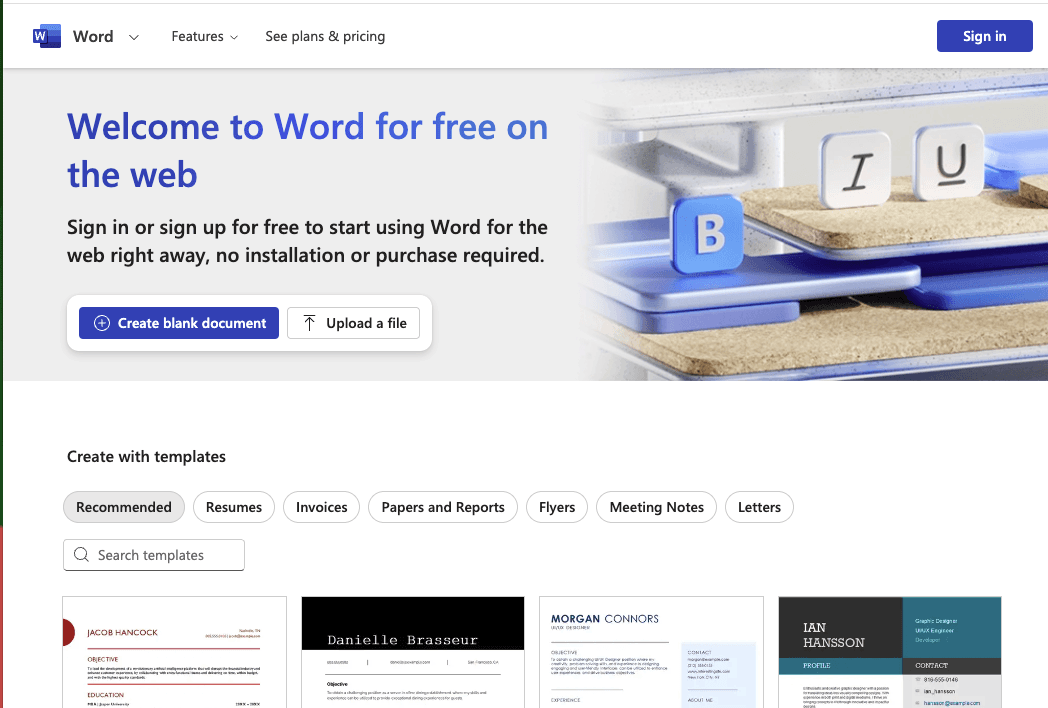
Microsoft Word might not have the flashiest features or the most beautiful design, but it makes getting started easy.
A blank page.
Additionally, once you start to understand the interface, you will recognize that Word can be incredibly powerful with all of the features that it offers.
And in recent years, the team behind it at Microsoft has been pushing updates nearly weekly.
Its latest integration of Copilot, the AI assistant, is a game changer if used correctly. It's especially useful if you don't know how to start.
Key Offerings and User Experience
Pricing: Free version available. Microsoft 365 Personal starts at $6.99/month, while the one-time purchase for Office Home & Student 2021 is $149.99.
Accessibility: Desktop app provides full offline functionality, with changes synced to OneDrive when you reconnect.
Unique Features: The built-in Editor offers advanced grammar and style suggestions, while Copilot provides AI-powered writing assistance, making it a comprehensive solution for polished, professional documents.
Website: https://www.microsoft.com/en-us/microsoft-365/buy/microsoft-365
Microsoft Word also includes a built-in ms word voice typing feature — follow our step-by-step guide on how to dictate in Microsoft Word to start using speech to text in Word and write faster without typing.
3. Google Docs - Microsoft Word (but Google)
In all honesty, Google Docs is very similar to Microsoft Word.
Arguably, its design is more intuitive and has less of a learning curve.
But if you don't like Google, you don't like Google.
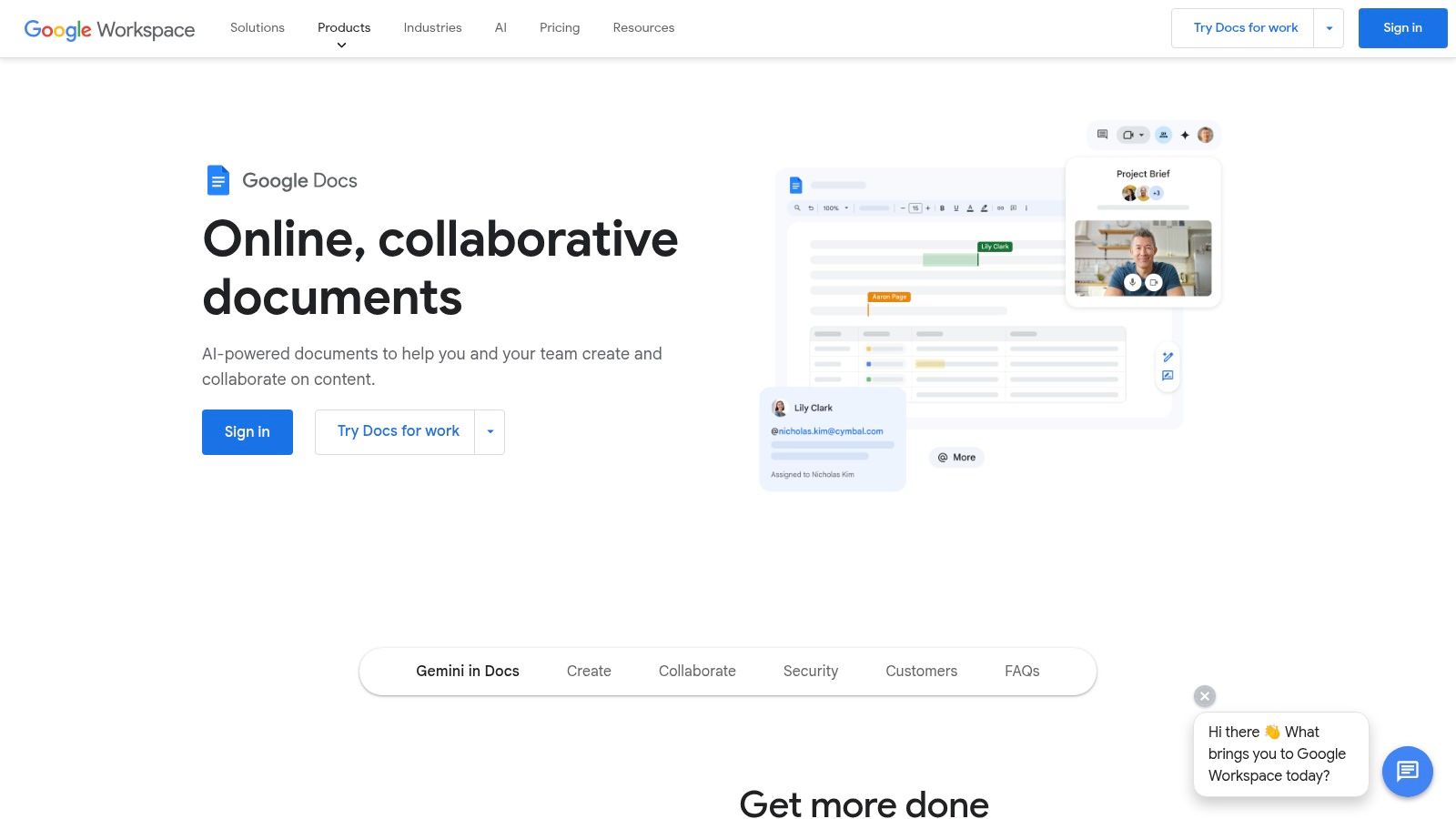
One major drawback is that Google Docs is not available as a standalone app.
To use Google Docs, you have to be connected to the internet.
For Word, you can be offline and simply open up the Word app.
Key Offerings and User Experience
Pricing: Free for personal use with a Google account. Google Workspace Individual plans start at $9.99/month for premium features.
Accessibility: Primarily online, but an offline mode can be enabled for editing without an internet connection.
Unique Features: Its best-in-class, real-time collaboration tools are its biggest draw, allowing for frictionless teamwork. The ability to import and export DOCX files ensures compatibility with Microsoft Word users.
Website: https://workspace.google.com/products/docs/
4. Scrivener for Windows - Literature & Latte
Literature & Latte's Scrivener app is the go-to for thousands of writers working on big projects.
This is not for you if you are looking to write school essays or business reports.
Scrivener is meant for long-form writing. This includes manuscripts, novels, and academic papers.
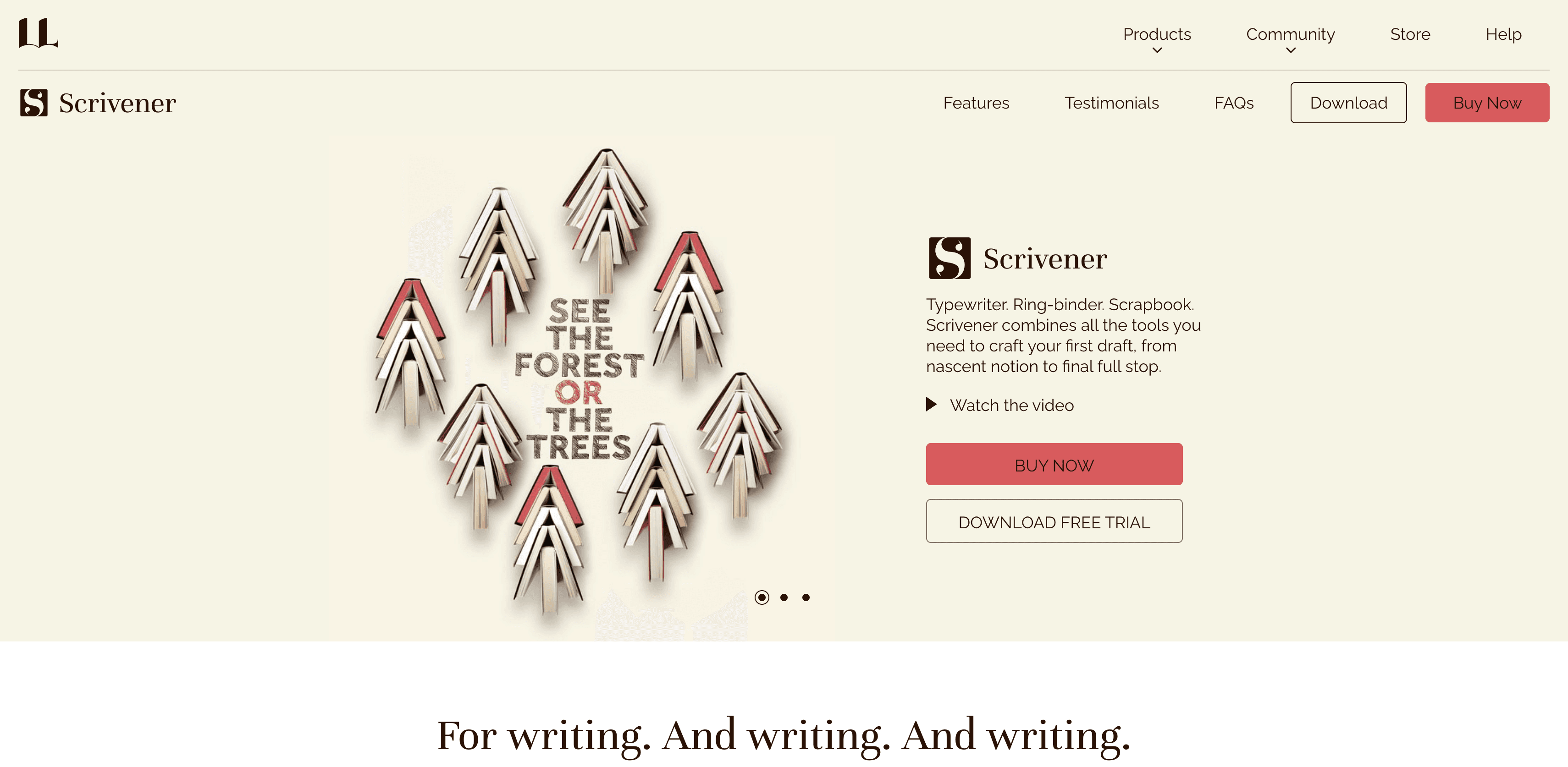
The platform excels by treating your manuscript not as a single document, but as a collection of individual pieces.
Your individual pieces of writing are store in a flexible 'Binder'.
And once you're ready to bring everything together, it's compiler lets you easily export your project in any format tha tyou like.
The precise control, makes it one of the best writing apps for Windows for those who plan to publish.
Key Offerings and User Experience
Pricing: A perpetual license for the Windows version is available for a one-time fee of $59.99.
Accessibility: Scrivener is a fully offline desktop application, ensuring you can work on your projects anywhere without needing an internet connection.
Unique Features: The Corkboard view lets you visualize your story with virtual index cards, while the Outliner provides a structured overview. You can also store research, notes, and images directly within your project file, keeping everything in one place.
Website: https://www.literatureandlatte.com/scrivener/download
5. Notion - Beautiful Design, Powerful Features
Notion started out as a simple note-taking app, but ever since then, the team has grown it into an all-in-one workspace.
It has everything from simple notes to integrated documents, wikis, and databases.
It gives you all the tools you need to not just write, but to also collect and organize all of your supporting material for your writing.
It lets you set deadlines and gives you access to a set of powerful AI features solely focused on improving your writing.
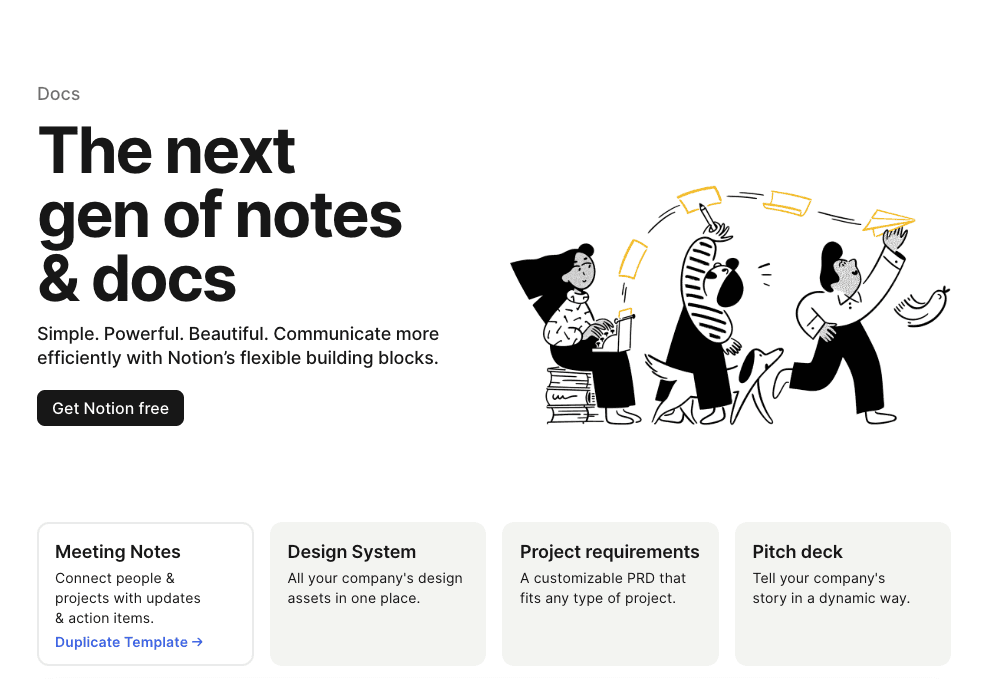
What makes Notion stand out is its block-based editor, allowing you to build documents with incredible flexibility and link pages together to create a personal wiki.
For writers who need to manage research, outlines, and drafts in one place, it's a powerful solution.
Key Offerings and User Experience
Pricing: A generous Free plan is available. Paid plans start with Plus at $8/user/month (billed annually). AI features are add-ons or included in higher tiers.
Accessibility: The desktop app offers offline access, with content syncing automatically once you are back online.
Unique Features: The database functionality allows you to create custom content calendars or research libraries directly linked to your writing. The vast library of user-created templates provides a starting point for nearly any writing project.
Website: https://www.notion.so/desktop
6. Obsidian - Your Second Brain
Obsidian is for people who want to build a "second brain." It connects your pieces together with links, just like Wikipedia. Write about a project in one note, link to a person in another, and watch as Obsidian builds a visual map of how your thoughts connect.
This sounds complicated, but the writing experience itself is incredibly simple.
Obsidian works on plain text markdown that removes any complexity when it comes to your actual writing.
It is not a tool for someone who needs to write occasionally. It's for people who are serious about their writing.
Unlike cloud-centric apps, Obsidian prioritizes longevity and control, ensuring your work remains accessible even without an internet connection.
It's ideal for writers, researchers, and developers who want to create a personalized, interconnected digital workspace. For those interested in similar powerful tools, you can learn more about some of the best note-taking apps available.
Key Offerings and User Experience
Pricing: The core app is free for personal and commercial use. Optional services include Sync ($8/month) and Publish ($16/month).
Accessibility: Fully offline functionality as all files are stored locally on your machine.
Unique Features: The graph view visualizes connections between notes, while the extensive plugin library allows you to add features like calendars, Kanban boards, and advanced tables, tailoring the app to any writing workflow.
Website: https://obsidian.md/download
7. iA Writer for Windows - Minimialist Writing App
The iA Writer is one of the most celebrated minimalist writing apps for Windows. It is the champion of creating a distraction-free environment that allows you to focus purely on your text.
The platform is very straightforward, has a one-time purchase model, and just gets the job done.
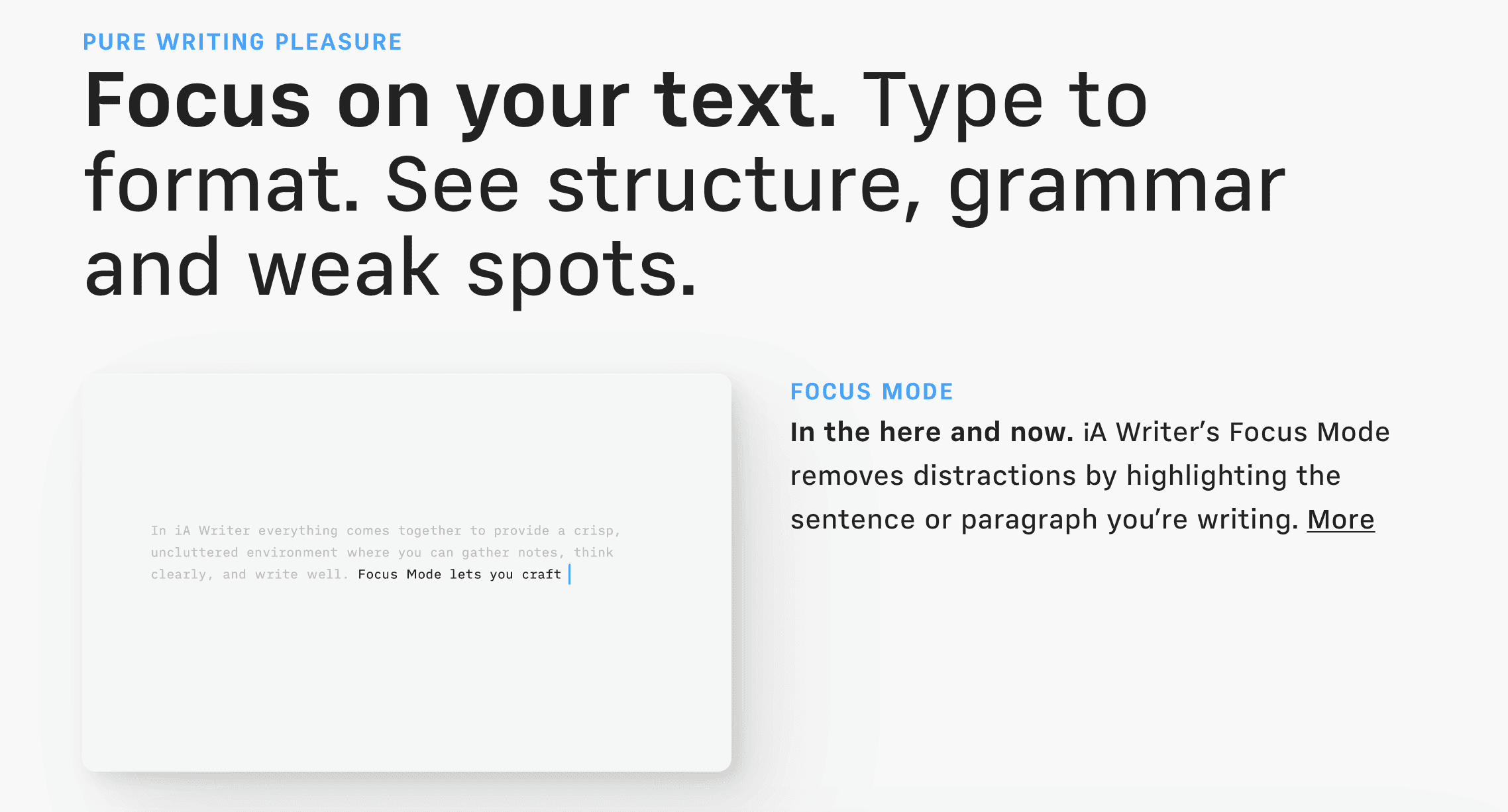
This app stands out by stripping away complex formatting menus in favor of a clean, text-centric interface that utilizes Markdown for structure.
It's designed for writers who prioritize speed, focus, and a direct path from thought to word. Features like Focus Mode, which highlights the current sentence or paragraph, are perfect for deep work sessions, making it one of the best writing apps for Windows for drafting first versions of articles, essays, and notes.
Key Offerings and User Experience
Pricing: A one-time purchase of $29.99 provides a lifetime license for the Windows version.
Accessibility: Fully offline native application that is exceptionally lightweight and fast on nearly any Windows machine.
Unique Features: The app's signature Focus Mode and Syntax Highlight features help improve writing clarity by isolating specific parts of speech, while its seamless Markdown preview allows for easy export to various formats.
Website: https://ia.net/writer/get/buy
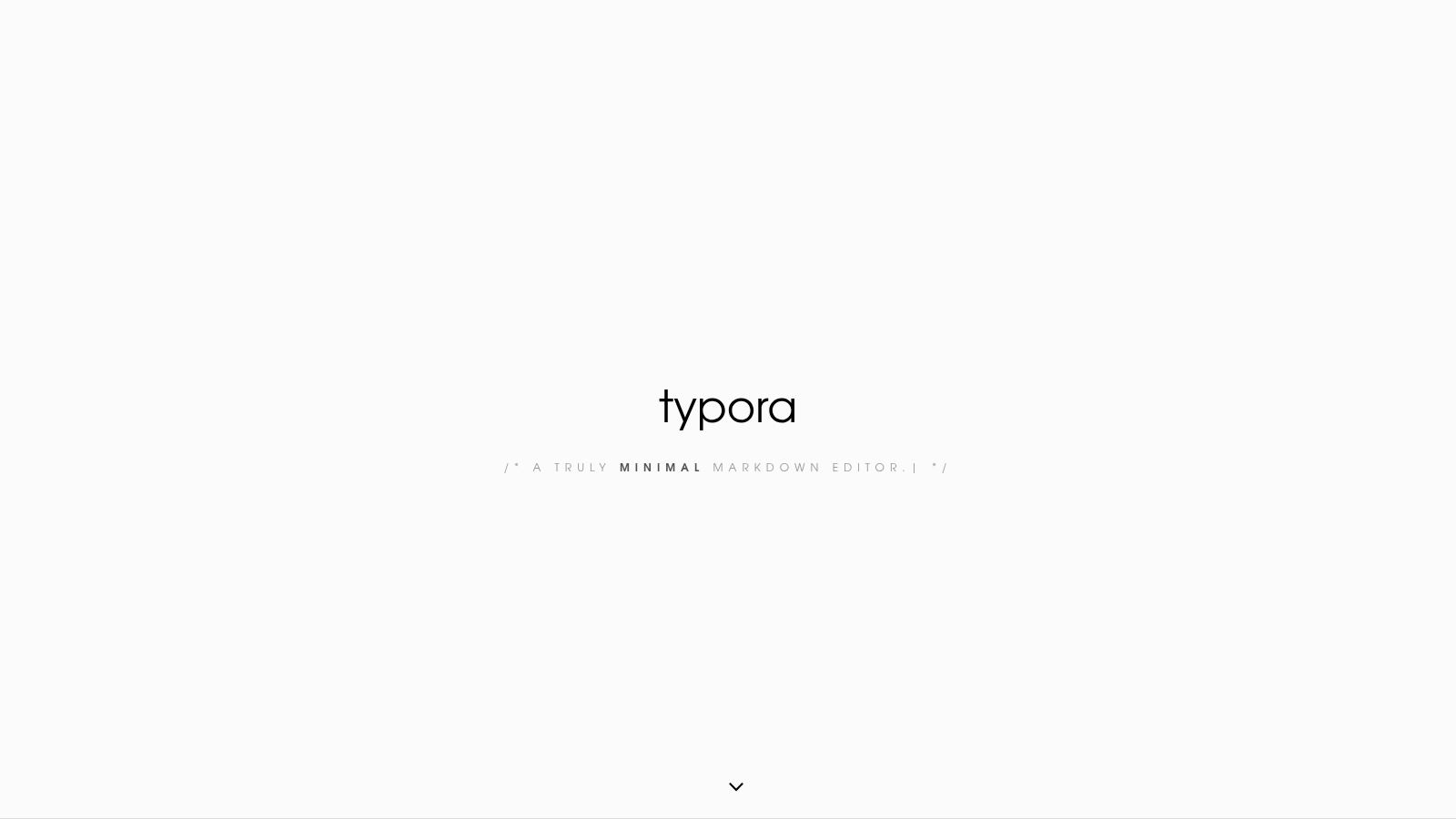
8. Typora - An Elegant Markdown experience
Very similar to the iA writer, Typora loves removing distractions by letting you focus on your writing.
It comes with features such as focus mode that try to optimize your deep working sessions.
Additionally, it comes with a one-time purchase and removes the clutter of subscriptions or complex cloud ecosystems.
If you love clean interfaces, you will love Typora.
Key Offerings and User Experience
Pricing: A perpetual license is available for a one-time purchase of $14.99, valid for up to 3 devices.
Accessibility: The app is a standalone desktop application that functions entirely offline, ensuring privacy and performance.
Unique Features: Its what-you-see-is-what-you-get (WYSIWYG) live preview of Markdown is its most celebrated feature, setting it apart from other editors. It also supports versatile export options to PDF, HTML, and Word formats.
Website: https://typora.io/
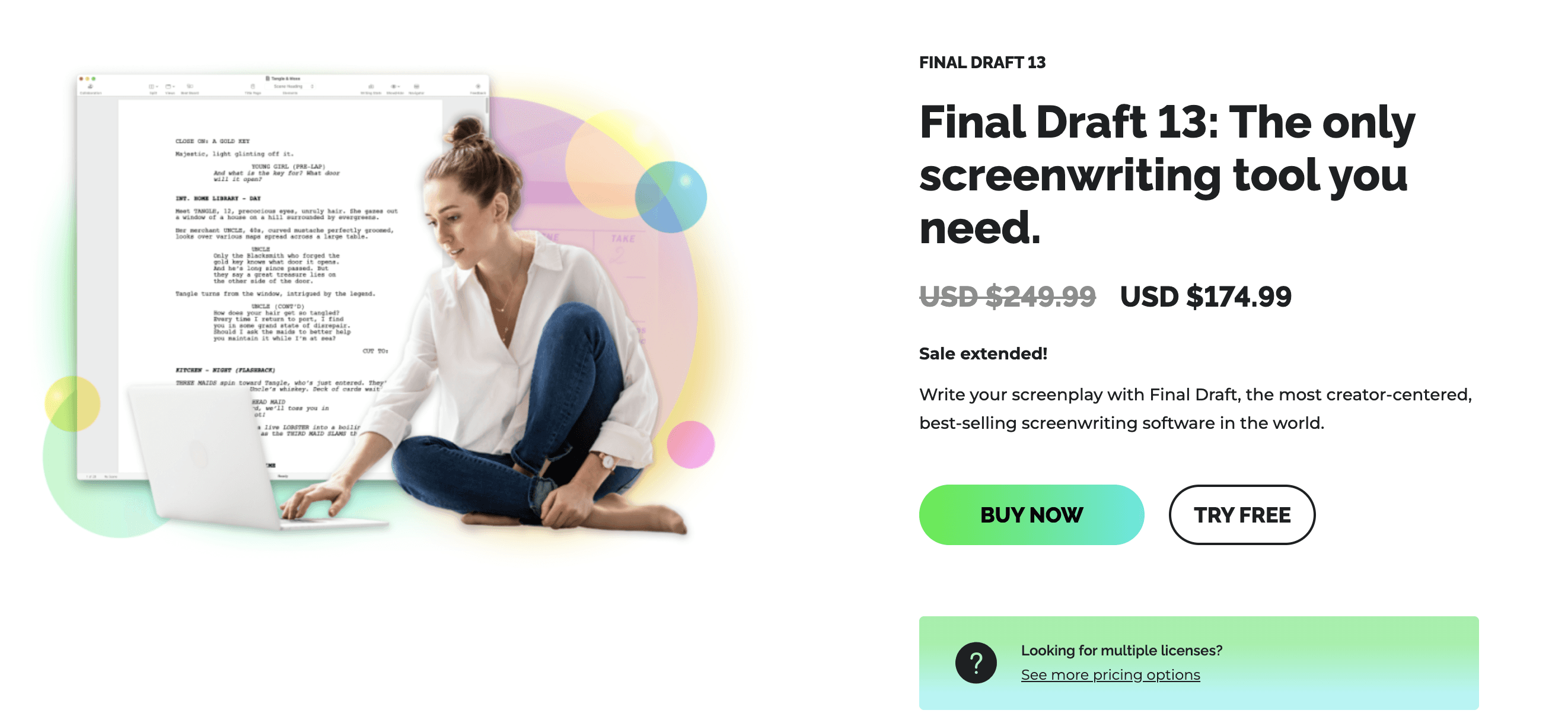
9. Final Draft - A Screenwriter's Favourite Tool
We'll be honest, if you're not in the movie or entertainment industry, Final Draft is not for you.
It comes with a set of highly specialized features for screen and script writing.
For example, it includes features like the beat board for outlining and story maps for tracking narrative arcs across your text. Most people won't need that. Some people really do.
And thanks to its popularity, its collaboration features let you easily work within a team.
Key Offerings and User Experience
Pricing: A new license for Final Draft 13 is $249.99, with upgrade options available at a lower cost.
Accessibility: Fully functional as a downloadable desktop app for offline writing and production work.
Unique Features: The software includes industry-standard script templates, production tagging for budgeting and scheduling, and powerful reporting tools. Its focused design automates complex formatting rules, unlike general-purpose word processors.
Website: https://www.finaldraft.com/pricing/
10. Hemingway Editor - Write Like Hemingway
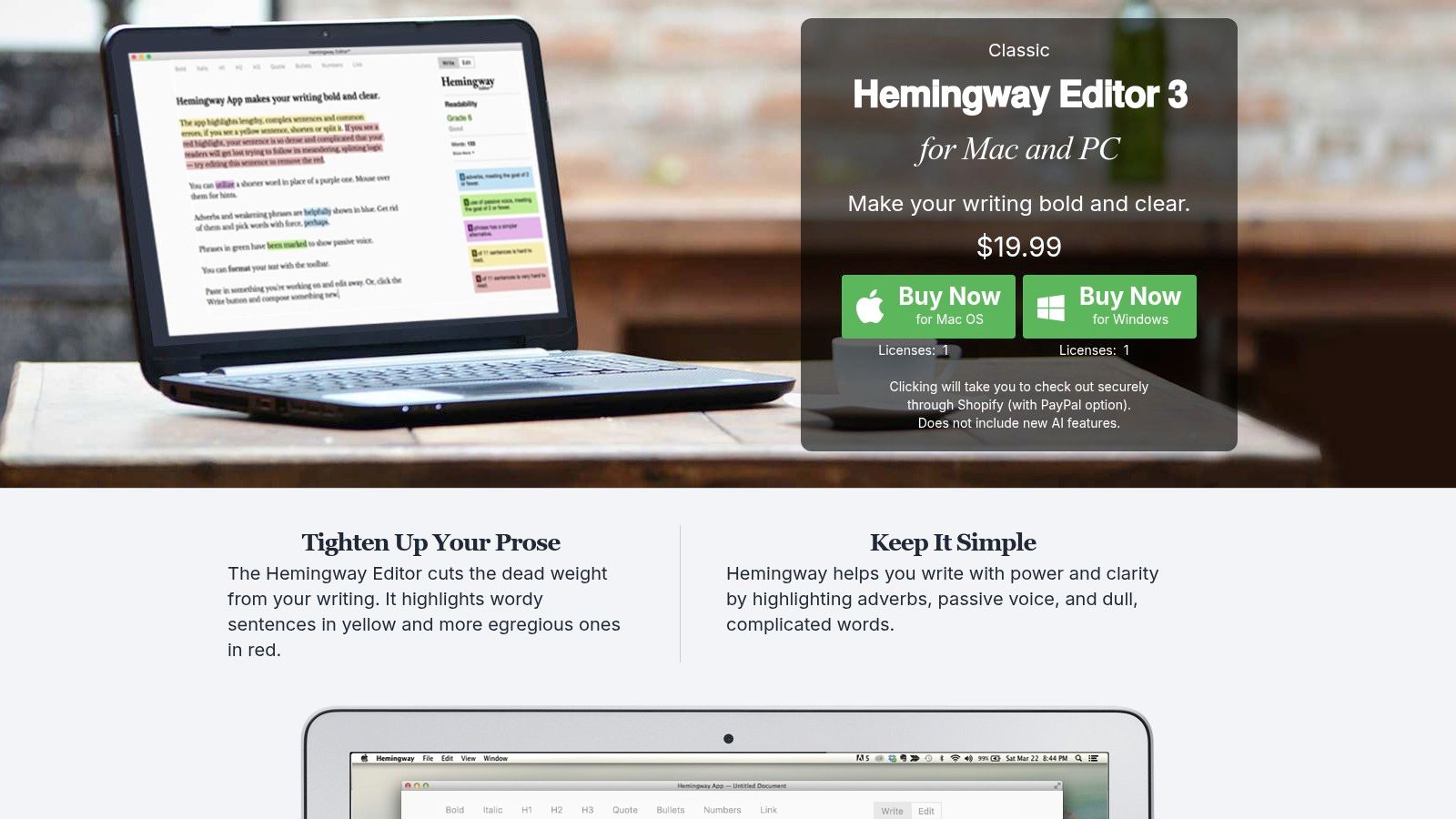
The Hemingway editor is my favorite writing tool.
It is solely focused on making you write what is needed and not more.
When you write a sentence in Hemingway, it will detect if you have unnecessary words, or it's overly complicated, or your sentence gets too long (like this one).
It then suggests different approaches.
My favorite kind of writing is simple writing. And Hemingway is the perfect tool for that.
Even if the problem that Hemingway is solving is not one you face, I would still recommend giving it a try.
It is worth an experience.
Key Offerings and User Experience
Pricing: The desktop app is available for a one-time purchase of $19.99. The optional Hemingway Editor Plus with AI features is $10/month.
Accessibility: The desktop app works entirely offline, ensuring you can edit and refine your work anywhere, anytime.
Unique Features: Its core strength is the visual editing feedback that grades readability and identifies specific writing weaknesses. The ability to import and export various formats like Word, PDF, and Markdown makes it a flexible step in any writing workflow.
Website: https://hemingwayapp.com/desktop.html
11. LibreOffice - The Open Source Writing Tool
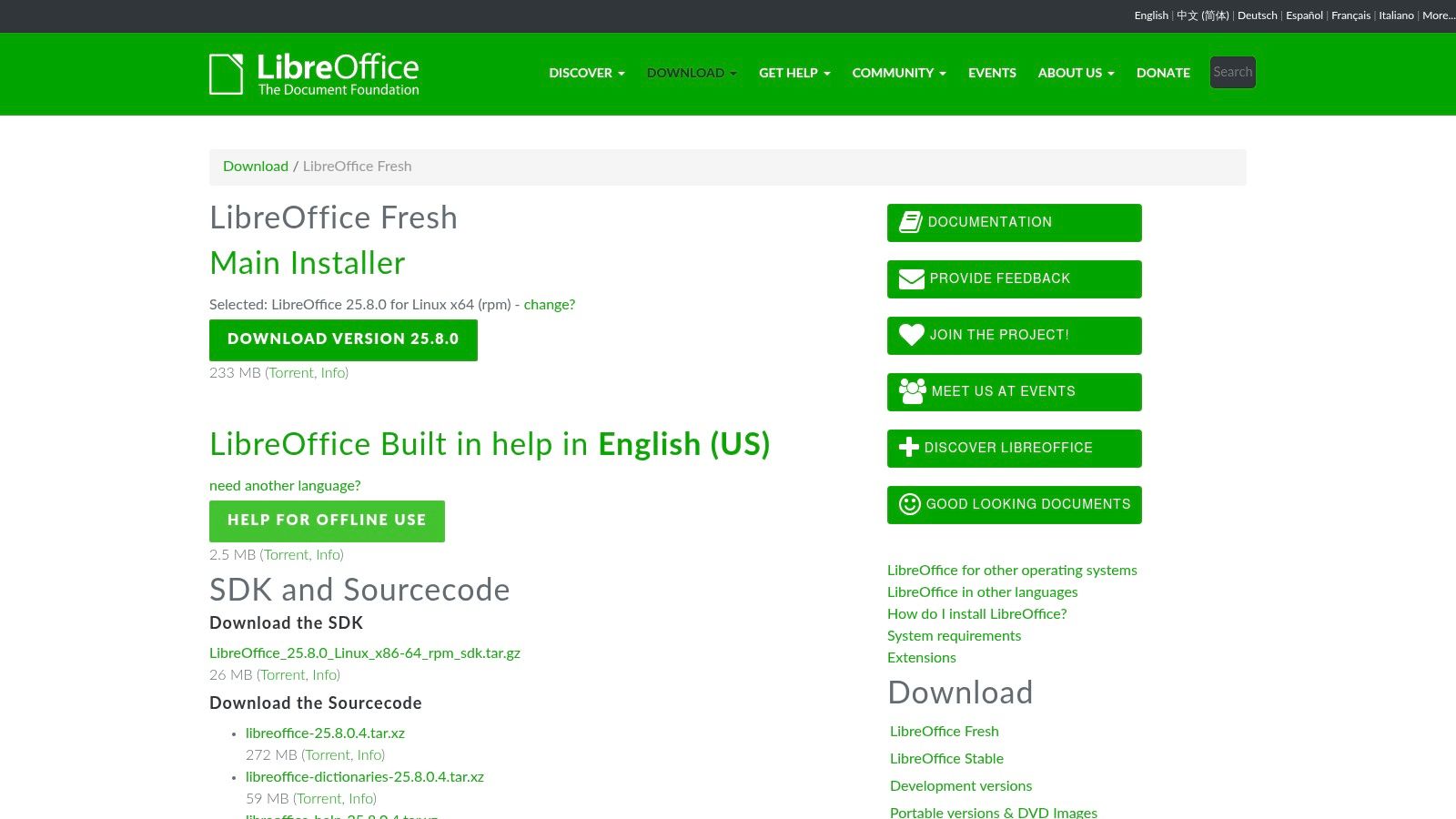
LibreOffice doesn't come with a million features, but it is free, simple and open source.
It gets the job done. It's reliable and privacy-friendly. The features you get are the ones you truly need, like excellent import and export functionalities. I wouldn't recommend this for simple note-taking, but if you're writing long form, then LibreOffice is fantastic.
Key Offerings and User Experience
Pricing: Completely free with no subscriptions or hidden costs, supported by donations to The Document Foundation.
Accessibility: A fully offline desktop application that does not require an internet connection for any of its core functions.
Unique Features: Extensive customization is possible through a library of community-created extensions. Its open-source nature ensures continuous development and a high degree of control for advanced users.
Website: https://us.libreoffice.org/download/libreoffice-fresh/
12. Grammarly - Your Always-On Editor
Similar to Voicy, Grammarly is not a standalone writing app. It integrates into all of your favorite writing tools and can analyze your text and suggest improvements.
Whether it's typing mistakes, grammatical issues, or overly complicated sentence structures, Grammarly can make sure that your text is correct and readable.
Many users also find that combining Grammarly with other tools can boost productivity, especially when using solutions for speech to text for Windows to dictate first drafts.
Key Offerings and User Experience
Pricing: A comprehensive free version is available. Grammarly Premium starts at $12.00/month (billed annually), and a Business tier is also offered.
Accessibility: Integrates directly into Windows apps and browsers; however, most advanced AI features require an active internet connection.
Unique Features: The real-time tone detector helps you sound confident and professional, while the plagiarism checker is invaluable for academic and professional work. The Pro plan includes thousands of AI prompts monthly for generating and refining text.
Website: https://www.grammarly.com/plans
Top 12 Writing Apps for Windows: Feature Comparison
Product | Core Features / Accuracy | User Experience / Quality | Value & Pricing | Target Audience | Unique Selling Points |
|---|---|---|---|---|---|
🏆 Voicy | 99%+ accuracy, 50+ languages, AI grammar ✨ | Seamless cross-platform, easy AI commands | 💰 Contact for pricing, high value | 👥 Professionals, students, multilinguals, accessibility users | ✨ AI tone/style edits, keyboard shortcut, auto-punctuation |
Microsoft 365 (Word) | Offline + Cloud, AI Copilot | ★★★★ Reliable, collaborative | 💰 Subscription or one-time buy | 👥 Personal, business, families | 🏆 Integrated AI, 1TB storage |
Google Docs | Live collaboration, offline mode | ★★★★ Free & accessible | 💰 Free; paid AI upgrades | 👥 Teams, classrooms, individuals | ✨ Real-time co-edit, no install needed |
Scrivener | Outlining, manuscript tools | ★★★★ Professional long-form focus | 💰 One-time purchase | 👥 Writers, researchers, authors | ✨ Deep project organization tools |
Notion | All-in-one docs + databases | ★★★★ Versatile workspace | 💰 Free + paid AI tiers | 👥 Teams, project managers | ✨ Block system, templates, AI tiers |
Obsidian | Local Markdown, plugins | ★★★★ Highly customizable | 💰 Free; paid Sync/Publish optional | 👥 Privacy-focused, customization fans | ✨ Local data, graph view, plugins |
iA Writer | Minimal Markdown, distraction-free | ★★★★ Lightweight, fast | 💰 One-time buy per platform | 👥 Writers seeking simplicity | ✨ Clean UI, education licenses |
Typora | Live markdown preview, export options | ★★★★ Clean, no subscription | 💰 One-time purchase | 👥 Essay writers, tech docs | ✨ Multi-format export, outline panel |
Final Draft 13 | Screenplay formatting, production tools | ★★★★ Industry standard | 💰 Higher cost, direct buy | 👥 Screenwriters | 🏆 Film/TV industry standard |
Hemingway Editor | Readability checks, style improvement | ★★★★ Affordable, offline capable | 💰 One-time app + optional AI sub | 👥 Writers improving clarity | ✨ Fast style audits, offline use |
LibreOffice (Writer) | Full word processor, DOCX support | ★★★★ Free & powerful | 💰 Completely free | 👥 Budget-conscious users | ✨ Open-source, offline use |
Grammarly | Grammar, tone, plagiarism AI checks | ★★★★ Extensive compatibilities | 💰 Subscription model | 👥 All writers, professionals | ✨ Cross-platform AI assistant |
Choosing the Right App to Unleash Your Words
Navigating the landscape of the best writing apps for windows can feel overwhelming, but the perfect tool is ultimately a personal choice, dictated by your specific projects, workflow, and creative habits. We've explored a dozen powerful contenders, each with a unique philosophy on how to best capture and refine the written word.
The ideal application isn't a one-size-fits-all solution. It's about finding the environment that aligns with your specific goals. Making the right selection requires a clear understanding of your primary writing tasks and what friction points you want to eliminate from your process.
Matching the Tool to the Task
Your project's nature is the most critical factor in your decision.
For long-form, complex projects like novels or dissertations, the organizational power of Scrivener is unmatched, offering a digital corkboard and binder to manage intricate narratives and research.
For real-time collaboration in a business or academic setting, Google Docs and Microsoft 365 remain the undisputed champions, providing seamless co-authoring and commenting features.
For pure, distraction-free drafting, minimalist apps like iA Writer and Typora create a serene space that prioritizes the text itself, stripping away unnecessary interface elements.
For building a personal knowledge base, the linked-thinking approach of Obsidian and the versatile database structure of Notion offer powerful ways to connect ideas beyond simple linear documents.
Implementing Your New Writing Workflow
Once you've shortlisted a few applications, the next step is practical implementation. Don't commit immediately; take advantage of free trials to get a genuine feel for the user experience. Consider how a new app will integrate with your existing tools and habits. Does it support the file formats you need? Can you easily export your work?
Remember that software is just one part of the equation. Beyond selecting the right program, mastering fundamental essential business writing tips can significantly elevate the impact of your prose, ensuring your words resonate and achieve their intended purpose.
The most transformative shift in modern writing, however, isn't just about the app you choose but the input method you use. For a full comparison of the best talk to text apps, see our dedicated guide. Integrating a voice-to-text tool like Voicy can supercharge any of the platforms we've discussed. Imagine dictating a difficult scene directly into Final Draft, brainstorming project notes into Notion, or drafting a complex report in Word at the speed of speech. This approach breaks down the barrier between thought and text, offering a powerful boost to productivity and accessibility for everyone, from busy executives to writers with physical limitations.
The ultimate goal is to build a writing ecosystem on your Windows machine that feels less like a task and more like a natural extension of your creative process. By thoughtfully pairing the right foundational app with innovative tools, you can create an environment that not only captures your ideas but empowers you to elevate them to their fullest potential.
If your main reason for comparing Windows writing apps is dictation, start with Voicy's guide to speech to text for Windows. It covers Windows voice typing, Windows 10 and 11 setup, and when a dedicated dictation app is worth using.


