




Best Dictation Apps for Email, Gmail, and Outlook
If most of your email workflow happens on a PC, it is also worth looking at Windows dictation software that works across Outlook, Gmail, documents, and browser tabs instead of only one app.
Summary of the article
Voicy: Best if you want one dictation app that works across Gmail, Outlook, and other writing tools, with AI cleanup and a free trial.
Voice In: Best lightweight browser option for people who mainly live in Chrome.
Microsoft Dictate: Best built-in pick for Microsoft 365 users already writing inside Outlook.
Apple Dictation: Best free built-in option for Mac users, but it is basic.
Dragon Professional: Best for heavy Windows dictation workflows, but it is pricey and overkill for most inboxes.
If you write lots of email every day, the best dictation app is the one that works where you already write. That usually means Gmail in a browser, Outlook on desktop, or both. The tricky part is that many speech-to-text tools only work well in one setup.
This guide compares the best dictation apps for email, Gmail, and Outlook, with a close eye on speed, cleanup, pricing, and whether they actually fit real work. I also point out where each tool falls short, because inbox tools get annoying fast when they miss punctuation or break your flow.
How we picked the best dictation apps for email
I looked for tools that can handle real email work, not just a demo sentence. That means they need solid accuracy, clean punctuation, and support for Gmail or Outlook without weird setup.
I also gave extra weight to tools that help you move faster across both platforms. If a tool only works in one browser, one operating system, or one office suite, that matters.
Email fit: Does it work in Gmail, Outlook, or both?
Editing help: Does it clean up punctuation and phrasing, or just dump raw text?
Ease of use: Can you start dictating in seconds?
Value: Is the price fair for how much typing it actually saves?
Quick comparison table
Tool | Best for | Works in Gmail | Works in Outlook | Main drawback |
|---|---|---|---|---|
Cross-platform email dictation | Yes | Yes | Paid product after free trial | |
Chrome-based Gmail workflows | Yes | Yes, in web Outlook | Weak fit for desktop Outlook | |
Built-in Outlook users | No | Yes | Mostly locked to Microsoft apps | |
Mac users who want free basics | Yes | Yes | Less cleanup and fewer pro features | |
Power users on Windows | Sometimes | Yes | High price and heavier setup |
1. Voicy, best dictation app for Gmail and Outlook together
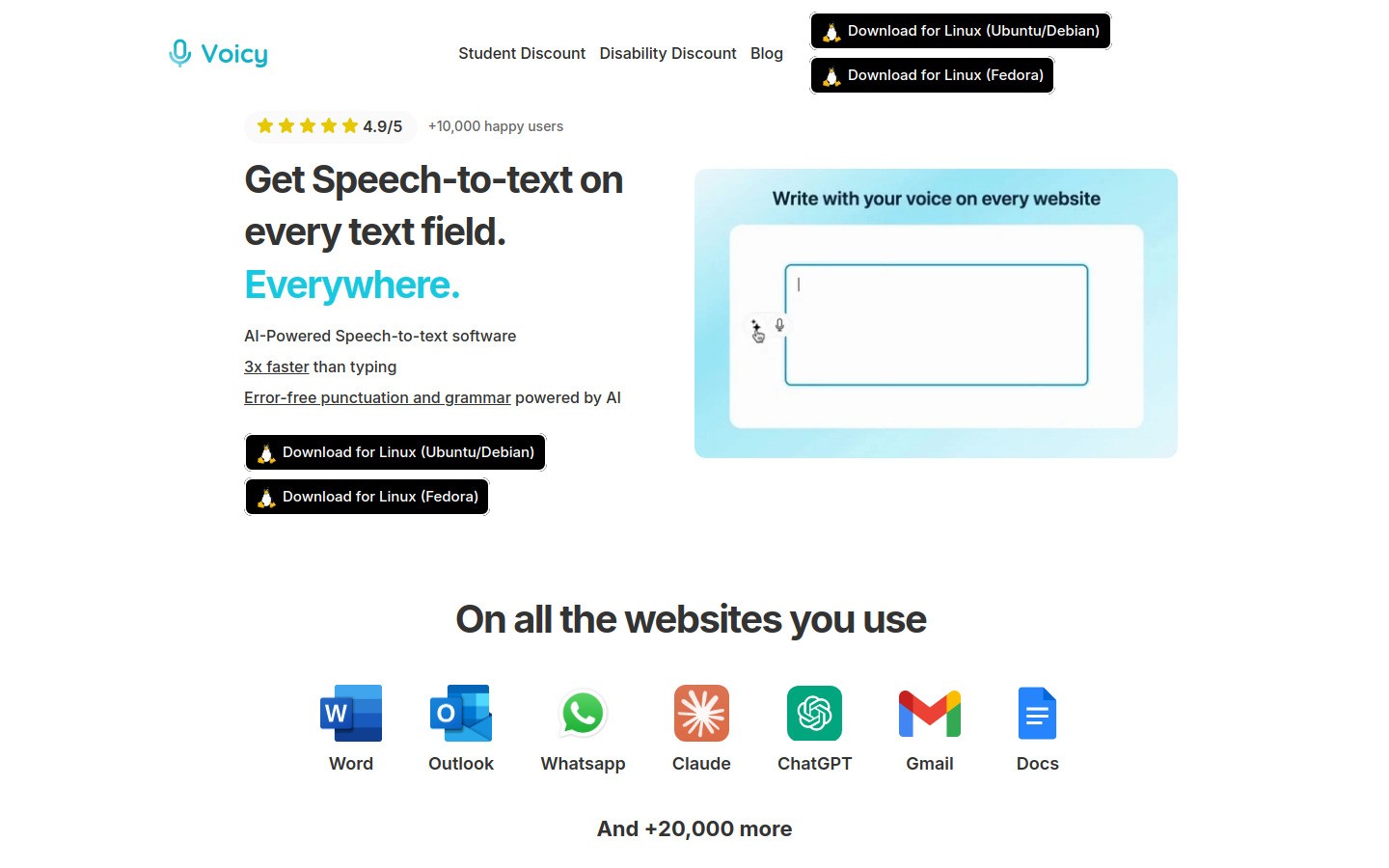
Voicy is the strongest pick if your week jumps between Gmail, Outlook, docs, forms, and chat tools. Instead of forcing you into one editor, it gives you one place to dictate and clean up text across your normal workflow.
That matters for email. A lot of people draft in Gmail on Monday, answer in Outlook on Tuesday, then write follow-ups in a CRM later. Voicy is built for that kind of messy real life.
Why it works well for email
Works on Mac, Windows, and as a browser extension
Helps with punctuation and cleanup, so your draft sounds more like a finished email
Useful for both short replies and longer client updates
Free trial available
Voicy also fits nicely with Voicy's own platform pages for dictation for Gmail and speech-to-text in Outlook. If you already know which inbox you care about most, those guides go deeper into setup.
Downside: It is not fully free. Pricing starts at $8.49 per month, $82 per year, or $260 lifetime. For casual users, a built-in option may be enough.
Best for: People who want one reliable dictation workflow across Gmail, Outlook, and other writing tools.
2. Voice In, best browser-based dictation app for Gmail
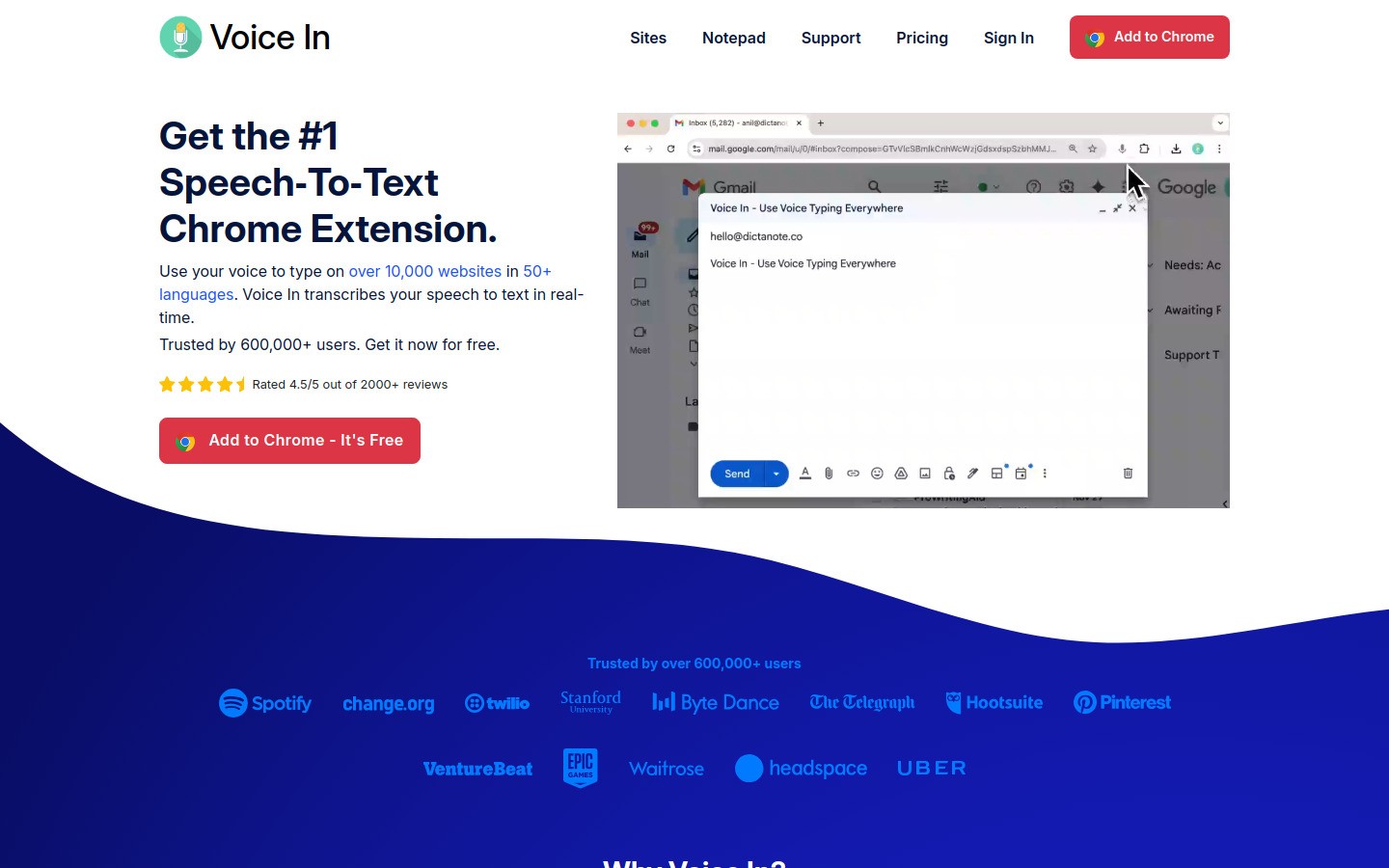
Voice In is a simple pick for people who live in Chrome. It works well inside web text boxes, which makes it a natural match for Gmail and browser-based Outlook.
Its big advantage is speed. Install the extension, click the mic, and start talking. If you mostly work in Gmail tabs all day, that simplicity is hard to beat.
What stands out
Good browser support for Gmail and Outlook Web
Fast setup
Handy for short replies, inbox triage, and quick follow-ups
Downside: It is much less compelling if you use desktop Outlook or jump outside the browser often. Cleanup is also more basic than AI-first tools.
Best for: Chrome-first users who want easy email dictation and do not need much rewriting help.
3. Microsoft Dictate, best built-in dictation for Outlook users
Microsoft Dictate is the obvious place to start if you already pay for Microsoft 365 and spend most of your day in Outlook.
You do not need another app to test the workflow. Open Outlook, click Dictate, and start speaking. For simple email replies, that is appealing.
Where it fits
Native option inside Outlook
No extra app to install for existing Microsoft users
Solid for straightforward replies and internal email
Downside: The minute you switch to Gmail, a CRM, or another writing tool, the workflow gets weaker. It is best when you stay inside the Microsoft world.
Best for: Teams that already use Outlook as their main communication hub.
4. Apple Dictation, best free dictation app for email on Mac
Apple Dictation is the easiest free place to begin on a Mac. It works across apps, so you can use it in Gmail, Outlook, Apple Mail, and plenty of other text fields.
If you only dictate now and then, this may be all you need. It is already there, and there is almost nothing to set up.
What to expect
Free on Mac
Works across many apps
Fine for quick messages and short drafts
Downside: You do not get the same level of rewrite help, advanced cleanup, or cross-platform support. Once your email volume goes up, basic dictation can start feeling rough.
Best for: Mac users who want free email dictation and can live with a simpler tool.
5. Dragon Professional, best for power users with heavy dictation needs
Dragon Professional has been around for years, and it still has a place for people who dictate a lot on Windows. It is powerful, customizable, and trusted by users with specialized workflows.
For email alone, though, it can feel like too much machine. Many people do not need that much setup just to answer messages faster.
Where Dragon still wins
Strong Windows dictation pedigree
Deep customization for frequent users
Good fit for people who already rely on voice commands all day
Downside: Expensive, heavier to learn, and not the cleanest fit for mixed Gmail and Outlook workflows. It shines more in dedicated Windows dictation setups than in casual email use.
Best for: Advanced Windows users who want deep control and do not mind paying for it.
Which dictation app is best for Gmail?
If Gmail is your main inbox, the best choice usually comes down to Voicy or Voice In.
Choose Voice In if you want a lightweight Chrome extension and mostly write short messages in Gmail. Choose Voicy if you want better cleanup, cross-platform flexibility, and a smoother jump between Gmail, Outlook, and other apps.
If you want the Gmail-specific breakdown, start with Voicy's Gmail dictation page.
Which dictation app is best for Outlook?
If you work fully inside Outlook, Microsoft Dictate is the easiest place to start. It is built in and fine for many basic workflows.
If you move between Outlook and other tools, Voicy is usually the better long-term fit because you keep the same dictation workflow everywhere. For a closer look, read Voicy's Outlook speech-to-text guide.
How to choose the right email dictation app
Pick based on where you actually write, not based on feature lists. That sounds obvious, but this is where people waste money.
Mostly Gmail in Chrome: Start with Voice In or Voicy.
Mostly Outlook in Microsoft 365: Try Microsoft Dictate first, then compare with Voicy if you need more flexibility.
Mac user with light needs: Apple Dictation is enough for basic email.
Heavy Windows dictation: Dragon may be worth it.
Mixed workflow across inboxes and apps: Voicy is the strongest all-around pick.
If your real goal is reducing typing fatigue across more than email, these guides may help too: voice typing apps, how to use voice typing on Gmail, and how to use speech-to-text in Outlook.
Final verdict
The best dictation apps for email, Gmail, and Outlook are not all trying to do the same job. Some are simple built-in tools. Some are browser helpers. Some try to become your full writing workflow.
For most people, Voicy is the best all-around choice because it supports both Gmail and Outlook well, works across Mac, Windows, and browser workflows, and gives you more than raw speech-to-text. If you only need a free or very light tool, Apple Dictation, Microsoft Dictate, or Voice In may be enough.
Want to test the workflow in your actual inbox? Start with dictation for Gmail or speech-to-text in Outlook, depending on where you write most.
Frequently asked questions
Can I dictate emails directly in Gmail?
Yes. Gmail supports dictation through browser extensions, operating system dictation tools, and apps like Voicy. The best option depends on whether you want simple speech-to-text or extra cleanup help.
Can I use speech-to-text in Outlook?
Yes. Outlook users can use Microsoft's built-in Dictate feature or third-party tools like Voicy and Dragon, depending on platform and workflow.
What is the best free dictation app for email?
For free options, Apple Dictation is a solid start on Mac, and Microsoft Dictate is a good built-in choice for Outlook users. They are useful, but they are usually more limited than dedicated paid tools.
Is Voicy free?
Voicy is not fully free, but it offers a free trial. Paid plans start at $8.49 per month, $82 per year, or $260 lifetime.
Does Voicy work on Windows and Mac?
Yes. Voicy works on Mac, Windows, and as a browser extension.


