




Choosing the best dictation software for chiropractors comes down to one simple question: do you need faster SOAP notes, or do you just need to stop typing so much? Those are not the same problem.
Some tools on this list are built for clinical documentation. Others are better for follow-up emails, referral letters, intake summaries, and the mountain of admin work around patient care. This guide walks through both, so you can pick the right fit for your clinic.
Summary of the article
Voicy: Best for chiropractors who want faster writing in everyday apps, not a chiropractic SOAP-note platform.
Freed: Best for small chiropractic clinics that want quick AI-generated visit notes without a heavy setup.
Heidi Health: Best if you want a low-cost way to test ambient documentation before committing.
Dragon Medical One: Best for chiropractors who prefer classic dictation and want tight control over wording.
Suki: Best for larger practices that want voice commands plus ambient note help.
Augnito: Best budget cloud dictation option if you mainly want speech-to-text, not a full AI scribe.
How we picked the best dictation software for chiropractors
We focused on the stuff chiropractors actually care about: SOAP note speed, ease of review, browser or desktop support, price clarity, and whether the tool helps inside the chart or only outside it.
We also looked at a practical split. In many clinics, one tool handles documentation from patient visits, while another speeds up front-desk and follow-up writing. If you try to force one app to do both, you usually end up annoyed.
What chiropractors usually need from dictation software
Fast SOAP note drafting
Good handling of repeat visit language
Easy editing before the note goes into the chart
Support for Mac, Windows, or browser-based workflows
Clear pricing for solo and small practices
Enough flexibility for referrals, exercise instructions, and patient communication
If your biggest pain is charting after each visit, start with a medical dictation or ambient scribe tool. If your biggest pain is everything else you write during the day, also look at tools like Voicy, especially for browser-based work.
1. Freed
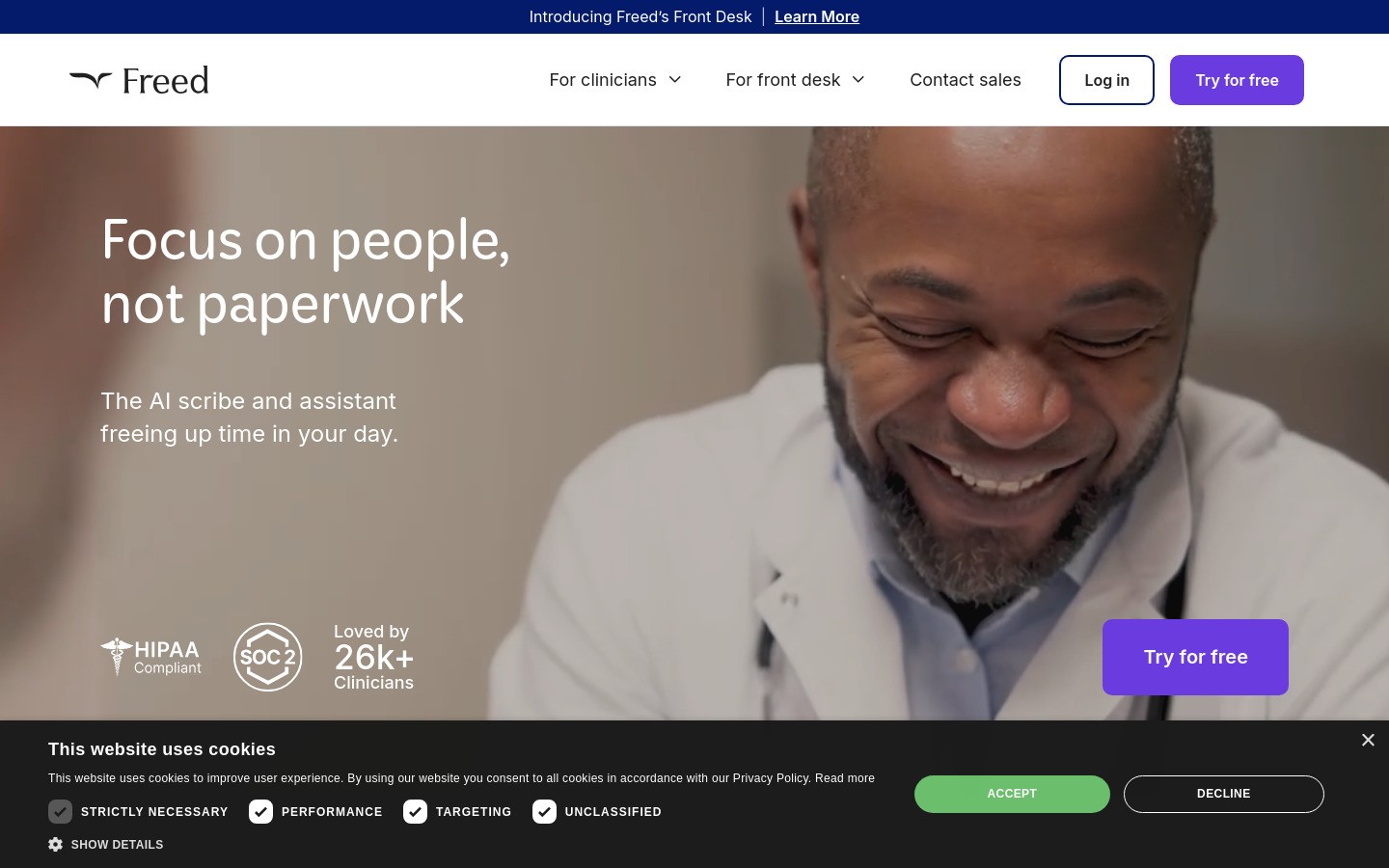
Freed is one of the easiest places for a chiropractor to start. It is built around ambient note creation, so you can record the visit and review a draft note instead of dictating every line manually.
That matters in chiropractic because a lot of visits are fast, repetitive, and structured. You do not want to spend your evening rebuilding the same SOAP note over and over.
Why it works for chiropractors
Quick setup for solo and small clinics
Works well when you want a draft note right after the visit
Better fit for visit documentation than general voice typing apps
Downsides
Pricing climbs if you need higher tiers
You still need to review the output carefully
Less useful for general writing outside clinical documentation
Best for: Chiropractors who want to cut note-writing time fast without a big implementation project.
2. Heidi Health
Heidi Health is a strong option if you want to test ambient documentation without jumping straight into an expensive annual contract. It has become popular partly because the barrier to trying it is lower.
For chiropractors, that makes it useful as an early-stage option. You can see whether ambient documentation actually fits your room flow before you commit to a pricier stack.
Why it works for chiropractors
Lower-risk way to test AI note generation
Good fit for clinics that want flexibility and simple rollout
Works well if you are still figuring out your documentation process
Downsides
You may outgrow it if you need deeper workflow control
Template tuning still takes effort
It is not the cheapest option once you move beyond basic use
Best for: Chiropractors who want to experiment with AI-generated notes before standardizing on one platform.
3. Dragon Medical One
Dragon Medical One is the classic medical dictation name. If you prefer speaking your findings directly and shaping the note yourself, Dragon is still one of the safest bets.
It is especially useful for chiropractors who dislike ambient recording and want tight control over assessment wording, treatment details, and plan sections.
Why it works for chiropractors
Strong medical vocabulary and mature dictation workflow
Good fit if you want direct control instead of an AI-generated draft
Works well for clinicians who already think in dictated note structure
Downsides
Usually more effort than ambient tools
Less attractive for Mac-first clinics
Can feel heavy if you only want basic speech-to-text
Best for: Chiropractors who want classic dictation accuracy and do not mind building the note themselves.
4. Suki
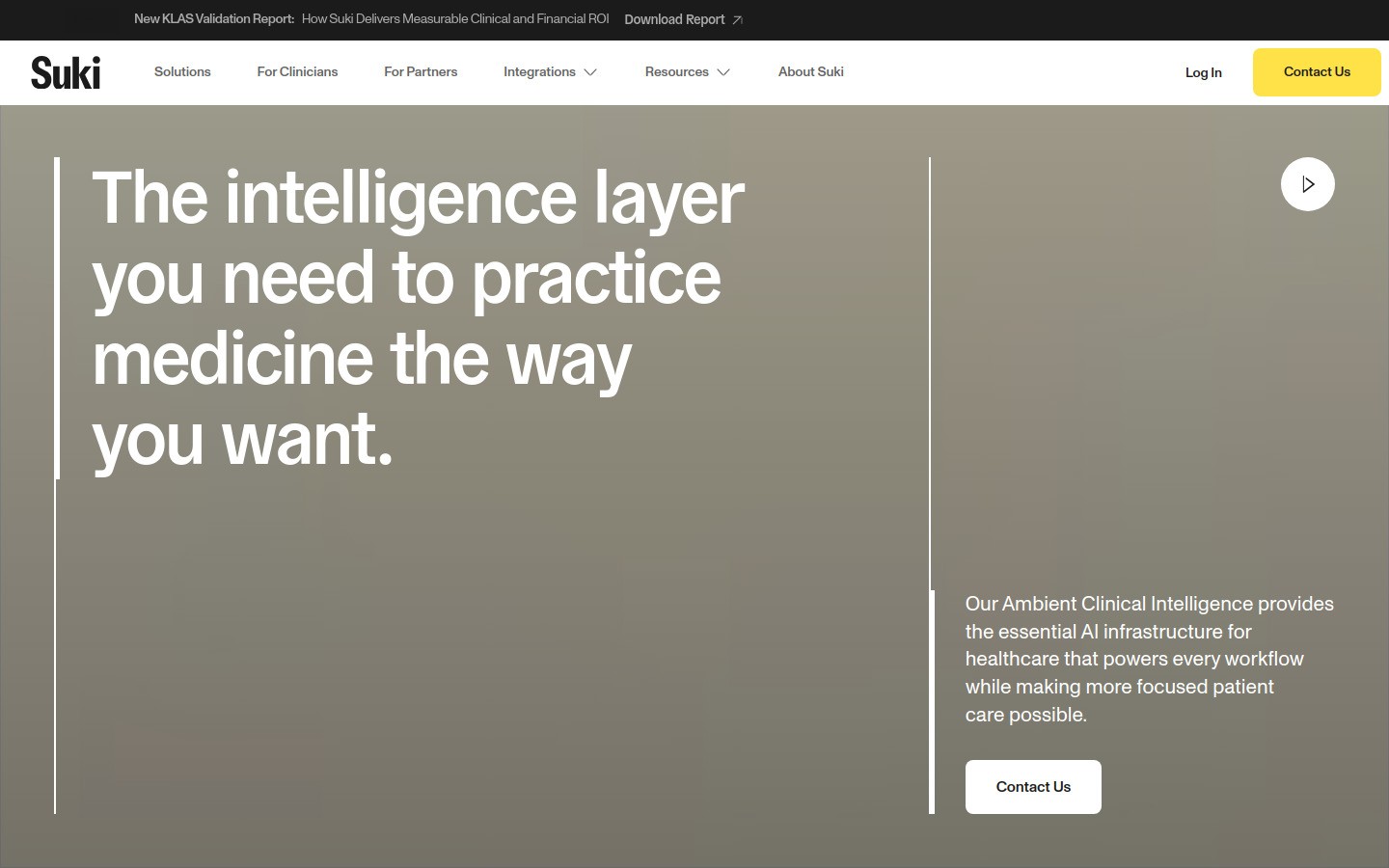
Suki sits a bit higher up-market. It is more than plain dictation, and more of a clinical workflow assistant.
For chiropractic clinics, Suki makes the most sense when you want voice interaction beyond note creation, or when your practice is large enough to care about broader workflow automation.
Why it works for chiropractors
Combines ambient help with voice-driven workflow features
Better fit for larger or more process-heavy practices
Useful if you want more than just transcription
Downsides
Price is hard to justify for many small clinics
Probably overkill for a solo chiropractor
Requires a more deliberate rollout than lightweight tools
Best for: Chiropractic groups that want a broader voice workflow layer, not just faster notes.
5. Augnito
Augnito is a simpler cloud dictation choice. It makes sense when you mainly want speech-to-text and do not need a full ambient AI scribe.
That can work well in chiropractic clinics where the doctor already has templates and just wants a faster way to fill them in.
Why it works for chiropractors
Lower-cost way to add cloud dictation
Good fit for template-based documentation
Useful when you want to keep your current workflow mostly intact
Downsides
Not as full-featured as premium medical tools
Less compelling if you want AI-generated structured notes
You may still do a fair amount of manual cleanup
Best for: Chiropractors who want straightforward speech-to-text at a lower price point.
6. Voicy
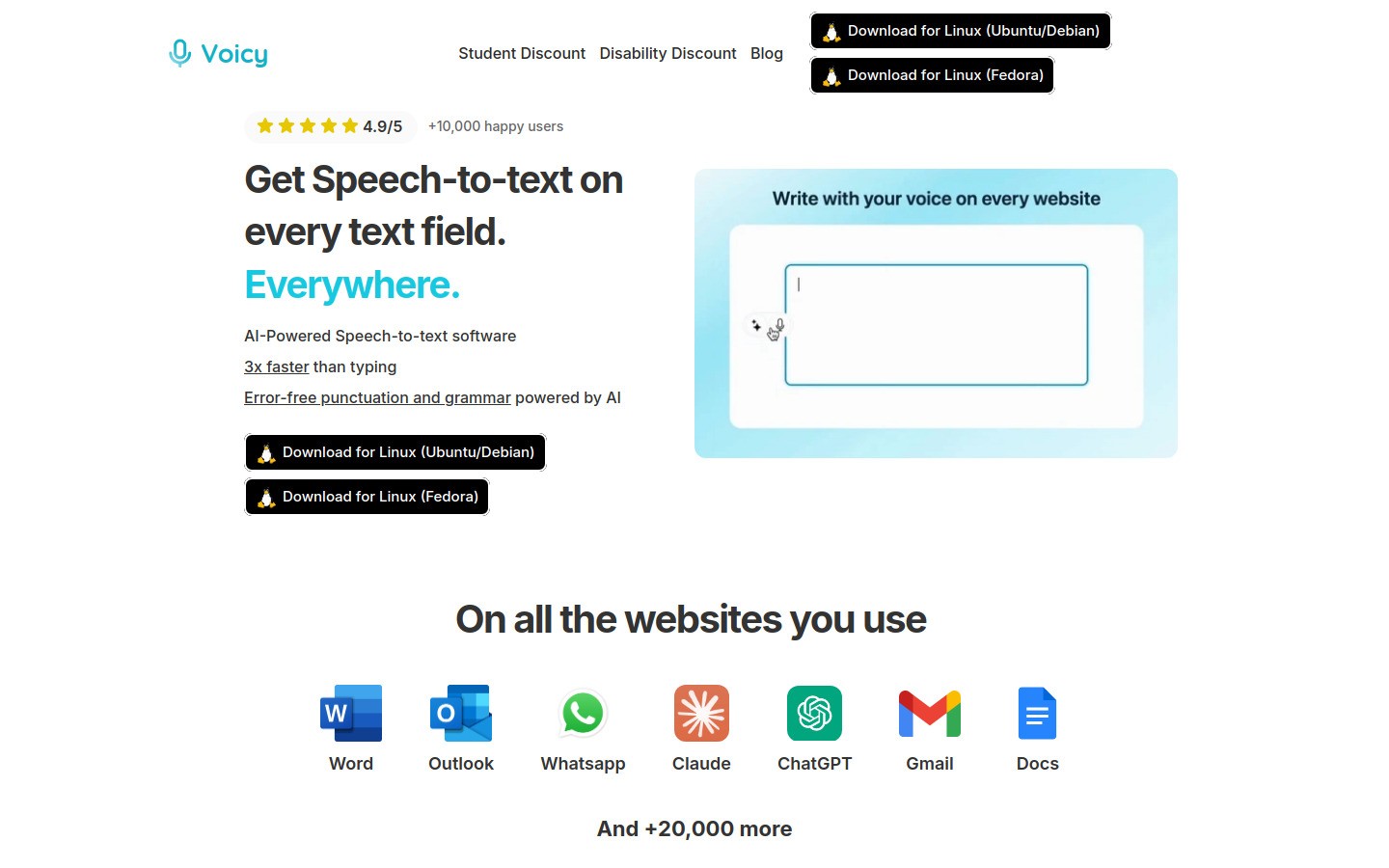
Voicy is not a chiropractic SOAP-note platform, and that is exactly why it belongs lower on this list instead of pretending to be something else. Voicy is best for the writing chiropractors do outside the chart.
Think follow-up emails, referral messages, patient instructions, intake summaries, and quick writing in tools like Gmail, browser forms, and docs. Voicy works on Mac, Windows, and as a browser extension. It offers a free trial, then starts at $8.49 per month, $82 per year, or $260 lifetime.
Why it works for chiropractors
Very low entry price compared with clinical dictation platforms
Useful across everyday apps, not just one charting environment
Good for clinics that want less typing in admin work
Downsides
Not built as a chiropractic SOAP-note system
Cloud-based transcription means you should use it with the right workflow and privacy judgment
If your goal is hands-free clinical note generation from patient visits, another tool on this list is a better fit
Best for: Chiropractors who want a second tool for everyday writing, or who mainly need voice typing outside the EHR.
Quick comparison table
Tool | Best for | Style | Main tradeoff |
|---|---|---|---|
Small clinics that want fast note drafts | Ambient AI | Higher tiers can get pricey | |
Testing ambient documentation | Ambient AI | May need more tuning as you grow | |
Classic direct dictation | Medical dictation | More manual structure work | |
Larger workflow-heavy practices | Ambient + voice workflow | Expensive for small clinics | |
Budget cloud dictation | Speech-to-text | Less help with full note creation | |
Writing outside the chart | General voice typing | Not a chiropractic SOAP-note tool |
Which dictation software is best for chiropractors?
If your main problem is patient-note time, start with Freed or Heidi Health. If you want direct control and already like traditional dictation, Dragon Medical One is still a serious option.
If your real pain is all the writing around the visit, not the visit note itself, Voicy is the better value. It is cheap, flexible, and fast, but it should be positioned honestly as a general dictation tool, not a specialized chiropractic documentation system.
How to choose the right fit for your clinic
Choose ambient AI if you want a draft SOAP note after the visit.
Choose classic dictation if you want to control every line yourself.
Choose Voicy as a second tool if you want faster emails, referrals, and browser-based writing.
If you want a broader overview first, read our voice typing app guide, our dictation software for medical professionals roundup, and our medical dictation software guide.
You can also test how Voicy fits into your non-clinical workflow on the Voicy homepage or see where browser-based dictation helps in Google Docs speech-to-text workflows.
FAQ
What is the best dictation software for chiropractors?
For clinical note drafting, chiropractors will usually get the most value from an ambient documentation tool like Freed or Heidi Health. For classic medical dictation, Dragon Medical One is still a strong choice.
Can chiropractors use general voice typing tools?
Yes, especially for follow-up emails, letters, intake summaries, and admin work. That is where Voicy fits best.
Is Voicy HIPAA charting software for chiropractors?
No. Voicy is a cloud-based dictation tool for general writing. It is not positioned as a chiropractic SOAP-note platform.
Do chiropractors need ambient AI or classic dictation?
It depends on your workflow. Ambient AI is better if you want the software to draft the note after the visit. Classic dictation is better if you want to speak the note structure yourself.
Conclusion
The best dictation software for chiropractors is the one that matches the job. For visit notes, that usually means an ambient or medical dictation tool. For everyday typing across email, documents, and browser apps, a lighter tool can save a surprising amount of time.
If you want the simplest split, use one clinical documentation tool for SOAP notes and Voicy for everything around them. That setup is usually more practical than trying to make one app do it all.


