




The 25 Best Windows 11 Productivity Apps in 2025
Scroll down to see our picks for the 25 best Windows 11 apps.
Windows 11 is a clear upgrade from Windows 10.
But even though Microsoft added a sleek new design and improved features, its built-in apps still fall short.
Especially if you are a power user.
Luckily we have thousands of fantastic Windows 11 apps that were built to boost your productivity.
For this article, we tested hundreds of different apps to find the best of the best Windows 11 apps.
This article divides the top apps into multiple categories for ease of reading.
From basic productivity to enhanced security, we got you covered.
Let's get started and look at the best Windows 11 productivity apps.
Short version of the article
The right Windows 11 apps depend on your specific productivity needs and workflow.
If you need better writing and documentation:
Voicy - 99%+ accurate speech-to-text for all Windows apps, works 3x faster than typing
Notion - All-in-one workspace combining notes, tasks, and databases, free for personal use
Obsidian - Build a "second brain" with linked notes, free for personal use
Grammarly - AI writing assistant that works across all apps
If you want essential productivity enhancements:
Microsoft PowerToys - Free Swiss Army knife with 20+ Windows utilities including FancyZones and PowerToys Run
Everything - Instant file search that's faster than Windows Search, completely free
ShareX - Advanced screenshot and screen recording tool, free and open source
If you want better communication and collaboration:
Slack - Team communication hub, free for small teams
Discord - Beyond gaming communication for communities and teams, free
Zoom - Video conferencing standard, free for 40-minute meetings
If you need creative and design tools:
Canva - Design for everyone with AI features, free version available
OBS Studio - Professional streaming and recording, completely free
If security and privacy matter:
Bitwarden - Secure password manager, free with premium options
NordVPN - Privacy protection starting at $12.99/month
If you're a developer:
Visual Studio Code - World's most popular code editor, completely free
Windows Terminal - Modern command line replacement, free
For enhanced productivity across all these apps, consider using speech-to-text tools to work faster and more efficiently.
Best productivity apps for Windows 11 by workflow
If you came here searching for the best productivity apps for Windows, do not install all 25 tools at once. Pick the bottleneck first: writing, files, windows, notes, meetings, screenshots, security, or focus.
Workflow | Best Windows 11 app | Use it when |
|---|---|---|
Voice input and writing | You write emails, docs, prompts, tickets, CRM notes, and reports faster by speaking. | |
Window management | You want FancyZones, a faster launcher, batch renaming, and small Windows fixes. | |
Fast file search | Windows Search is slowing you down and you need files instantly. | |
Notes and planning | You need project notes, meeting notes, a personal knowledge base, or study material. | |
Screenshots | You capture, annotate, upload, and reuse screenshots many times a week. | |
Password management | You want safer logins across Windows apps and browsers without paying much. |
A strong Windows productivity stack can be small: PowerToys for the OS, Everything for files, Voicy for writing, ShareX for screenshots, Bitwarden for passwords, and one notes app you actually keep using.
Essential Productivity Apps for Windows 11
1. Microsoft PowerToys - The Ultimate Windows 11 Enhancement Suite
Price: Free
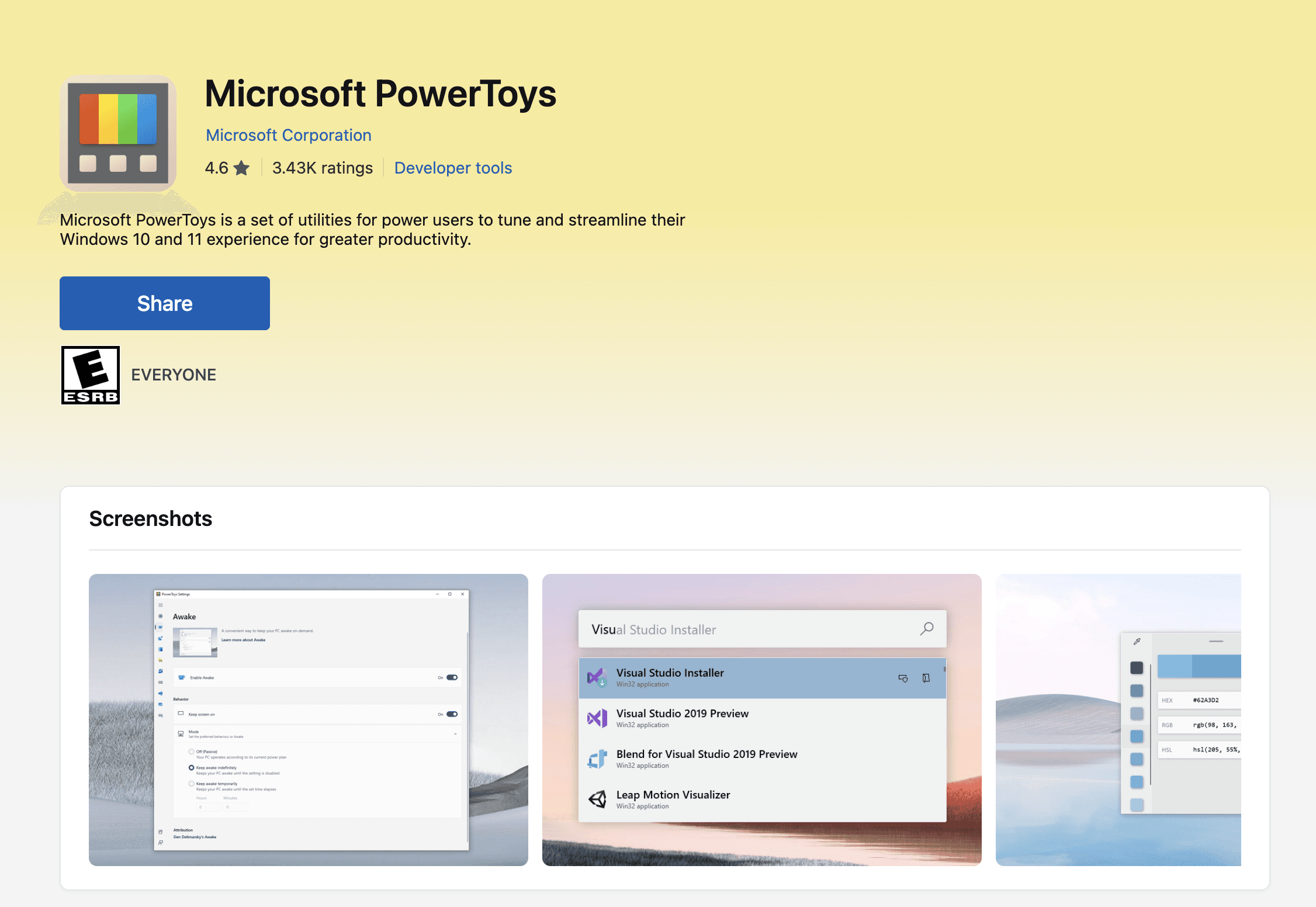
If you download only one app from this list, make it PowerToys. This Microsoft-developed suite of utilities is like having a Swiss Army knife for Windows 11. PowerToys includes over 20 different tools that enhance your productivity, from the incredible FancyZones for advanced window management to PowerToys Run, a lightning-fast launcher that puts Windows Search to shame.
We still don't know why this doesn't come automatically installed with your Windows 11 computer.
If you check the Microsoft PowerToys website, the first review is a user asking the same question. It's a no-brainer.
Key Features:
FancyZones for custom window layouts
PowerRename for batch file renaming
Color Picker for instant color codes
Always on Top to keep windows visible
PowerToys Run for quick app launching
The best part? It's completely free and regularly updated by Microsoft's own team. This free Windows 11 app alone can transform your workflow by making common tasks faster and more intuitive.
2. Notion - The All-in-One Workspace
Price: Free for personal use, $10/month for Pro
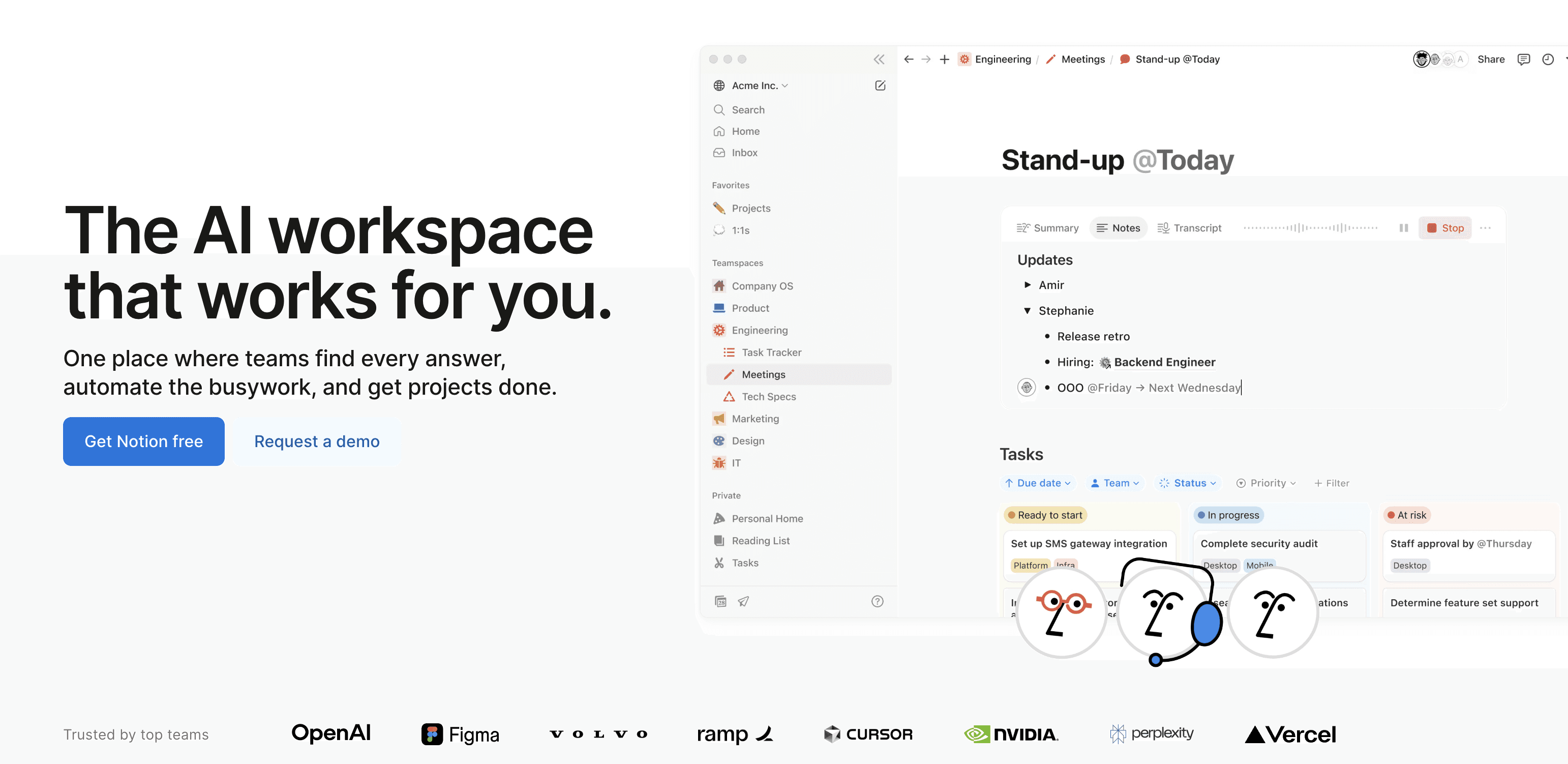
Notion has revolutionized how millions organize their work and personal lives. This Windows 11 productivity app combines note-taking, task management, databases, and collaboration tools into one seamless platform. Unlike traditional note apps, Notion lets you create custom workflows that adapt to your specific needs.
Notion has changed the way we organize our work and personal lives. It started as a simple note-taking app but has since turned into an app for absolutely everything.
This Windows 11 productivity app combines note-taking, task management, databases, collaboration tools, and much, much more in a simple, nicely designed platform.
Notion also integrates with hundreds of other platforms, such as your calendar, email inbox, and even your project management tools.
It is a fantastic choice for organizing your personal or your work life.
Why Notion Excels (pun intended) on Windows 11: For hands-free data entry, learn how to use voice typing in Excel.
Native Windows 11 app with perfect system integration
Offline mode for working without internet
Powerful database features for project management
AI-powered writing assistant built-in
Seamless sync across all devices
3. Voicy - Better Speech-to-Text on Windows
Price: Free trial, $8.49/month
Try Voicy speech to text for Windows.
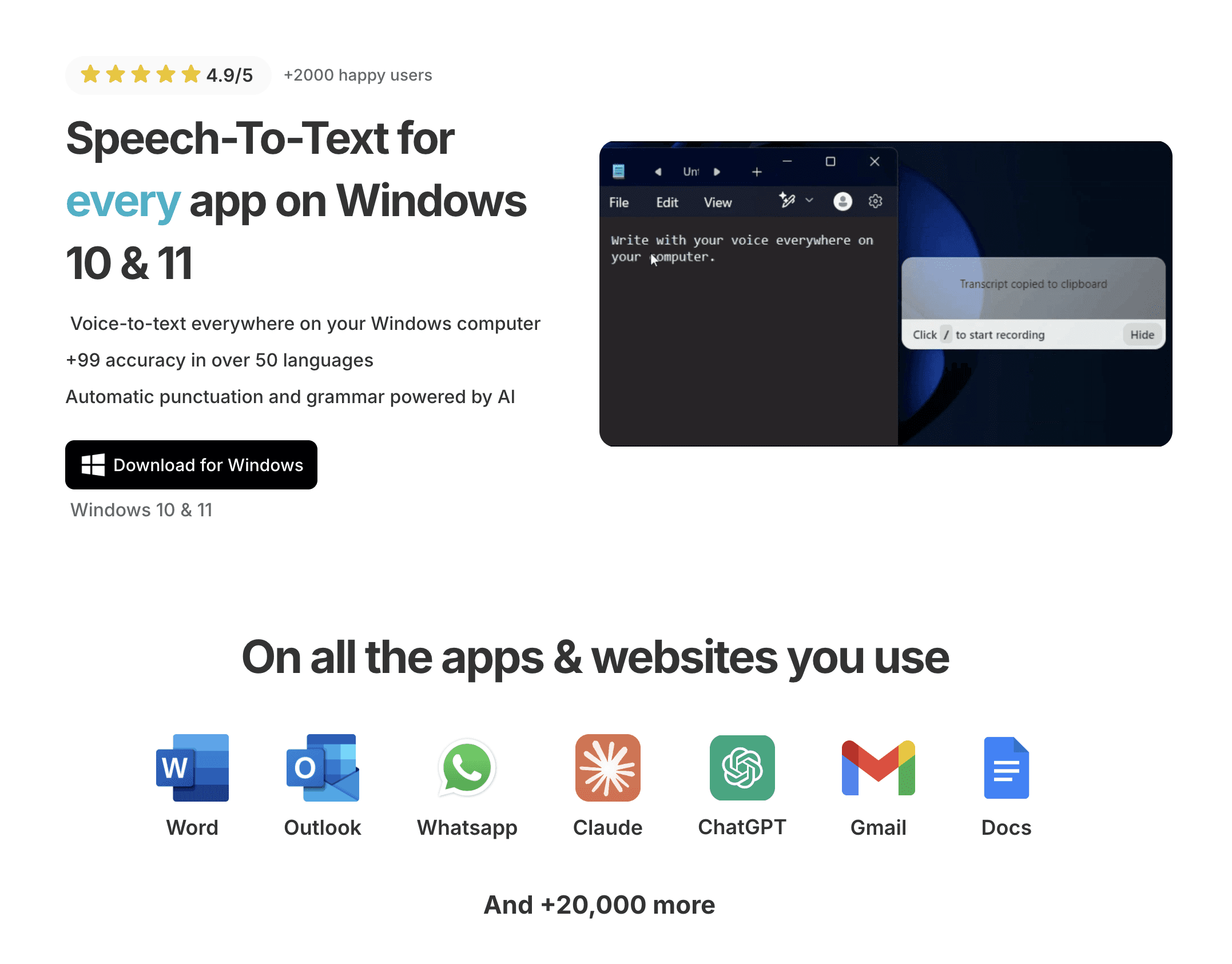
If you've ever tried the built-in dictation on Windows, then you know it's not great. Inaccurate, slow, and too buggy.
Voicy's different. It works on every app on your computer, including Windows staples like Word or Outlook.
The AI-powered transcription boasts over 99% accuracy in 50 languages.
It can be started and stopped with a simple keyboard shortcut that you set yourself.
Essential Features:
Write 3x faster with your voice
Over 99% accuracy in 50 languages
Automatic punctuation and grammar correction
AI-editing features
Start/stop recordings with keyboard shortcut
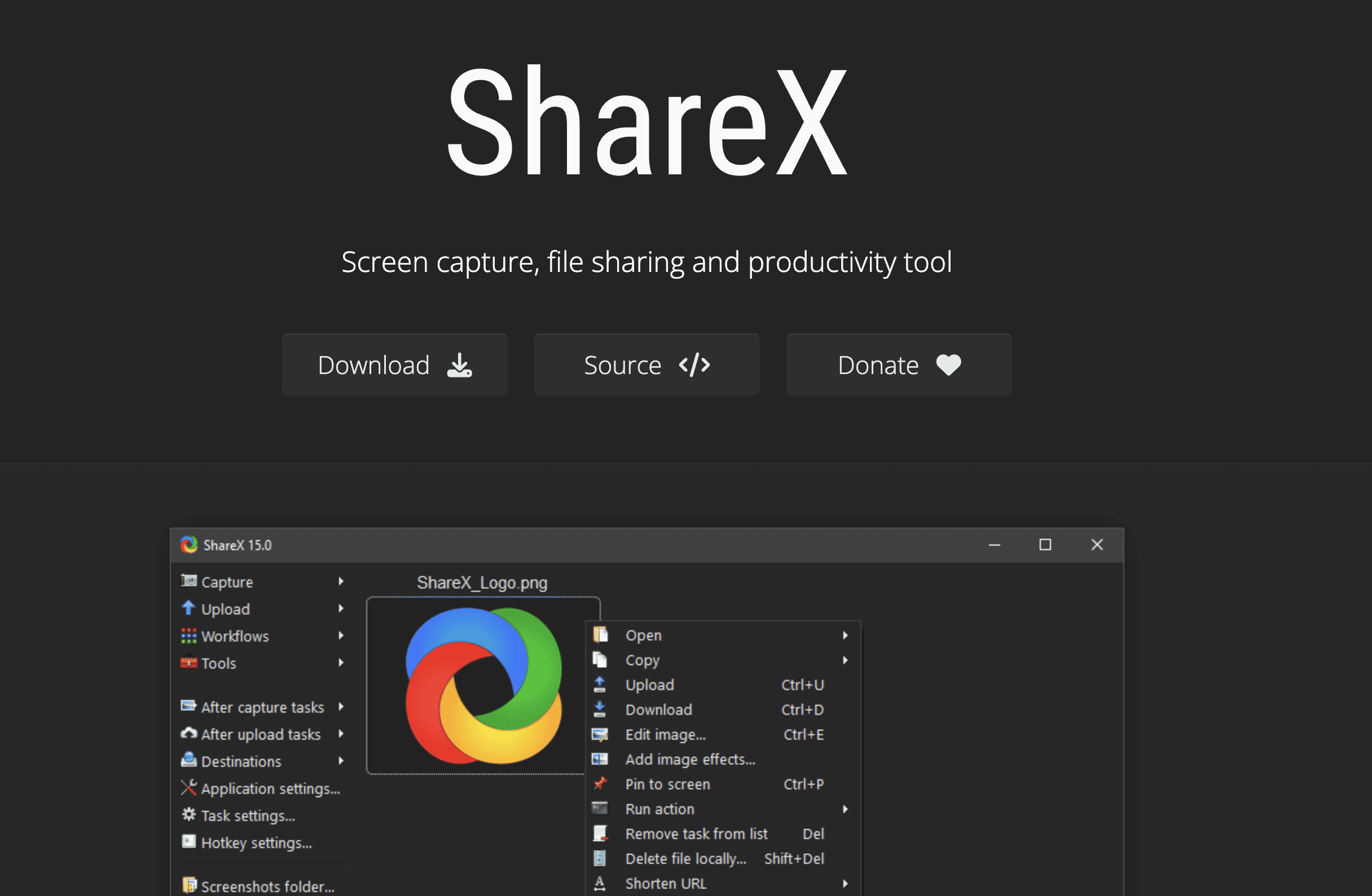
4. ShareX - Screenshot and Screen Recording Powerhouse
Price: Free and Open Source
Forget the basic Snipping Tool – ShareX is what screenshot capabilities should be. This free Windows 11 app offers advanced capture modes, automatic uploads, and a built-in editor that rivals paid alternatives.
ShareX Advantages:
Scrolling capture for long webpages
Screen recording with multiple codecs
OCR text recognition from images
Automatic cloud uploads
Custom workflows and hotkeys
5. Everything - Instant File Search
Price: Free
If you've ever waited for Windows Search to find a file, you'll love Everything. This tiny app indexes your entire drive and provides instant search results as you type. It's so fast it feels like magic.
Performance Benefits:
Searches millions of files in milliseconds
Minimal resource usage (under 50MB RAM)
Real-time updating
Advanced search filters
Portable version available
Communication and Collaboration Apps
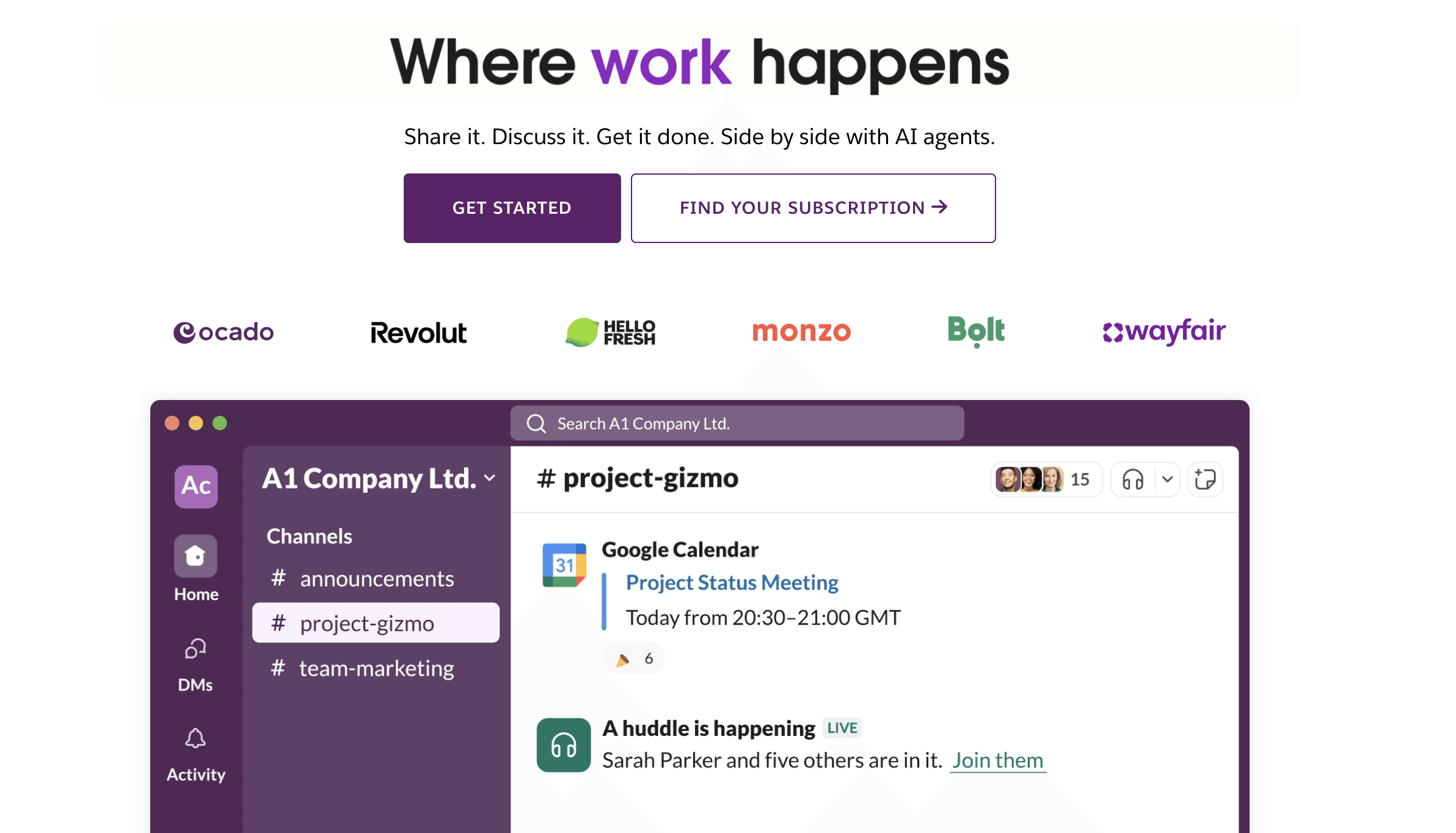
6. Slack - Team Communication Hub
Price: Free for small teams, paid plans from $8.75/user/month
While Microsoft Teams comes bundled with Windows 11, many teams prefer Slack for its superior user experience and extensive integration ecosystem. Slack is basically a more fun Microsoft Teams.
The Windows 11 native app offers excellent performance and seamless notifications.
Even if you don't use Slack for your job, it is still a useful app to have, as many online communities run on Slack.
7. Discord - Beyond Gaming Communication
Price: Free, Nitro from $9.99/month
Originally designed for gamers, Discord has evolved into a versatile communication platform perfect for communities, remote teams, and friend groups.
The Windows 11 app delivers crystal-clear voice chat and robust text messaging.
Whether you use it for gaming, workplace communication, or your favorite communities, the Discord app for Windows 11 is wonderful.

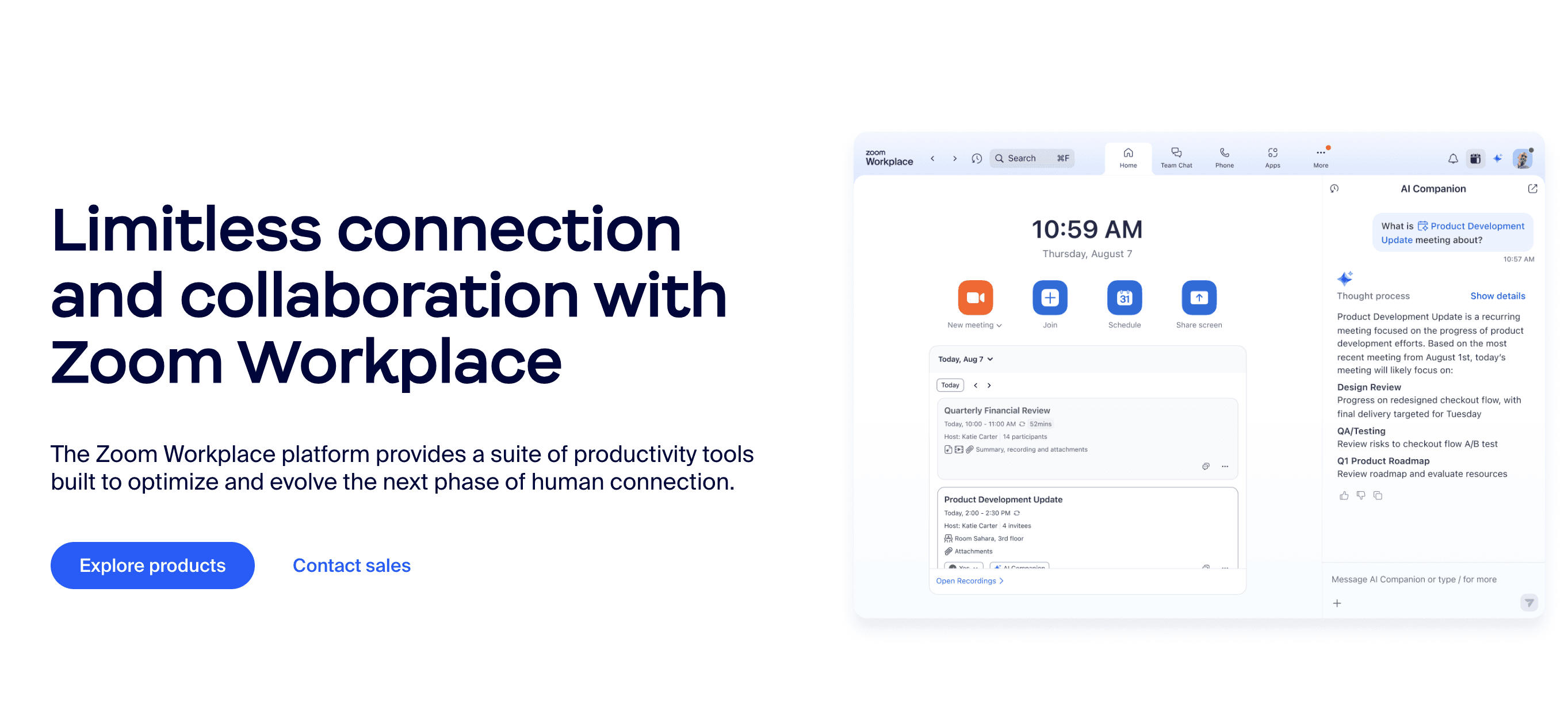
8. Zoom - Video Conferencing Standard
Price: Free for 40-minute meetings, Pro from $14.99/month
Despite competition, Zoom remains the go-to video conferencing solution for millions.
The Windows 11 app includes virtual backgrounds, screen sharing, and recording capabilities that work flawlessly.
It is generally a much better bet to go with the Zoom desktop app instead of using your browser for video calls.
File Management and Organization
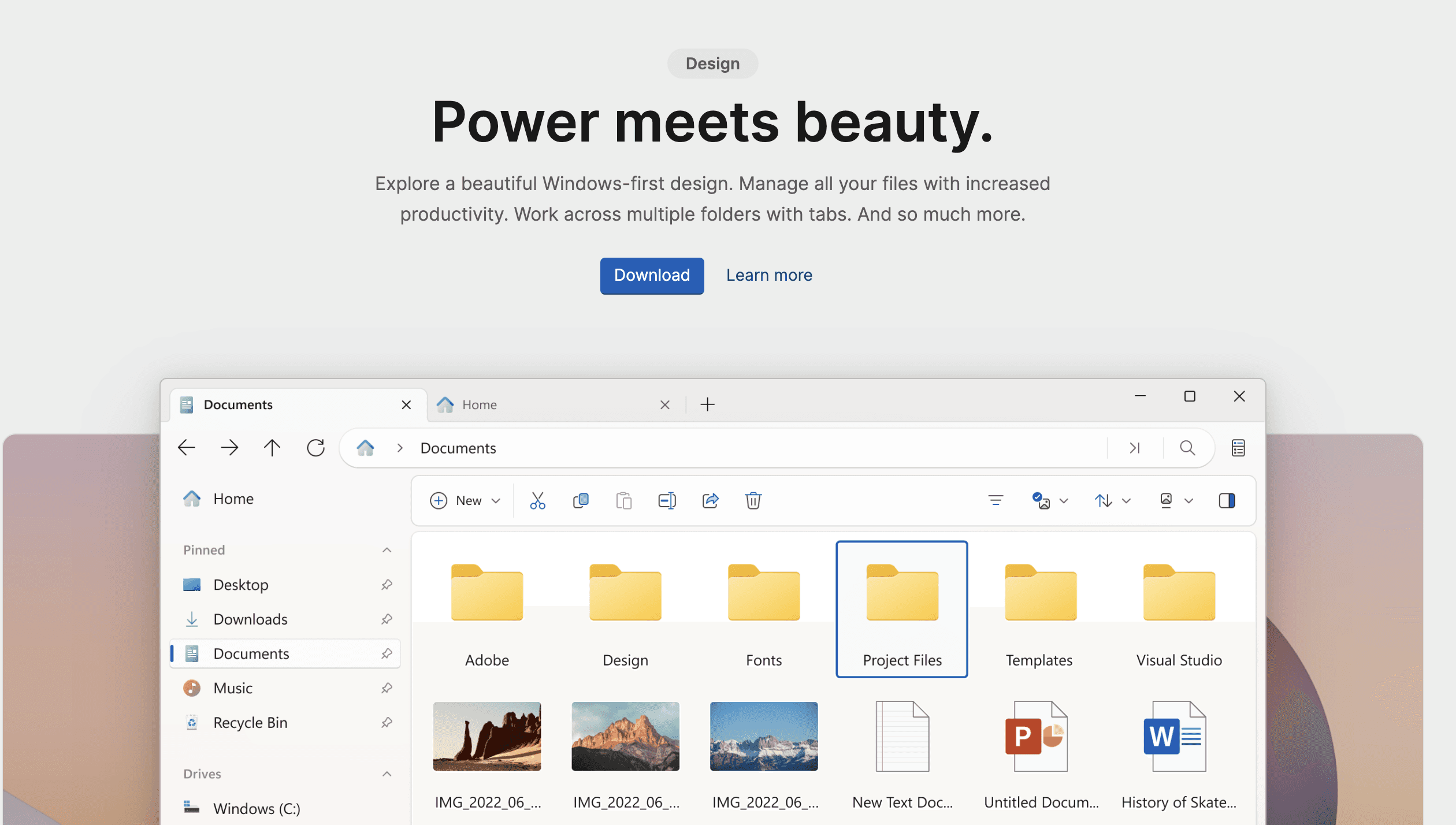
9. Files - Modern File Explorer Alternative
Price: Free, optional $8.99 donation
The built-in File Explorer works, but Files brings it into the modern era with a beautiful interface, tabs, and powerful features that make file management actually enjoyable.
Standout Features:
Tabbed browsing
Dual-pane view
Cloud storage integration
Custom themes
Tags and labels
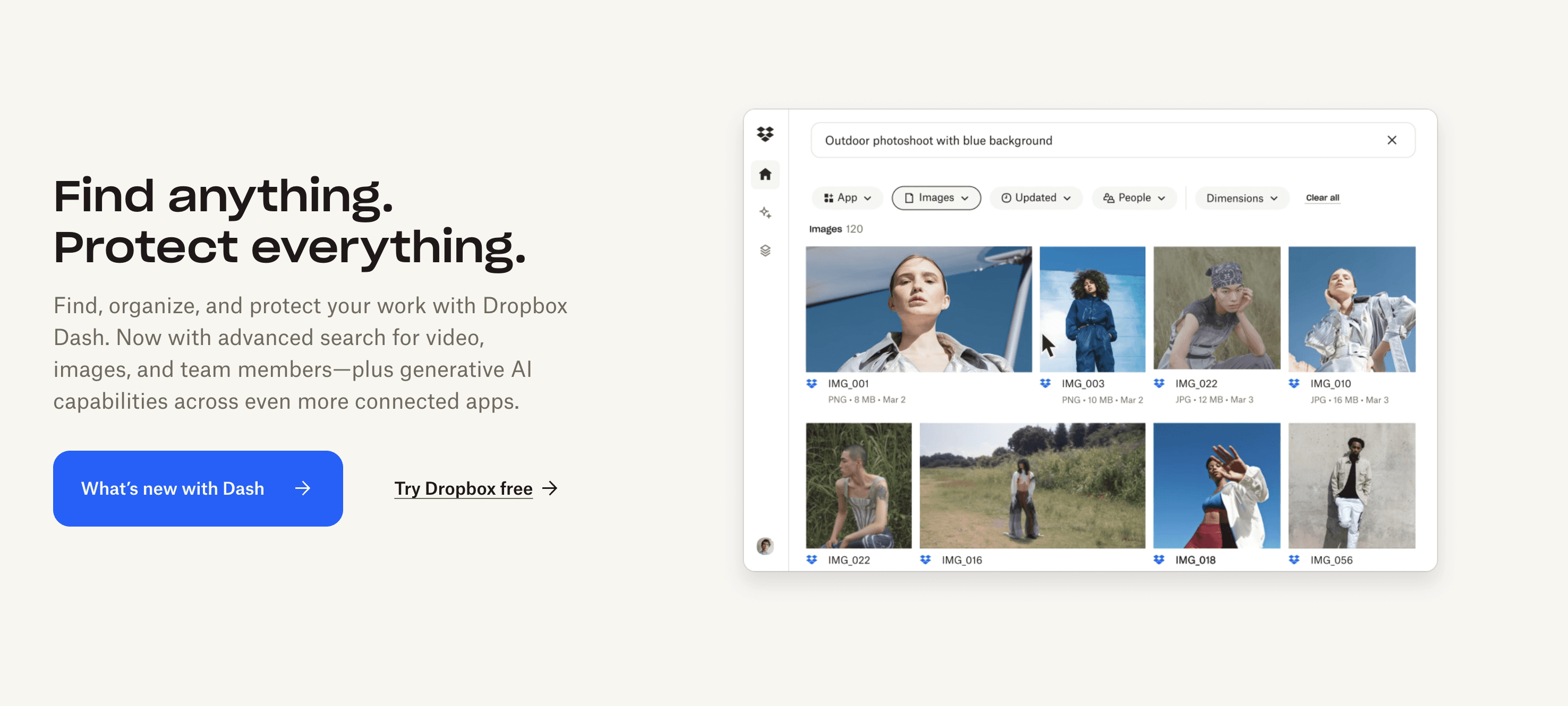
10. Dropbox - Cloud Storage Pioneer
Price: Free 2GB, Plus from $11.99/month
While OneDrive is integrated into Windows 11, Dropbox offers superior sharing features and cross-platform compatibility that makes it essential for many professionals.
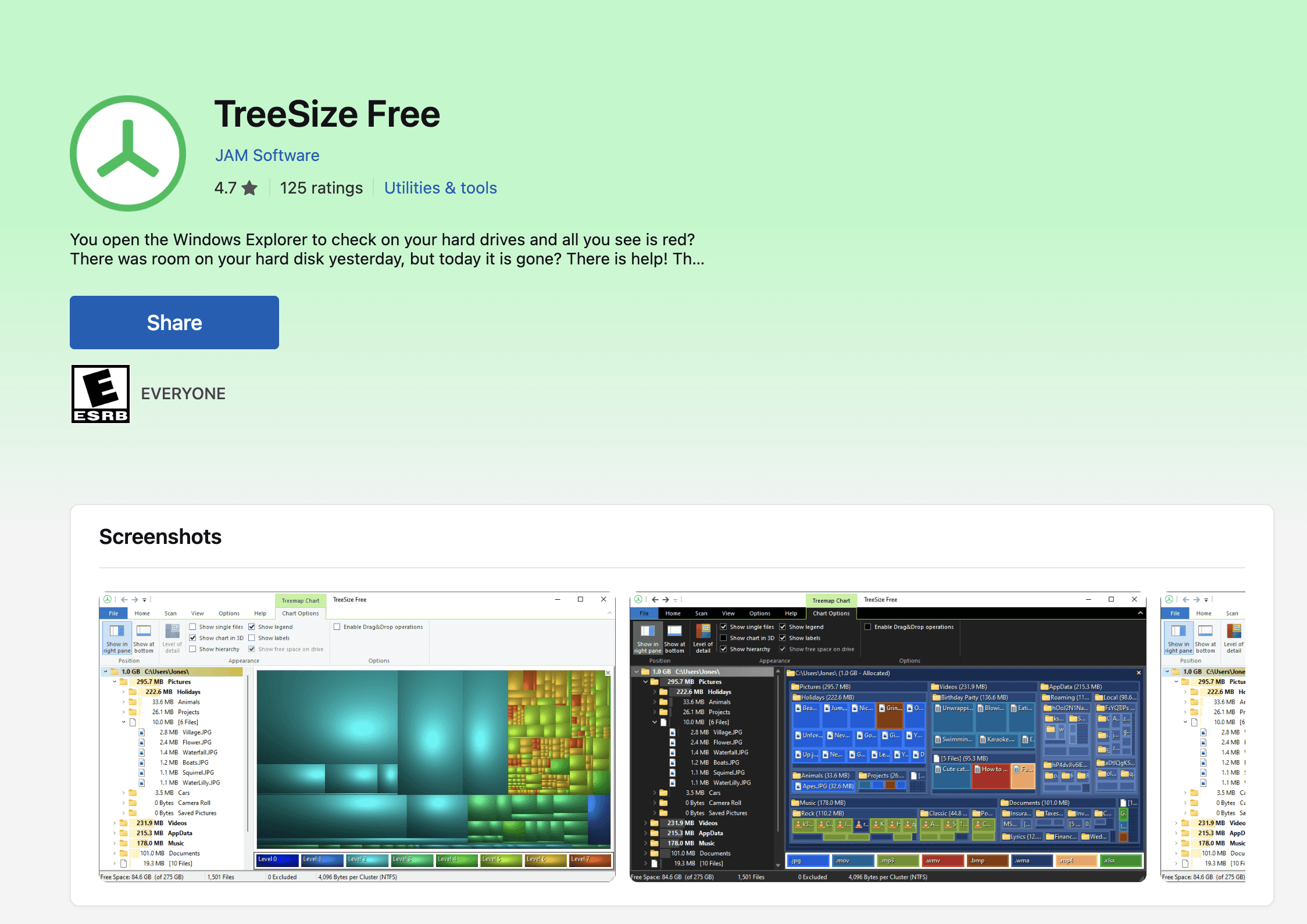
11. TreeSize Free - Disk Space Analyzer
Price: Free for personal use
Running out of space? TreeSize Free shows exactly what's eating your storage with beautiful visualizations and powerful cleanup tools.
While we don't think it's essential to have this app installed at all times on your computer, we do think that it can be a lifesaver whenever you're reaching your storage limits on your device.
Creative and Design Apps
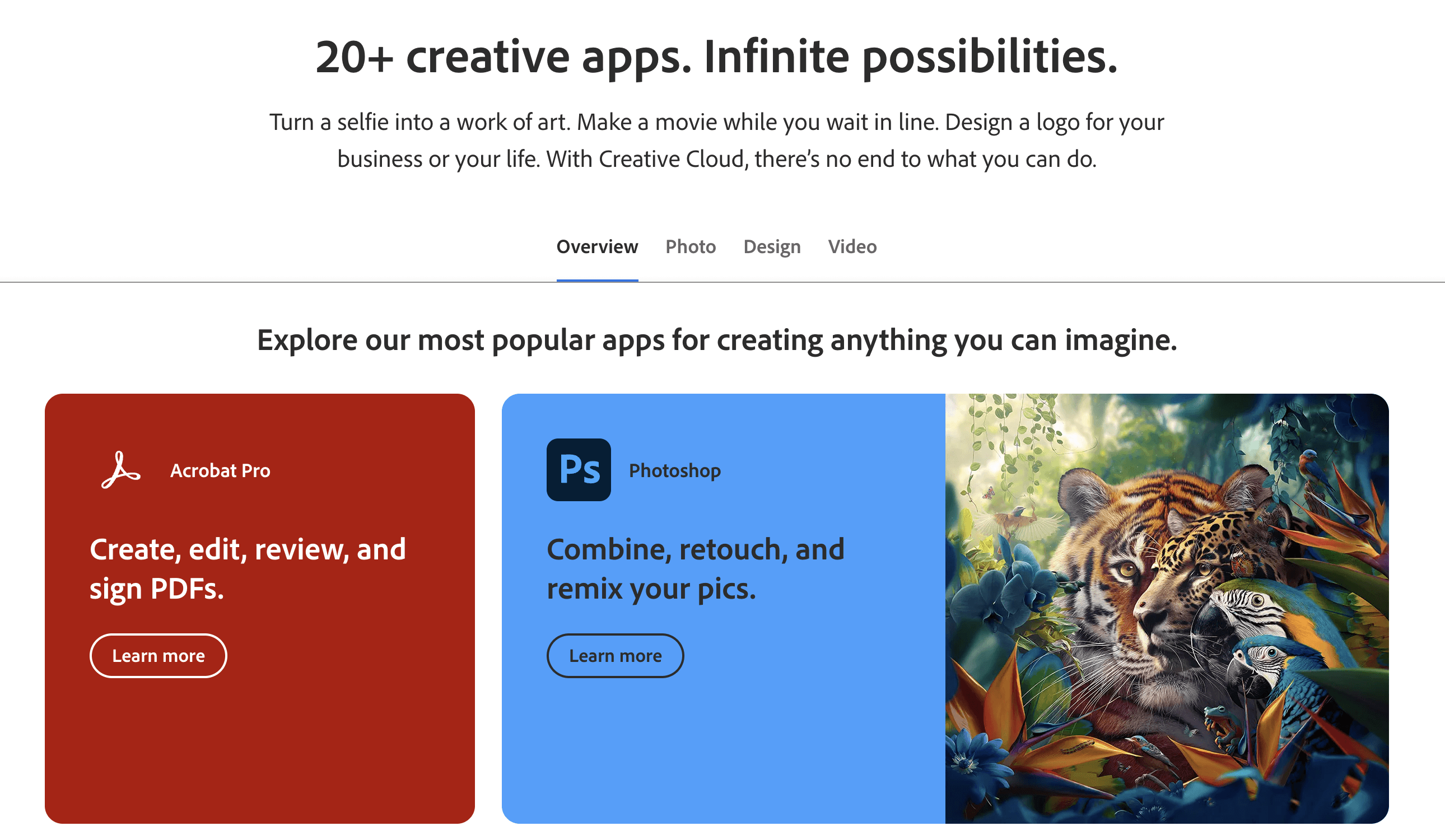
12. Adobe Creative Cloud - Professional Creative Suite
Price: From $54.99/month for all apps
For creative professionals, Adobe Creative Cloud on Windows 11 delivers industry-standard tools like Photoshop, Premiere Pro, and Illustrator with optimized performance and touch support.
A word of caution. Adobe is known for having very user-unfriendly subscription terms, especially when you want to cancel.
While its creative suite is the world-leading product, we do only recommend signing up for it if you are a heavy user.
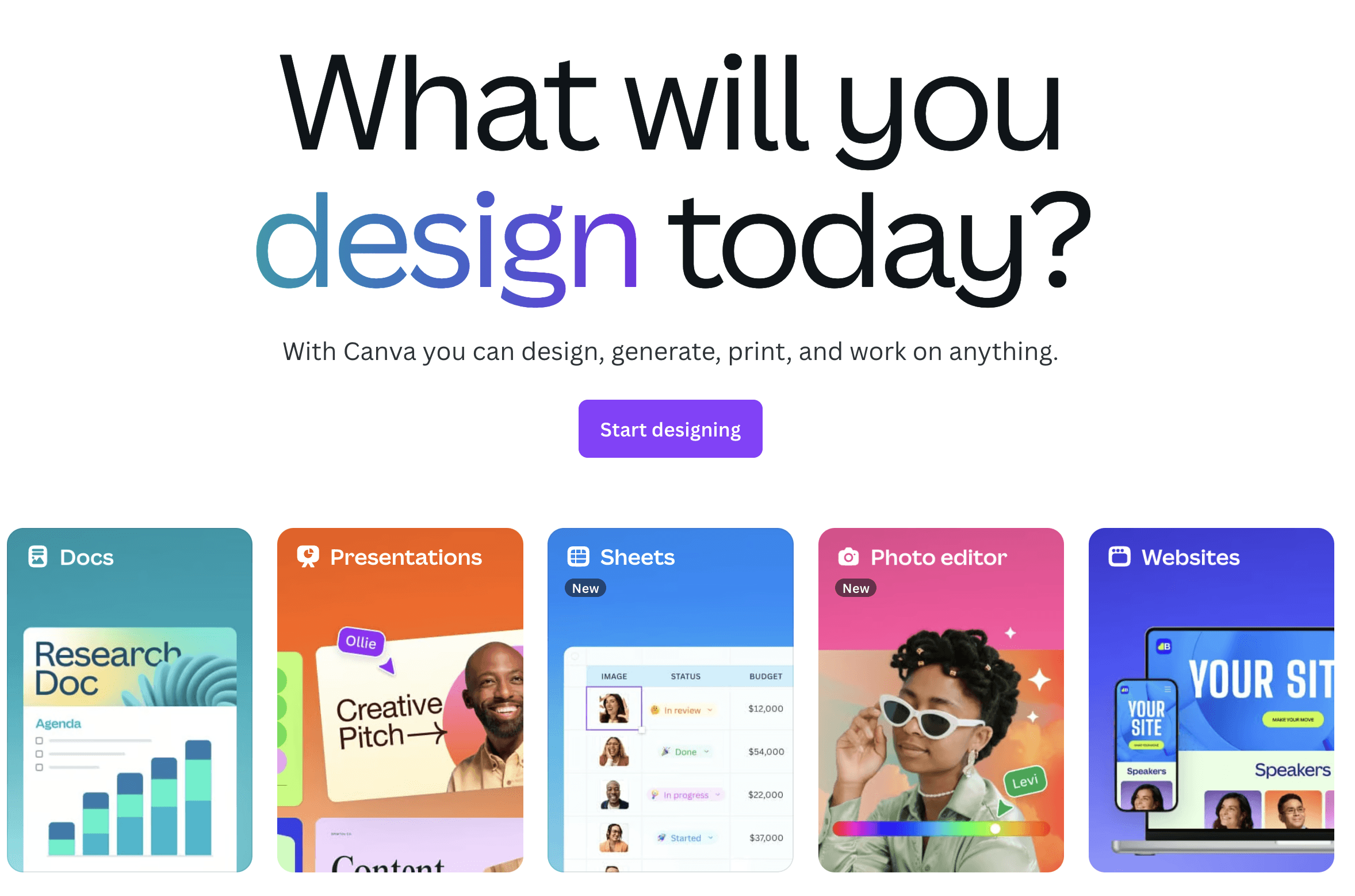
13. Canva - Design for Everyone
Price: Free, Pro from $14.99/month
Not everyone needs Photoshop. Canva's Windows 11 app makes professional design accessible with thousands of templates and an intuitive interface.
Additionally, Canva has recently pushed a set of highly impressive AI features for all of your creative editing needs.
The future is very bright for Canva, and we definitely believe it should be in your repertoire for your top Windows 11 productivity apps.
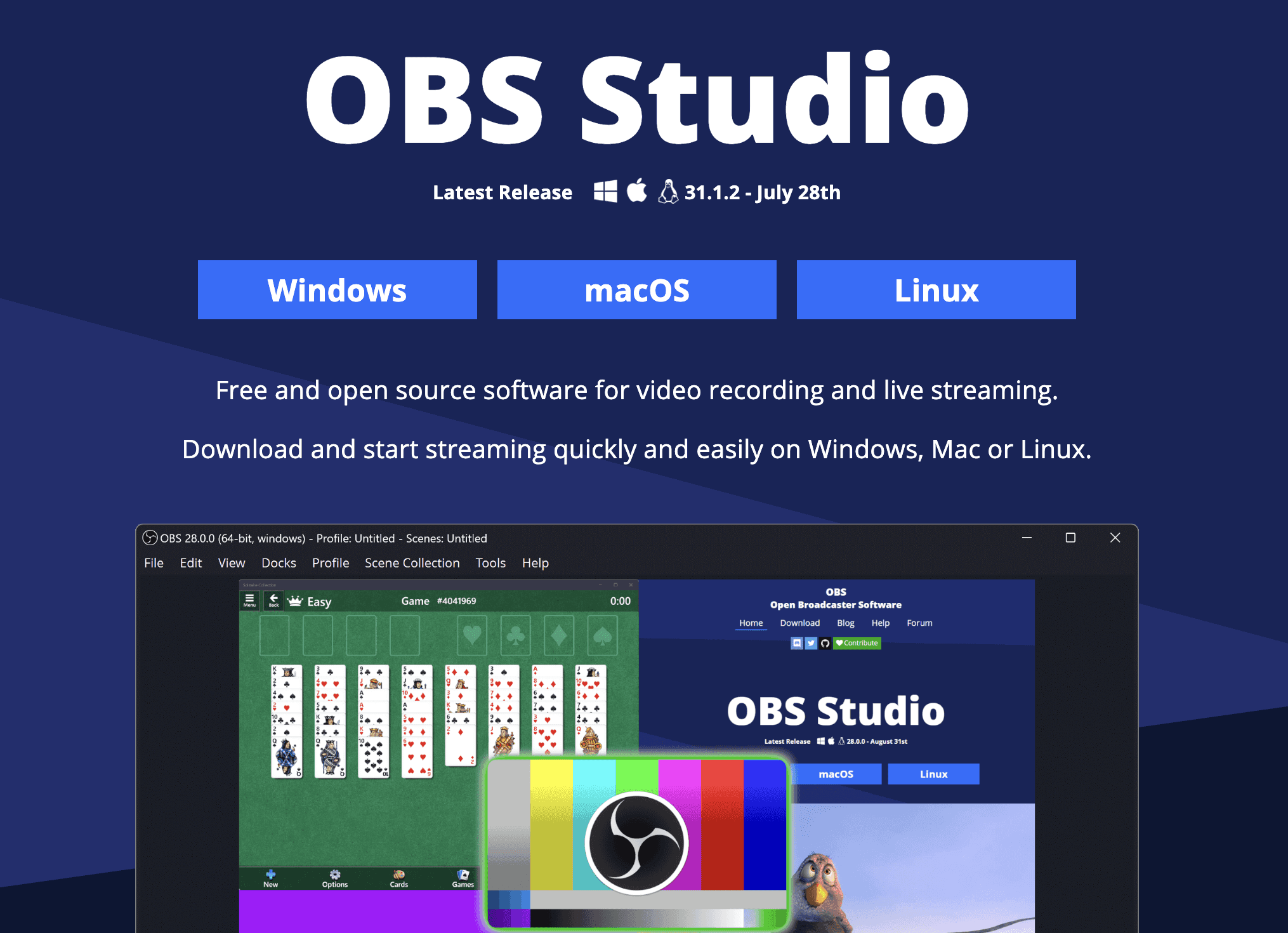
14. OBS Studio - Professional Streaming and Recording
Price: Free and Open Source
Content creators rejoice – OBS Studio provides professional-grade streaming and recording capabilities completely free. Perfect for tutorials, gaming, and live streaming.
Writing and Documentation
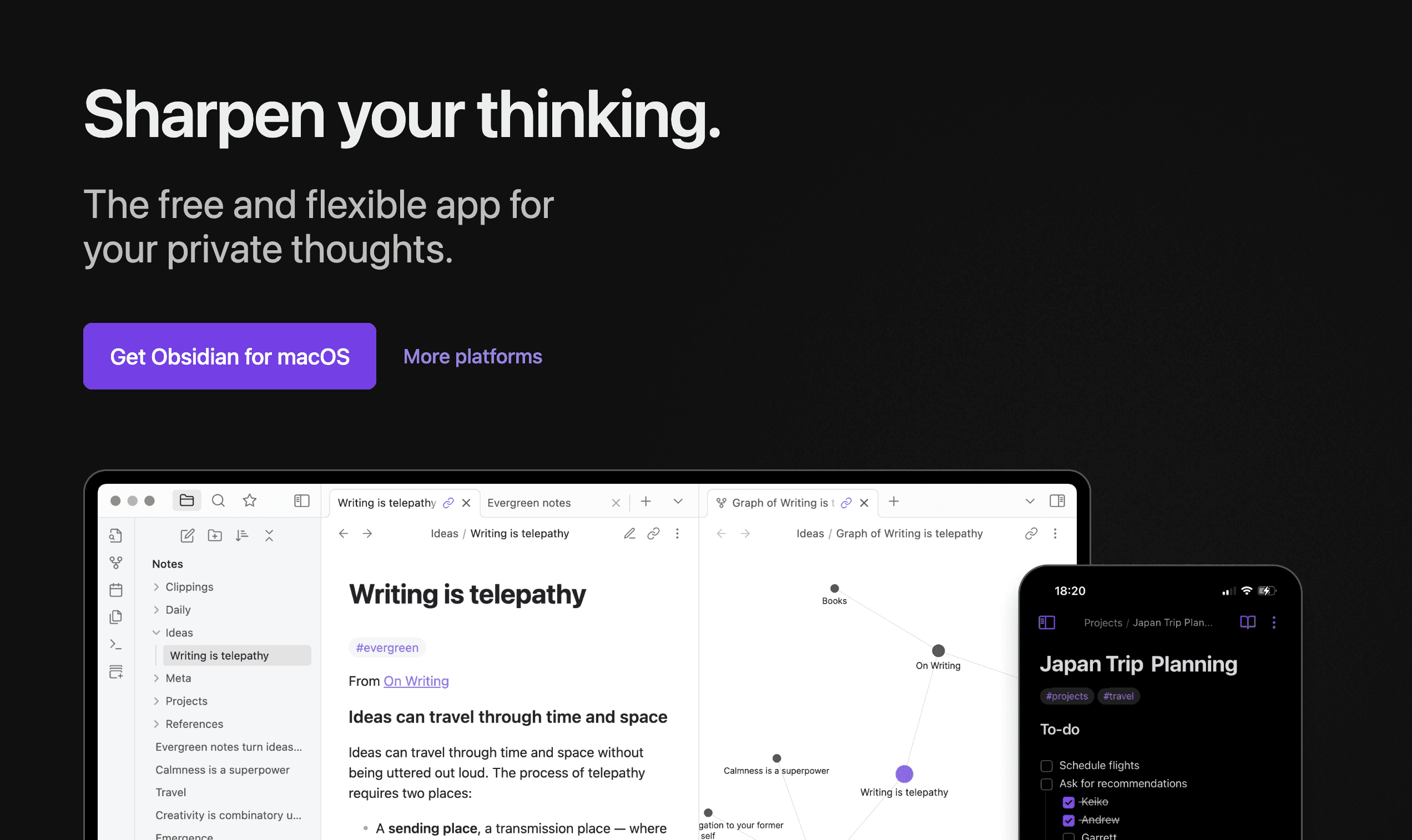
15. Obsidian - Knowledge Management System
Price: Free for personal use
Obsidian transforms note-taking into knowledge building with its unique linking system that creates a personal wikipedia of your thoughts and ideas.
Obsidian is more than a simple note-taking platform. It is often referred to as a second brain, and it famously has a cult-like following with its users.
If you are a power user of note-taking apps, then we believe Obsidian can definitely elevate your Windows 11 experience.
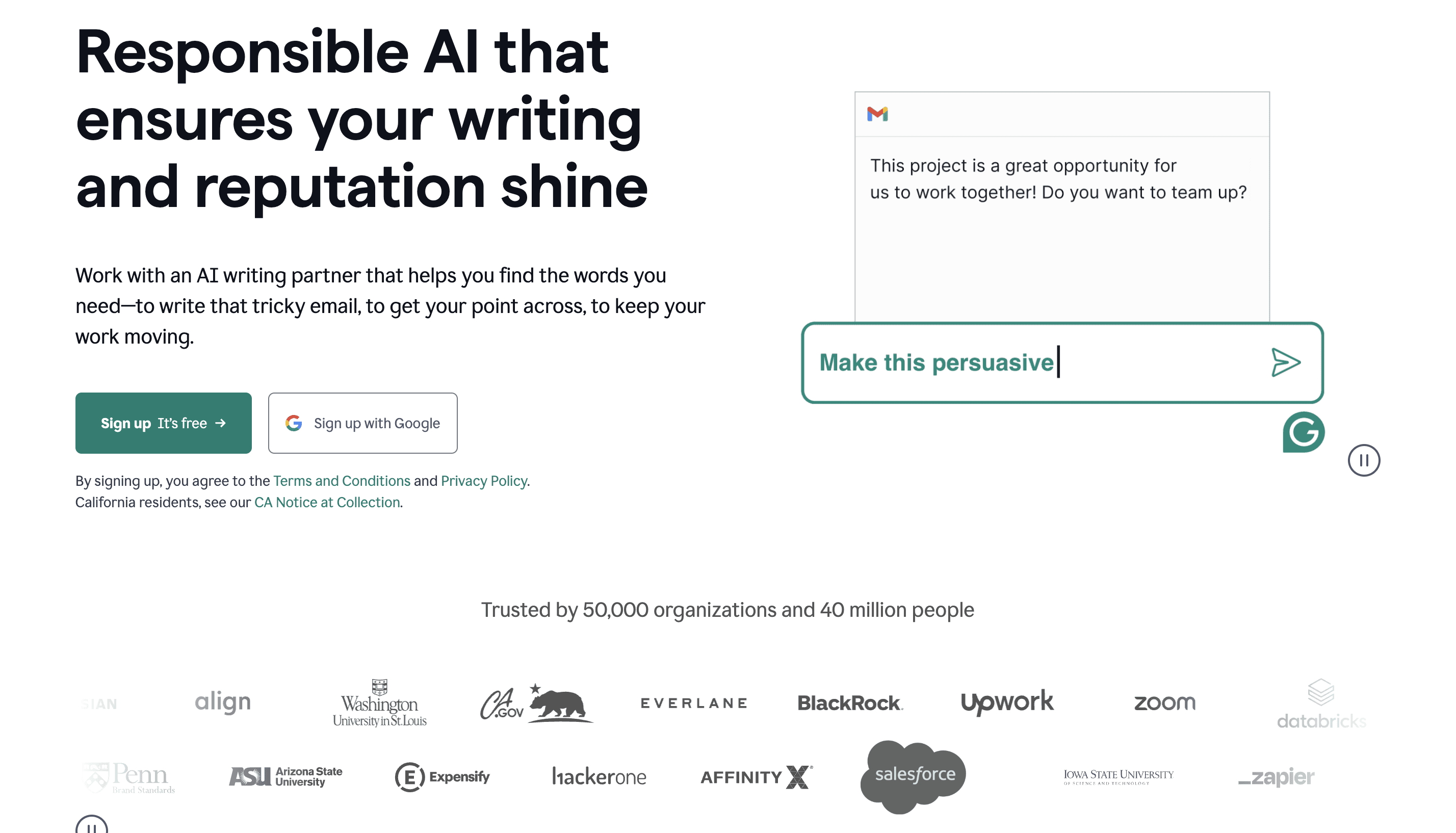
16. Grammarly - AI Writing Assistant
Price: Free, Premium from $12/month
The Grammarly desktop app for Windows 11 works across all applications, ensuring your writing is always polished and professional.
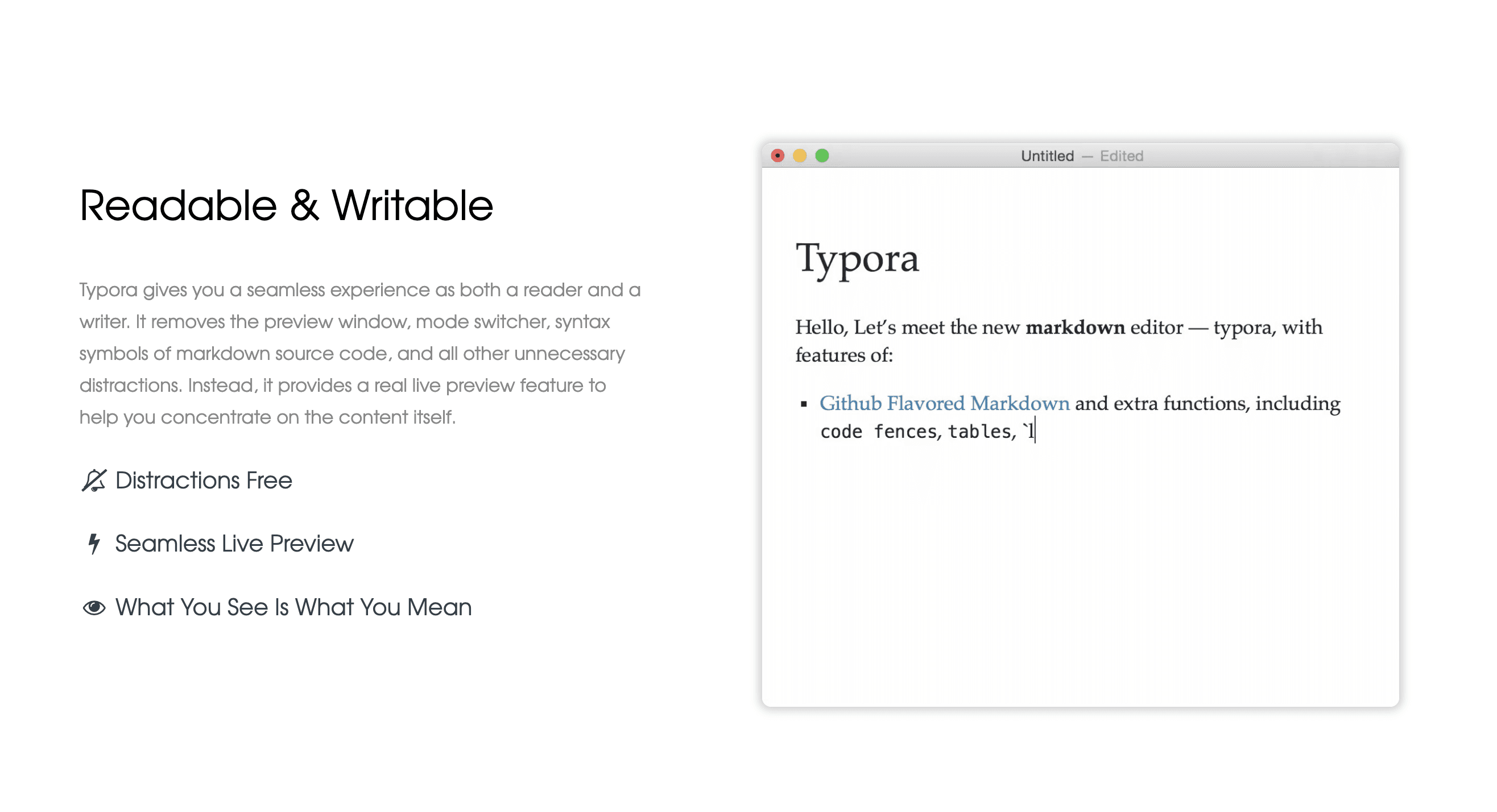
17. Typora - Markdown Editor
Price: $14.99 one-time purchase
For technical writers and developers, Typora offers the best markdown editing experience with real-time preview and beautiful export options.
Security and Privacy Apps
18. Bitwarden - Password Manager
Price: Free, Premium from $10/year
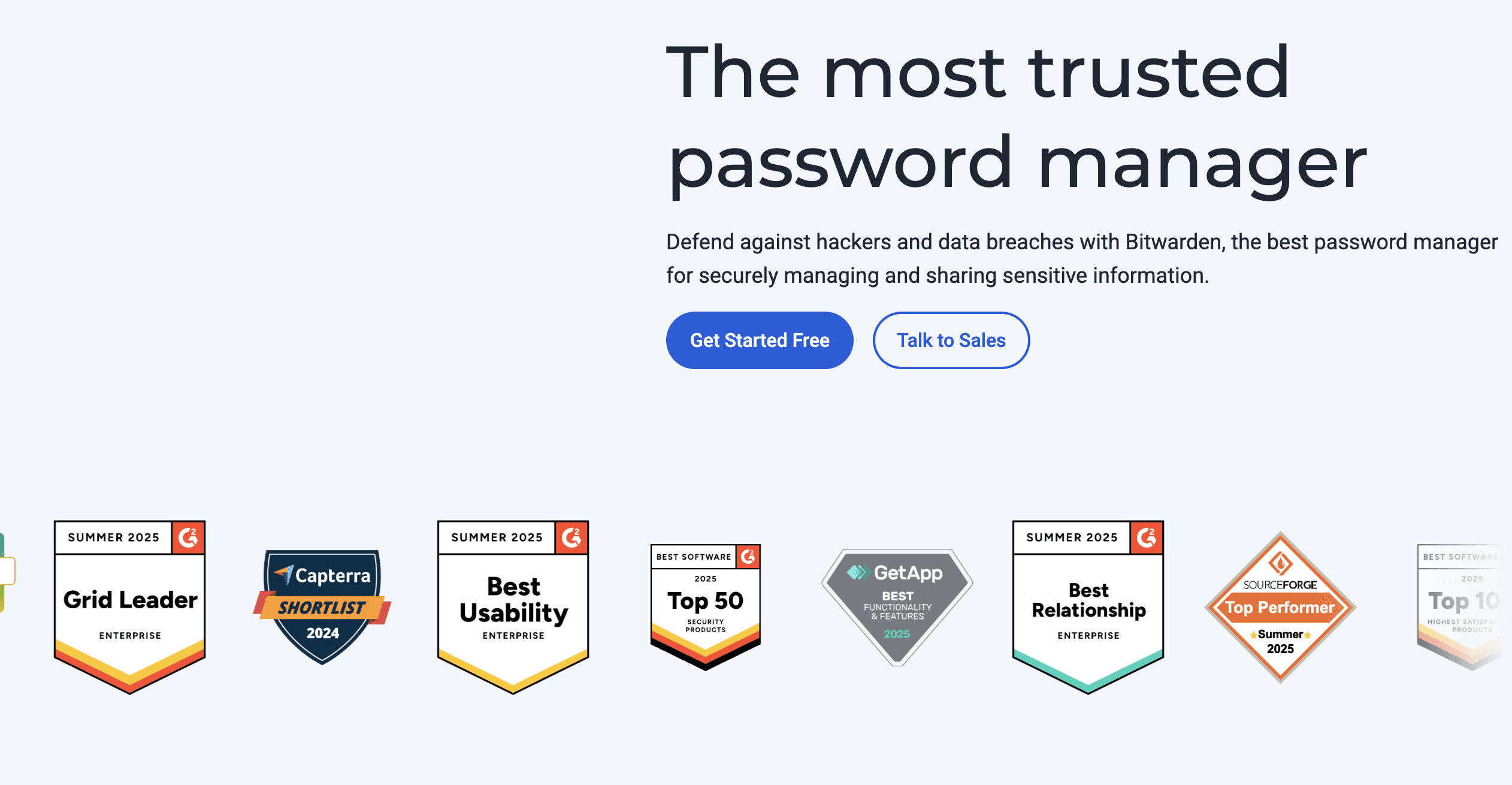
Stop using sticky notes for passwords. Bitwarden offers secure, encrypted password storage with seamless Windows 11 integration and browser extensions.
Having a password manager is essential for anyone spending a chunk of their day on their computer.
Bitwarden is a great choice for this.
19. NordVPN - Privacy Protection
Price: From $12.99/month
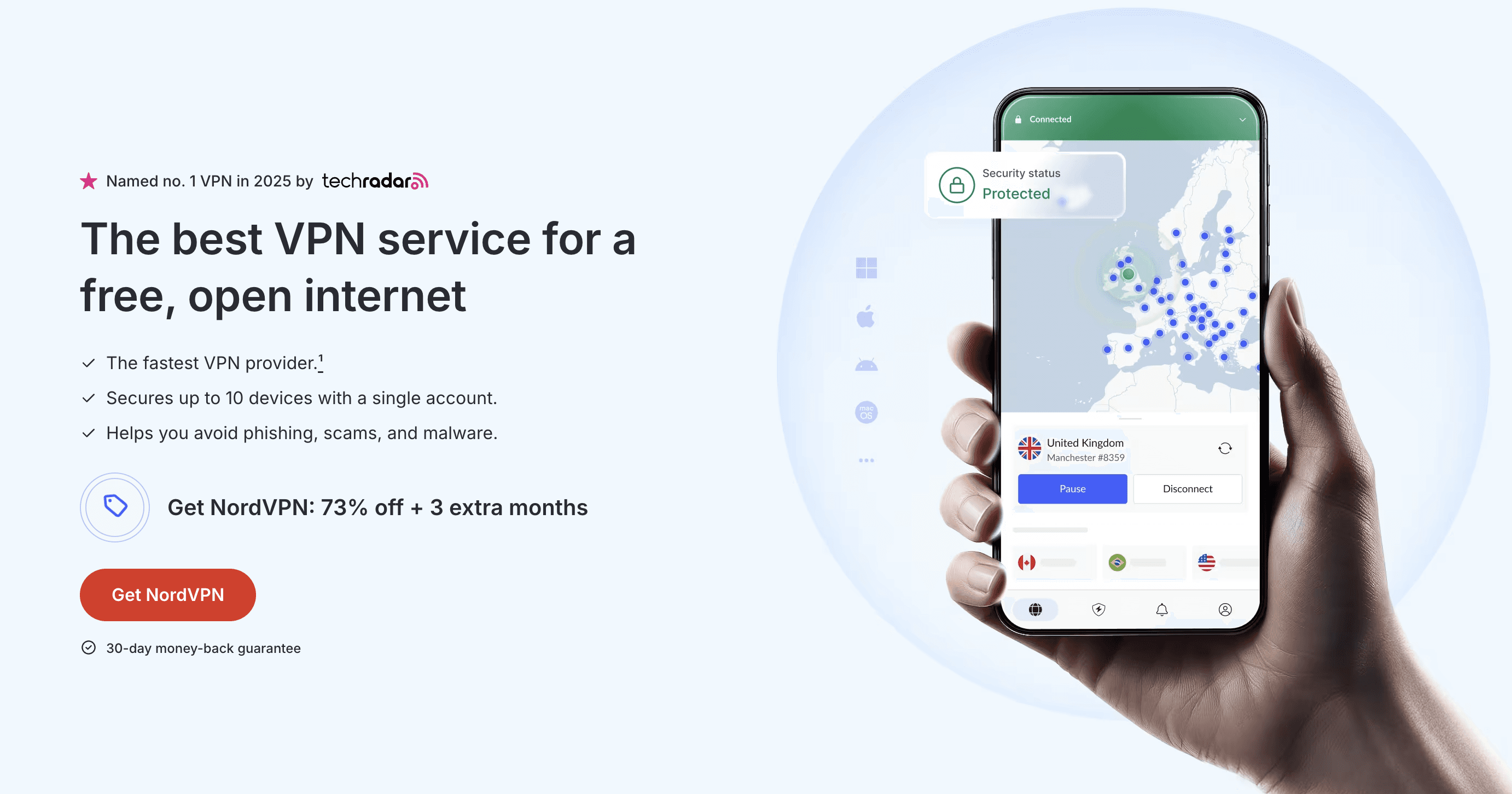
Protect your online activity with NordVPN's Windows 11 app, featuring fast servers worldwide and advanced security features.
20. Malwarebytes - Anti-Malware Protection
Price: Free scan, Premium from $44.99/year
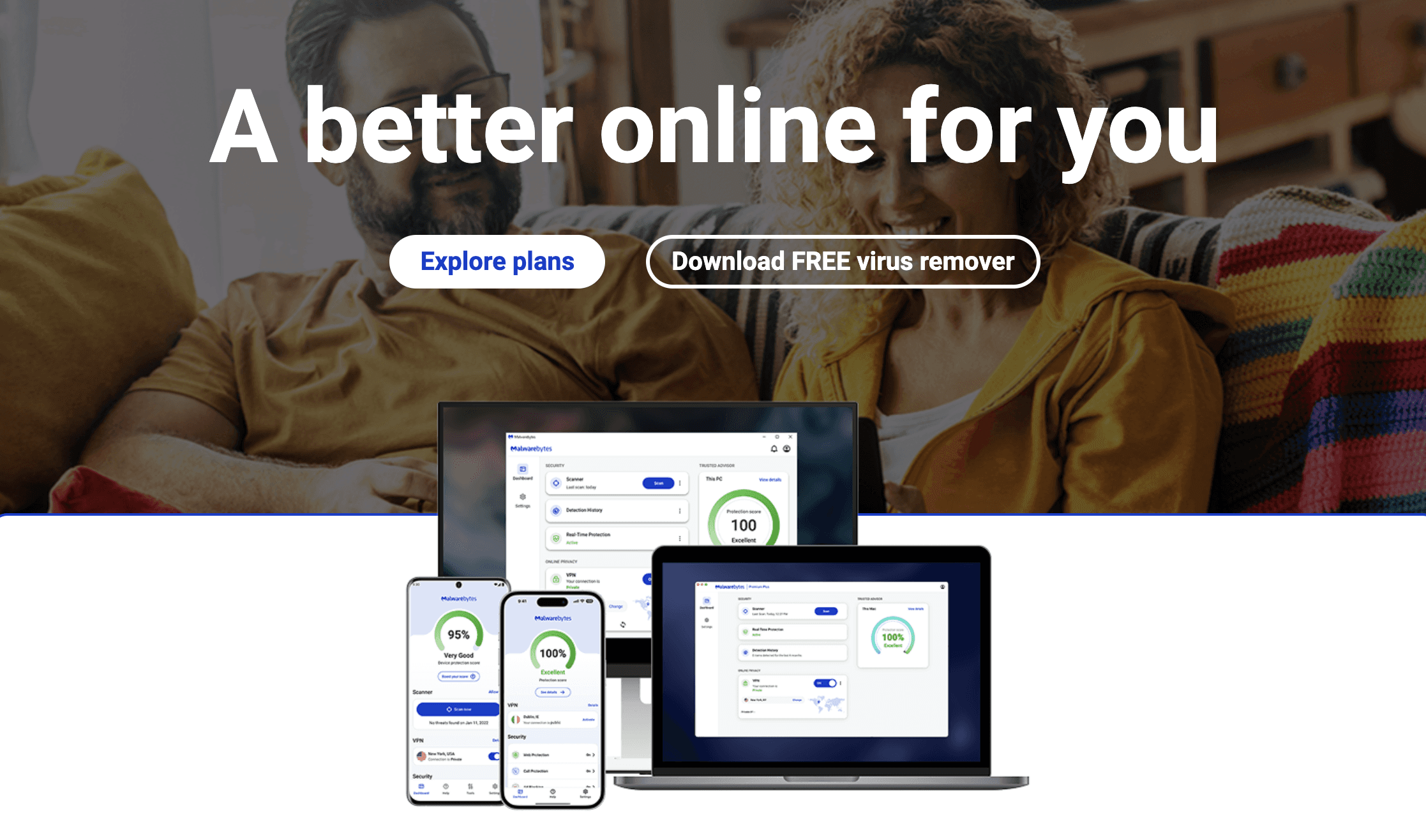
While Windows Defender is good, Malwarebytes adds an extra layer of protection against emerging threats and potentially unwanted programs.
Developer and Technical Tools
21. Visual Studio Code - Code Editor
Price: Free
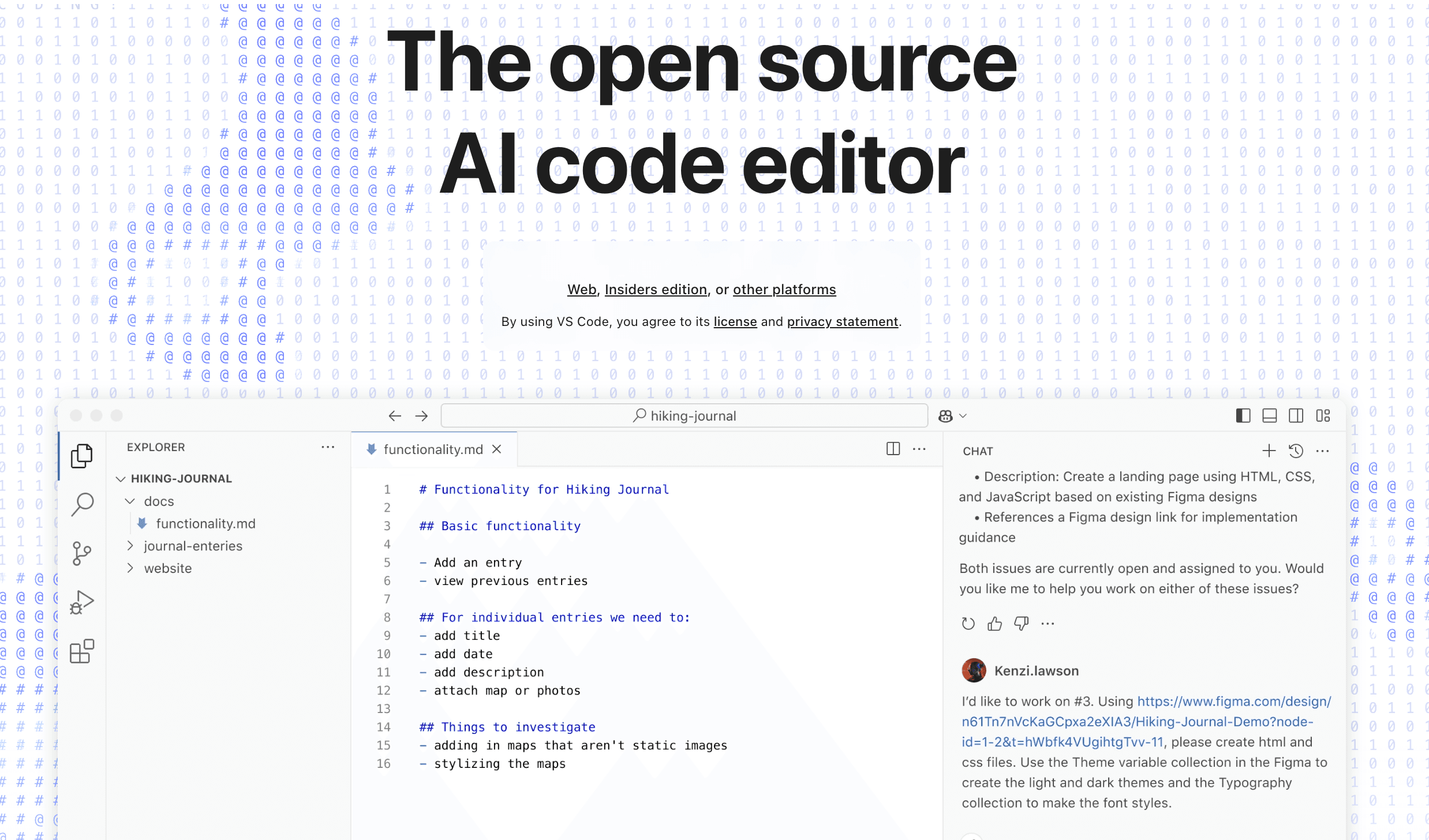
Microsoft's VS Code is the world's most popular code editor, and for good reason. It's fast, extensible, and perfect for any programming language.
22. Windows Terminal - Modern Command Line
Price: Free
Replace the outdated Command Prompt with Windows Terminal, featuring tabs, themes, and support for PowerShell, WSL, and more.
23. Git for Windows - Version Control
Price: Free
Essential for developers, Git for Windows brings the power of version control to Windows 11 with excellent shell integration.
Media and Entertainment
24. VLC Media Player - Universal Media Player
Price: Free and Open Source
Skip the codec hunting – VLC plays everything. This legendary media player handles any format you throw at it while using minimal resources.
25. Spotify - Music Streaming
Price: Free with ads, Premium from $10.99/month
The Spotify Windows 11 app delivers millions of songs with excellent performance and seamless integration with Windows 11's media controls.
If you're already using Spotify on your phone, then the syncing process between your devices is an additional bonus for downloading the Windows app.
Why You Need Better Apps for Windows 11
Let's face it: Windows 11's default apps, while improved, often lack the features and performance that modern users demand. The Photos app is sluggish, Notepad feels outdated despite recent updates, and the new Outlook? Don't get us started. That's where third-party productivity apps for Windows 11 come in – they fill the gaps Microsoft left behind and add powerful functionality that can save you hours every week. Pairing the right apps with solid time management tools can make your workflow even more efficient.
How to Choose the Right Windows 11 Apps for Your Needs
When selecting productivity apps for Windows 11, consider these factors:
System Requirements: Ensure apps are optimized for Windows 11
Integration: Look for apps that work well with Windows 11 features
Performance: Choose lightweight apps that won't slow your system
Security: Verify apps from trusted developers
Cost: Balance free and paid options based on your needs
Optimizing Windows 11 App Performance
To get the most from your Windows 11 productivity apps:
Keep apps updated through the Microsoft Store or built-in updaters
Use Windows 11's Startup Apps settings to control what launches at boot
Take advantage of Snap Layouts for better multitasking
Configure Focus Assist to minimize distractions
Use virtual desktops to organize different workflows
The Future of Windows 11 Apps
As Windows 11 continues to evolve, we're seeing exciting trends:
AI Integration: More apps incorporating Copilot and AI features
ARM Optimization: Better performance on ARM-based Windows devices
Cross-Platform Sync: Seamless experiences across devices
Privacy Focus: Enhanced security and privacy controls
Why You Should Pay Attention to Microsoft's Own Apps too
For a long time, Microsoft wasn't known as a company that creates beautiful, user-friendly software. But recently, this has changed. Especially in its Microsoft 365 suite, Microsoft has been pushing fantastic alternatives to popular pieces of software.
For example, alternatives to Figma, Notion, or Loom. We have tried all of those, and we can definitely say that Microsoft is now great at building software.
If you already have the Microsoft Office and 365 suite installed on your computer, then we highly recommend you check out the already installed apps on your device.
There's a good chance that you don't need to download the Microsoft 11 productivity apps that we mentioned in this article.
If Windows dictation is the reason you are comparing productivity apps, start with Voicy speech to text for Windows. It is the cleaner conversion path than adding another general app list.
Frequently Asked Questions
Are these apps safe for Windows 11?
All apps listed are from reputable developers and have been tested for Windows 11 compatibility and security.
Do I need all these apps?
No – choose apps based on your specific needs. Start with essentials like PowerToys and add others as needed.
Will these apps slow down Windows 11?
Most modern apps are well-optimized. Monitor resource usage and uninstall apps you don't actively use.
Are there free alternatives to paid apps?
Yes, many categories have excellent free options. We've included both free and paid choices for flexibility.
Conclusion: Build Your Perfect Windows 11 Setup
The right combination of Windows 11 productivity apps can transform your computing experience from frustrating to fantastic. Start with the free essentials like PowerToys, Everything, and 7-Zip, then gradually add specialized tools based on your workflow.
Remember, the best Windows 11 apps are the ones you'll actually use. Don't feel pressured to install everything – a curated selection of powerful tools beats a bloated system every time.
Whether you're optimizing for productivity, creativity, or entertainment, these essential Windows 11 apps provide the foundation for a more efficient and enjoyable computing experience. Take the time to explore these options, and you'll wonder how you ever worked without them.
Last updated: August 2026 - We regularly review and update this list to ensure all apps remain compatible with the latest Windows 11 updates and continue to represent the best options available.
Did we miss your favorite Windows 11 productivity app? Let us know in the comments below, and we'll consider it for our next update!


